
Filters Reborn
A 1.16 continuation of the filters mod originally by MrCrayfish - find your items quicker in creative mode!
截图
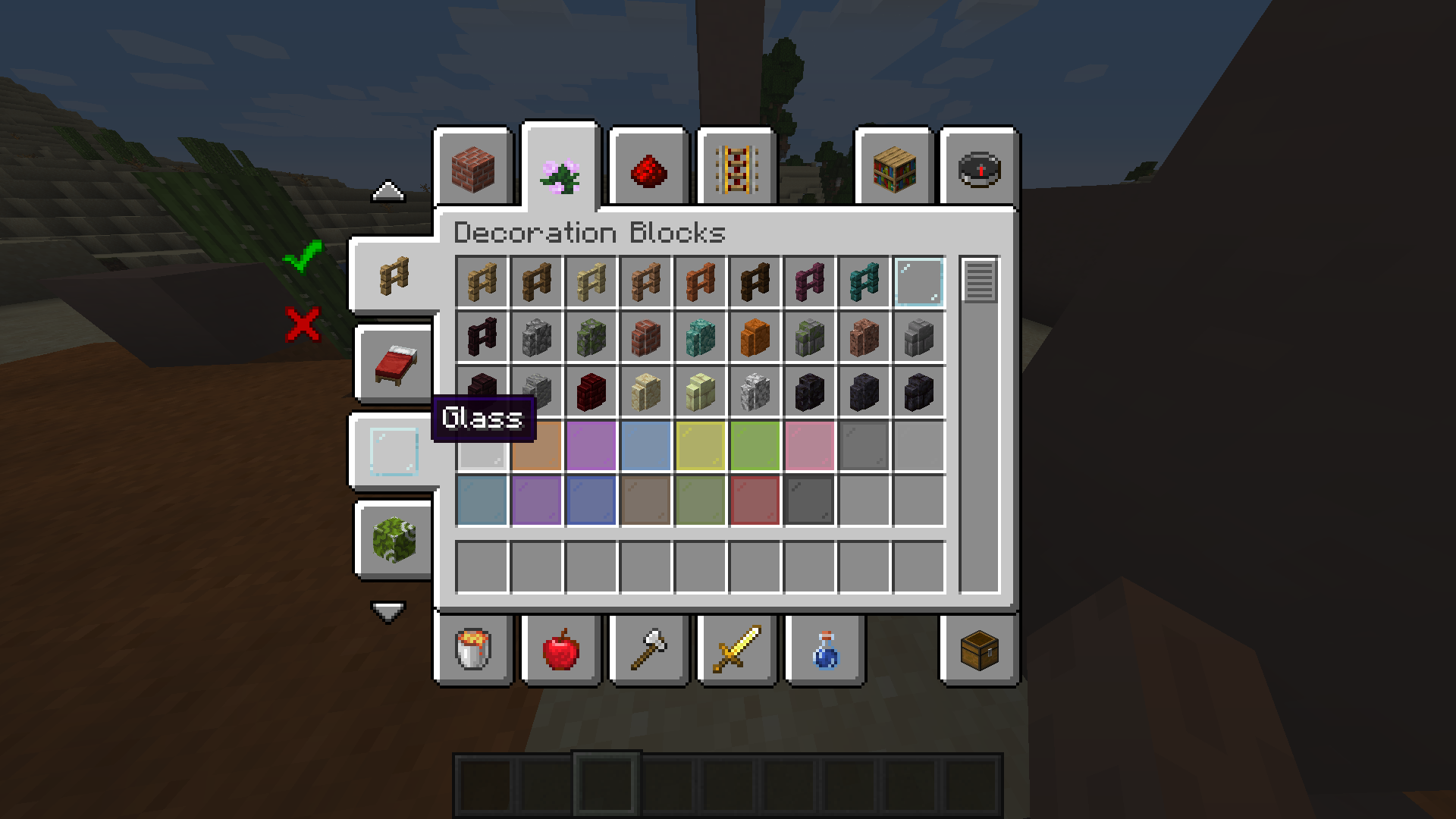
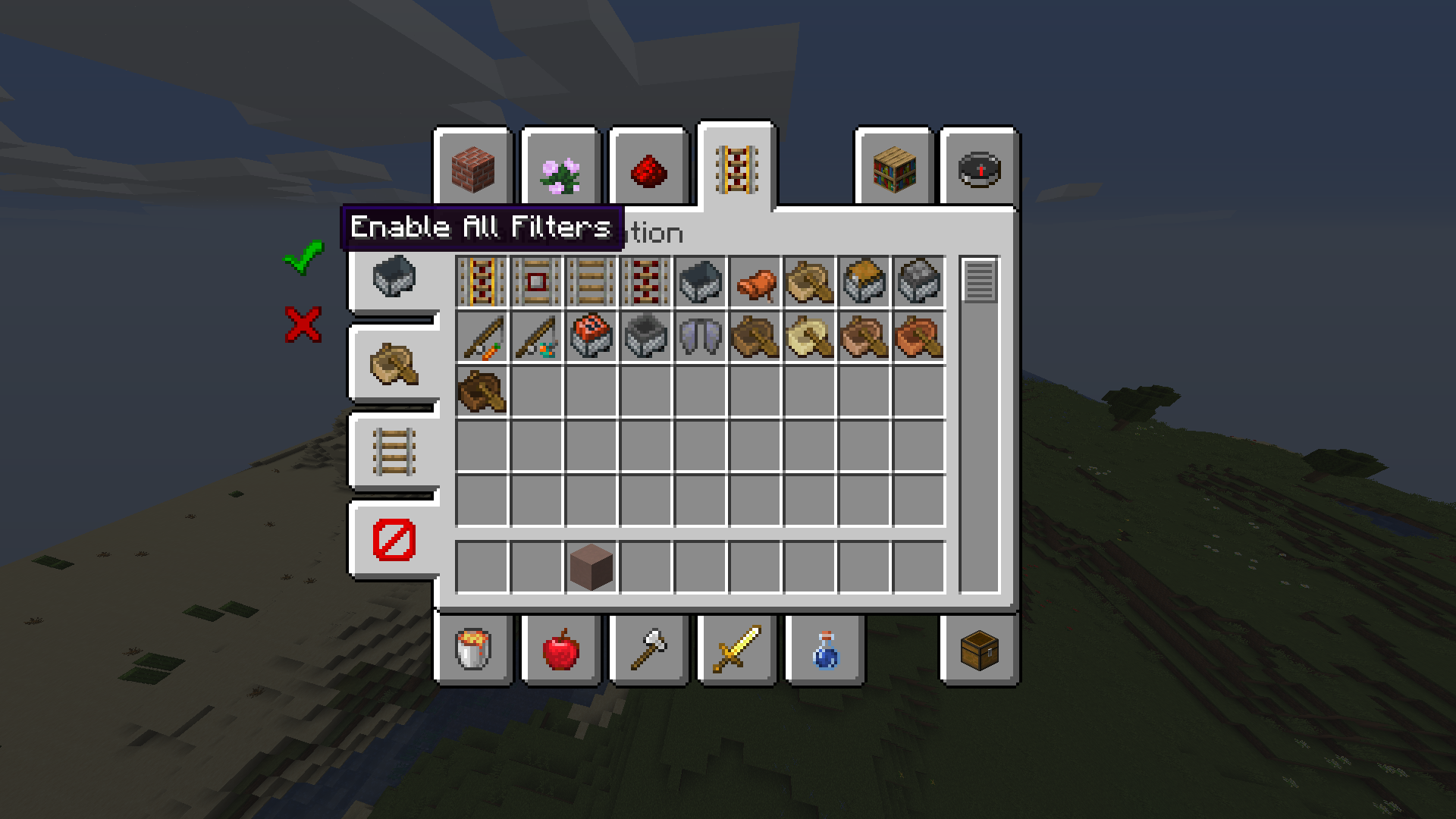
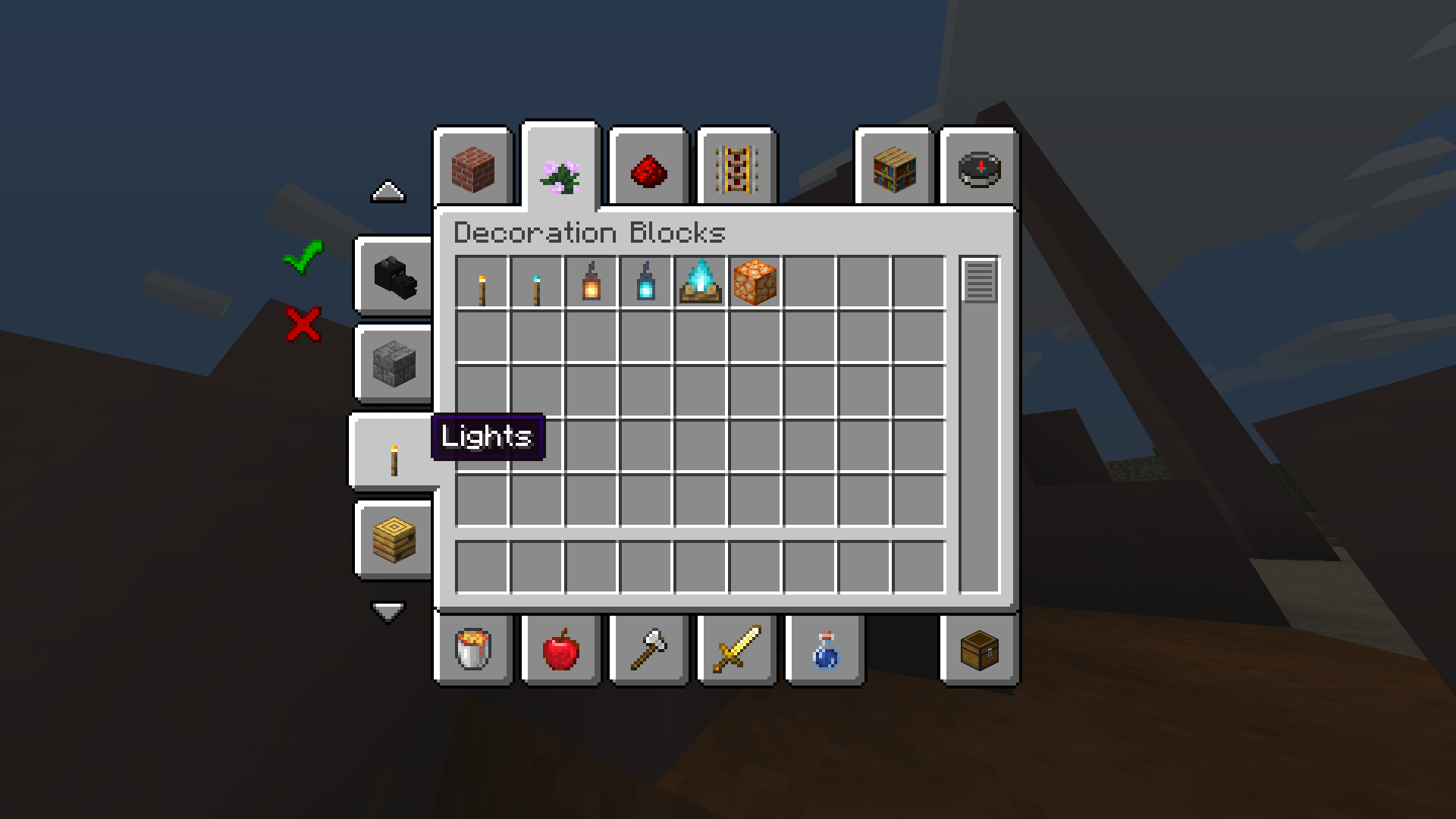
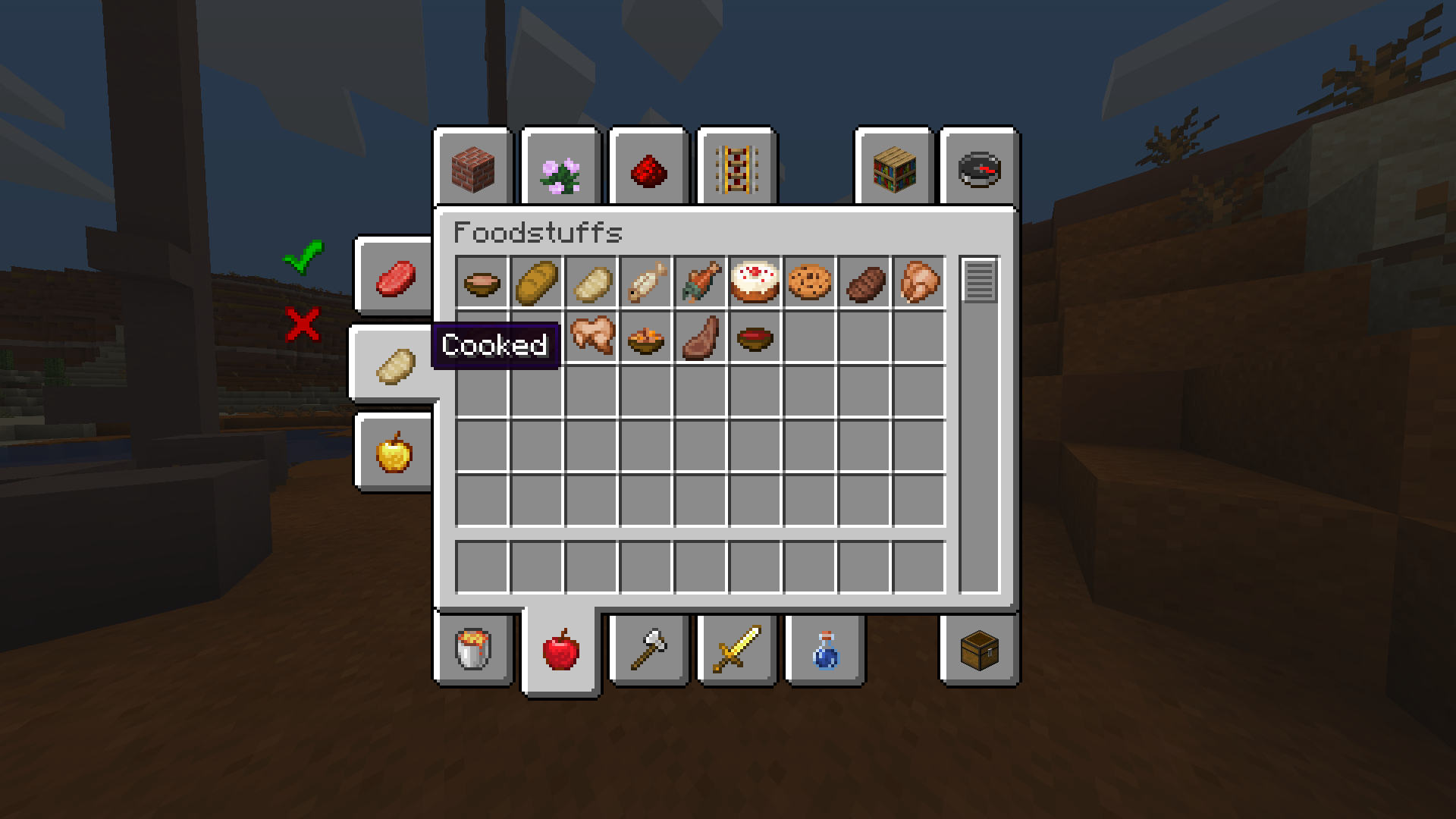

介绍
Filters Reborn
📖 About:
Filters Reborn is a continuation of the Filters Mod originally by MrCrayfish:
Filters introduces filters into the Creative GUI based on tags introduced in Minecraft 1.13. Although creative groups exist, some contain hundreds of items which can make it difficult to locate a specific item. Filters makes it easy to find an item by adding new filter tabs to the left side of the creative screen that allow you to limit the items shown based on the category they fall under. It also uses the new Minecraft tags which makes it easily for players to change them around easily using a resource pack. Mod developers get access to register custom filters for their own mod.. Originally this filter system was an exclusive to MrCrayfish’s Furniture Mod however he decided to make it not only a seperate mod because of it’s useful functionality.
© Credits:
All Credits of this mod and parts of this description go to MrCrayfish!
✅ Features:
- Pre-configured filters for vanilla creative tabs
- Support to override tags via resource packs
👨💻 Developers:
If you are a developer and want to add filters reborn support to your own mod, add this to your build.gradle file:
repositories {
maven {
url = “https://www.cursemaven.com“
}
// [….OTHER REPOSITORIES SUCH AS JEI…]
}
dependencies {
// [….. OTHER DEPENDENCIES …]
compile fg.deobf(“curse.maven:fm-397288:FILE_ID”)
}
Replace FILE ID with one of the following id’s:
- 1.16.X: 3026863
常见问题
Filters Reborn 支持哪些 Minecraft 版本?
Filters Reborn 支持 Minecraft Java 版 1.16.1,可用的加载器:Forge。下载时注意选择和你游戏版本一致的文件。
Filters Reborn 怎么安装?
先用 PCL2 或 HMCL 启动器安装对应版本的 Forge,再把下载的 .jar 文件放进游戏目录的 mods 文件夹,重新启动游戏即可。开启了版本隔离的,mods 文件夹在 versions/版本名 下面。
Krxwallo 的其他作品
查看全部 →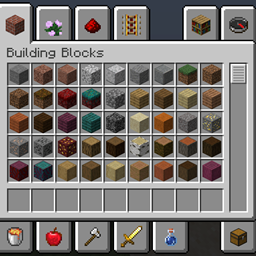
Cheat Mode (Creative Inventory in Survival)
在生存模式下访问创造模式物品栏,切换飞行,触及……

Cheat Mode (Creative Inventory in Survival) (Fabric)
在生存模式中打开创造模式物品栏、切换飞行……

Obsidian Extension
为(哭泣的)黑曜石添加楼梯、台阶、墙、门、按钮和盔甲。

Instant TNT (TNT charges instantly)
让 TNT 放置后立即点燃(爆炸时间可配置)。
评论
登录后评论和评分