Chest Sift
Search and highlight items in the container you are currently viewing—client-side, configurable, and server-free.
截图
介绍
# Chest Sift
**Find the item you need without turning a full chest into a guessing game.**
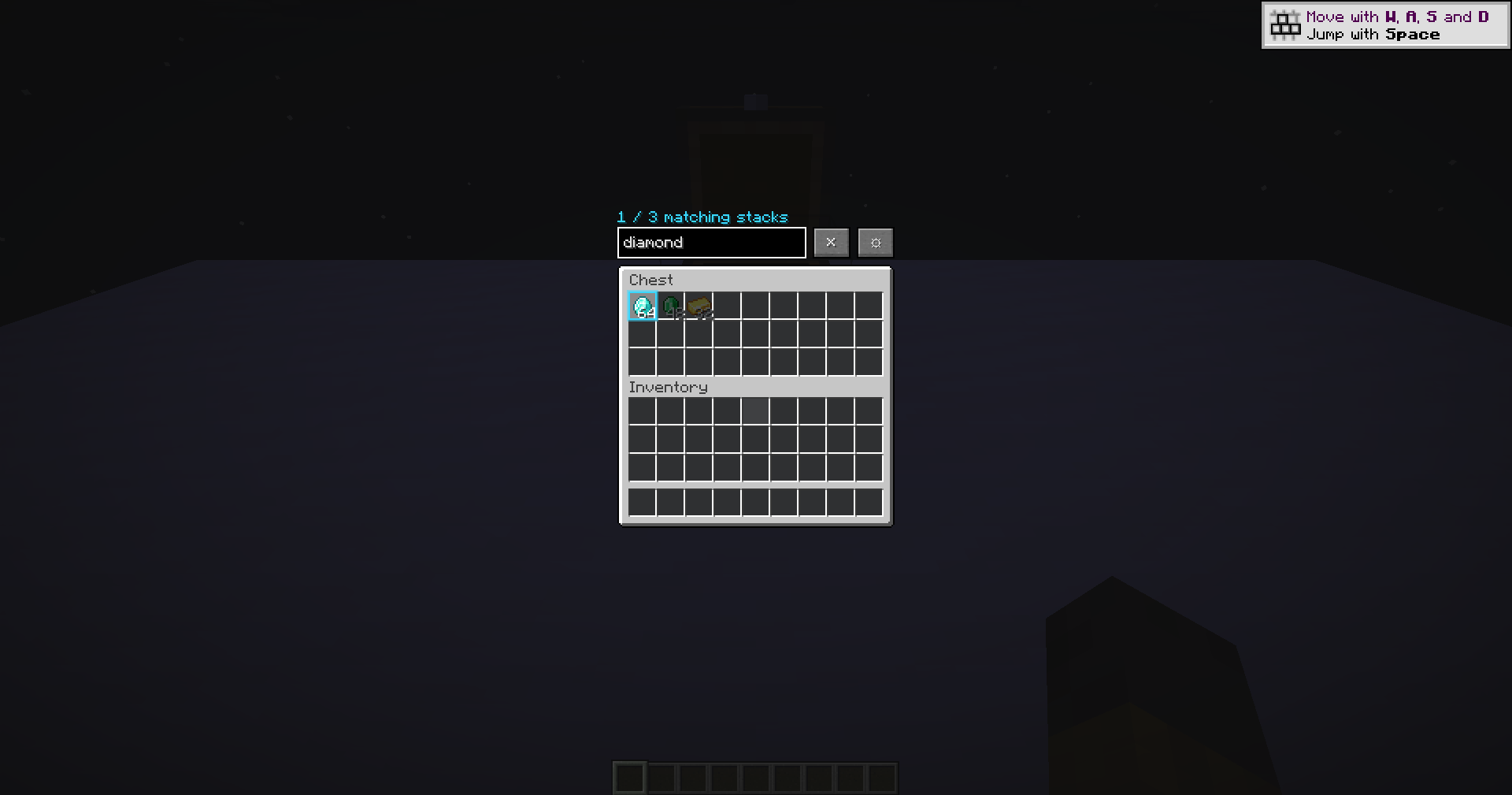
Chest Sift adds a fast, clean search layer to the container screen you are already viewing. Press **Ctrl+F**, enter a query, and matching visible slots remain clear while non-matches are softly dimmed.
## Highlights
– Search item names, namespaces, quoted phrases, exclusions, fields, and stack counts
– Optional tooltip-text matching for detailed items
– Compact query history stored locally
– Configurable highlight and dim colors
– Clear, responsive feedback that stays out of the way
– Polished settings and controls designed for quick use
## Privacy and fair-play scope
Chest Sift reads only the slots already visible in the open Minecraft screen. It does **not** scan the world, inspect closed containers, access hidden server data, move items, automate inventory actions, or send custom packets. Your queries and preferences stay on your device.
## Compatibility
– Minecraft Java Edition **1.16.5 through 26.1.2**
– **Fabric, Forge, and NeoForge** wherever that loader is officially supported for the selected Minecraft version
– Client-side only — no server installation or custom network payload
– Six built-in interface languages
## Installation
1. Choose the file matching your exact Minecraft version and mod loader.
2. Install the loader’s required API/dependencies when listed on the file page.
3. Place the jar in your mods folder and start Minecraft.
Always follow the rules of the server you play on.
*Chest Sift is an unofficial fan-made project and is not affiliated with Mojang Studios or Microsoft.*
常见问题
Chest Sift 支持哪些 Minecraft 版本?
Chest Sift 支持 Minecraft Java 版 1.16.5–26.1.2,共 33 个版本,可用的加载器:Fabric / Forge / NeoForge。下载时注意选择和你游戏版本一致的文件。
Chest Sift 怎么安装?
先用 PCL2 或 HMCL 启动器安装对应版本的 Fabric / Forge / NeoForge,再把下载的 .jar 文件放进游戏目录的 mods 文件夹,重新启动游戏即可。开启了版本隔离的,mods 文件夹在 versions/版本名 下面。
AstorUVZ 的其他作品
查看全部 →
Farloom
Dedicated Distant Horizons terrain and water shading with a clean LOD handoff for huge, readable landscapes.
Stormweave
Continuous storm skies, readable rain, wet surfaces and real lightning response in one weather-first shaderpack.
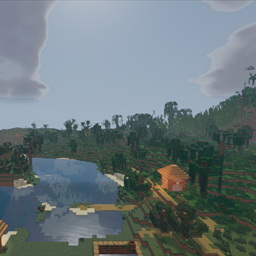
Storyloom
Geometry-aware ink, painted light bands and a warm storybook palette with stable motion and readable depth.
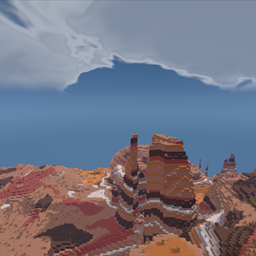
Lumenline
Clean natural lighting, stable real-time shadows, reflective water and a warm cinematic atmosphere for everyday play.
评论
登录后评论和评分