
Lachs Attack+
An extension of the Lachs Attack Modpack that prioritizes visuals and sounds over performance
截图
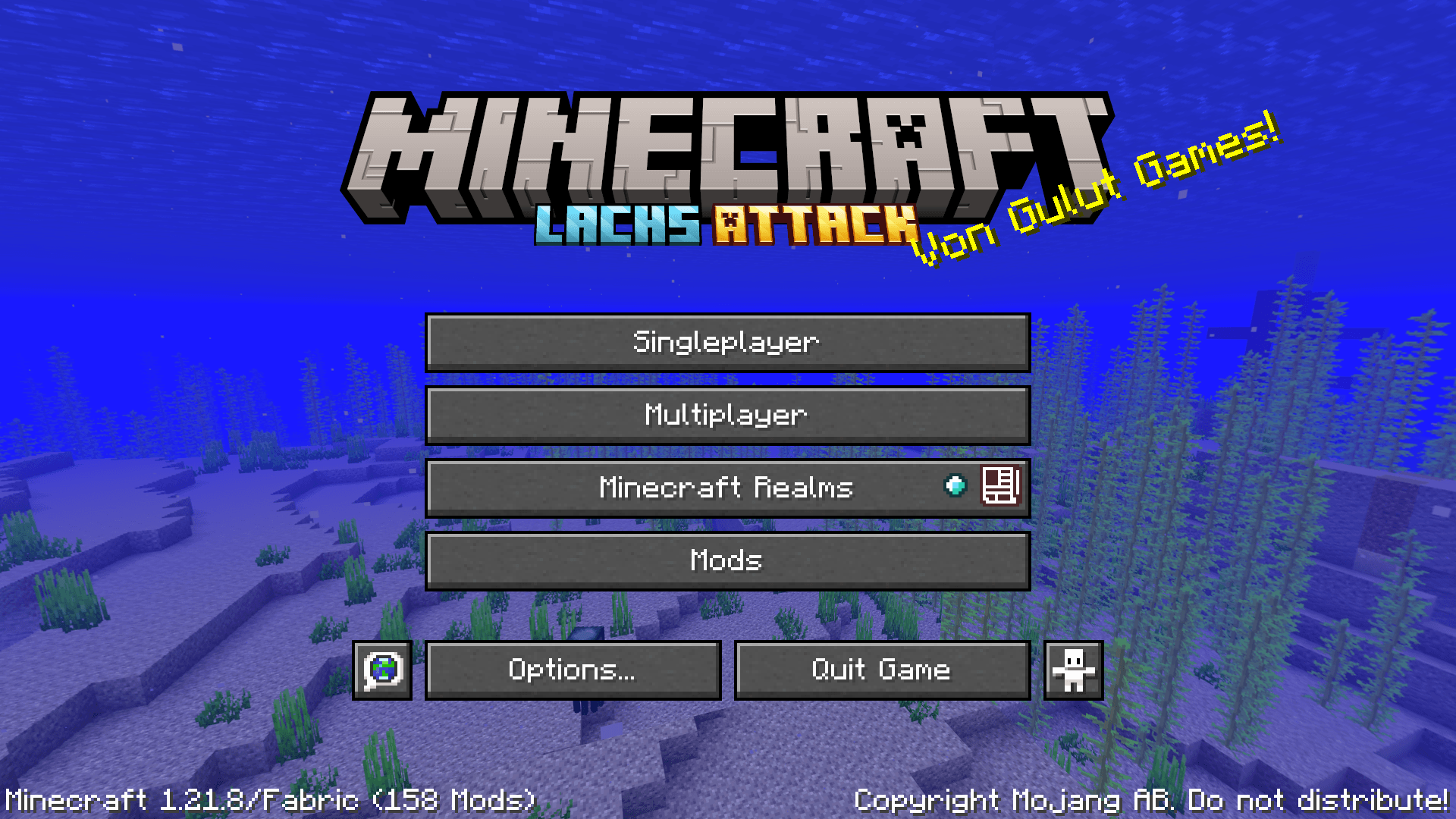
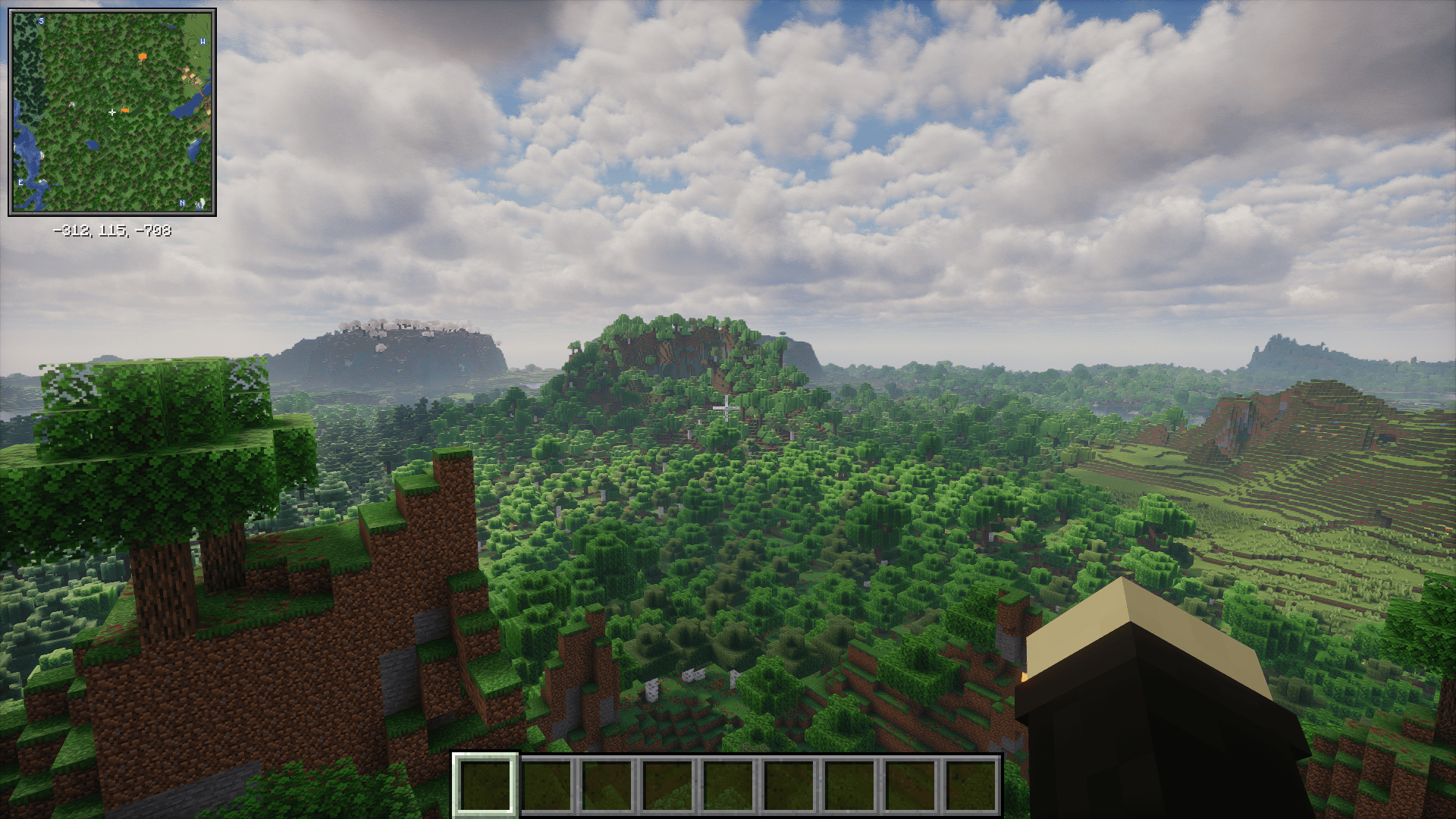
介绍

Original modpack: Lachs Attack Modpack
🇩🇪 Das Lachs Attack-Modpack enthält Mods wie Simple Voice Chat, Elytra Armor Trims und Text Utilities die für den Lachs Attack-Server empfohlen sind, zusammen mit einigen Performance und Utility-Mods die in jedem Modpack sein sollten. Lachs Attack+ fügt diesem Modpack zusätzliche Funktionen wie Shader hinzu und ermöglicht eine Renderdistanz von über 100 Chunks!
Guide (Deutsch)
Nützliche Keybinds:
- V -> Sprachchat einrichten
- G -> Fullbright
- H -> Nachtsicht (funktioniert mit Shadern)
- N -> Sprachchat-Icons verstecken
- M -> Weltkarte öffnen
- C -> Zoom
- K -> Shader ein/aus
Fehlerbehebung:
- Mein Shader lädt nicht!
- Gehe zu Optionen -> Klicke auf das Icon oben links -> Setze Enable Rendering auf false.
- Lade den Shader und aktiviere Rendering wieder.
- Mein Spiel laggt!
- Deaktiviere Shader (Keybind: K)
- Deaktiviere Distant Horizons: Gehe zu Optionen -> Klicke auf das Icon oben links -> Setze Enable Rendering auf false.
- Überprüfe deine Grafikeinstellungen
- Deaktiviere Ressourcenpakete wenn nötig
- Wenn dies alles nicht hilft, weise Minecraft mehr RAM zu
- Ich höre mich selbst mit Simple Voice Chat!
Gehe zu Mods -> Sound Physics Remastered -> Setze Hear yourself auf false.
🇺🇸 The Lachs Attack modpack contains mods such as Simple Voice Chat, Elytra Armor Trims and Text Utilities that are recommended for the use on the Lachs Attack server, along with some performance and utility mods that should be in every modpack. Lachs Attack+ adds additional features like shaders to this modpack and enables a render distance of more than 100 chunks!
Guide (English)
Useful keybinds:
- V -> Set up voice chat
- G -> Fullbright
- H -> Night Vision (works with shaders)
- N -> Hide voice chat icons
- M -> Open world map
- C -> Zoom
- K -> Toggle shader
Troubleshooting:
- My shader doesn’t load!
- Go to Options -> Click on the icon in the top left -> Set Enable Rendering to false.
- Load the shader and enable rendering again.
- My game is lagging!
- Disable shaders (Keybind: K)
- Disable Distant Horizons: Go to Options -> Click on the icon in the top left -> Set Enable Rendering to false.
- Check your graphics settings
- Disable resource packs if necessary
- If none of this helps, allocate more RAM to Minecraft
- I can hear myself with Simple Voice Chat!
Go to Mods -> Sound Physics Remastered -> Set Hear yourself to false.


常见问题
Lachs Attack+ 支持哪些 Minecraft 版本?
Lachs Attack+ 基于 Minecraft Java 版 1.21.10、1.21.8,使用 Fabric 加载器。
Lachs Attack+ 怎么安装?
点本页「前往下载」拿到整合包文件(Modrinth 的是 .mrpack,CurseForge 的是 .zip),在 PCL2 或 HMCL 启动器里选择「导入整合包」,启动器会自动装好 Minecraft、加载器和全部模组。建议在启动器里给游戏分配 4–6 GB 内存。
Lachs Attack+ 开服需要多大内存?
推荐服务器内存 12 GB。在线人数多、或者建了大量机器和区块加载器时,可以再加 2–4 GB。
怎么和朋友一起玩 Lachs Attack+?
点本页的「一键开服」,选好配置后会自动安装 Lachs Attack+ 的服务端,几分钟就能开好。把服务器地址发给朋友,大家用同一个版本的整合包连进去就行。
GulutGames 的其他作品
查看全部 →
Snafos Texturepack
The resource pack that EySnafo uses in his streams
Snafos Texturepack
The resource pack that EySnafo uses in his streams

Lachs Attack
A modpack built to enhance performance and the overall gaming experience on the 'Lachs Attack' server.

Old Tripwire Texture
Replaces the opaque tripwire texture added in 26.1 with the original transparent texture
评论
登录后评论和评分