Darksteel & Beyond
Adds a few fantasy metals, some seen in movies, others created by me.
截图
介绍
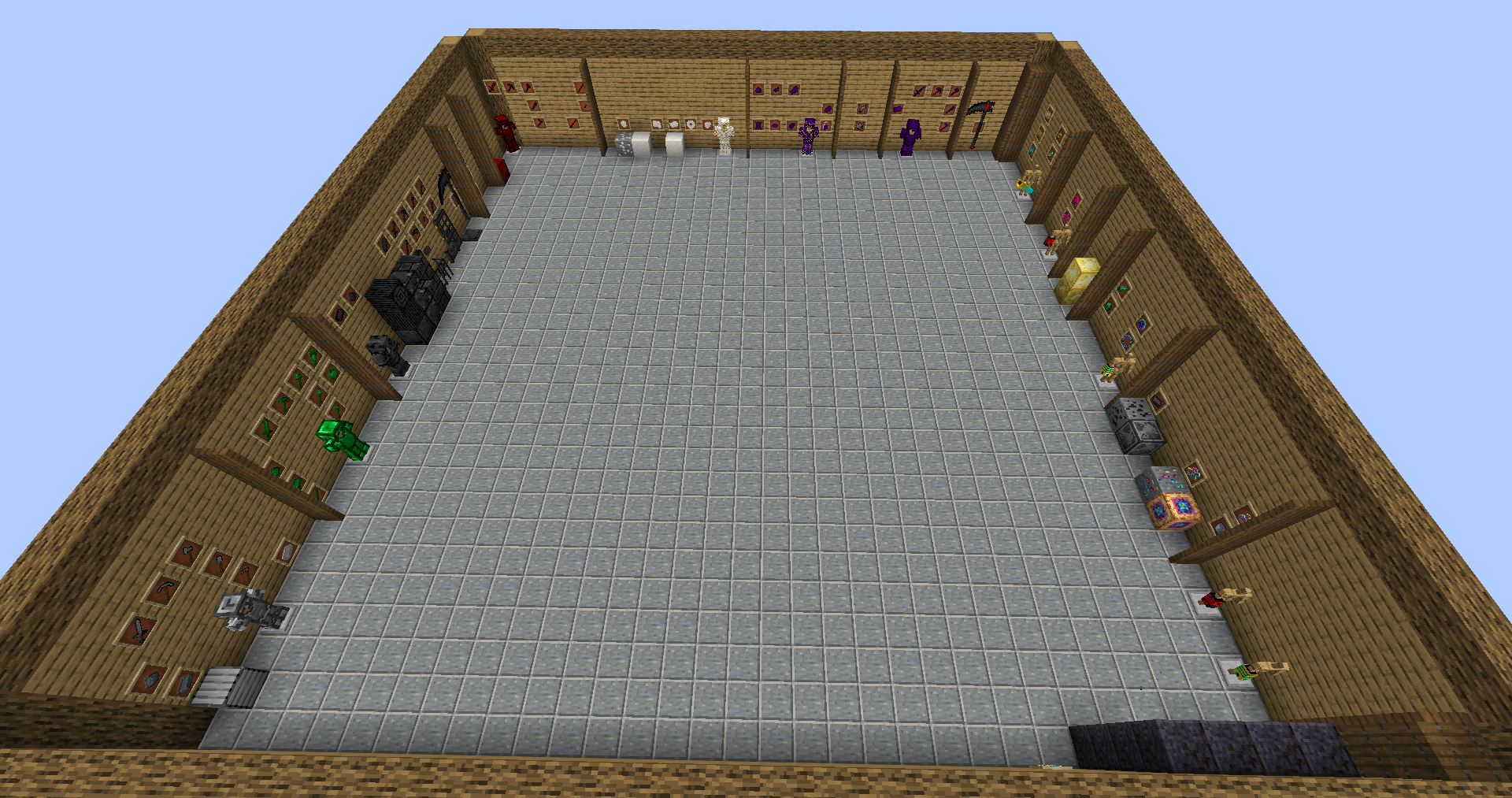
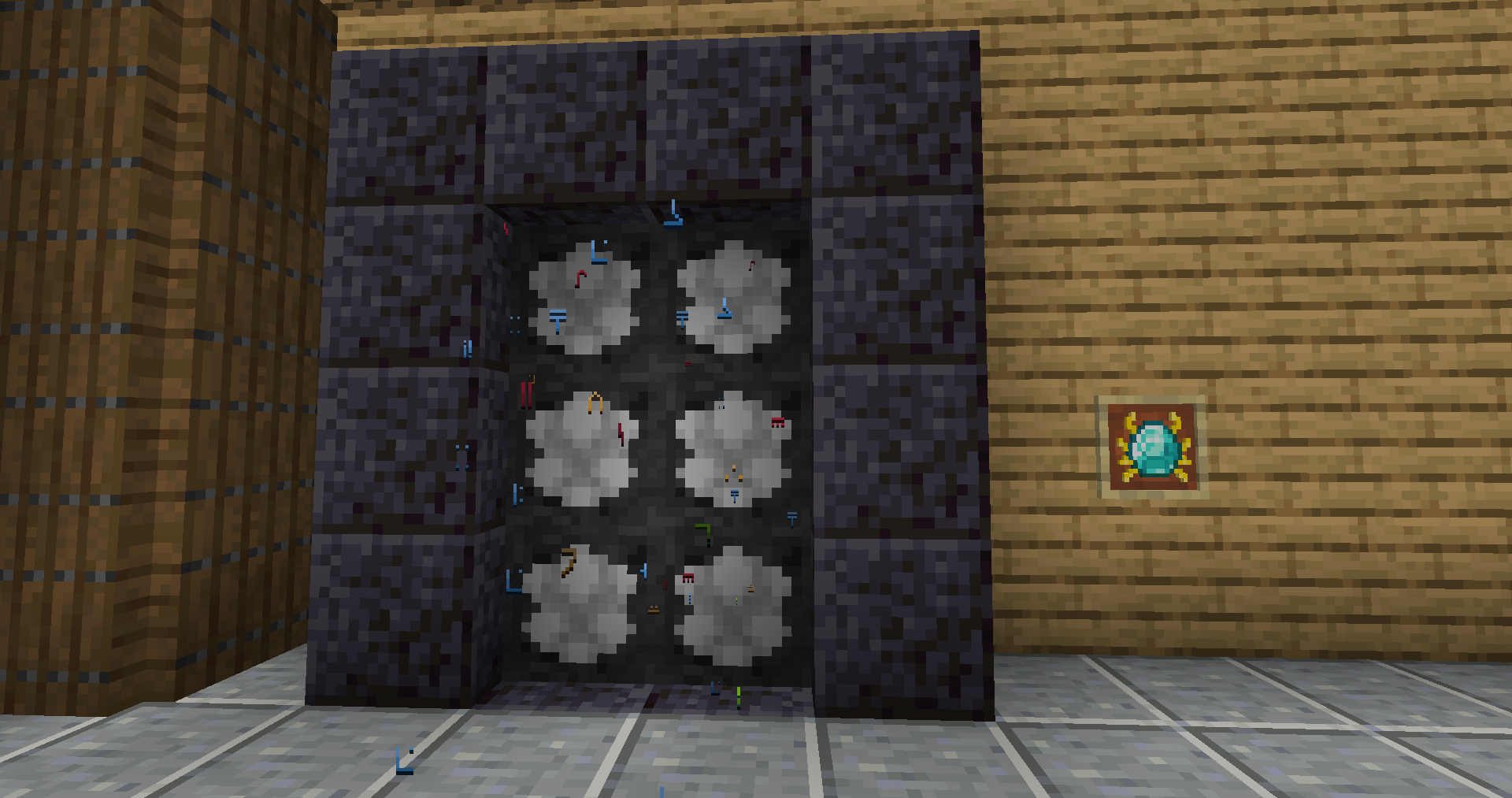
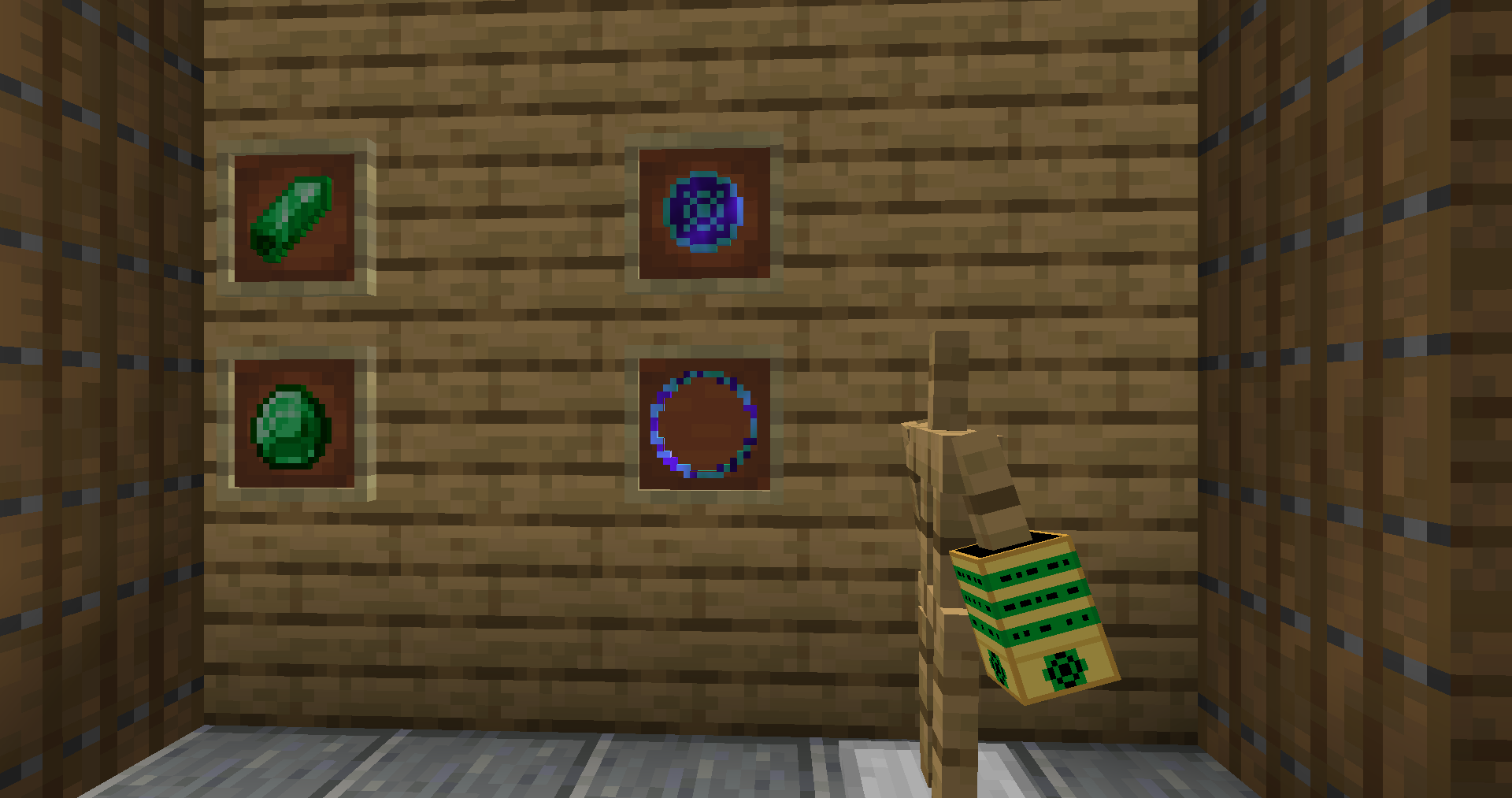
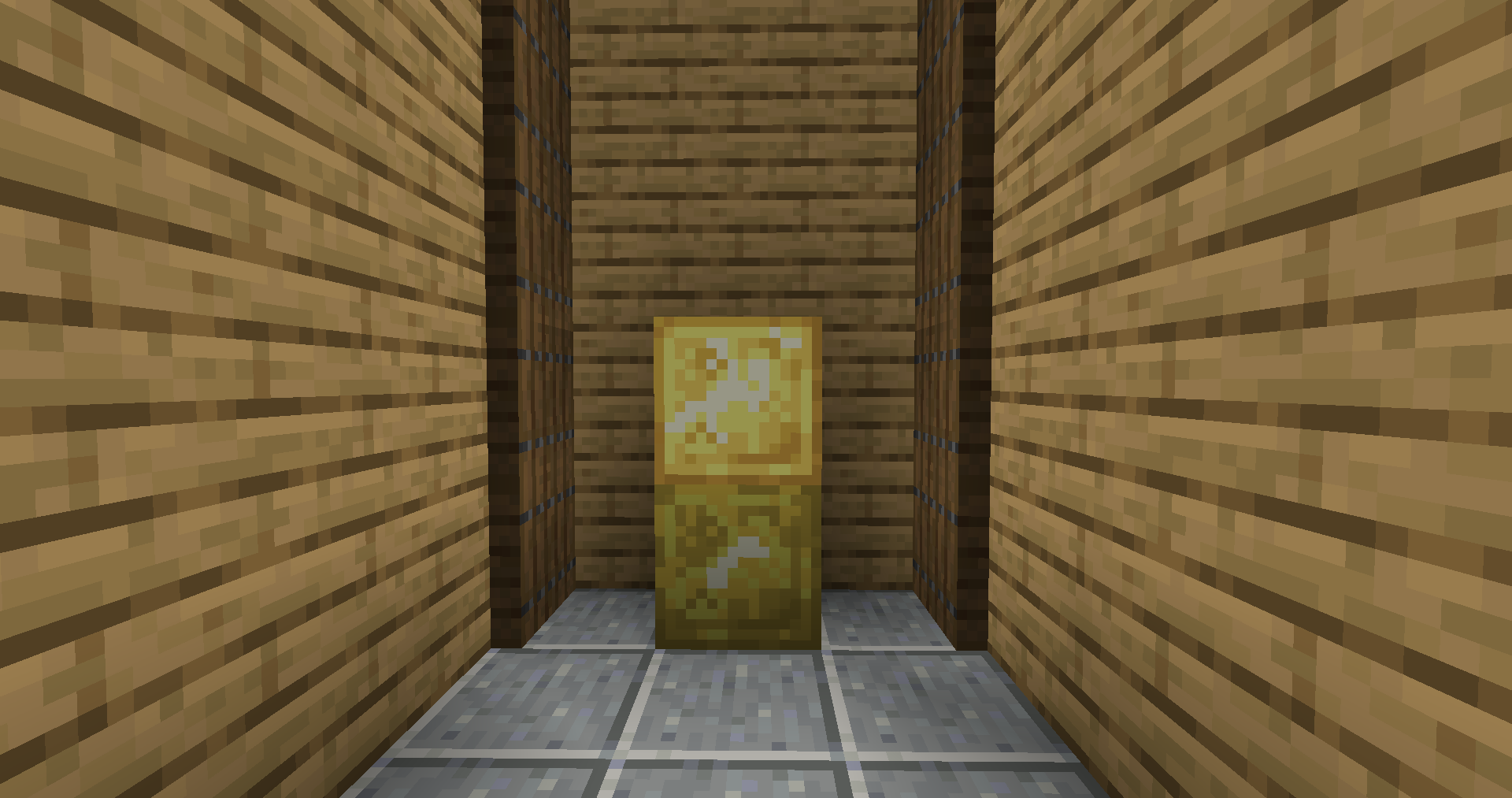
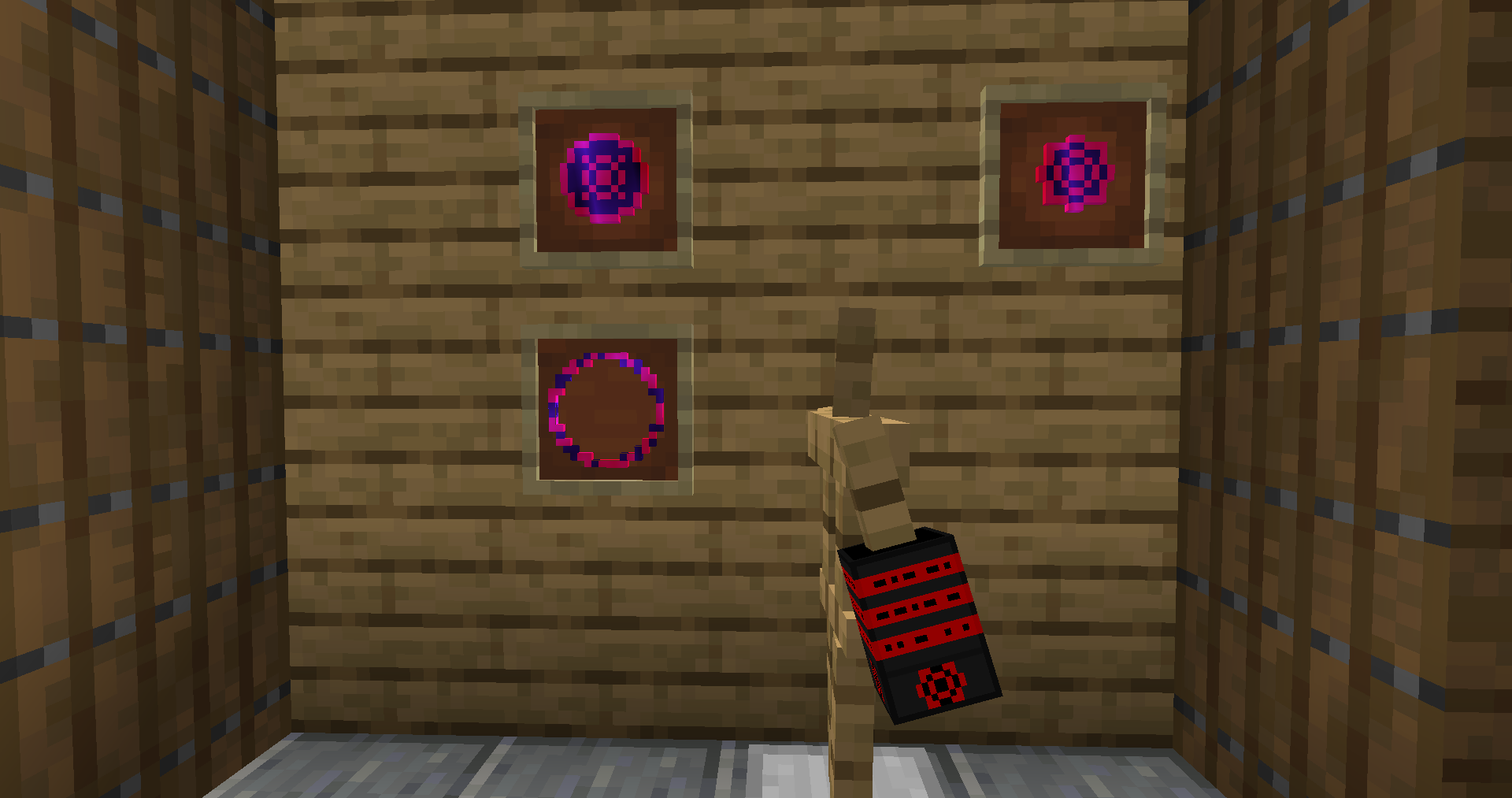
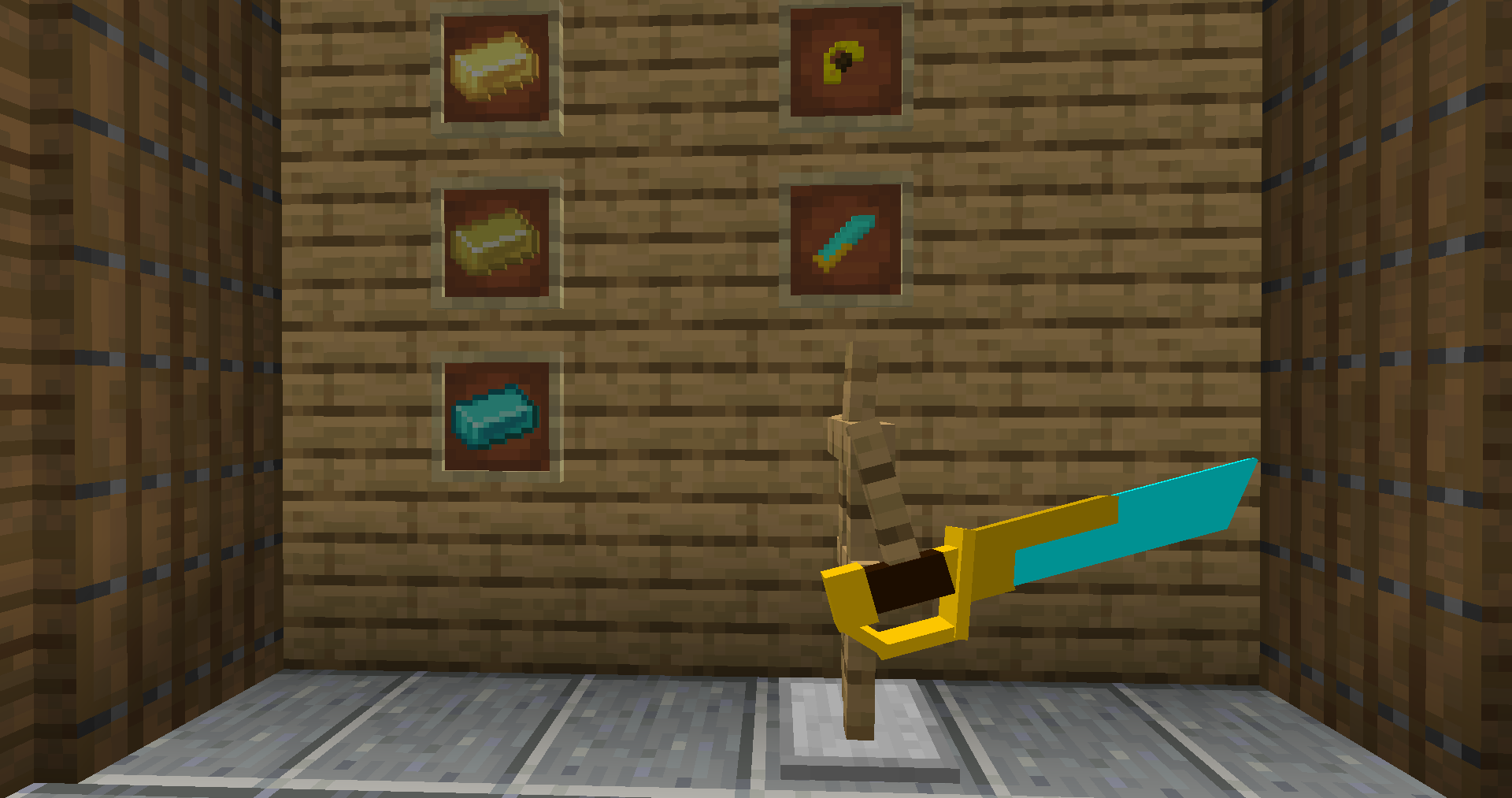
This mod adds a few fantasy metals, some seen in movies, others created by me This mod will not be for everyone, as it adds items that are very complicated to craft and very overpowered. All recipes will be in the images tab when I have the time to get the screenshots.
Showcase videos will be on my YouTube channel: https://www.youtube.com/channel/UCHs4Bm5n7oGGG4Z1aM-eBGg
THIS IS ONLY A FORGE MOD, please do not ask me for a fabric port, as it will not happen.
!!NOTE!!: While you are allowed to use this in your own video, you must give proper credit with either a link to my channel or a link to here. Obviously you also aren’t allowed to say that this mod is yours either.
If there are any bugs or suggestions, please post them in the comments section either here or on the latest showcase video of this mod.
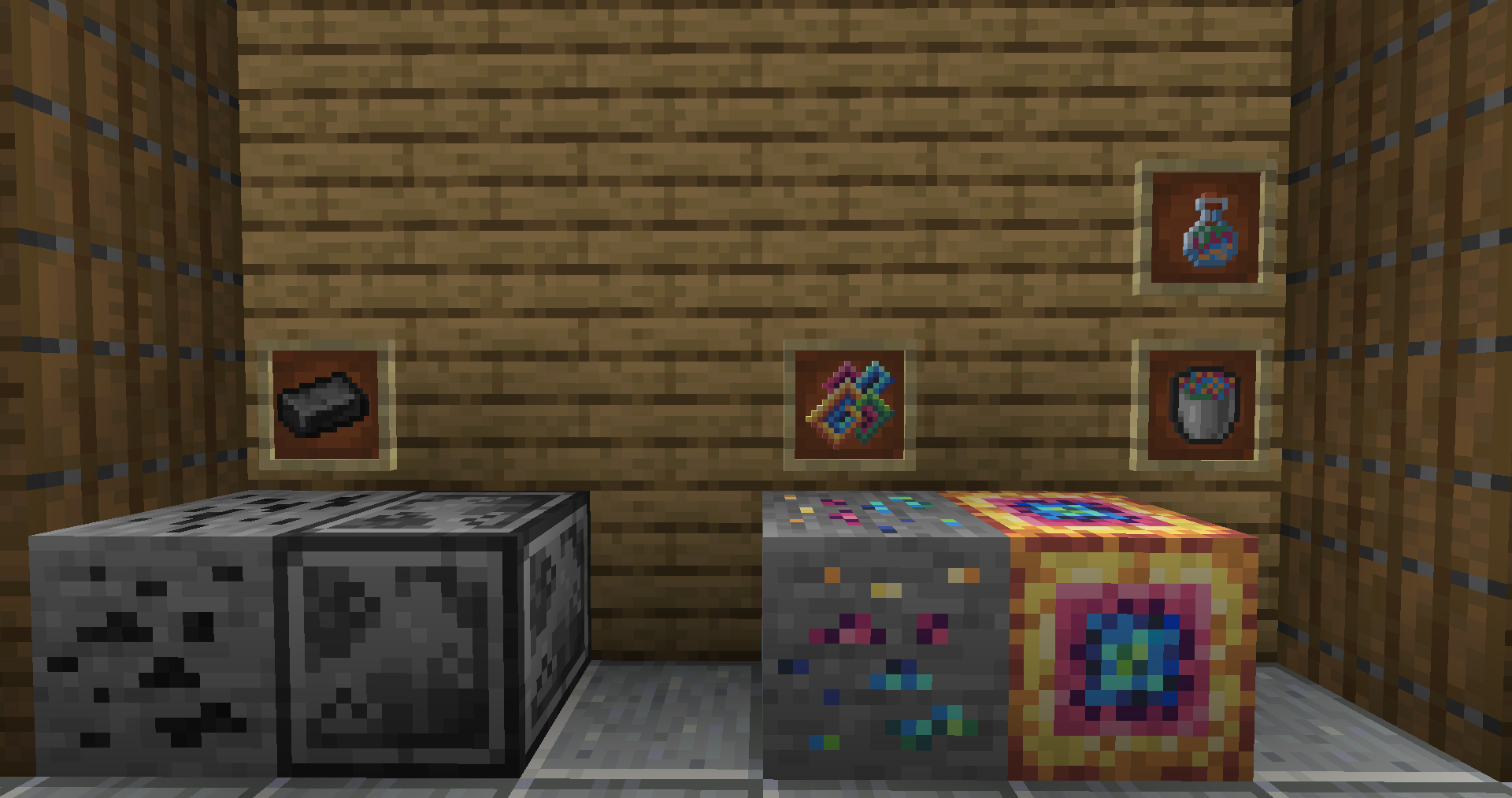
This mod adds the following materials: Steel Ingot, Opal Gem, Darksteel Ingot, Necrosteel Ingot, Mithril Ingot, Titanium, Ender Scale, Ender Titanium, and Emerald Titanium.
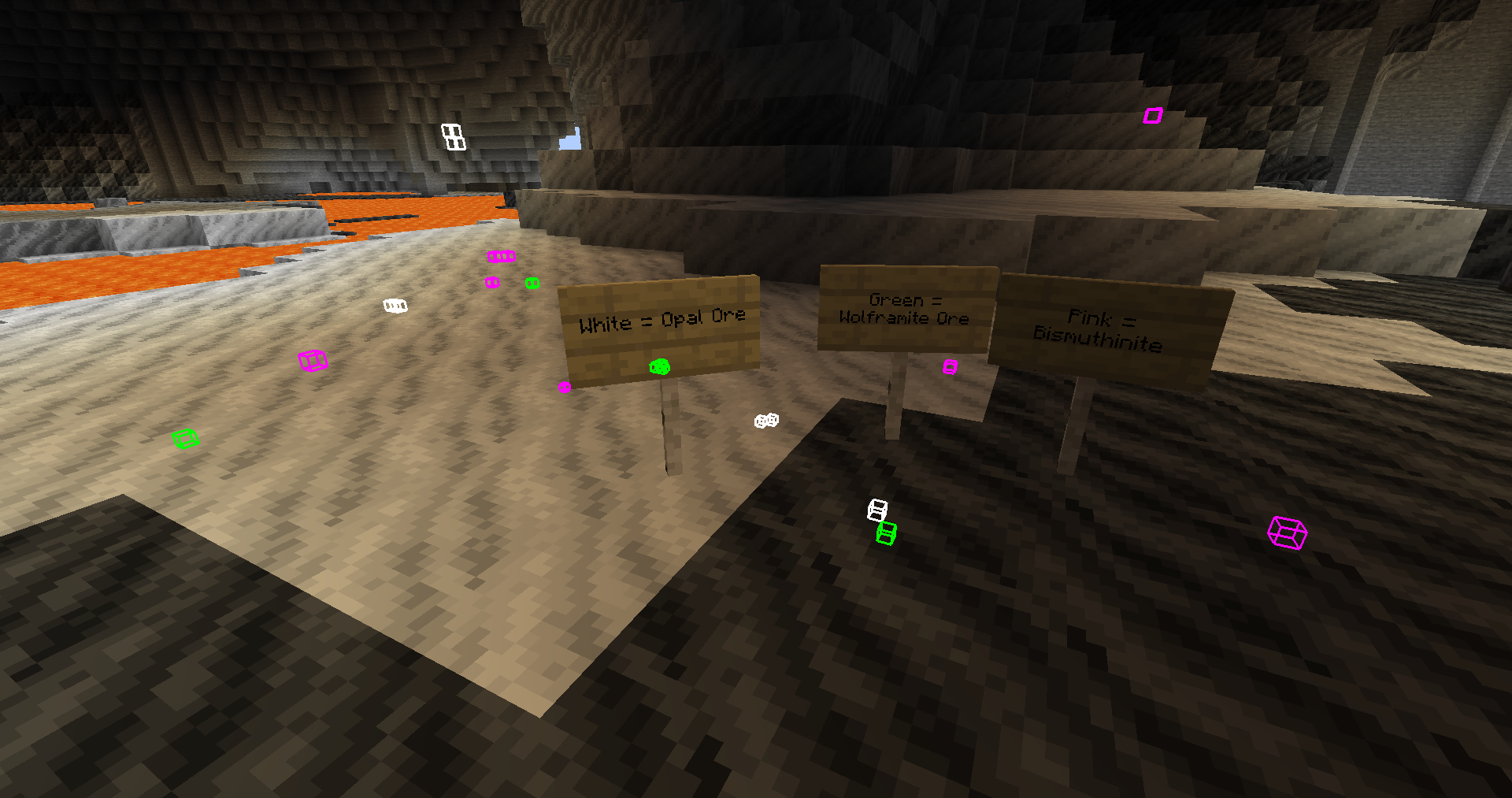
Opal spawns as a rare ore between levels 5 and 16 and is used to craft Raw Mithril.
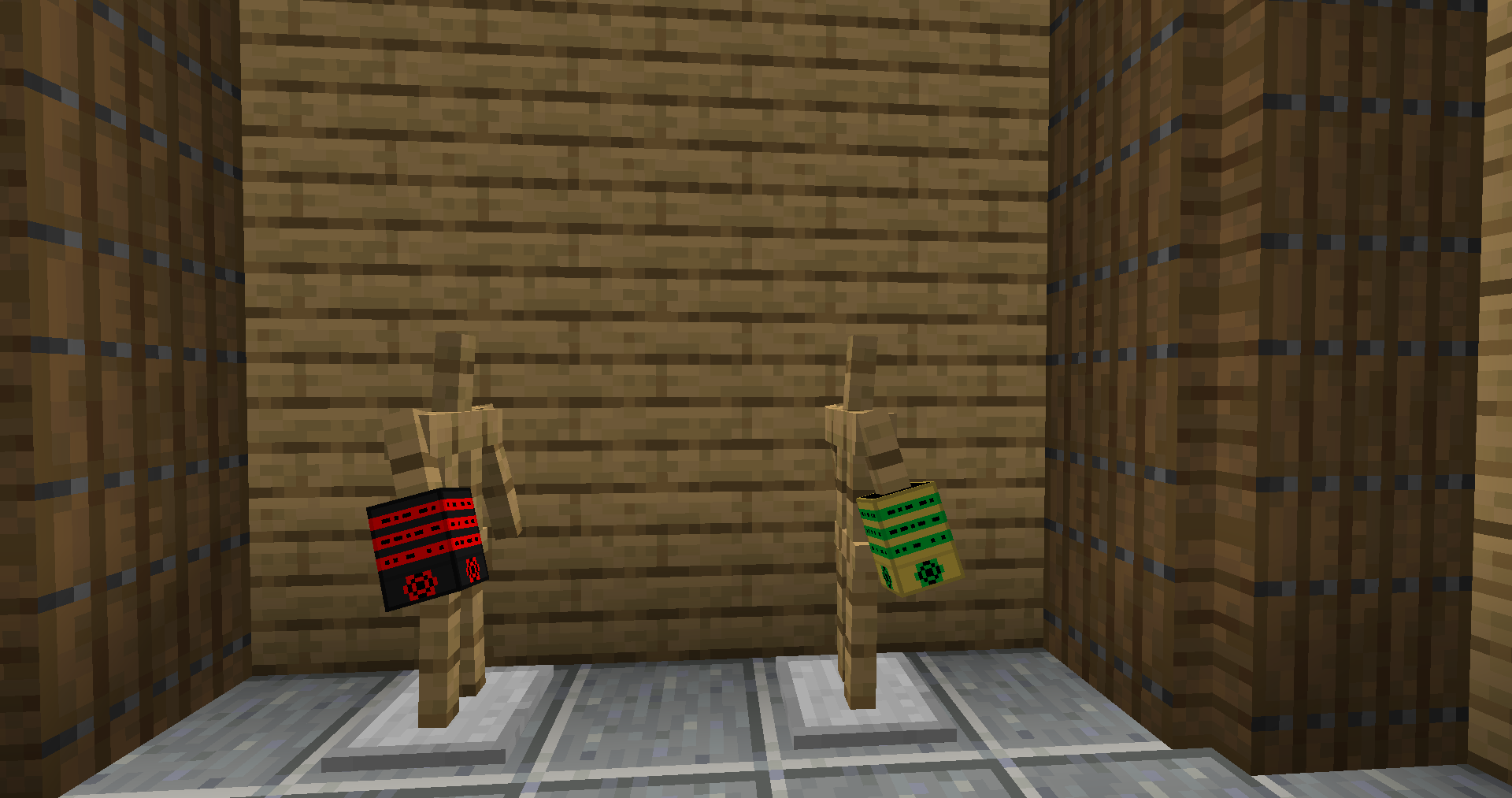
There are armor sets for: Steel, Darksteel, Necrosteel, Mithril, Ender Scale, Ender Titanium, and Emerald Titanium.
There are tools and weapons for: Steel, Darksteel Necrosteel, Ender Titanium, and Emerald Titanium.
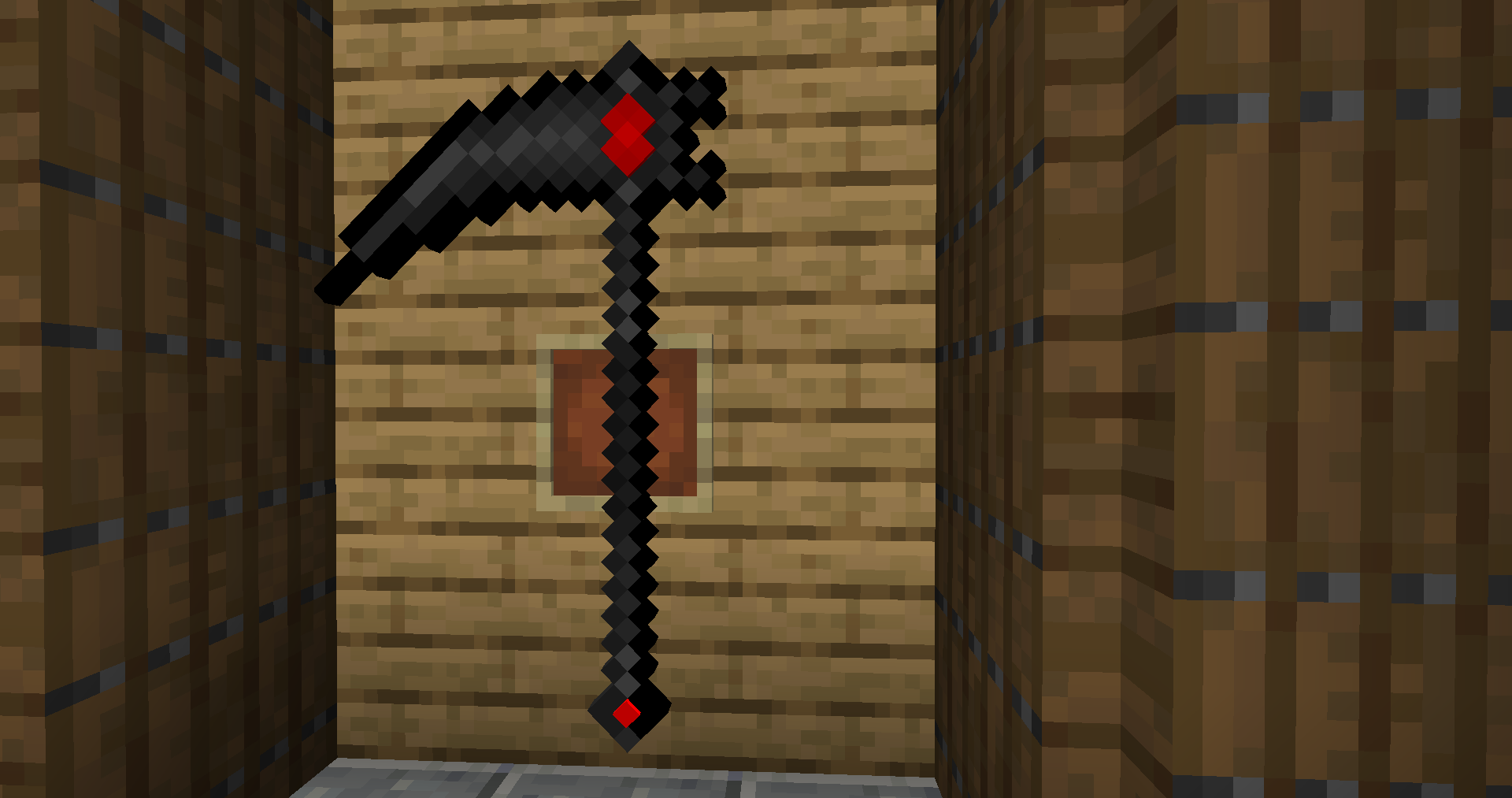
The new weapons are: Darksteel Scythe, Darksteel Scythe of Mystic Chaos, and Necrosteel Katana.
The new foods are: Darksteel Bread, Smoked Ender Flesh, Ender Rum, and Emerald Titanium Apple, all of them can be eaten/drank when full and grant status effects.
Another food is the Emerald Titanium Carrot, it’s currently just a really good food source.
There is more to be explained, but it will be added to here later or explained in a video.
常见问题
Darksteel & Beyond 支持哪些 Minecraft 版本?
Darksteel & Beyond 支持 Minecraft Java 版 1.16.5,可用的加载器:Forge。下载时注意选择和你游戏版本一致的文件。
Darksteel & Beyond 怎么安装?
先用 PCL2 或 HMCL 启动器安装对应版本的 Forge,再把下载的 .jar 文件放进游戏目录的 mods 文件夹,重新启动游戏即可。开启了版本隔离的,mods 文件夹在 versions/版本名 下面。
评论
登录后评论和评分