
Asterion Tesla Gates
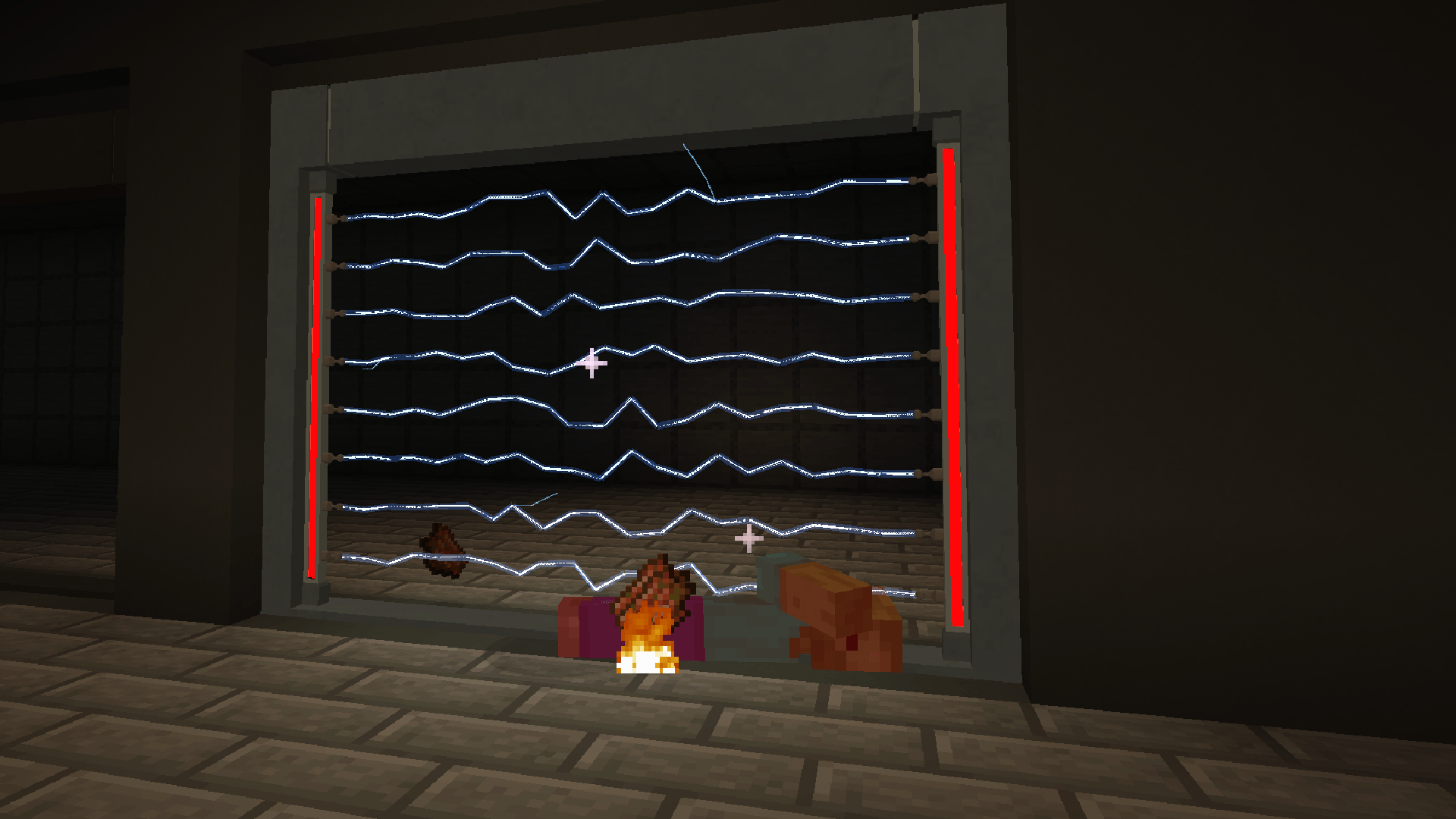
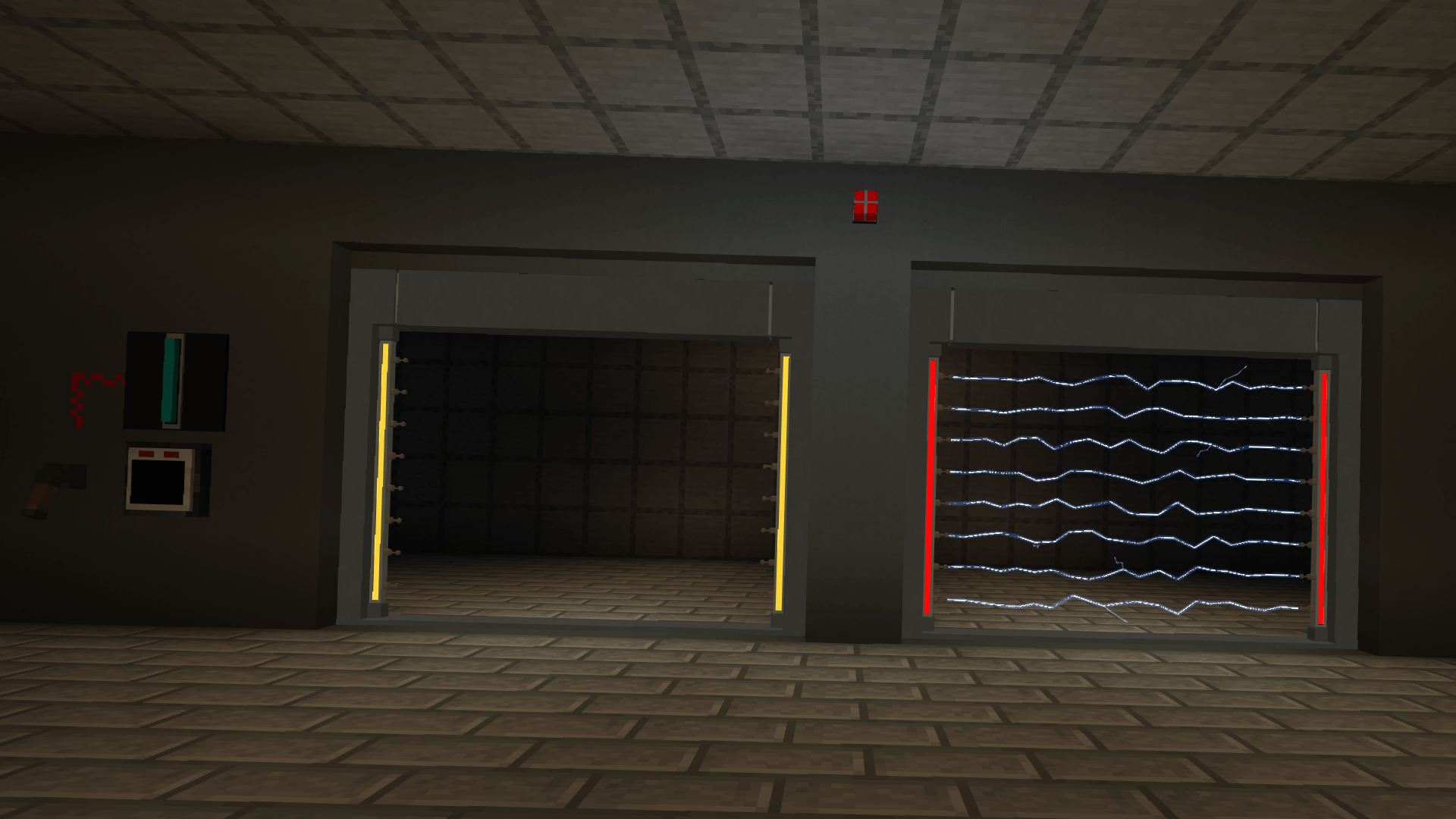
Functional Tesla Gates for Minecraft facilities with electric arc effects, configurable target detection, redstone control, and networked security terminals. Perfect for SCP-style facilities and secure builds.
截图
介绍
Asterion Tesla Gates



!! Currently there is only one Tesla Gate design !!
Features
- Placeable Tesla Gates that detect and eliminate targets passing through them
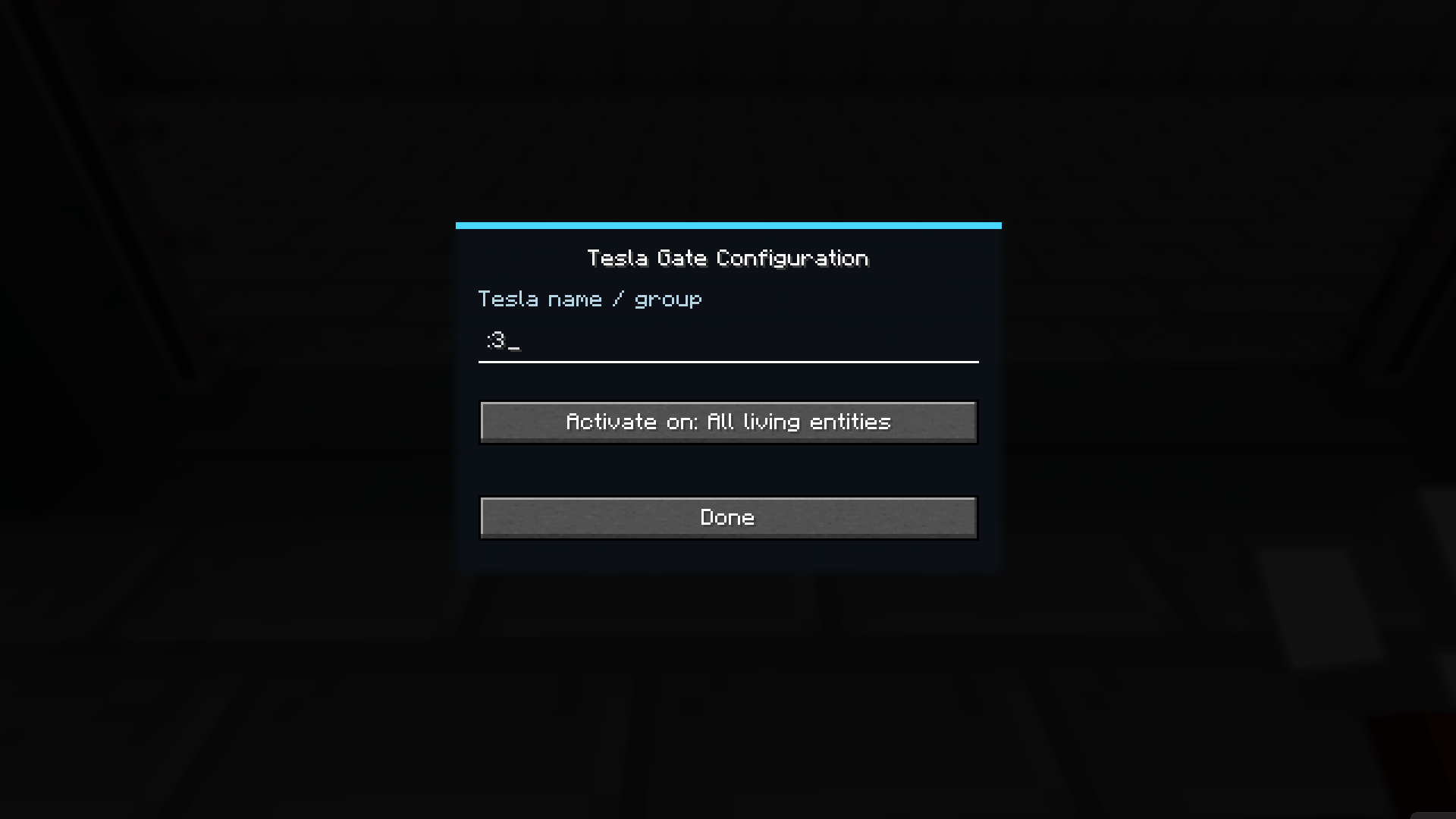
- Configurable target filtering — all living entities, players, hostile mobs, or passive mobs
- Powerful procedural electric arc effects
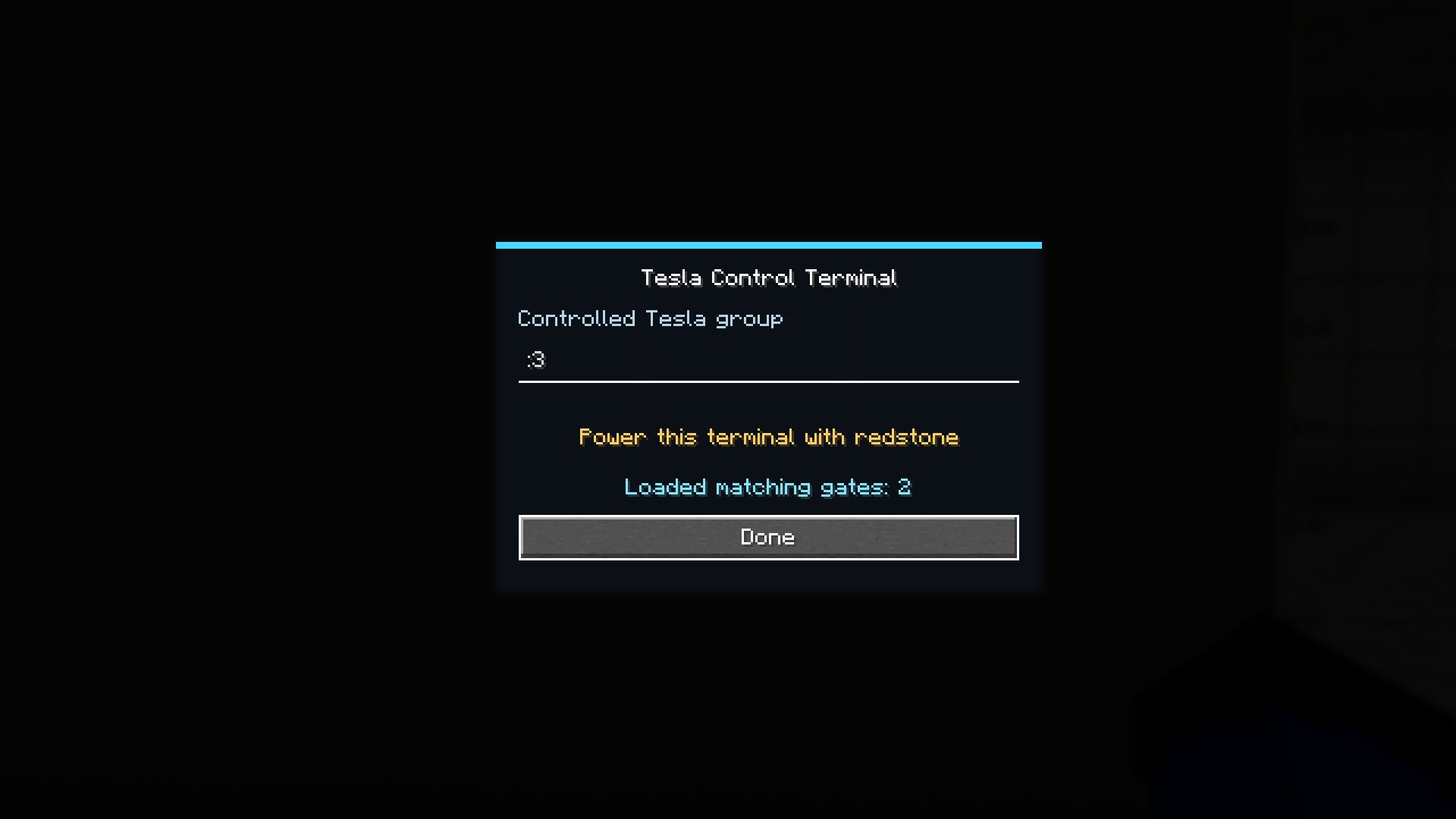
- Group gates by name — one terminal arms every gate with that name, dimension-wide
- Tesla Control Terminals are Redstone-powered
- Configure and name gates using the Tesla Configurator
- One terminal can control multiple Tesla Gates at once
- Decorative Tesla Gate blocks for custom installations
- Perfect for facilities and secure areas
Description
Asterion Tesla Gates adds functional Tesla Gate security systems to Minecraft.
Place a Tesla Gate, then right-click it with the Tesla Configurator to name it and choose what it targets.
Place a Tesla Control Terminal with the same name and power it with redstone. Every gate sharing that name arms instantly, anywhere in the dimension — one terminal can run an entire network of gates.
An armed gate that detects a valid target charges up, then fires a powerful electric arc, eliminating anything caught inside.
Target filtering
Tesla Gates can target:
- All living entities
- Players only
- Hostile mobs
- Neutral / passive mobs
Colored lighting (currently 1.20.1 Forge only)
Install Colorful Lighting to make active alarms give off colored light matching the alarm color.
Recommendations
- Redstone Pen — clean redstone routing to your control terminals
Compatibility
- Required on both client and server
常见问题
Asterion Tesla Gates 支持哪些 Minecraft 版本?
Asterion Tesla Gates 支持 Minecraft Java 版 1.20.1–1.21.1,共 2 个版本,可用的加载器:Forge / NeoForge。下载时注意选择和你游戏版本一致的文件。
Asterion Tesla Gates 怎么安装?
先用 PCL2 或 HMCL 启动器安装对应版本的 Forge / NeoForge,再把下载的 .jar 文件放进游戏目录的 mods 文件夹,重新启动游戏即可。开启了版本隔离的,mods 文件夹在 versions/版本名 下面。
Asterion_Studios 的其他作品
查看全部 →
Asterion Alarms
Redstone-powered alarms and speakers with flashing lights and custom sounds, plus a visual logic editor to script how your alarm system reacts

Asterion Logic
Required library for Asterion Studios mods. Adds the Logic tab to their controllers.
评论
登录后评论和评分