
Entropy AI Engine
download ollama qwen2.5-coder:7b and do in terminal ollama pull qwen2.5-coder:7b and then ollama run qwen2.5-coder:7b and keep it open while your playing minecrafte and each about 30 seconds ollama will give you something good or bad and the ai reads chat
介绍
download ollama qwen2.5-coder:7b and do in terminal ollama pull qwen2.5-coder:7b and then ollama run qwen2.5-coder:7b and keep it open while your playing minecrafte and each about 30 seconds ollama will give you something good or bad and the ai reads chat so be careful what your gonna say in chat it could hear you. and also it adds a /ollama model “the model you want” and if you found a bug please post it in the comments or if you have an idea for a update or new mod project then post it in the comments also.
常见问题
Entropy AI Engine 支持哪些 Minecraft 版本?
Entropy AI Engine 支持 Minecraft Java 版 1.20.1,可用的加载器:Forge。下载时注意选择和你游戏版本一致的文件。
Entropy AI Engine 怎么安装?
先用 PCL2 或 HMCL 启动器安装对应版本的 Forge,再把下载的 .jar 文件放进游戏目录的 mods 文件夹,重新启动游戏即可。开启了版本隔离的,mods 文件夹在 versions/版本名 下面。
Terah 的其他作品
查看全部 →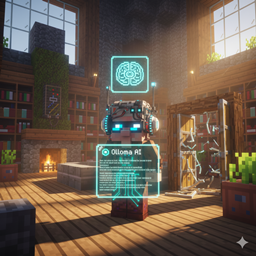
Grox Simulator
A Grox-style AI overhaul where villagers act like players—mining, chatting, and obeying with radical honesty and actual vision. {simulation}
CognitoCraft AI
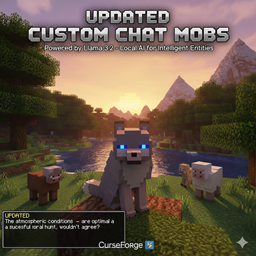
Give every entity in Minecraft a soul, but it doesn't respawn basicly the same as custom chat mobs but updated for smarter mobs

Gemini Building
An AI building assistant that uses Google Gemini to construct complex Minecraft structures directly from your chat prompts.
评论
登录后评论和评分