
Player Trace
Helps you discover nearby player activity and where they build in your loaded areas.
截图
介绍
Player Trace
Player Trace is a client-side mod that helps you see what is happening around you in multiplayer worlds, making it easier to locate areas of activity.
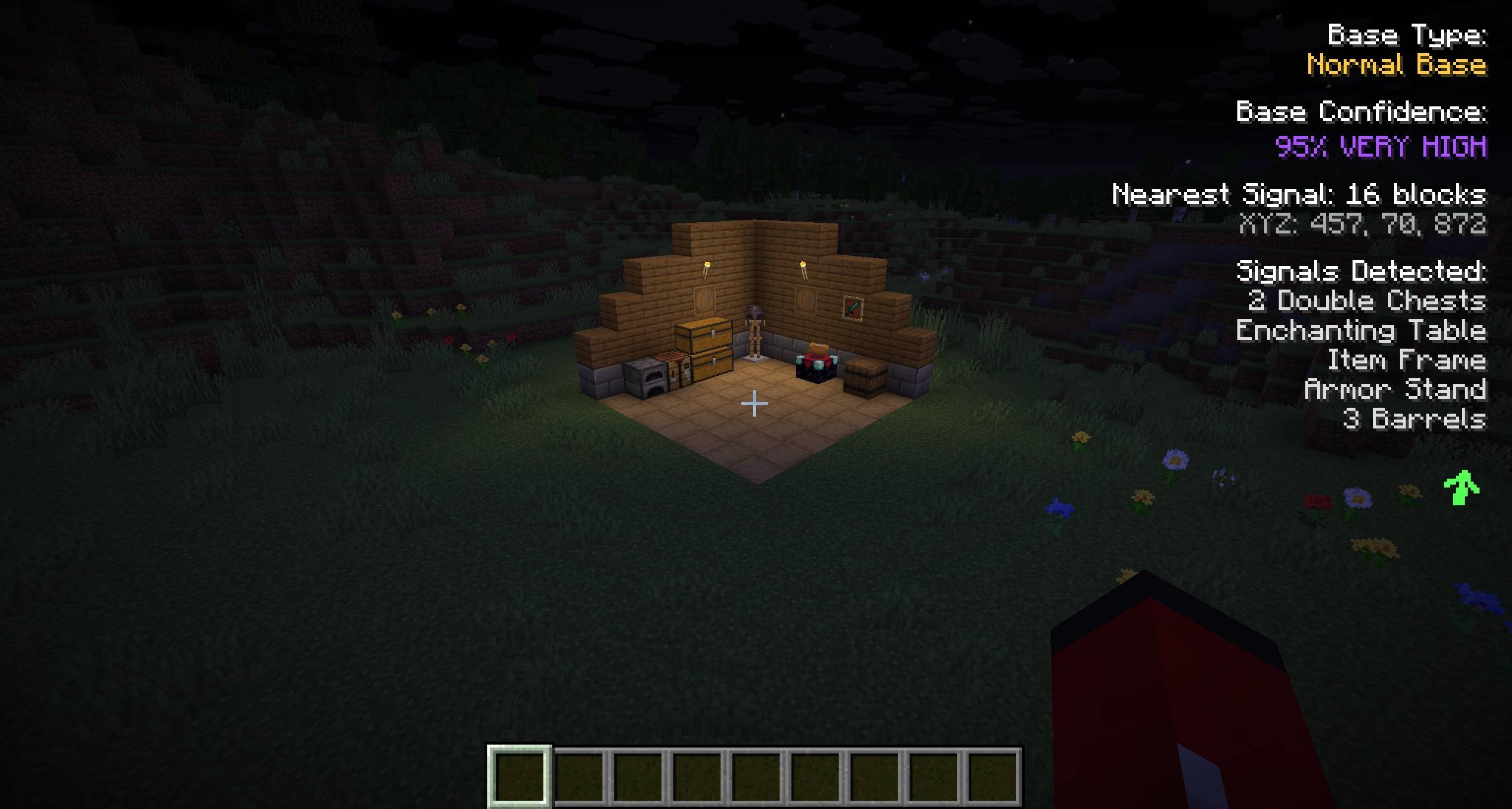
As you explore, it highlights signs of other players nearby by looking at changes in the world like placed blocks, chests, and dropped items. When it finds activity, it shows what it detected along with useful info like location, direction, and distance right on your screen.
It can also point out areas where player activity seems concentrated, helping you understand what has been going on around you.
If you use Xaero’s Minimap or World Map, you can optionally save these locations as waypoints.
Core Features
Smart Activity Detection
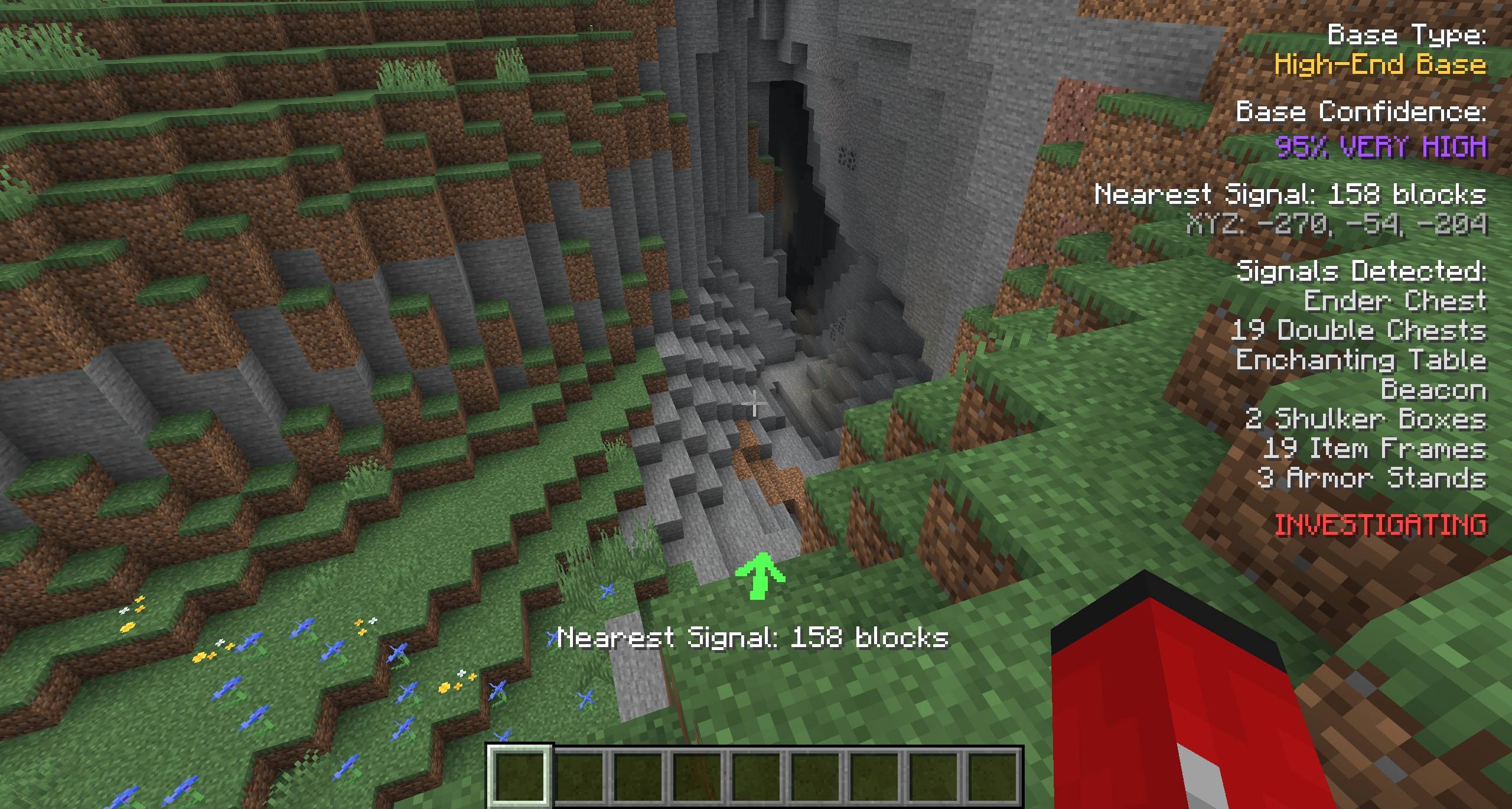
Automatically looks through nearby loaded areas for player-placed blocks such as ender chests, double chests, shulker boxes, beacons, enchanting tables, conduits, lodestones, item frames, armor stands, and other placed structures. These signals are used to distinguish player-built areas from natural world generation.
Calculates how likely the detected activity represents a player-made area based on combinations of blocks found.
Displays a real-time HUD showing activity type, confidence, distance, direction, and coordinates.
Investigation mode locks onto detected signals for focus.
Player Activity Detection
Looks for placed blocks that are not from natural world generation.
Detects strip mine patterns.
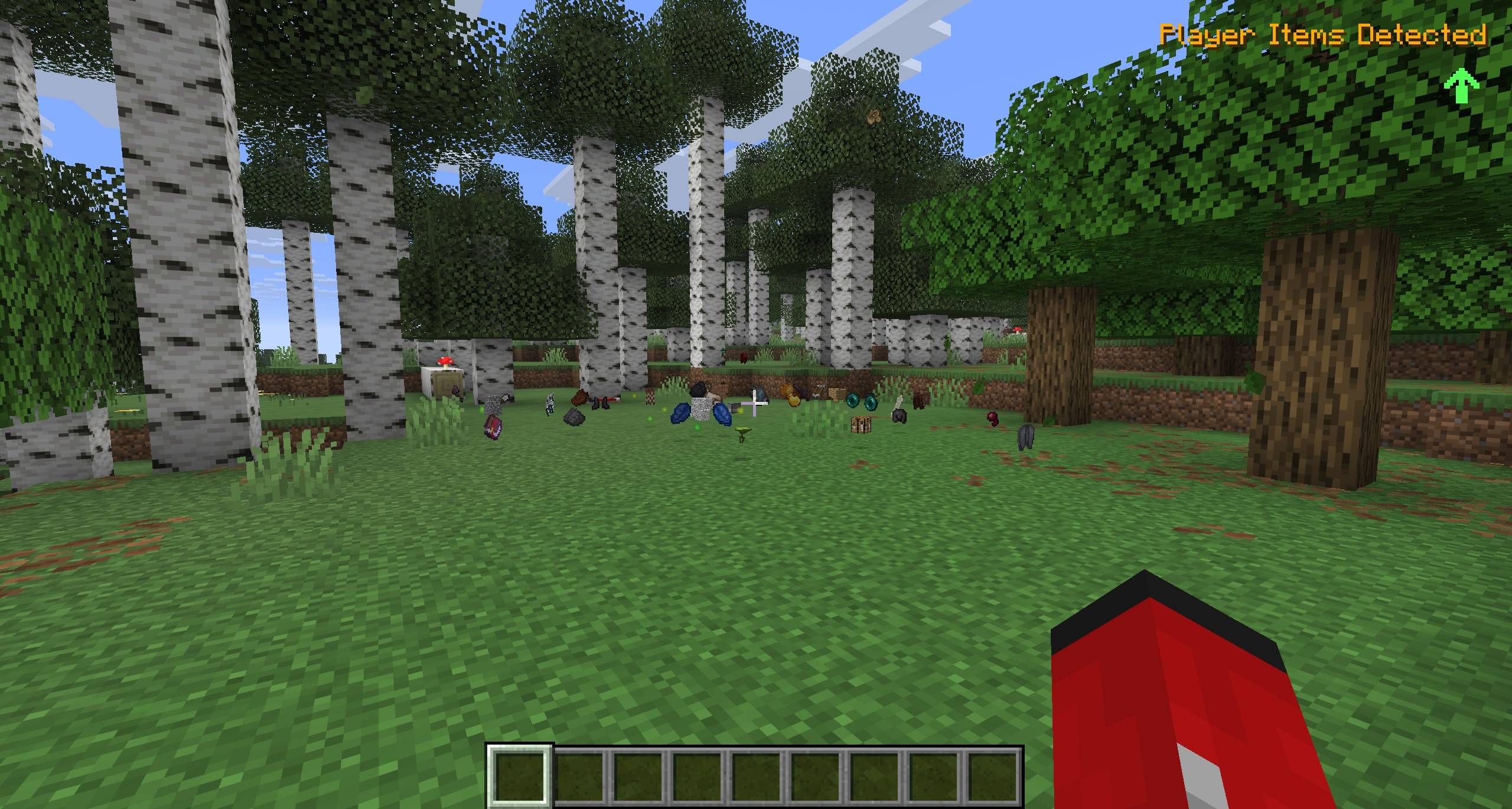
Tracks dropped items and XP orbs from player interaction.
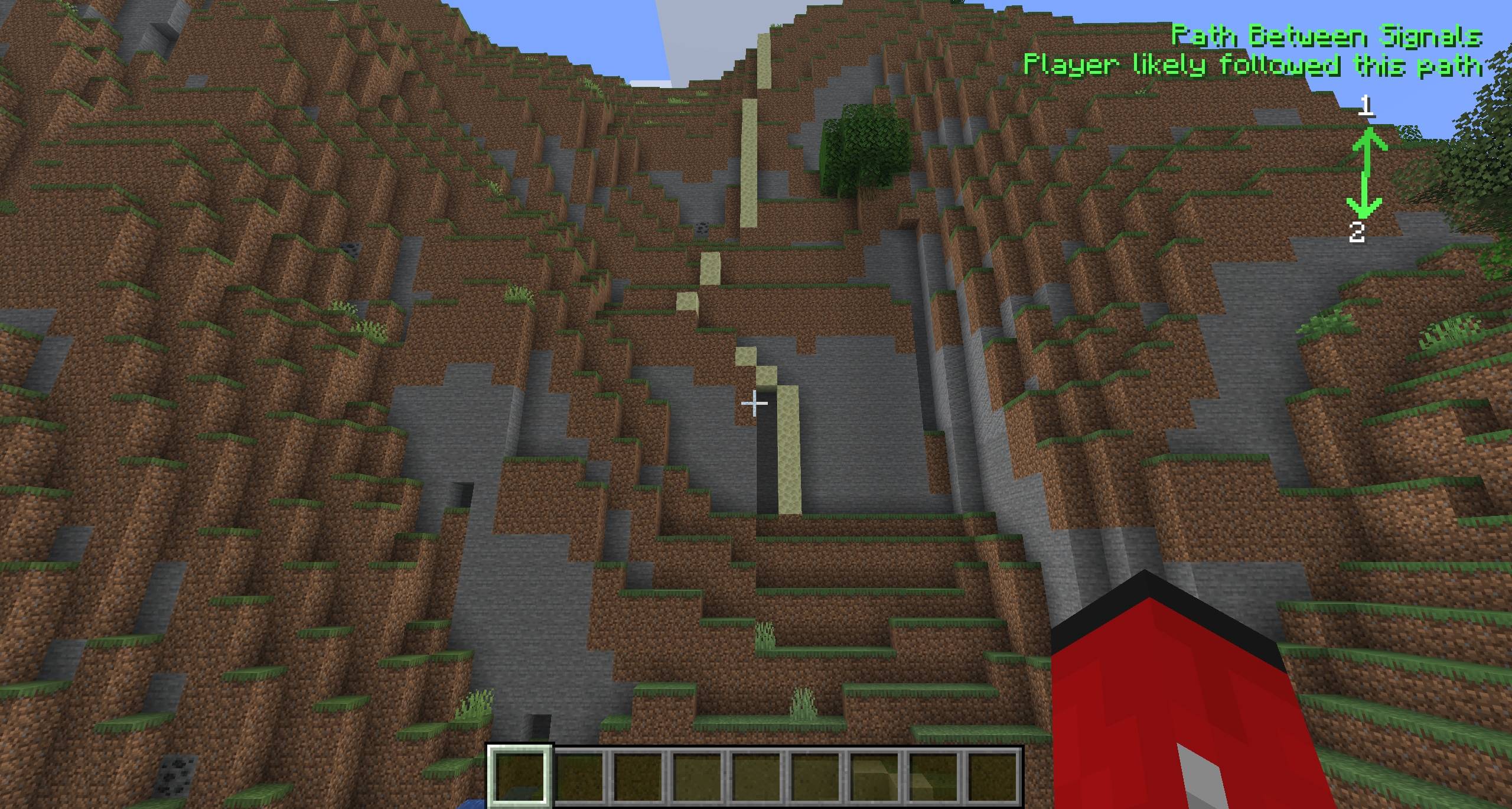
Connects multiple detected signals to show probable player movement paths.
Optional Xaero’s Minimap Integration
(requires Xaero’s Minimap – download the Player Trace version that matches your Xaero’s Minimap version)
Automatically saves detected activity points as waypoints.
Configurable save distance and cooldown timers.
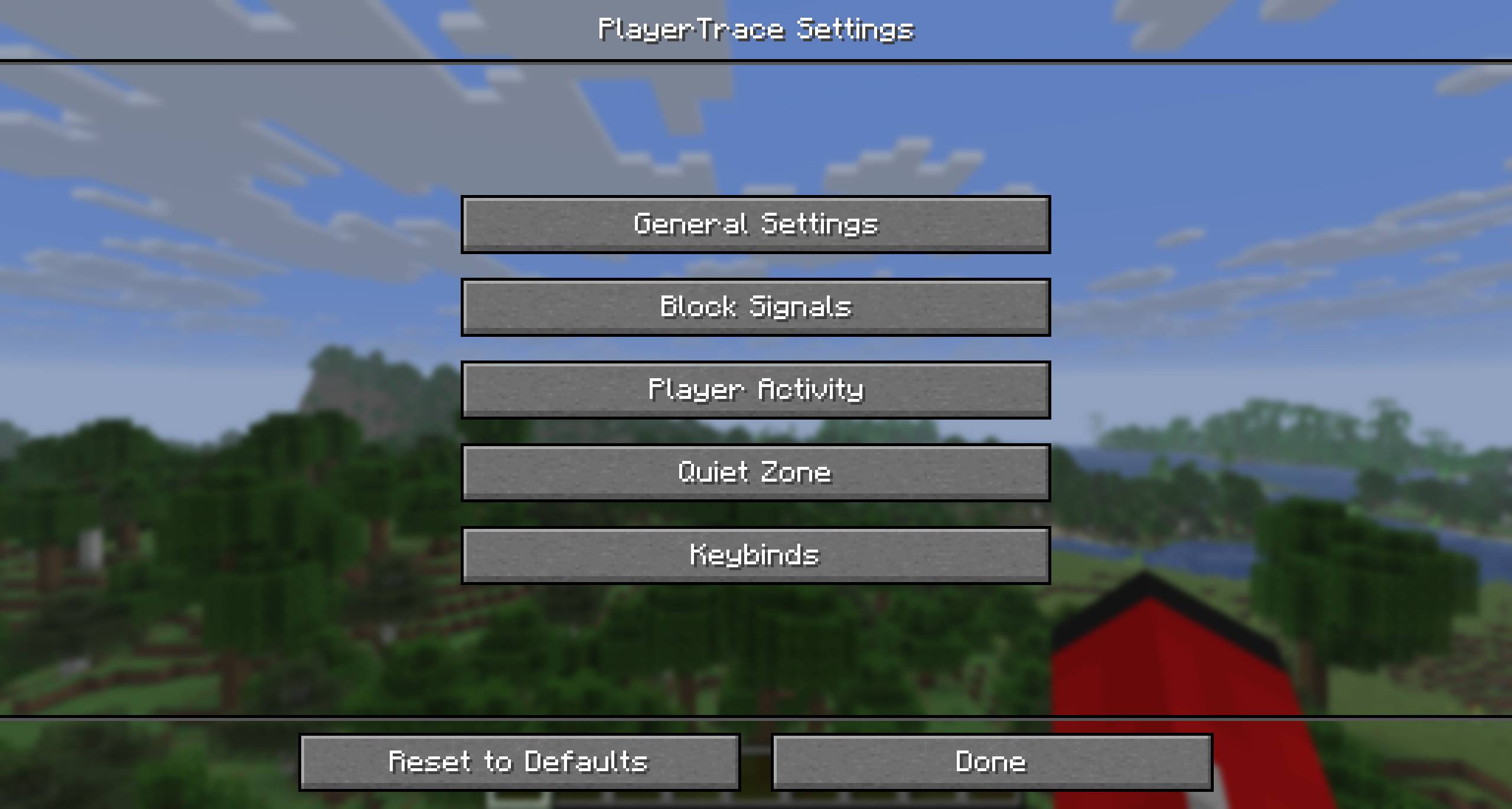
Fully Customizable
Adjust detection radius and confidence thresholds
Configure which blocks count as activity signals
Customize HUD appearance and text backgrounds
Set up multiple “Quiet Zones” with custom names to hide the HUD in your bases and other areas
Convenient Controls
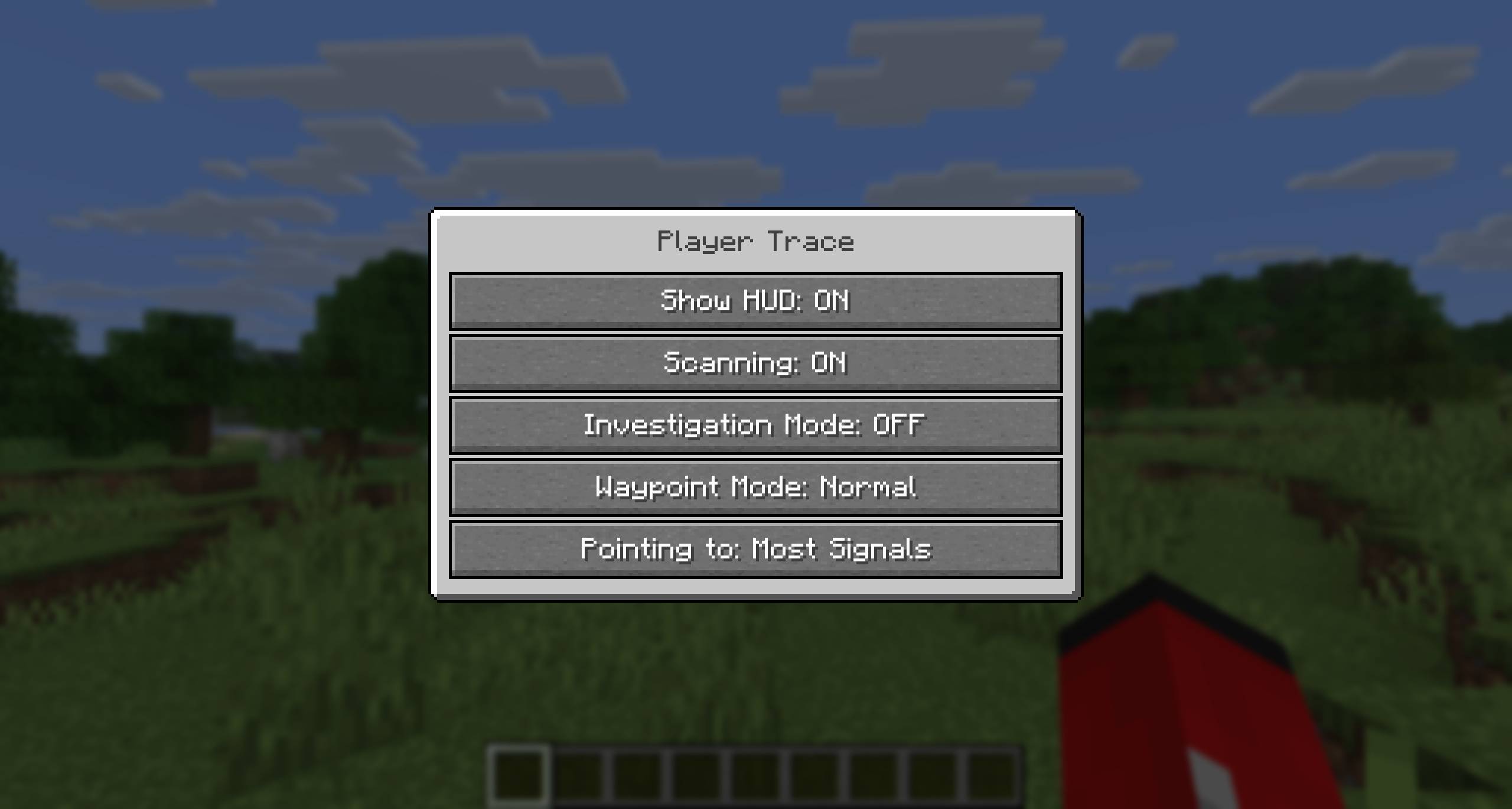
Quick menu (default: X key) for instant access to settings
Toggle detection and HUD visibility anytime
Fully customizable keybinds for all features
Arrow modes: point to nearest signal, strongest activity area, or nearest undiscovered portal
Distribution & Usage
You may include this mod in modpacks as long as credit is given and the mod remains downloaded through official sources. Redistribution or reuploading is not allowed.
常见问题
Player Trace 支持哪些 Minecraft 版本?
Player Trace 支持 Minecraft Java 版 1.21.10–26.1.2,共 5 个版本,可用的加载器:Fabric。下载时注意选择和你游戏版本一致的文件。
Player Trace 怎么安装?
先用 PCL2 或 HMCL 启动器安装对应版本的 Fabric,再把下载的 .jar 文件放进游戏目录的 mods 文件夹,重新启动游戏即可。开启了版本隔离的,mods 文件夹在 versions/版本名 下面。

评论
登录后评论和评分