
Last Death Coords
Never lose your items again! Displays your death coordinates in chat with a simple toggle command.
截图


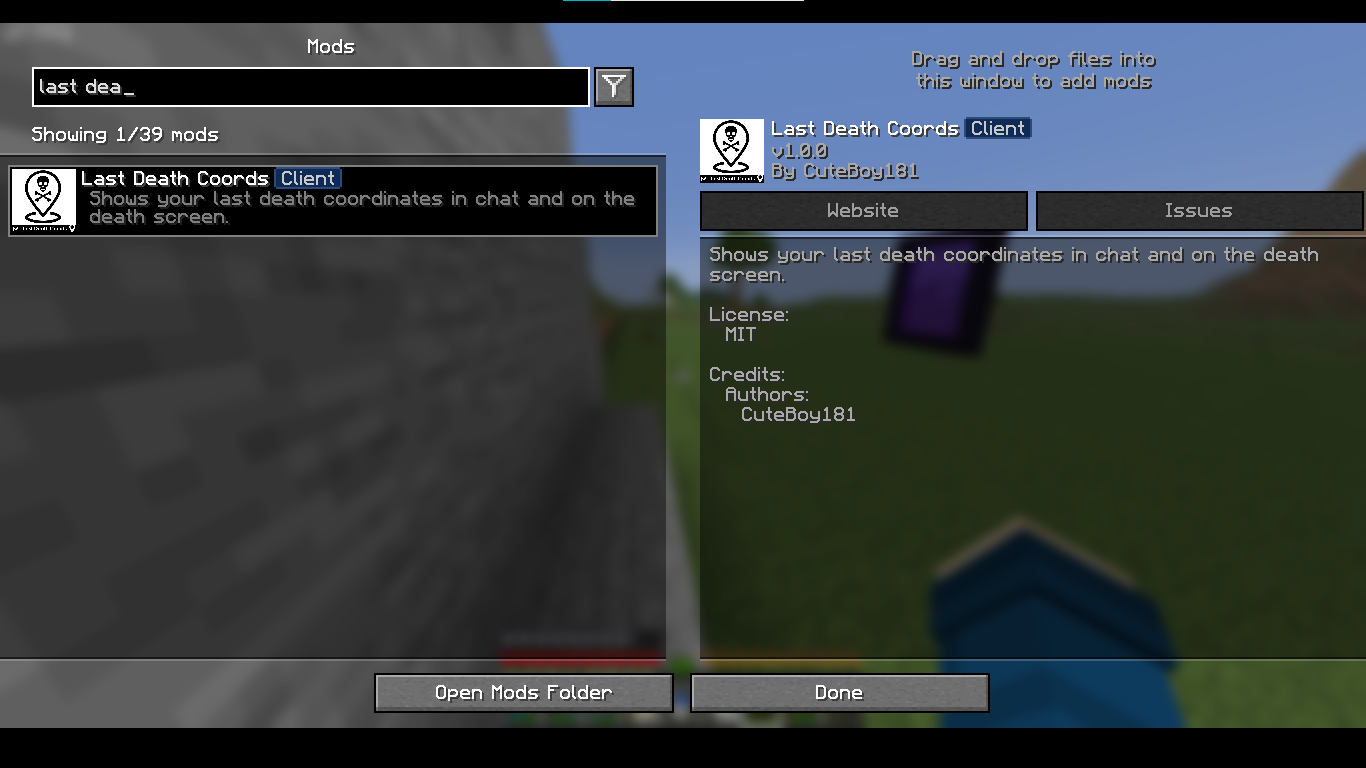
介绍
Last Death Coords
Last Dead Coords is a lightweight client-side Fabric mod that shows your exact death coordinates instantly when you die.
Never lose your items again — your last death location is displayed clearly in chat and on the death screen.
✨ Features
✔ Displays precise X, Y, Z coordinates when you die
✔ Sends formatted death location message in chat
✔ Shows coordinates directly on the death screen
✔ Toggle the feature anytime with a simple command
✔ Automatically saves your setting in a config file
✔ Client-side only (no server installation required)
✔ Lightweight and performance-friendly
🧭 How It Works
When the player dies:
- The mod detects the exact block position.
- It formats the coordinates clearly.
- It displays them in:
- 💬 Chat
- 💀 Death screen overlay
If disabled, the mod will not show any death coordinates.
🛠 Commands
/deathcoords on
Enables the death coordinate display feature.
/deathcoords off
Disables the death coordinate display feature.
The selected option is saved automatically and will remain active even after restarting the game.
🎮 Compatibility
✔ Works in Singleplayer
✔ Works on Multiplayer servers (client-side only)
✔ Compatible with other Fabric mods
✔ Does NOT require server installation
💡 Why Use This Mod?
Vanilla Minecraft does not clearly show your death location.
This mod makes item recovery quick, easy, and stress-free — especially useful for:
• Survival Worlds
• Hardcore Mode
• Large Exploration Worlds
• Multiplayer Servers
Simple. Clean. Useful.
⚙️ Lightweight, Fabric-compatible
🌐 Links
🎥 YouTube: @cbShorts18
💬 Discord: Join My Server
💡 Quick Tip
Use the command:
/deathpoints on /deathpoints off
To turn the feature on or off whenever you like!
常见问题
Last Death Coords 支持哪些 Minecraft 版本?
Last Death Coords 支持 Minecraft Java 版 1.21.9–1.21.11,共 3 个版本,可用的加载器:Fabric。下载时注意选择和你游戏版本一致的文件。
Last Death Coords 怎么安装?
先用 PCL2 或 HMCL 启动器安装对应版本的 Fabric,再把下载的 .jar 文件放进游戏目录的 mods 文件夹,重新启动游戏即可。开启了版本隔离的,mods 文件夹在 versions/版本名 下面。运行环境:仅客户端。
评论
登录后评论和评分