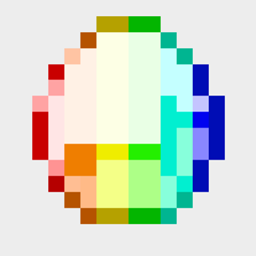
Rainbow Gems (UPGRADED Version)
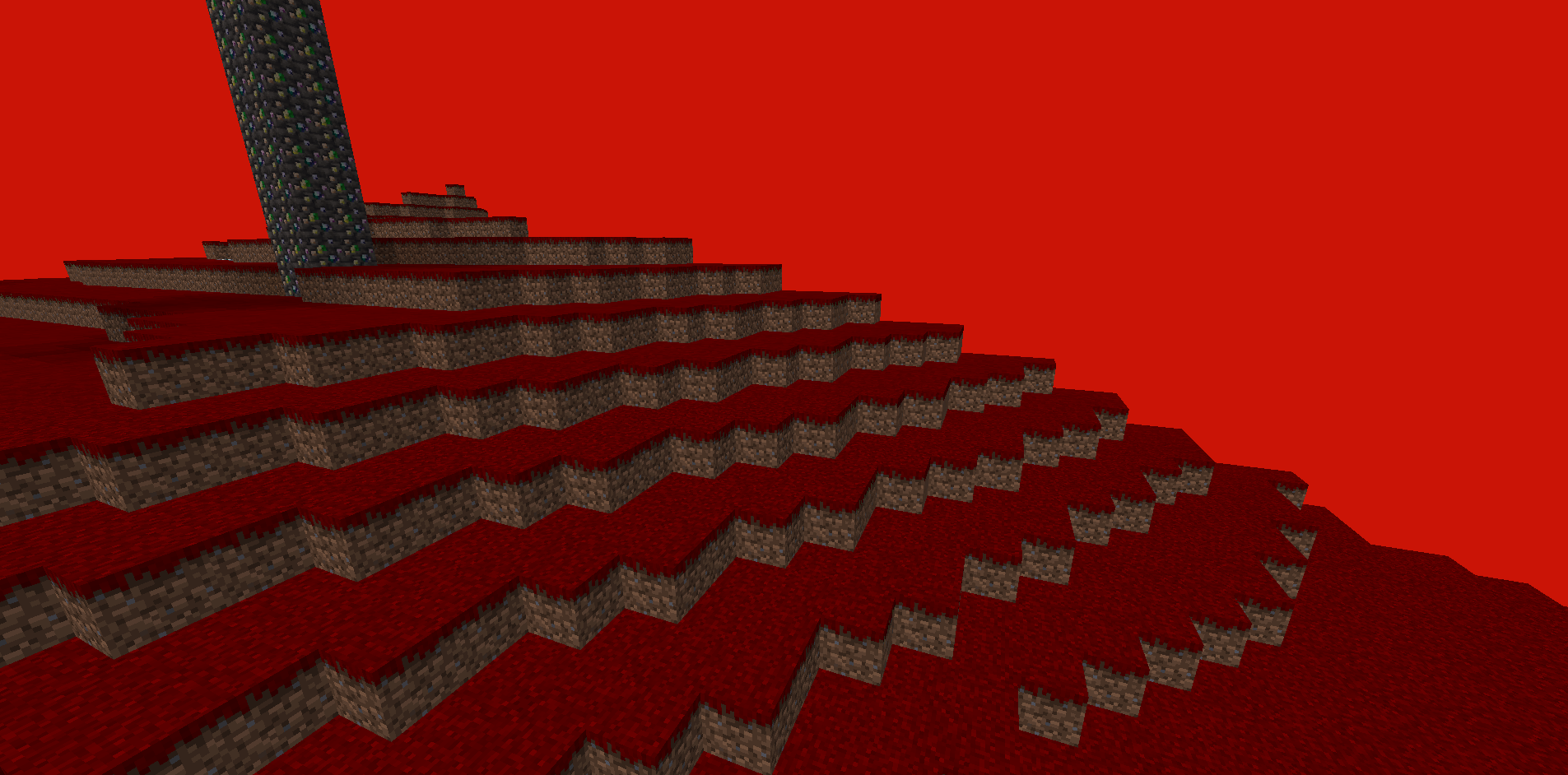
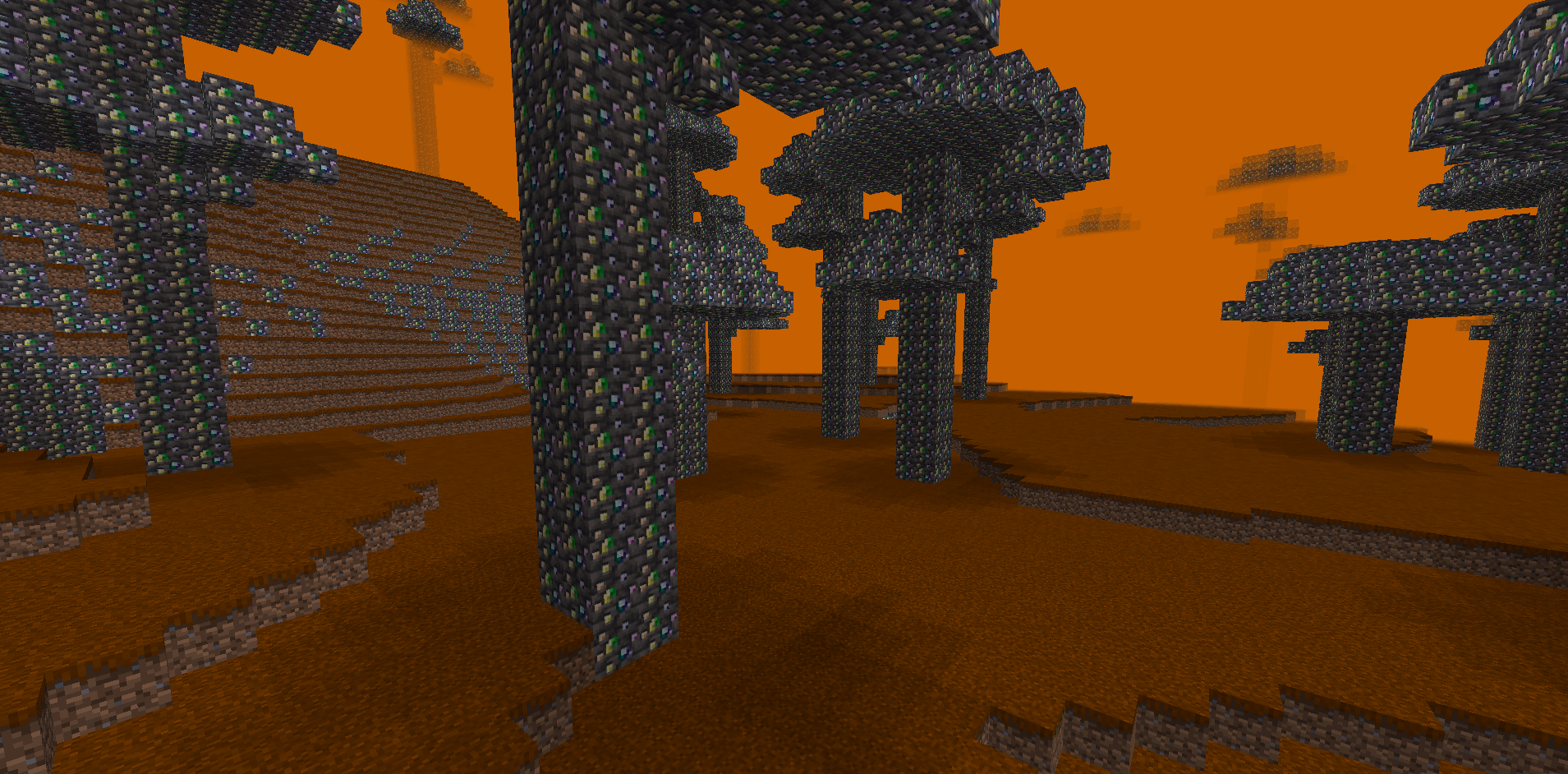
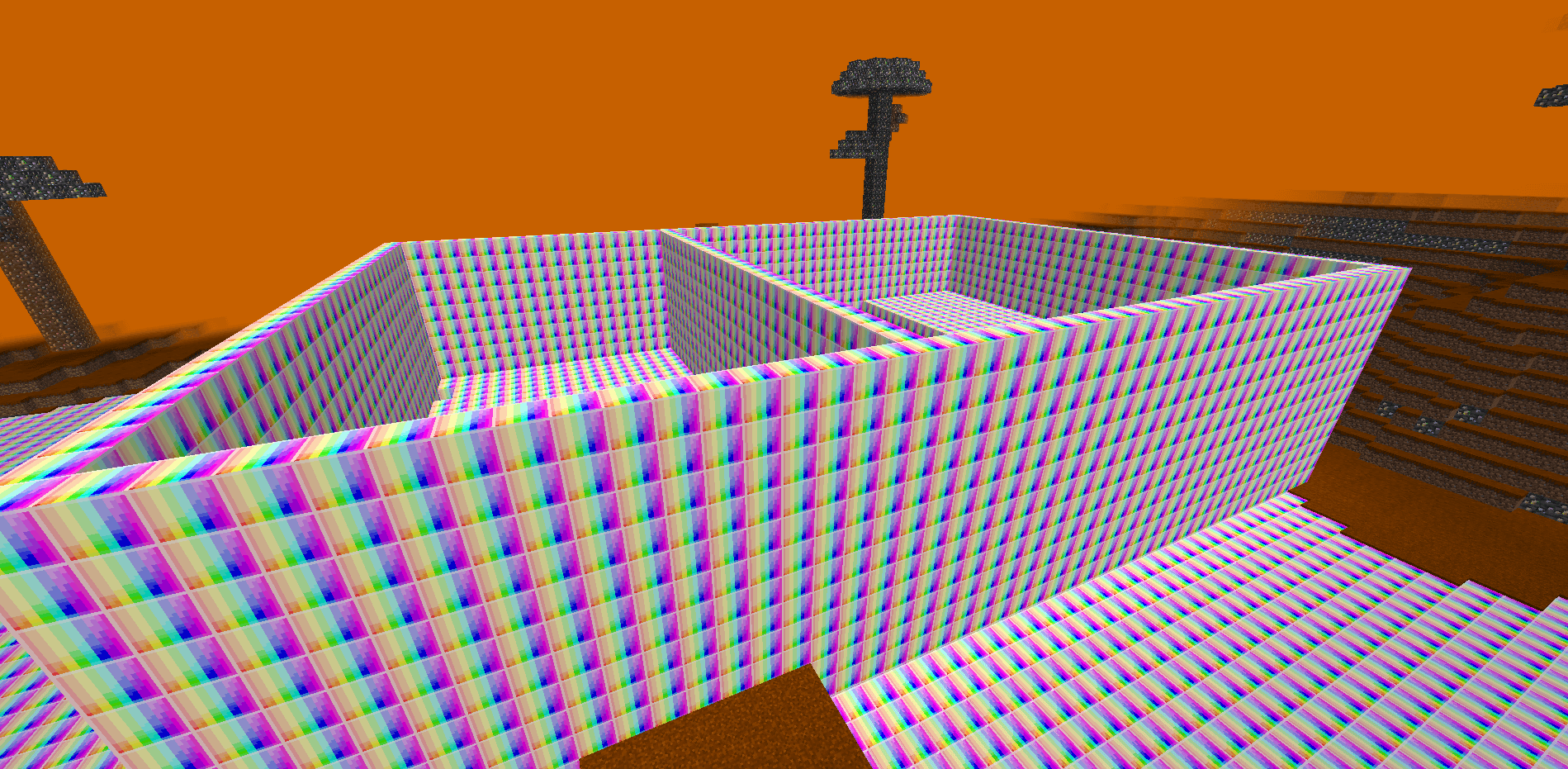
Similar to my previous Rainbow Gems mod, but tools break sooner. Adds a rainbow stick, a new dimension, and an anniversary block. Includes the Rainbow Golem boss and weaker Rainbow Minions found in Rainbow Dungeons with valuable loot.
截图
介绍
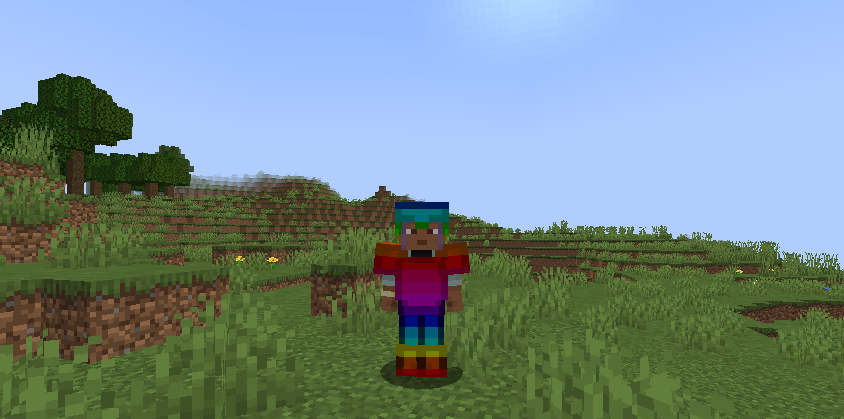
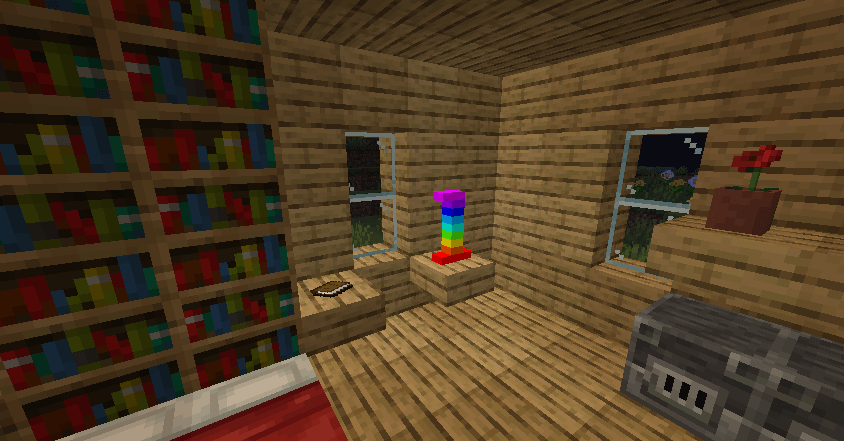
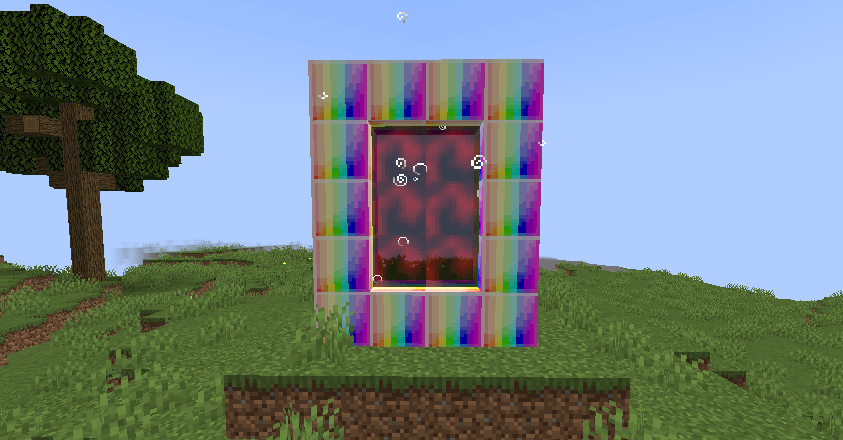
This is a brand new mod I’ve created. It’s similar to my previous mod, but with buffed items, like the sword that grants absorption. However, it’s also been nerfed in some ways. For example, instead of breaking after 9600 blocks, it now breaks after only 4800 blocks. This change affects all tools. Additionally, I’ve added a rainbow stick, which is harder to obtain. If you want to explore the new dimension, you’ll need at least around 10 to 14 rainbow blocks and a wand. Also, since my mod turned one year old, I celebrated with all of you by adding a special anniversary block. You need 4 rainbow blocks to craft it, and it can also be used as furniture. There are two new mobs, and they share the same texture. One of them is a boss called the Rainbow Golem, which you can summon after completing the maze inside the Rainbow Dungeon. When you defeat it, you’ll receive a Rainbow Star, which grants powerful effects such as Absorption, Speed, Haste, and more. The other mob is the Rainbow Minion, which works alongside the Rainbow Golem. It’s much weaker than the boss and takes some damage if you’re wearing a full set of Netherite Armor. Inside the Rainbow Dungeon, you’ll find various rooms — some containing spawners or libraries filled with incredible loot. The spawner rooms also have chests with valuable items. Rainbow Minions each drop a Rainbow Gem, and, just like the new dimension, they can only spawn inside dungeons. Hopefully, you enjoy my mod!
常见问题
Rainbow Gems (UPGRADED Version) 支持哪些 Minecraft 版本?
Rainbow Gems (UPGRADED Version) 支持 Minecraft Java 版 1.20.1,可用的加载器:Forge。下载时注意选择和你游戏版本一致的文件。
Rainbow Gems (UPGRADED Version) 怎么安装?
先用 PCL2 或 HMCL 启动器安装对应版本的 Forge,再把下载的 .jar 文件放进游戏目录的 mods 文件夹,重新启动游戏即可。开启了版本隔离的,mods 文件夹在 versions/版本名 下面。
评论
登录后评论和评分