ColorOverlay
A client-side mod for total visual customization. Change sky, water, clouds, sun, moon, stars, fog & torch colors. Add screen overlays with blend modes, gradients & vignette. Every feature toggles independently with auto-save.
截图
介绍
ColorOverlay – Full Visual Customization Mod
Transform your Minecraft world with complete color control! ColorOverlay is a client-side Fabric mod that lets you customize every visual element of the game in real time.
🎨 Screen Overlay
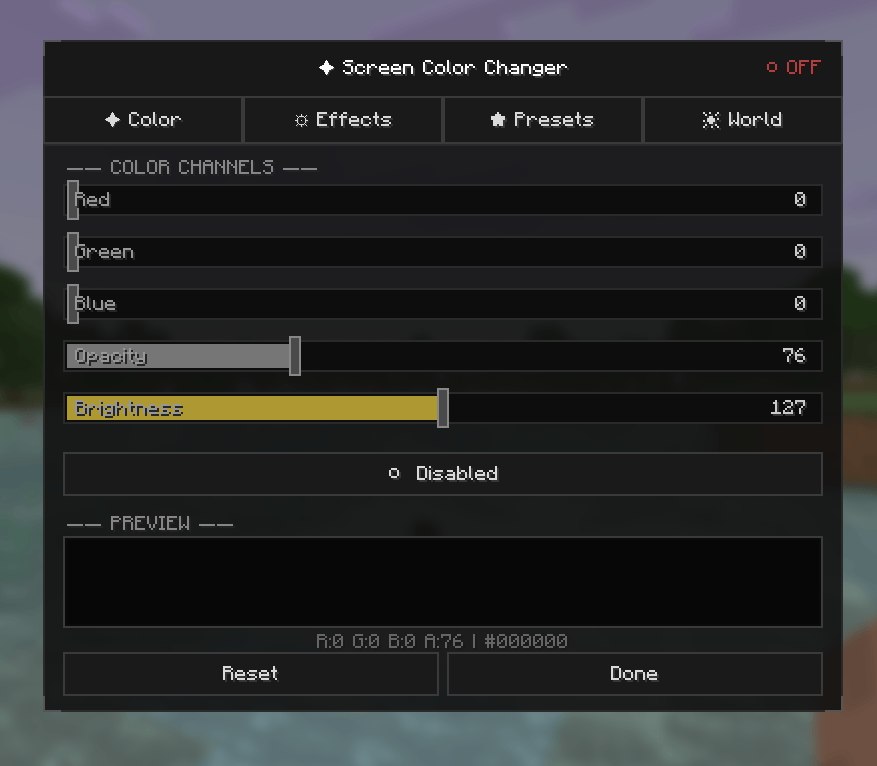
- Adjust RGBA color overlay on your entire screen
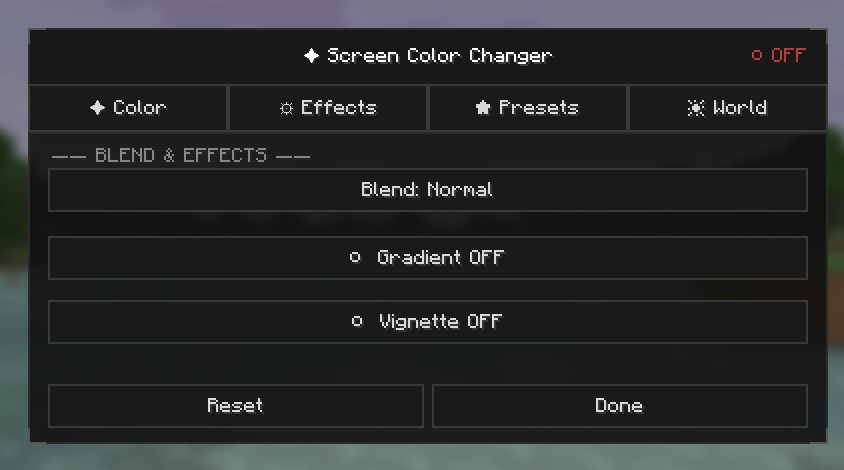
- Multiple blend modes: Normal, Multiply, Screen, Additive
- Gradient effects with customizable direction (Top-Down, Left-Right, Diagonal)
- Vignette effect with adjustable intensity
- Brightness & Saturation controls
🌍 World Colors
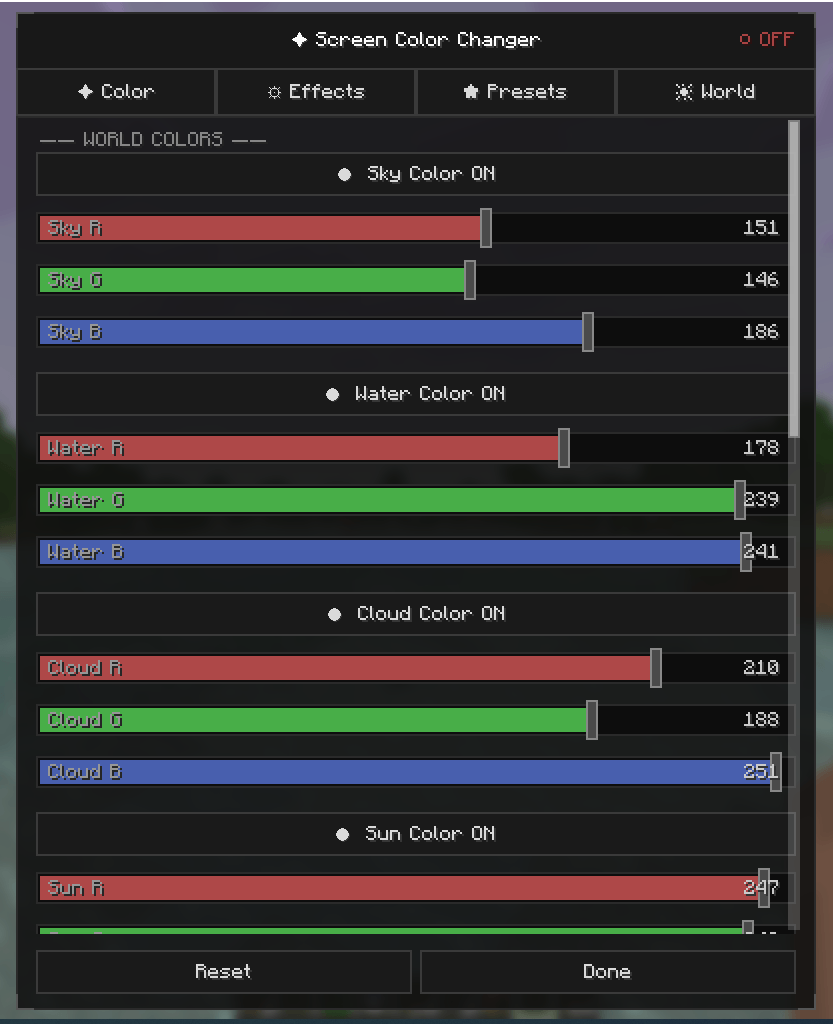
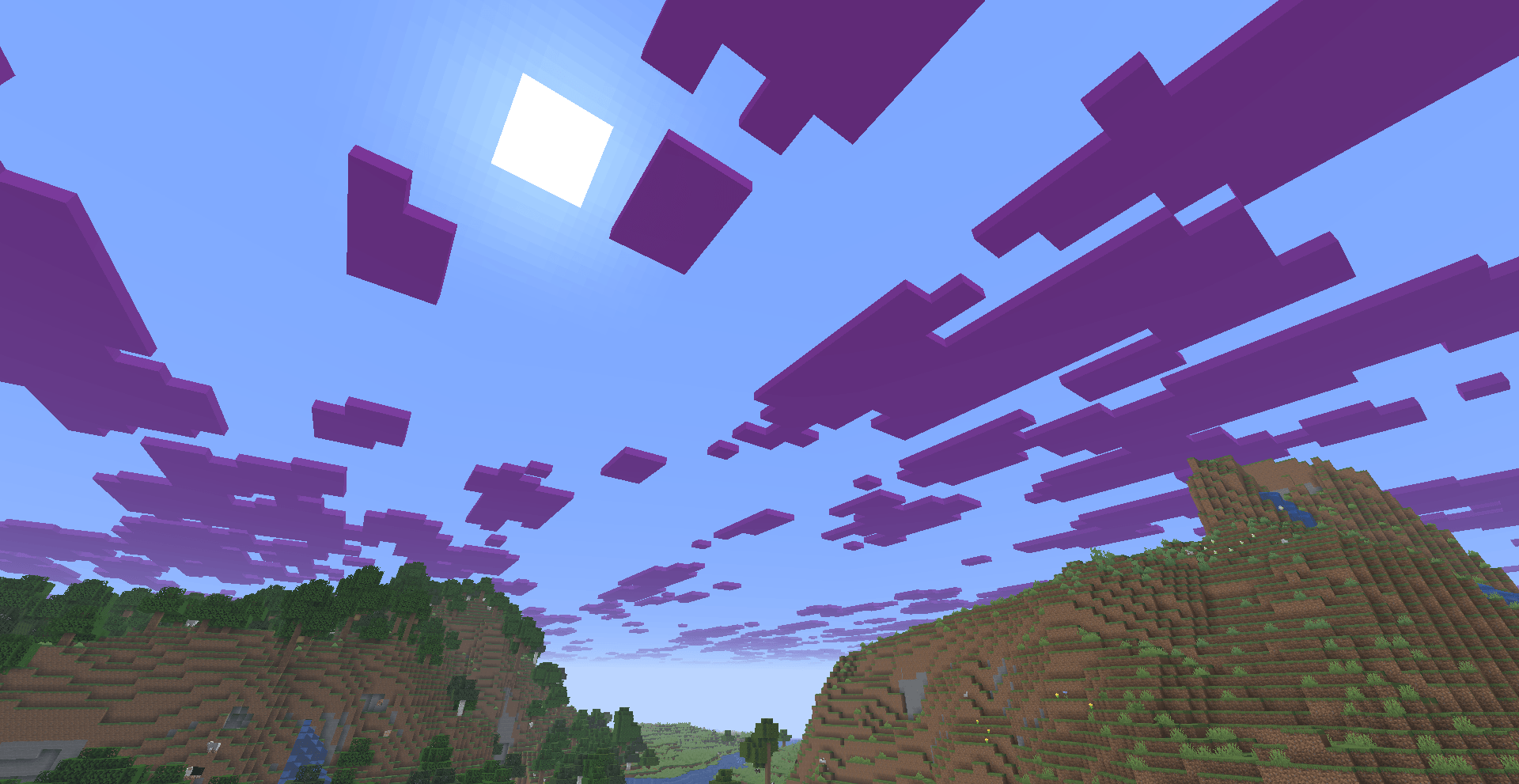
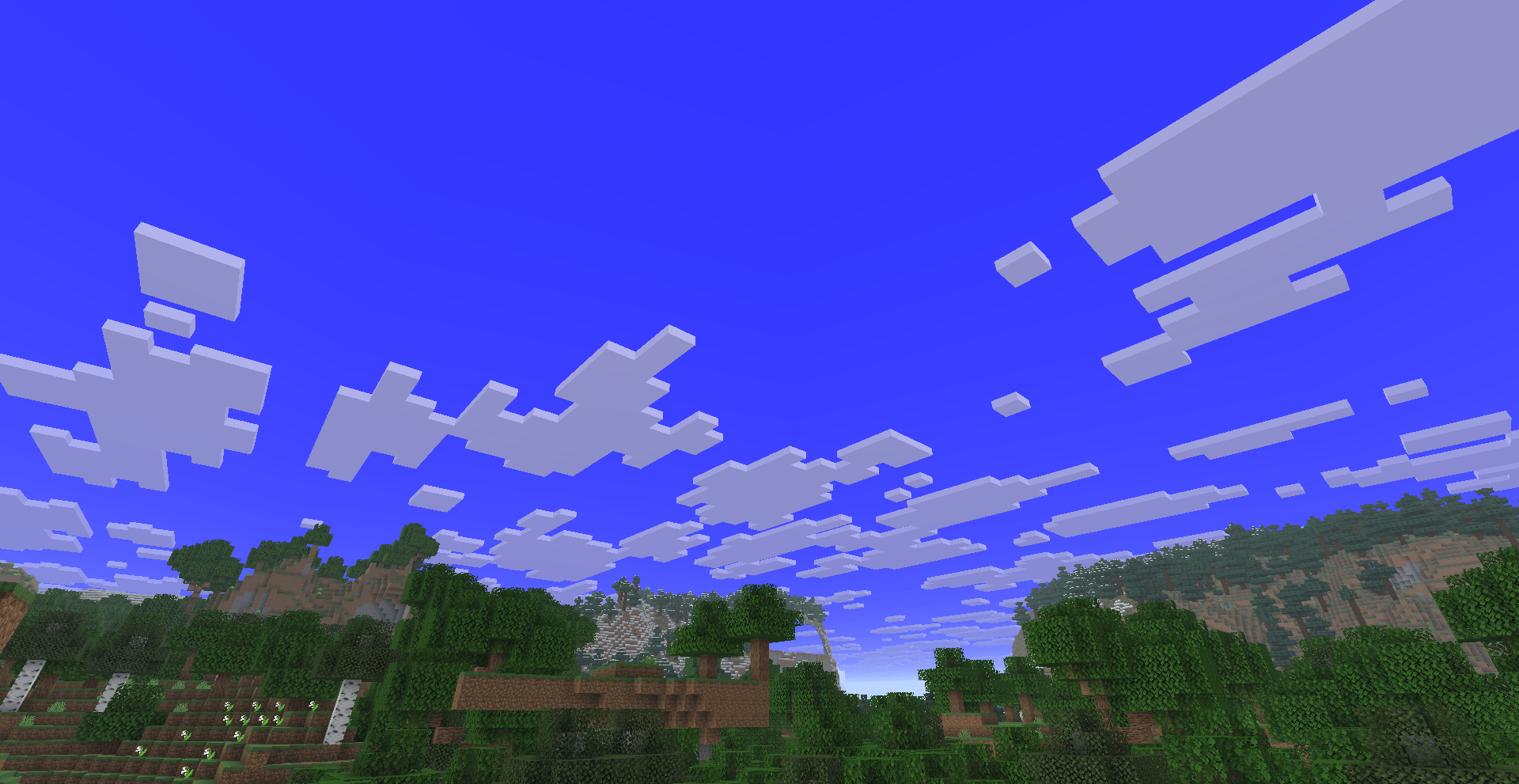
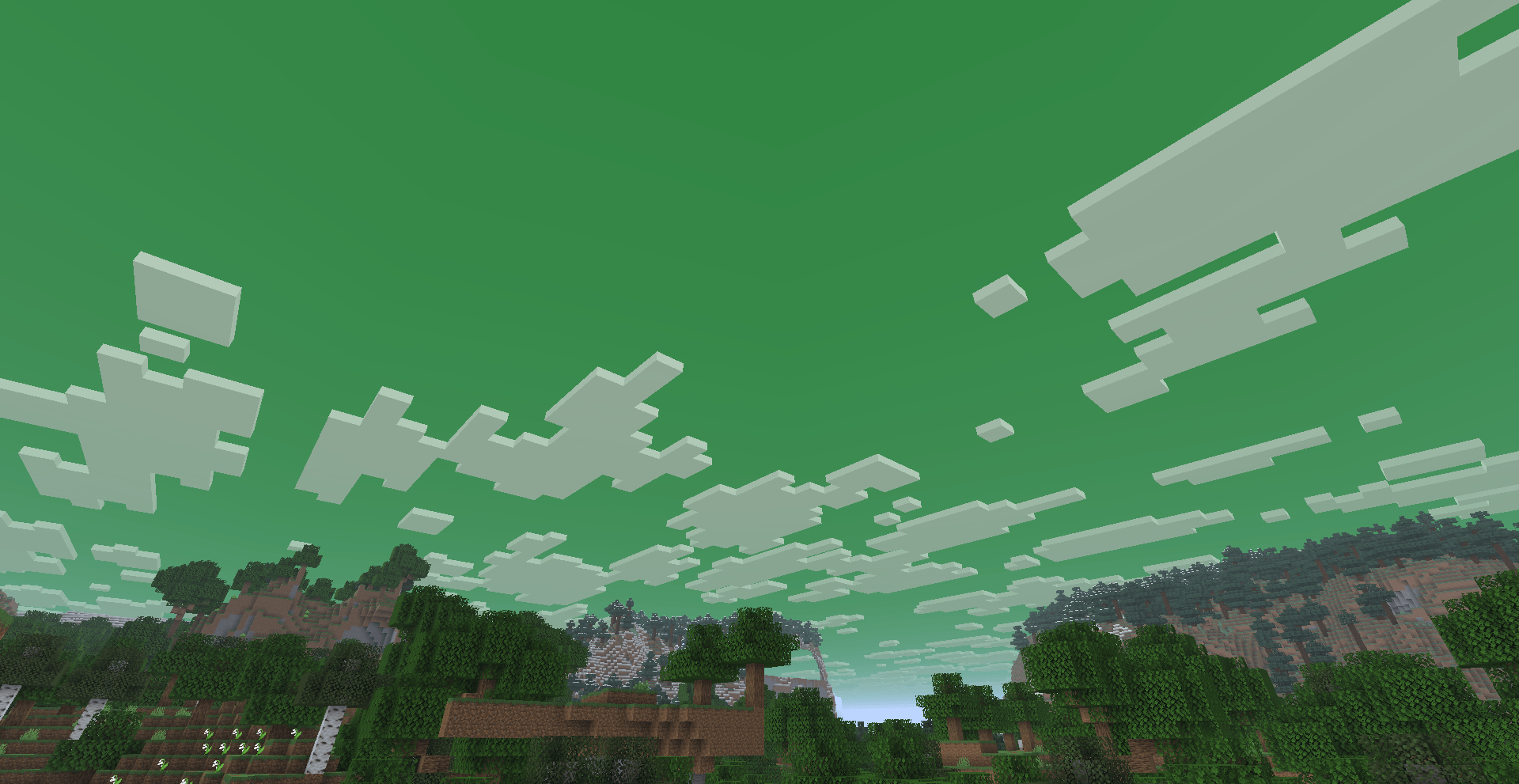
- Sky: Override the sky color with any RGB value
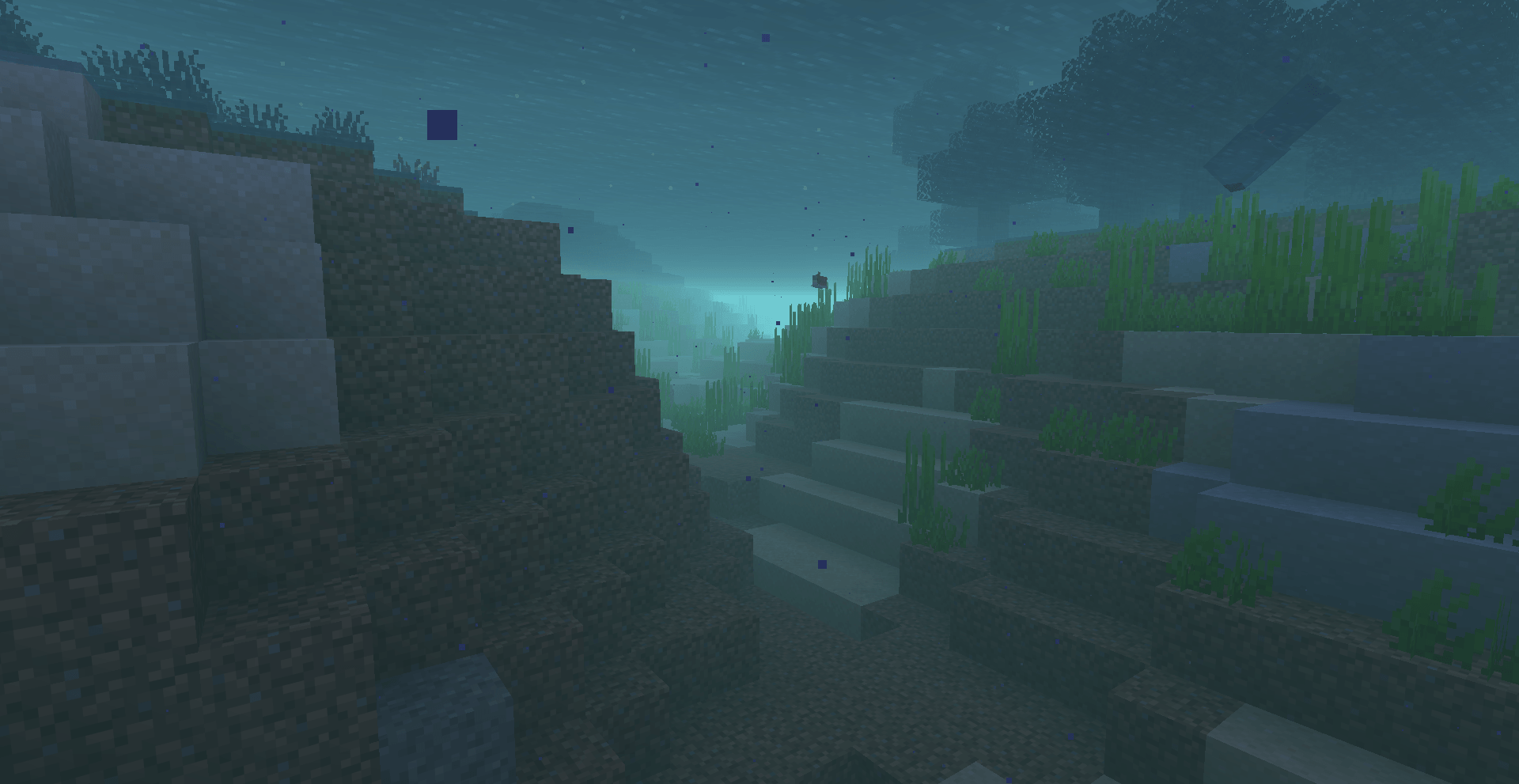
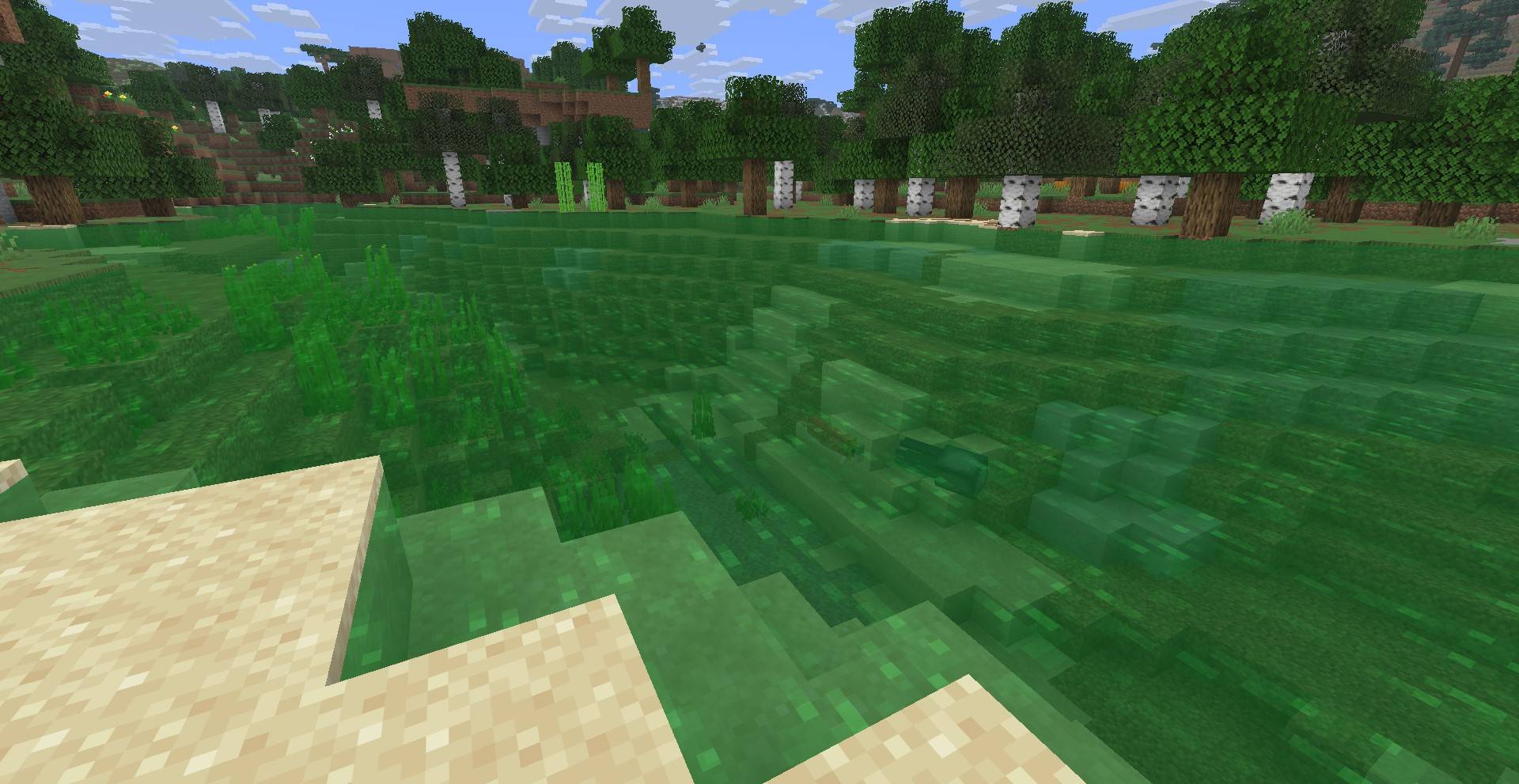
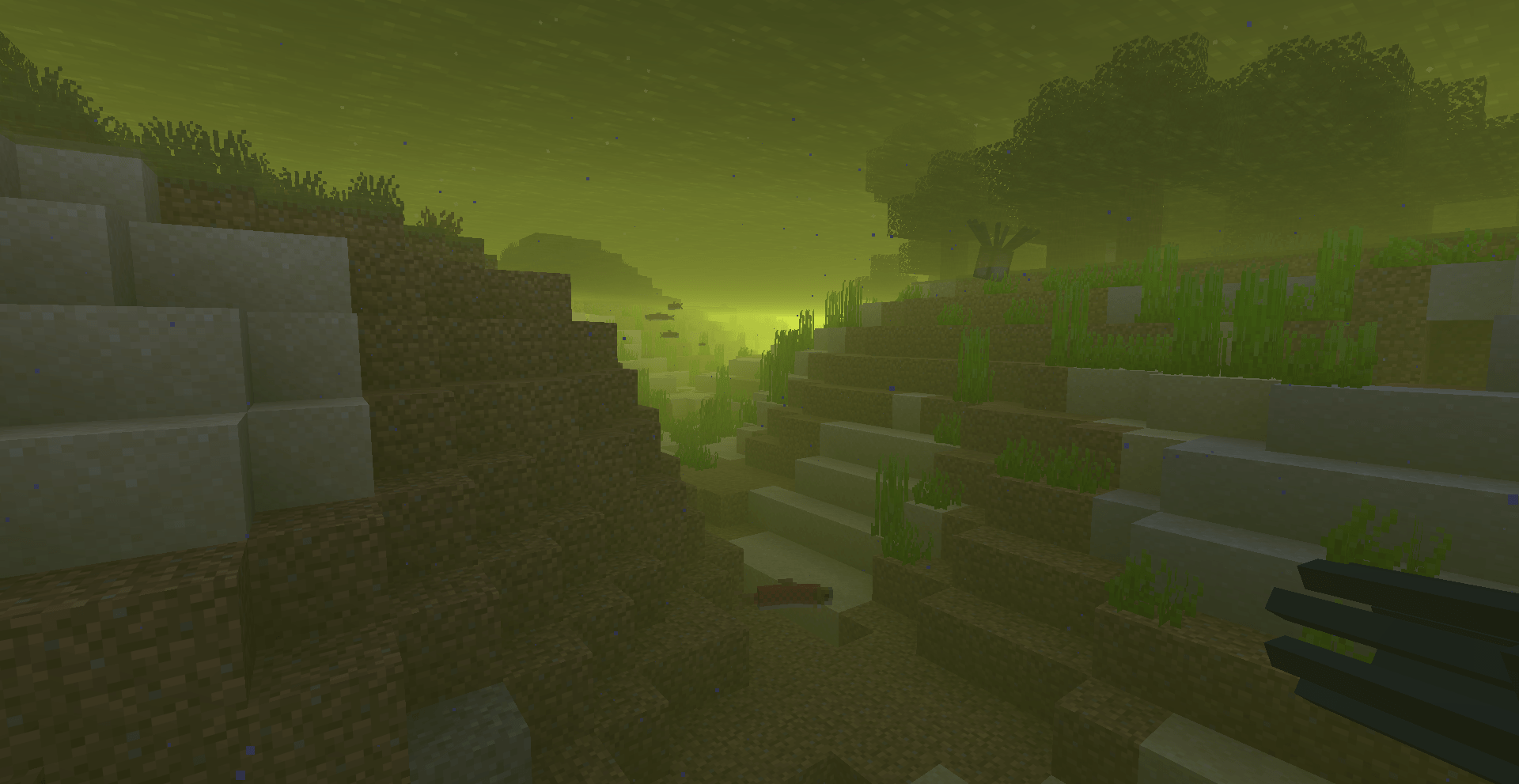
- Water: Change water color across all biomes (surface & underwater fog)
- Clouds: Customize cloud color with full ARGB control
- Sun: Tint the sun with custom colors
- Moon: Recolor the moon independently
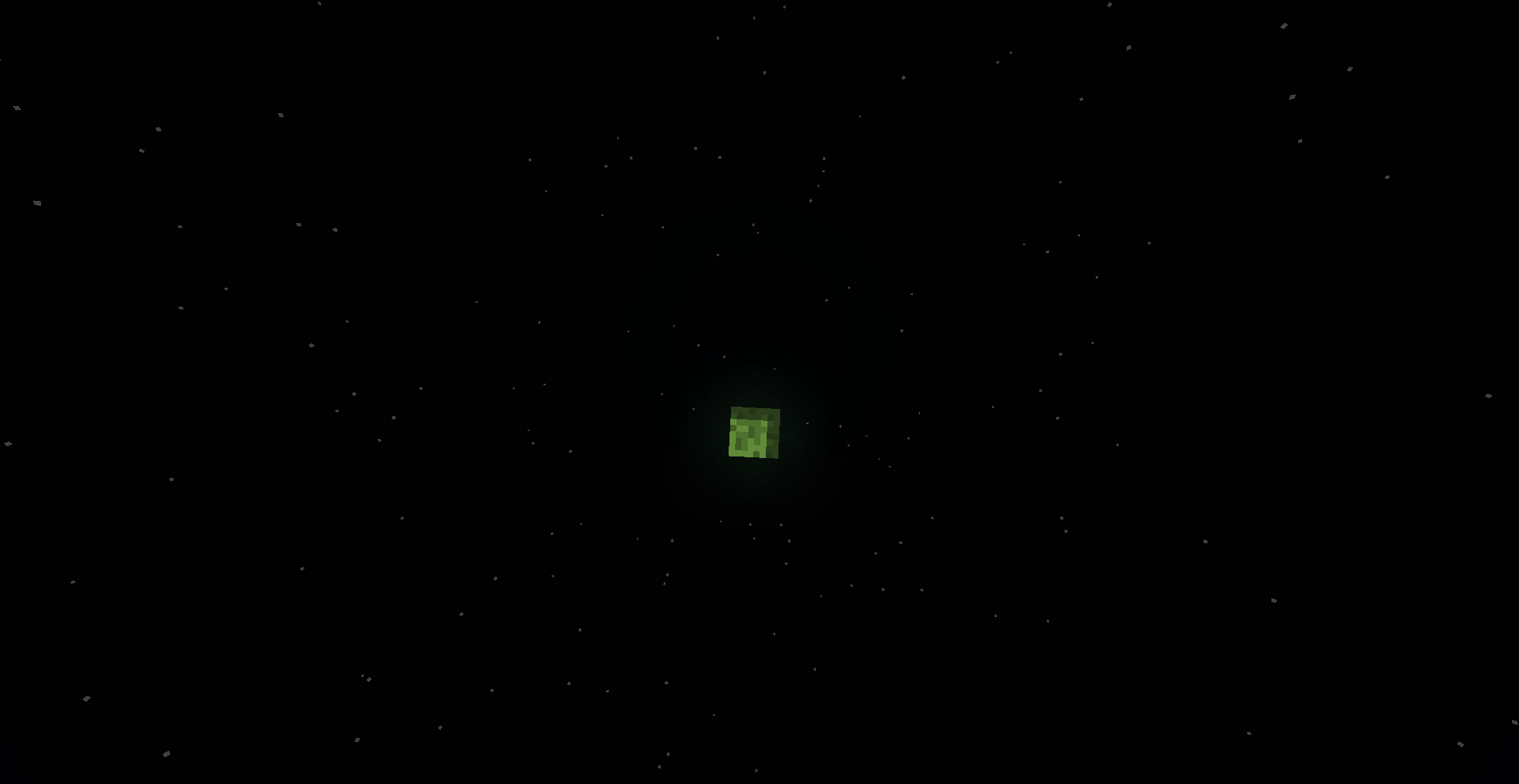
- Stars: Adjust star colors while preserving natural brightness
- Fog: Full fog color override with independent fog intensity system
- Torch Particles: Change the color of torch flame particles
⚙️ Features
- All features default to vanilla — nothing changes until you want it to
- Every feature has its own independent toggle
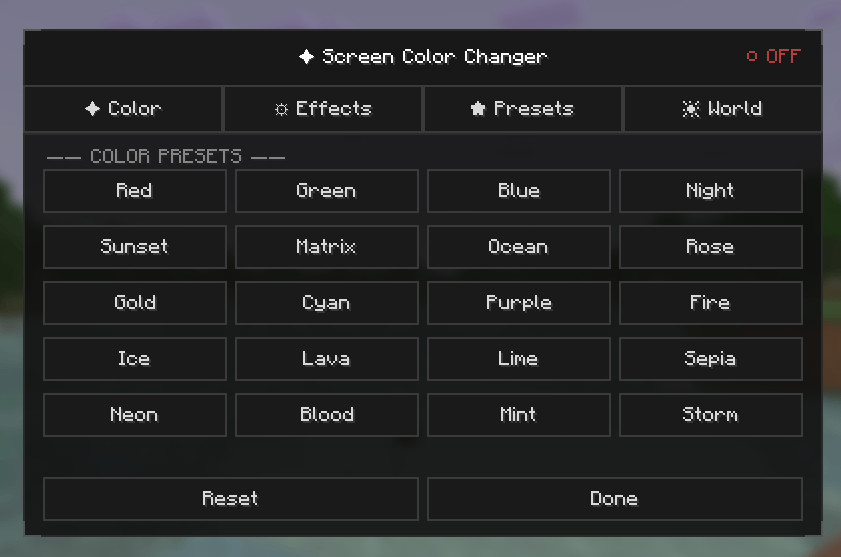
- Beautiful dark-themed UI with tabbed layout (Color, Effects, Presets, World)
- Scrollable interface for easy access to all settings
- 5 built-in presets: Warm Sunset, Cool Blue, Matrix Green, Sepia Film, Neon Purple
- Robust auto-save system — settings are never lost
- Press K to open the settings screen (configurable keybind)
🎮How to Use
- After installing the mod correctly, follow these steps:
- Launch Minecraft using Fabric Loader.
- Enter any world (Singleplayer or Multiplayer).
- Press the K key on your keyboard.
- The ColorOverlay settings screen will open instantly.
This is a purely client-side mod — no server installation needed. Safe for multiplayer!
常见问题
ColorOverlay 支持哪些 Minecraft 版本?
ColorOverlay 支持 Minecraft Java 版 1.21.10–1.21.11,共 2 个版本,可用的加载器:Fabric。下载时注意选择和你游戏版本一致的文件。
ColorOverlay 怎么安装?
先用 PCL2 或 HMCL 启动器安装对应版本的 Fabric,再把下载的 .jar 文件放进游戏目录的 mods 文件夹,重新启动游戏即可。开启了版本隔离的,mods 文件夹在 versions/版本名 下面。
IXSG 的其他作品
查看全部 →
Luminara Shader
用空灵之美与电影级光照,彻底改变你的 Minecraft 世界。支持体积云、金色氛围色调、清晰通透的下界画面,以及充满魔法感的末地效果。

Luminara Shader – Rebuilt
体验增强视觉效果之美,惊艳的云层系统与令人叹为观止的光照效果,将你的 Minecraft 世界化为杰作。

Luminara Shader spooky
把你的Minecraft世界变成令人毛骨悚然的万圣节噩梦。包含诡异雾气、低饱和度的恐怖色调、压抑的阴影和阴森的特效。
Reflexa
Reflexa:一款进阶版 Minecraft 光影,拥有动态体积云、逼真的水体效果、更出色的光照、阴影与反射、大气效果、圆形太阳与月亮、泛光、动态模糊和可自定义色彩,并针对性能进行了优化。
评论
登录后评论和评分