
Bingo overlay
Adds a bingo overlay to the play.bingomc.net server to make card viewing easy
介绍
An upgrade to the play.bingomc.net server’s /search command which makes it easier to see what is on your card via an overlay.
Press m to edit card size + position, and get access to sliders on the bottom left to edit icon and text size. Also in this mode, hovering your cursor over an item shows the crafting recipe for it, and right clicking on an item on the card marks it as completed in the event that you accidentally reset the card midgame or something didn’t register.
Press n to hide/show the card overlay.
Press v to hide/show the map in your offhand.
(old) 1.21.11 only: Auto reroll card feature: If playing on singleplayer, then when in ‘m’ mode, hovering over an item and pressing ‘p’ on it adds it to a blacklist which you can view by pressing ‘p’ (right clicking an item on the blacklist removes it from blacklist), pressing ‘O’ auto generates new cards until one without any items on your blacklist appears in which it will play a ringing sound to alert you.
Keybinds can be customised in control settings uner bingo overlay.
常见问题
Bingo overlay 支持哪些 Minecraft 版本?
Bingo overlay 支持 Minecraft Java 版 1.21.3–26.3,共 5 个版本,可用的加载器:Fabric / Forge。下载时注意选择和你游戏版本一致的文件。
Bingo overlay 怎么安装?
先用 PCL2 或 HMCL 启动器安装对应版本的 Fabric / Forge,再把下载的 .jar 文件放进游戏目录的 mods 文件夹,重新启动游戏即可。开启了版本隔离的,mods 文件夹在 versions/版本名 下面。
jamiebingot9 的其他作品
查看全部 →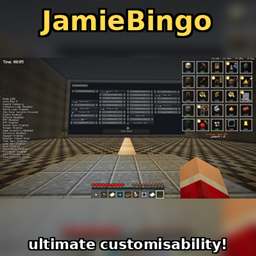
JamieBingo
A bingo mod containing every obtainable item and over 500 custom quest goals using a unique rarity and category randomisation system. Features ultimate customisation capabilities, you can essensially make your own bingo mod within this bingo mod!

Aeronautics, cute stuff, and dinosaurs ROAR
Create aeronautics + jurassic + some cute animal mods
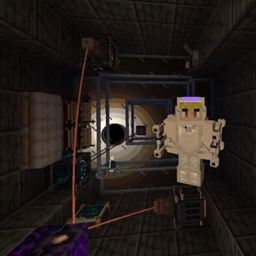
Create: Universe
A create mod addon that literally adds an entirely prodecurally generated universe!
评论
登录后评论和评分