Minecraft But.. Floor Changes!
The floor is a lie. Every block around you shifts on a timer — no warning, no pattern, no mercy. What you're standing on right now won't exist in sixty seconds.
截图
介绍
GroundShift
The ground beneath you is a lie.
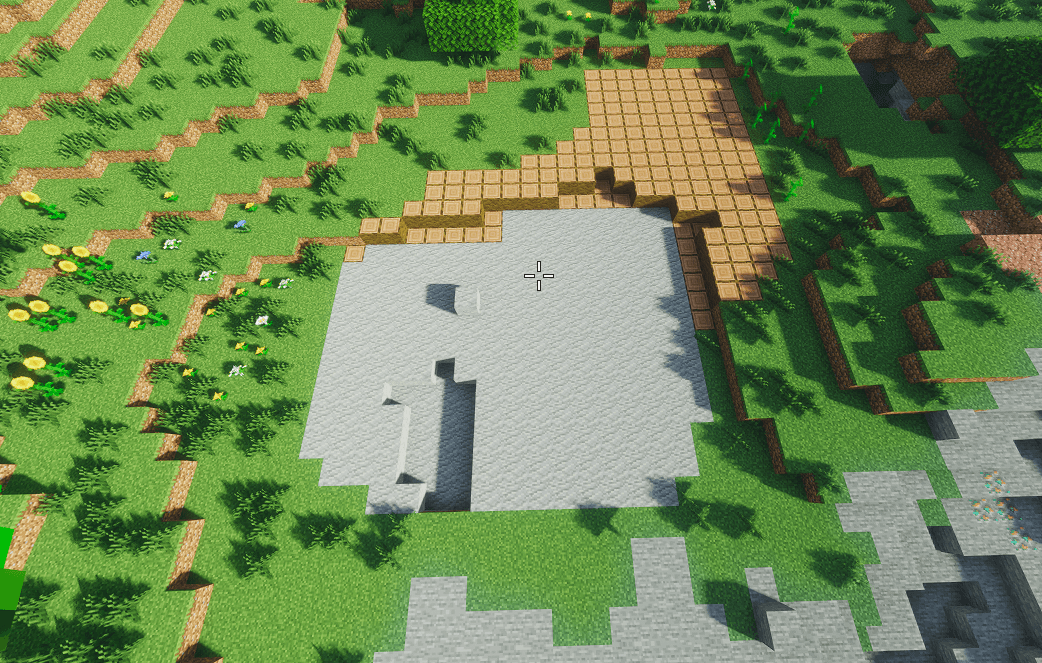
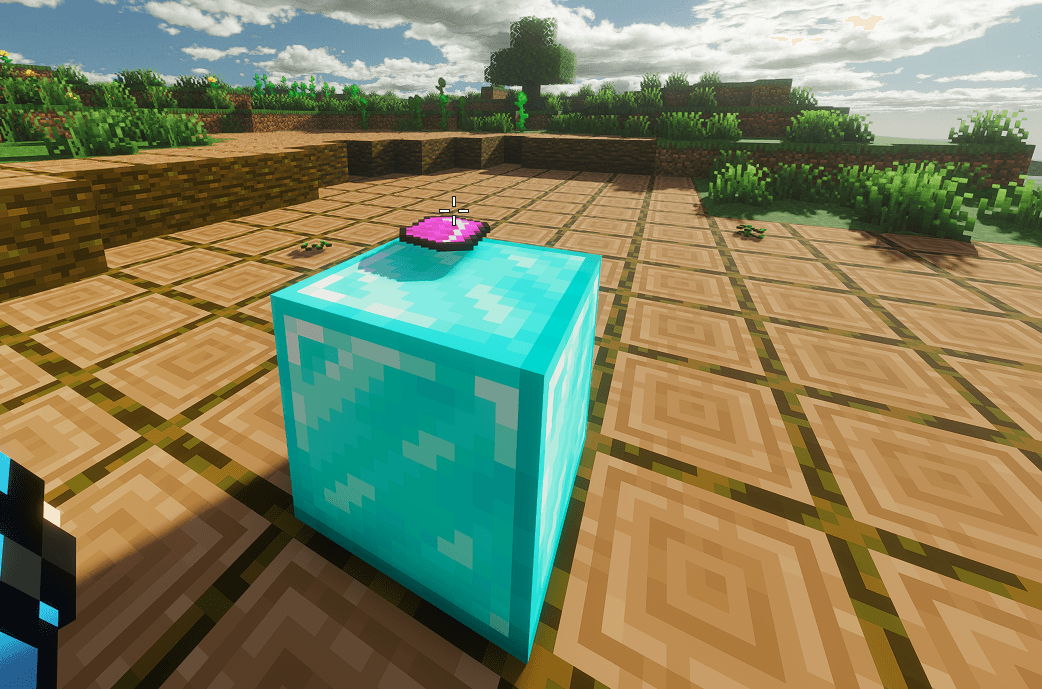
GroundShift turns Minecraft into a world you can never fully trust. A zone locks onto you the moment you’re holding the Reality Controller — and every 60 seconds (or whatever interval you set), every block inside it silently rewrites itself into something new.
Stone becomes sand. Sand becomes obsidian. Obsidian becomes gold. Walk far enough and the shift follows you, quietly chewing through the floor, the walls, the ceiling, and anything buried nearby — before you even notice it’s changed.
No warning. No pattern. Just the ground, gently coming apart at the seams.
✨ Features
- ⏱️ Timed Ground Shifts — Every block in your zone randomizes on a configurable timer (5–300 seconds).
- 📦 True 3D Volume — Not just the floor. The shift now affects a full cube around you — floor, walls, ceiling, and buried blocks alike.
- 🎯 Follows You — Move around and the affected zone tracks your position in real time.
- 🎨 Huge Block Palette — Over 100 possible blocks in rotation, from natural terrain to wool, concrete, ore blocks, and more.
- 💥 Particles & Sound — Reverse-portal particles and an eerie sound cue play with every shift (optional).
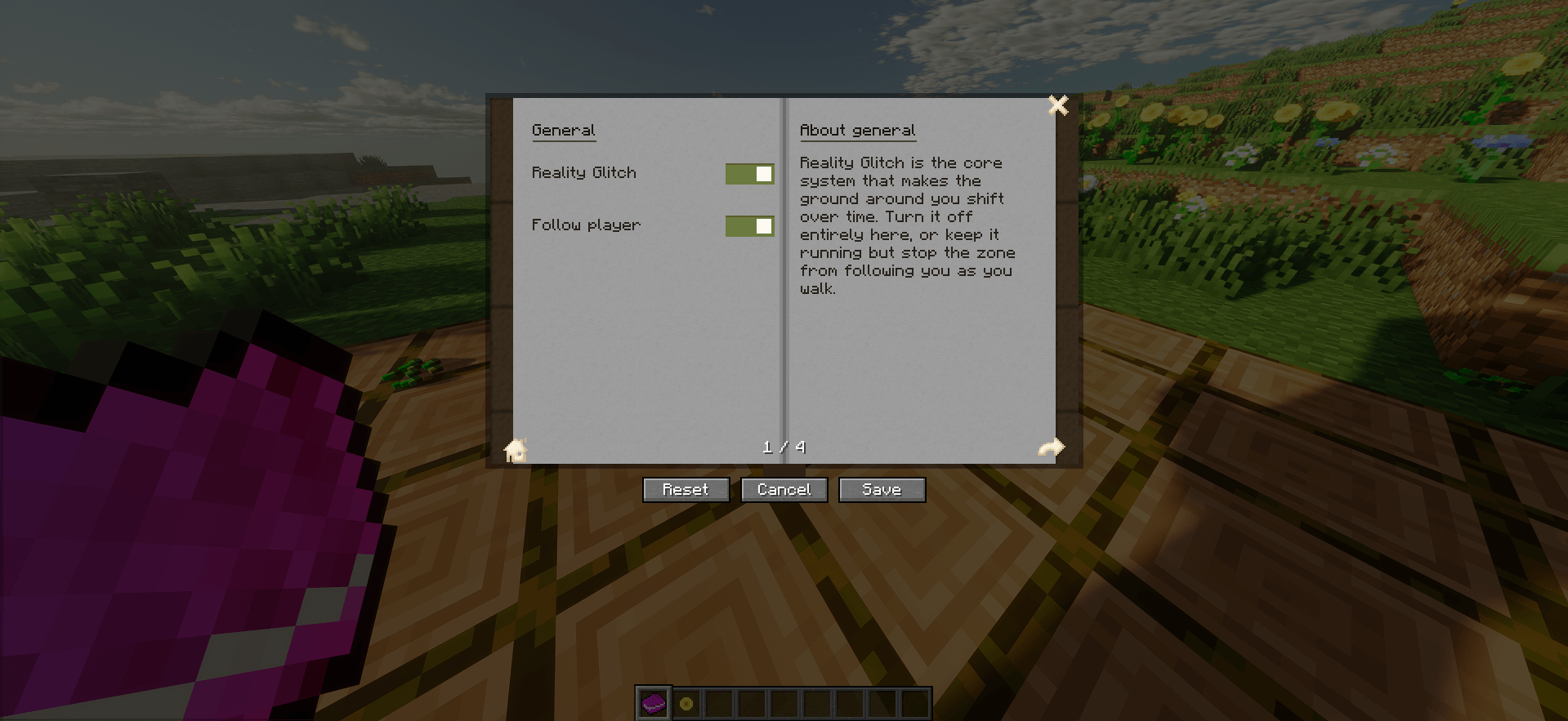
- 📖 In-Game Config Book — Right-click the Reality Controller to open a settings book and tweak everything live — no config files, no restarts.
⚙️ Configurable Settings
| Setting | What it does |
|---|---|
| Ground Shift | Master on/off switch |
| Follow Player | Zone tracks you as you move |
| Zone Size | How large the affected cube is |
| Shift Interval | How often blocks randomize |
| Particles / Sounds | Toggle the visual and audio feedback |
💭 Why?
Because permanence is overrated. Because your base should never feel finished. Because the best horror isn’t a monster — it’s the quiet realization that the wall behind you used to be a different color.
Nothing here is permanent. Not even the ground.
常见问题
Minecraft But.. Floor Changes! 支持哪些 Minecraft 版本?
Minecraft But.. Floor Changes! 支持 Minecraft Java 版 1.21,可用的加载器:Fabric。下载时注意选择和你游戏版本一致的文件。
Minecraft But.. Floor Changes! 怎么安装?
先用 PCL2 或 HMCL 启动器安装对应版本的 Fabric,再把下载的 .jar 文件放进游戏目录的 mods 文件夹,重新启动游戏即可。开启了版本隔离的,mods 文件夹在 versions/版本名 下面。
Shubham96 的其他作品
查看全部 →
Auto-Attibute-Swap
每次暴击时,都会在同一个服务器刻内自动快速切换:剑 → 重锤 → 剑。将剑的攻击速度与重锤的完整伤害,以及破甲和密度附魔效果结合起来。按 G 切换。不会出现画面不同步。

Grass Drops Op Items
Break Grass - Get Op Loot!

Crystal PvP INV Organizer!
⚡ Instant inventory sorting built for CPvP speed, clutch moments, and time efficiency.
评论
登录后评论和评分