
截图

介绍
FasterElytras
=============
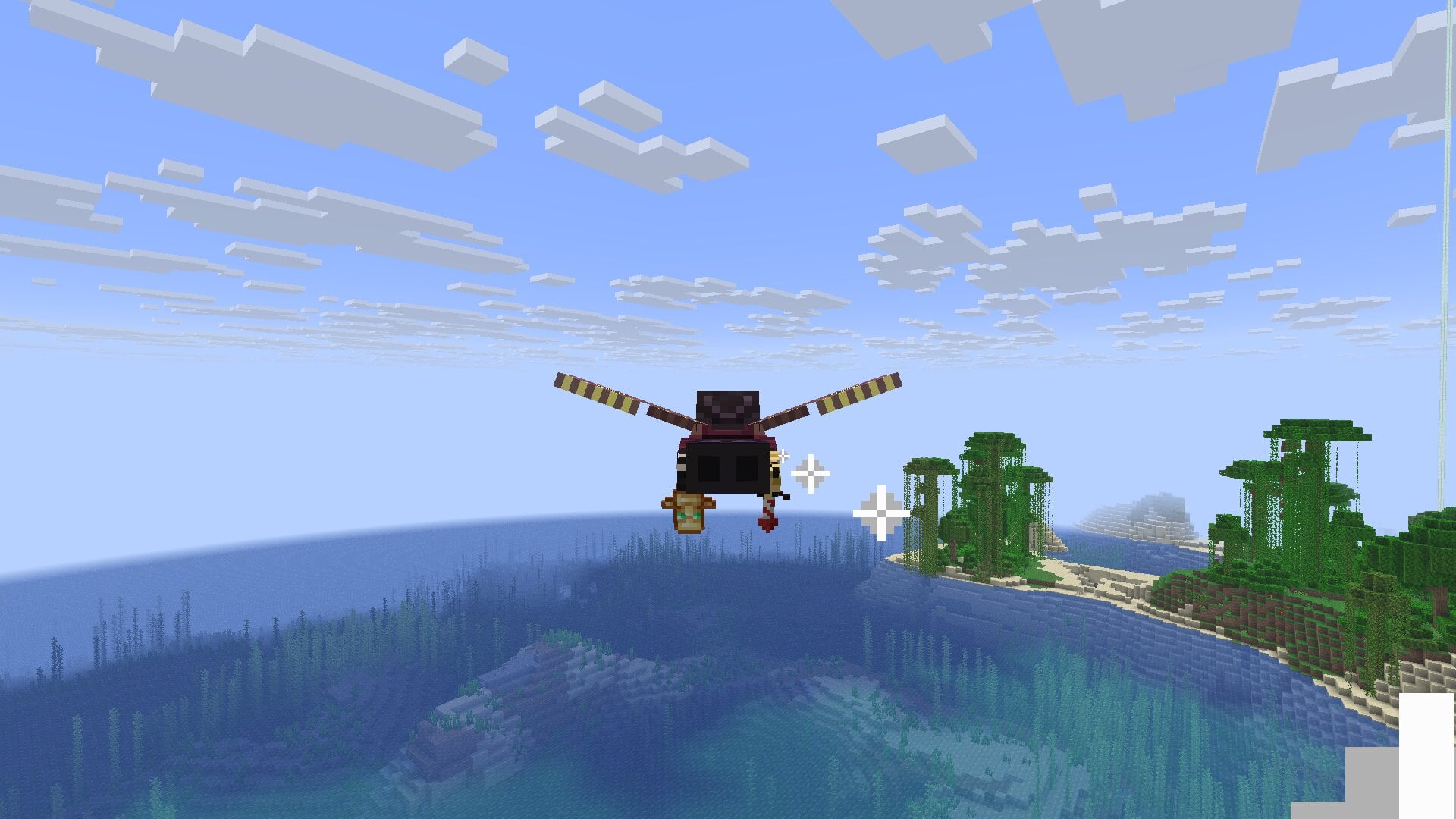
FasterElytras is a Minecraft Fabric mod that enhances elytra flight mechanics
with customizable speed control. The mod allows players to configure rocket flight
speed based on altitude or set fixed speeds, providing a more dynamic and
personalized flying experience.
Key Features
- Altitude-based Speed Control: Flight speed automatically adjusts based on your Y-level
- Customizable Speed Ranges: Set minimum and maximum speeds with precise height thresholds
- Real-time Speedometer: Optional HUD display showing current flight speed
- Flexible Configuration: In-game GUI and command-based configuration
- Vertical Speed Calculation: Optional inclusion of vertical movement in speed calculations
- Rocket Boost Enhancement: Improved firework rocket boosts for better acceleration
Perfect for players who want more control over their elytra flight performance,
whether for travel, exploration, or minigame mechanics.
Configuration Commands
All commands require OP permission (level 2):
View Current Configuration:
/fasterelytras config show
Modify Settings:
Enable/disable altitude-based speed
/fasterelytras config set altitudeDeterminesSpeed
Set speed thresholds
/fasterelytras config set minSpeed
/fasterelytras config set maxSpeed
Set height thresholds
/fasterelytras config set minHeight
/fasterelytras config set maxHeight
Toggle speedometer HUD (only client)
/fasterelytras config set showSpeedometer
Toggle vertical speed calculation (only client)
/fasterelytras config set enableVertical
Reset to Defaults:
/fasterelytras config reset
In-Game GUI
Access the configuration screen via Mod Menu:
- Go to Mods menu
- Find “FasterElytras”
- Click “Config icon” to open the settings interface
Default Values
- Altitude Determines Speed: true
- Min Speed: 36.0
- Max Speed: 39.0
- Min Height: 0.0
- Max Height: 256.0
- Show Speedometer: false
- Enable Vertical: false
常见问题
FasterElytras 支持哪些 Minecraft 版本?
FasterElytras 支持 Minecraft Java 版 1.21.8–26.3,共 9 个版本,可用的加载器:Fabric。下载时注意选择和你游戏版本一致的文件。
FasterElytras 怎么安装?
先用 PCL2 或 HMCL 启动器安装对应版本的 Fabric,再把下载的 .jar 文件放进游戏目录的 mods 文件夹,重新启动游戏即可。开启了版本隔离的,mods 文件夹在 versions/版本名 下面。运行环境:客户端 / 服务端。
评论
登录后评论和评分