
Manyoo Menu
In-game admin panel for NeoForge servers with player management, inventory access, kits, and moderation tools — all in a simple GUI.
截图


介绍
🛠️ Manyoo Menu – A complete in-game administration panel
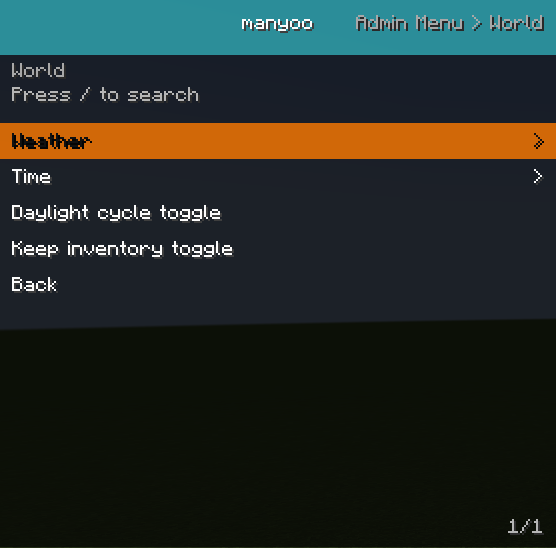
Manyoo Menu is a mod designed to simplify Minecraft server management by providing a fully interactive graphical interface for administrators and moderators.
Instead of relying on complex commands, everything is accessible through a clear and organized in-game menu.
✨ Main Features
📋 Interactive Admin Menu
-
Full in-game GUI
-
Category-based navigation
-
Sub-menus and quick actions
-
Support for toggles, sliders, and custom actions
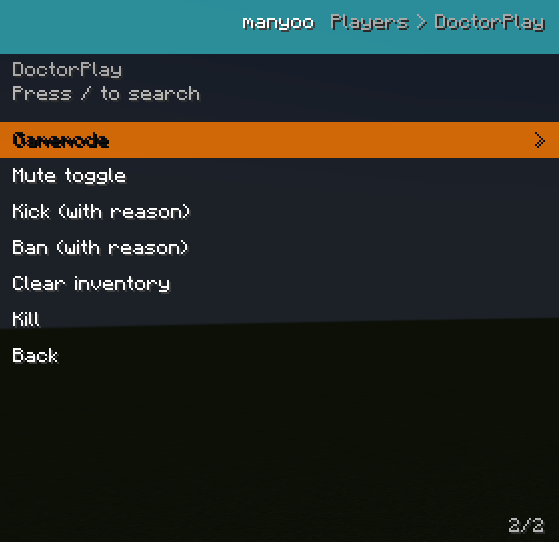
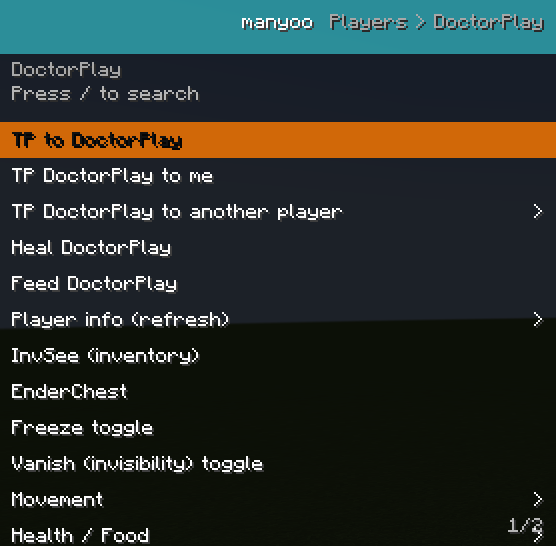
🎒 Player Management
-
InvSee – view and edit a player’s inventory
-
EnderSee – access a player’s ender chest
-
Player data overview
-
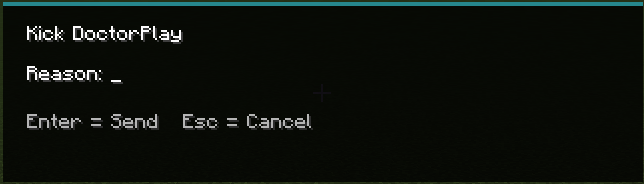
Quick moderation tools
🧊 Moderation Tools
-
Freeze players
-
Quick admin actions
-
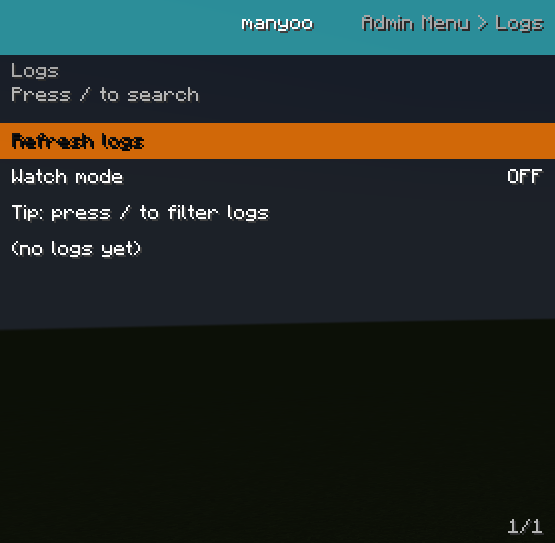
Admin activity logging system
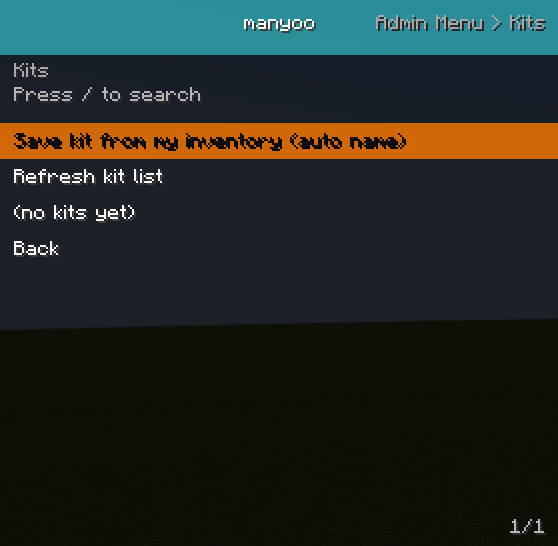
🎁 Kit System
-
Create and manage admin kits
-
Server-side kit configuration
-
Quick kit distribution via the menu
⭐ Favorites & Utilities
-
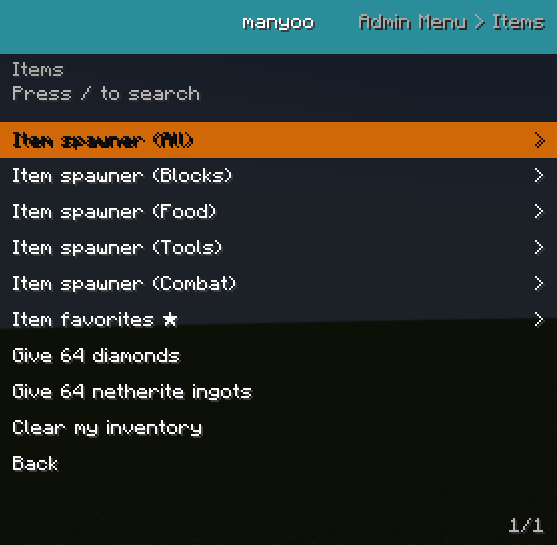
Favorite items system
-
Quick item giving menu
-
Search and filter items easily
📍 Waypoints & Client Tools
-
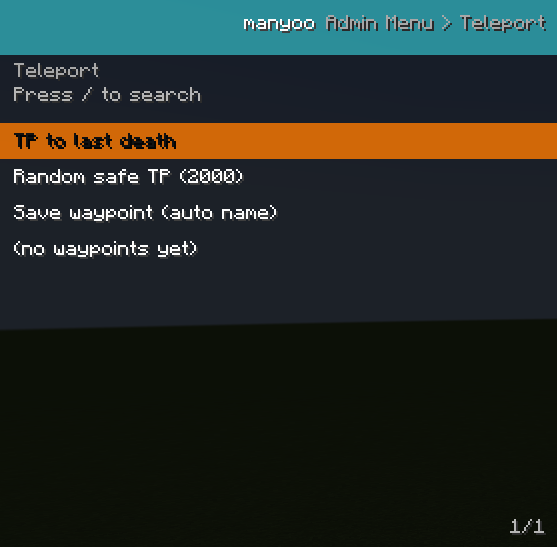
Client-side waypoint system
-
Customizable admin HUD
-
Persistent UI data
🔗 Network & Sync
-
Optimized client ↔ server communication
-
Real-time admin action synchronization
-
Server-side data handling
⚙️ Technical Information
-
✔️ Compatible with NeoForge 1.21.1
-
✔️ Client + Server architecture
-
✔️ Modular and extensible system
-
✔️ Multi-language support (FR / EN)
🎯 Mod Goal
The goal of Admin Menu is to provide a modern alternative to admin commands by making server management:
-
faster ⚡
-
easier 🧠
-
more visual 🎮
🚧 Future Updates
Planned improvements include:
-
Advanced permission system
-
More admin tools
-
Compatibility with other server mods
常见问题
Manyoo Menu 支持哪些 Minecraft 版本?
Manyoo Menu 支持 Minecraft Java 版 1.21.1,可用的加载器:NeoForge。下载时注意选择和你游戏版本一致的文件。
Manyoo Menu 怎么安装?
先用 PCL2 或 HMCL 启动器安装对应版本的 NeoForge,再把下载的 .jar 文件放进游戏目录的 mods 文件夹,重新启动游戏即可。开启了版本隔离的,mods 文件夹在 versions/版本名 下面。
Docplay 的其他作品
查看全部 →
Blocktrace
BlockTrace is a lightweight block logging and rollback mod for Forge that tracks block changes, container activity, and explosions to help server admins inspect and restore worlds.

Tardis Remote
This mod is designed to allow the use of the control from the mod "Doctor Who TARDIS Reborn."

TARDIS Refined: Bi-Generation ⭐
TARDIS Refined: Bi-Generation — Strike a TARDIS with an axe to split it into two independent TARDIS with the same interior and console.

Roleplay Identity
Adds a roleplay name system that replaces Minecraft usernames with custom first and last names in chat and TAB.
评论
登录后评论和评分