
截图
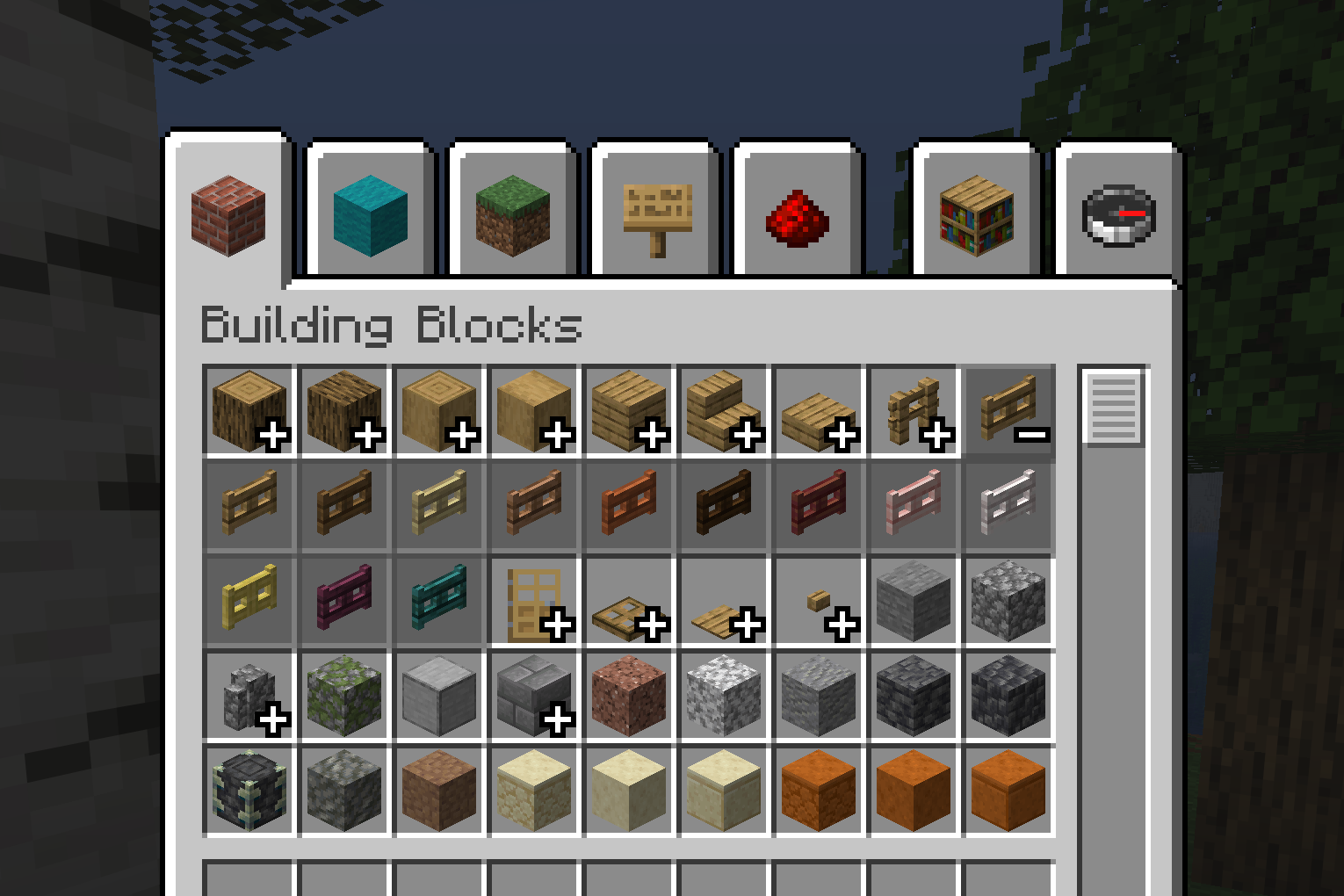
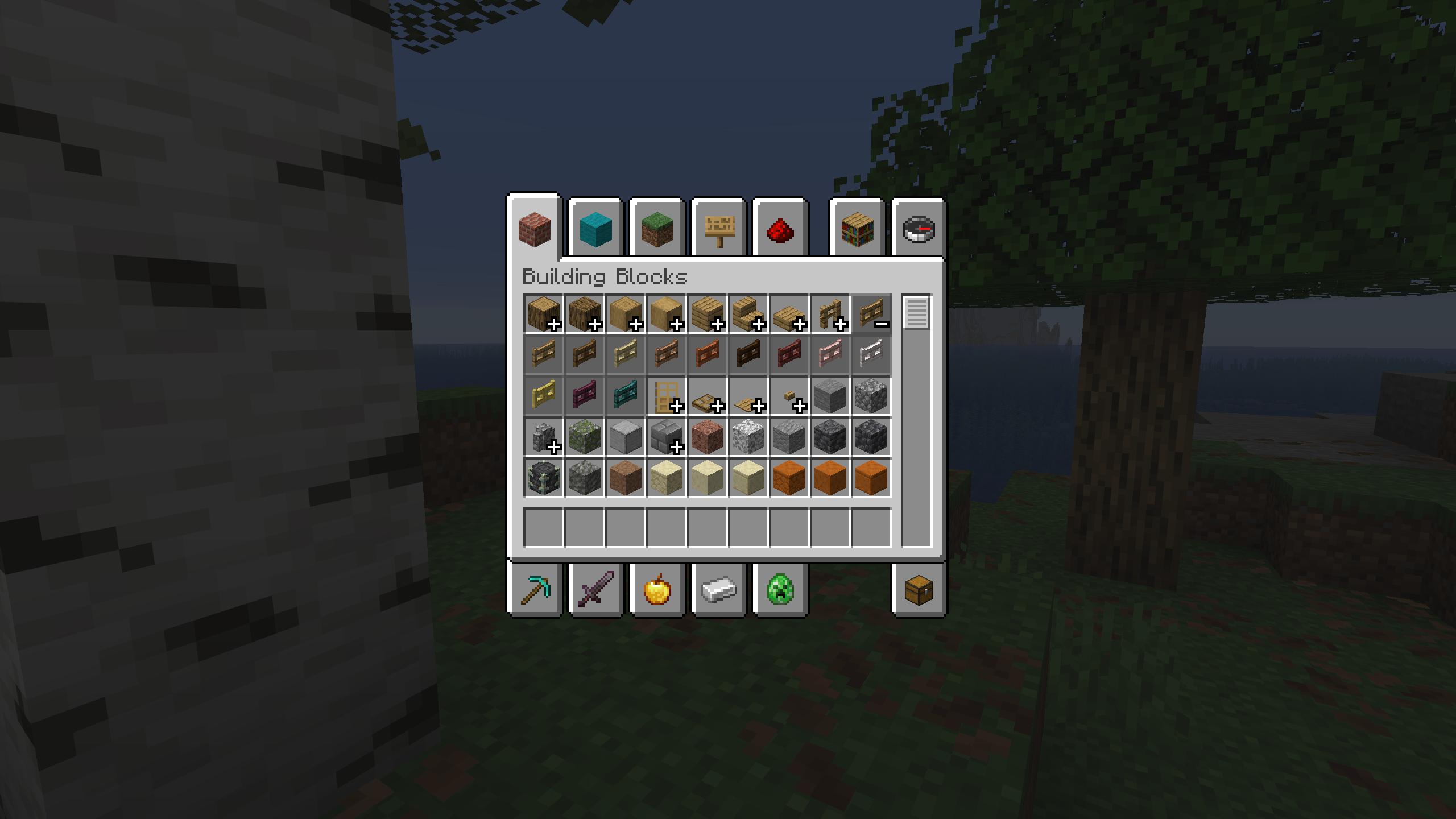
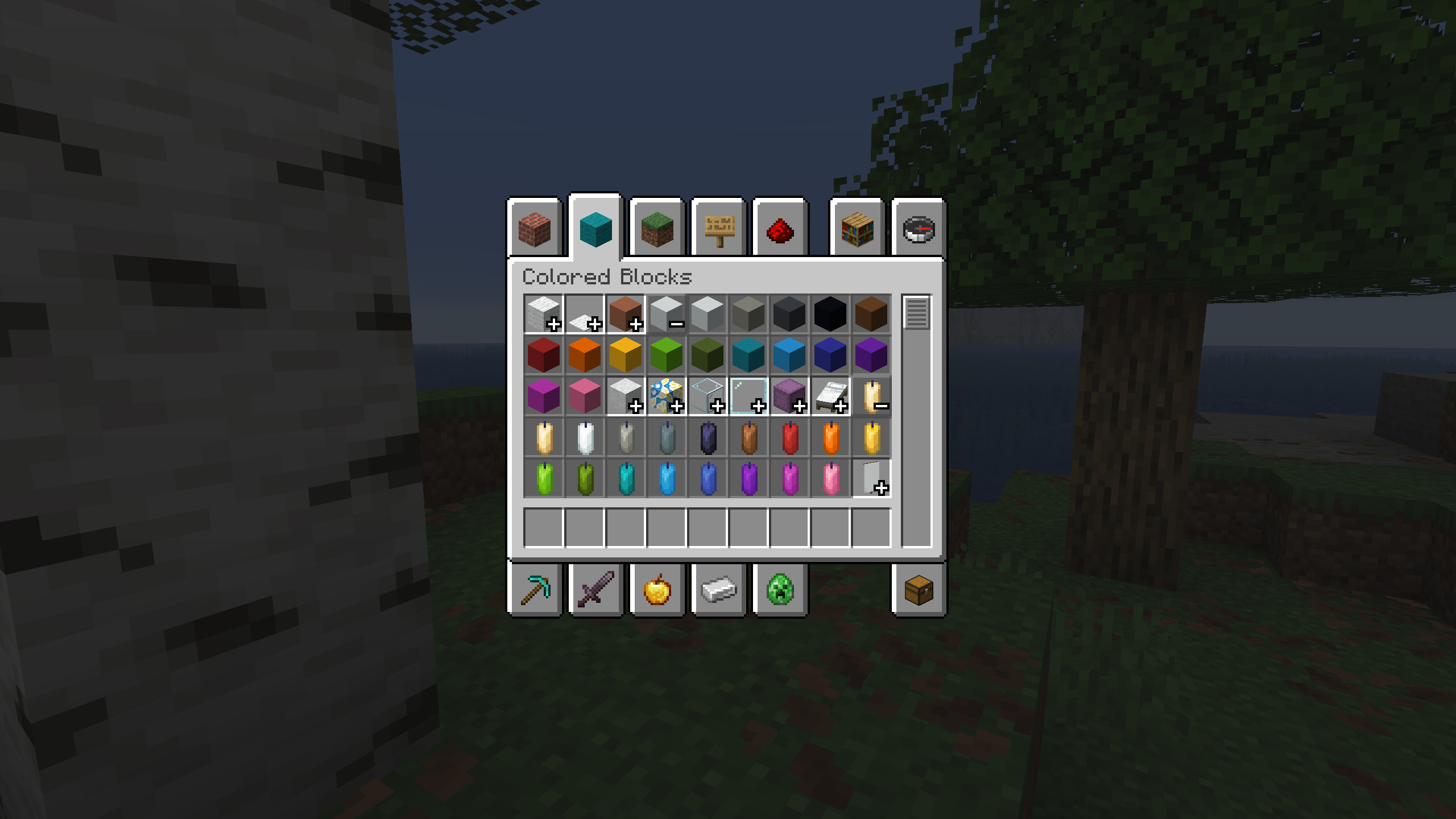
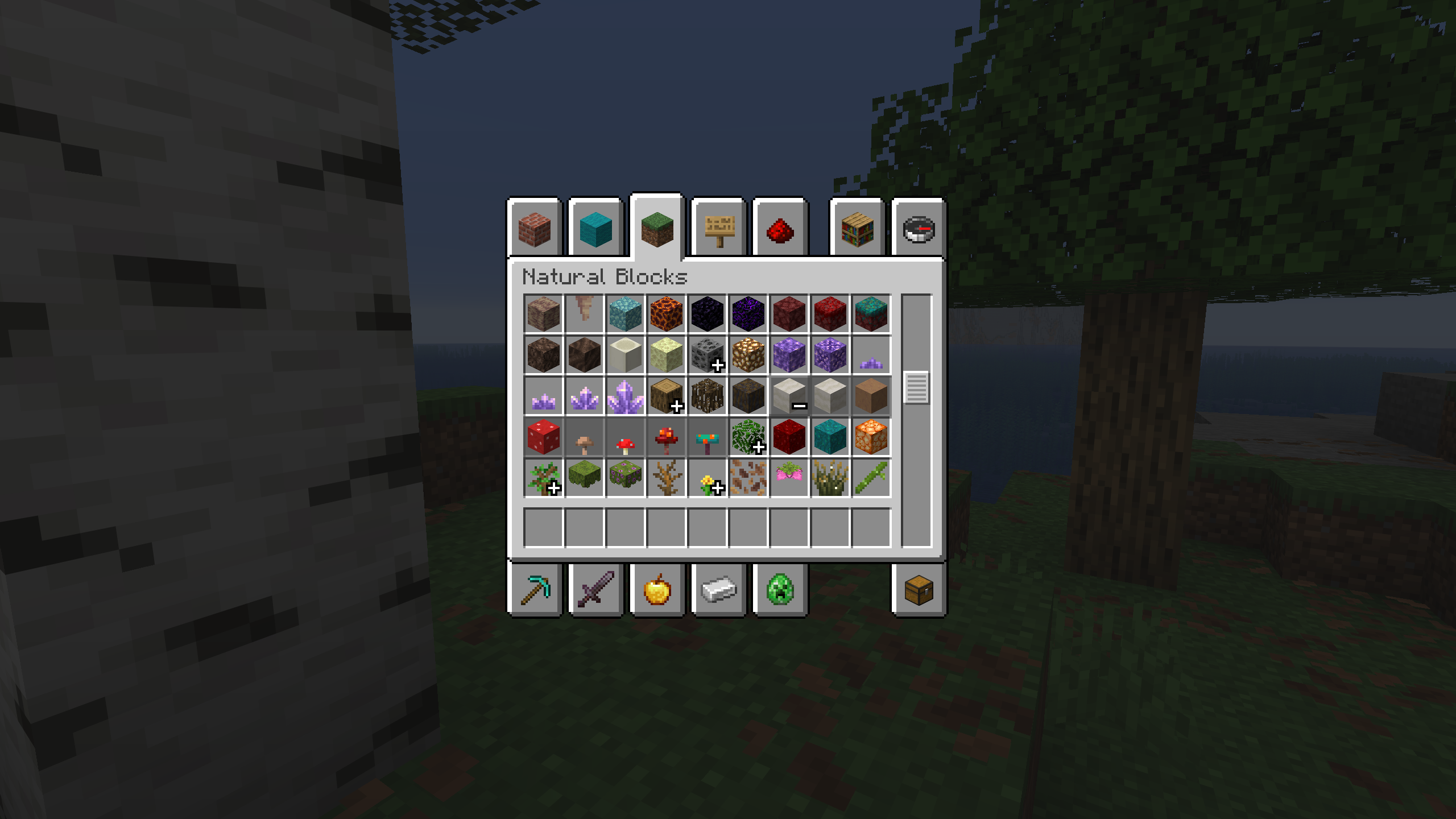
介绍
Inventory Item Groups
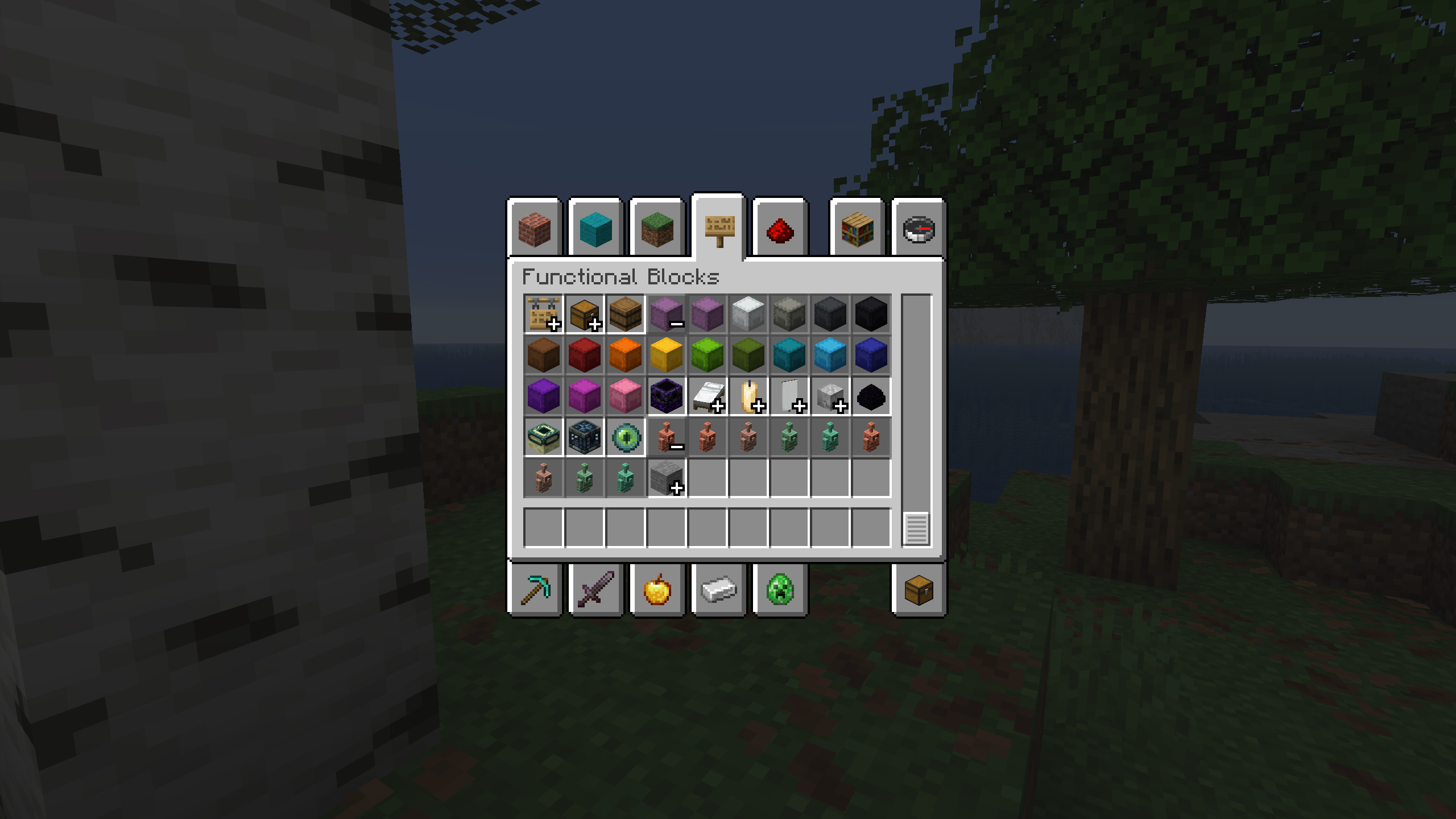
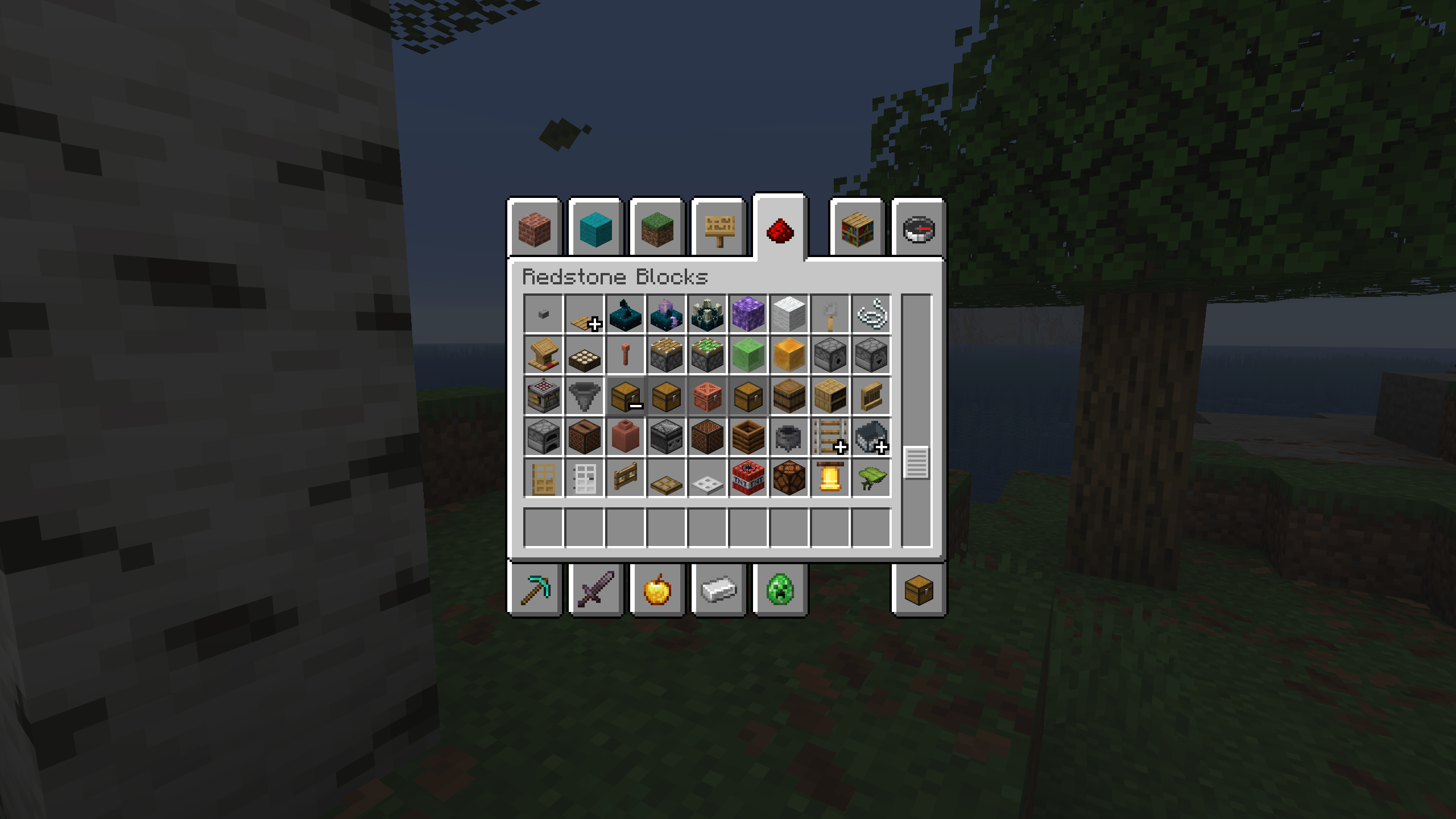
This mod adds item groups to the Creative mode menu. It’s based on a feature from the Bedrock edition.

Usage
To use the mod, simply install it in the mods folder. In Creative mode, press the plus sign to open a group and the minus sign to close it.
The mod has a configuration option. It allows you to customize item sorting within groups and create your own custom item groups that can be used without the default ones.
To add a group to a specific menu tab, find the menu tab IDs on the group settings page, copy the desired one, and enter it in the “Tab ID” field. To add items to this group, enter the item ID displayed in the tooltip (when F3+H is enabled) or part of the ID contained in the item.
Below is an example of adding an item group to the blocks tab in the Cobllemon mod:

Configuration Settings

If desired, you can completely disable the default groups by unchecking the “Add all groups” option.
Another customization option is item sorting within a group. Currently, there are two modes: default and alphabetical.
You can translate the created group. The “Translate Groups” option must be enabled. To do this, create a resource pack and write a translation using the translation key from the example, then change the group name and ID to your own.
Translation example

File path: assets\minecraft\lang\en_us.json
{
  "group_name.inventory_item_groups.random_items": "Randoms"
}
Other
- The Fabric API is required so that the game displays the translation keys instead of their values. This is because Fabric Loader doesn’t load mod resources by default.
🤝 Support

常见问题
Inventory Item Groups 支持哪些 Minecraft 版本?
Inventory Item Groups 支持 Minecraft Java 版 1.20–26.3,共 24 个版本,可用的加载器:Fabric / Forge / NeoForge / Quilt。下载时注意选择和你游戏版本一致的文件。
Inventory Item Groups 怎么安装?
先用 PCL2 或 HMCL 启动器安装对应版本的 Fabric / Forge / NeoForge / Quilt,再把下载的 .jar 文件放进游戏目录的 mods 文件夹,重新启动游戏即可。开启了版本隔离的,mods 文件夹在 versions/版本名 下面。运行环境:仅客户端。
BizCub 的其他作品
查看全部 →
Simple Datapacks
简化数据包的使用

X Ray (no cheats)
在矿洞中更快、更轻松地找到矿石。
X Ray
Find ores in mines faster and easier.

More Xp More Health
Each new level of experience increases the player's overall health. Now the player is invincible!
评论
登录后评论和评分