
截图
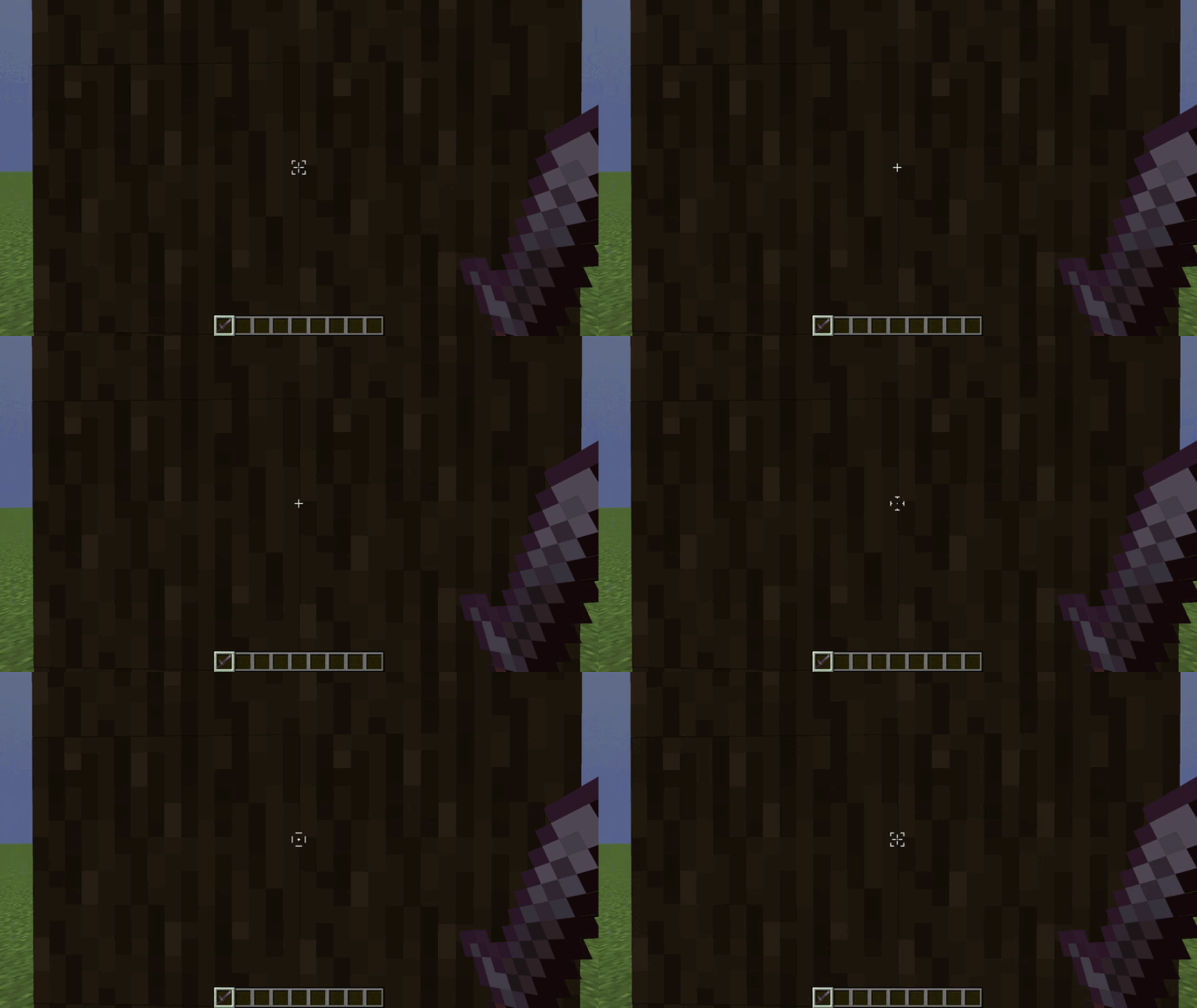
介绍
中文介绍正在准备中,下面暂时显示原文。
Animate Crosshair
Animated design of the minecraft crosshairs
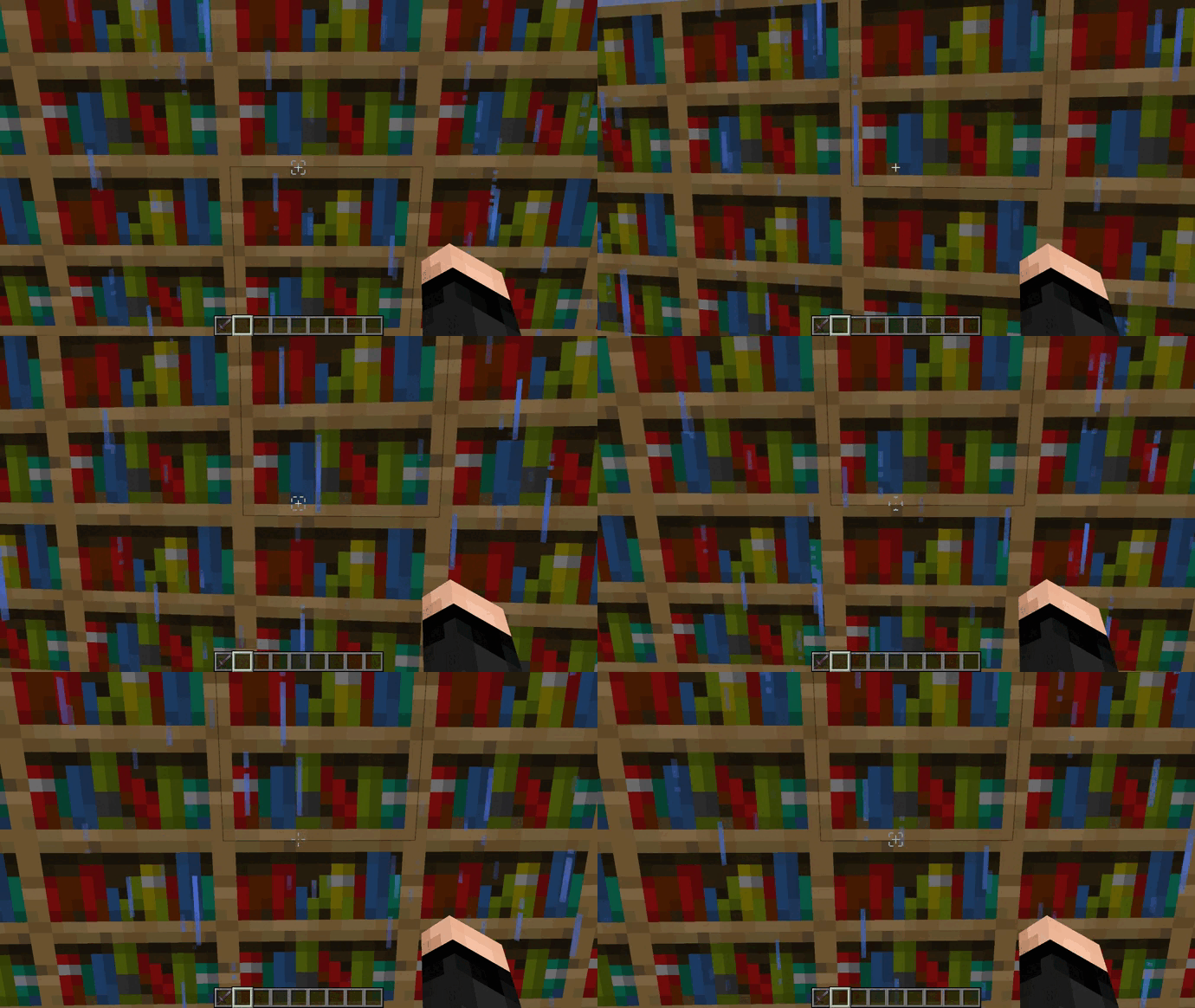
Opcional: Frames configuration:
Spoiler
- Open the .zip file of the texture pack

- Go to path “/assets/minecraft/textures/gui/sprites/hud” and open the crosshair.png.mcmeta file.
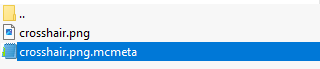
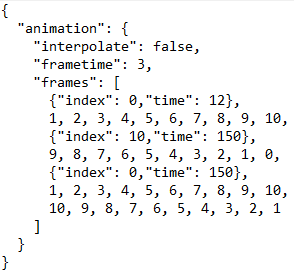
- We’re interested in what’s inside the frame brackets [].
- 0 is the first frame and 10 the last one, you can see this in crosshair.png
- {“index”: 0,”time”: 12} refers to a pause at frame 0 with the time you want.
- 1, 2, 3, 4, 5, 6, 7, 8, 9, 10, is the frame order that the animation will be in.
- You can add or remove frames depending on the animation and pauses you want.
- Don’t forget that everything must be followed by a comma “,” as seen in the image
常见问题
Animate Crosshair 支持哪些 Minecraft 版本?
Animate Crosshair 支持 Minecraft Java 版 1.20–1.21.5,共 12 个版本。下载时注意选择和你游戏版本一致的文件。
Animate Crosshair 怎么安装?
把下载的 .zip 文件(不用解压)放进游戏目录的 resourcepacks 文件夹,进游戏后在「选项 → 资源包」里把它移到右边启用。
Graclyxz 的其他作品
查看全部 →
Many More Ores and Crafts
by Graclyxz
Adds 14 ores and recipes (Swords, Armors, Tools and Blocks)
58.4万
4 个月前
CurseForge

Many More Ores and Crafts
by Graclyxz
Adds 14 ores and recipes (Swords, Armors, Tools and Blocks)
15.5万
4 个月前
Modrinth

Emissive Trim Armors
by Graclyxz
With this resource pack the armor trims are brilliant, no OptiFine required.
3.9万
1 年前
CurseForge

Emissive Trim Armors
by Graclyxz
The armor trims are brilliant, no optifine required.
2.9万
1 年前
Modrinth
评论
登录后评论和评分