Curse Of Abyss
This mod is inspired by the anime Made in Abyss, focusing on replicating the "Abyss Curse" mechanics,As well as two unique items: Cartridge and Star Compass,
截图
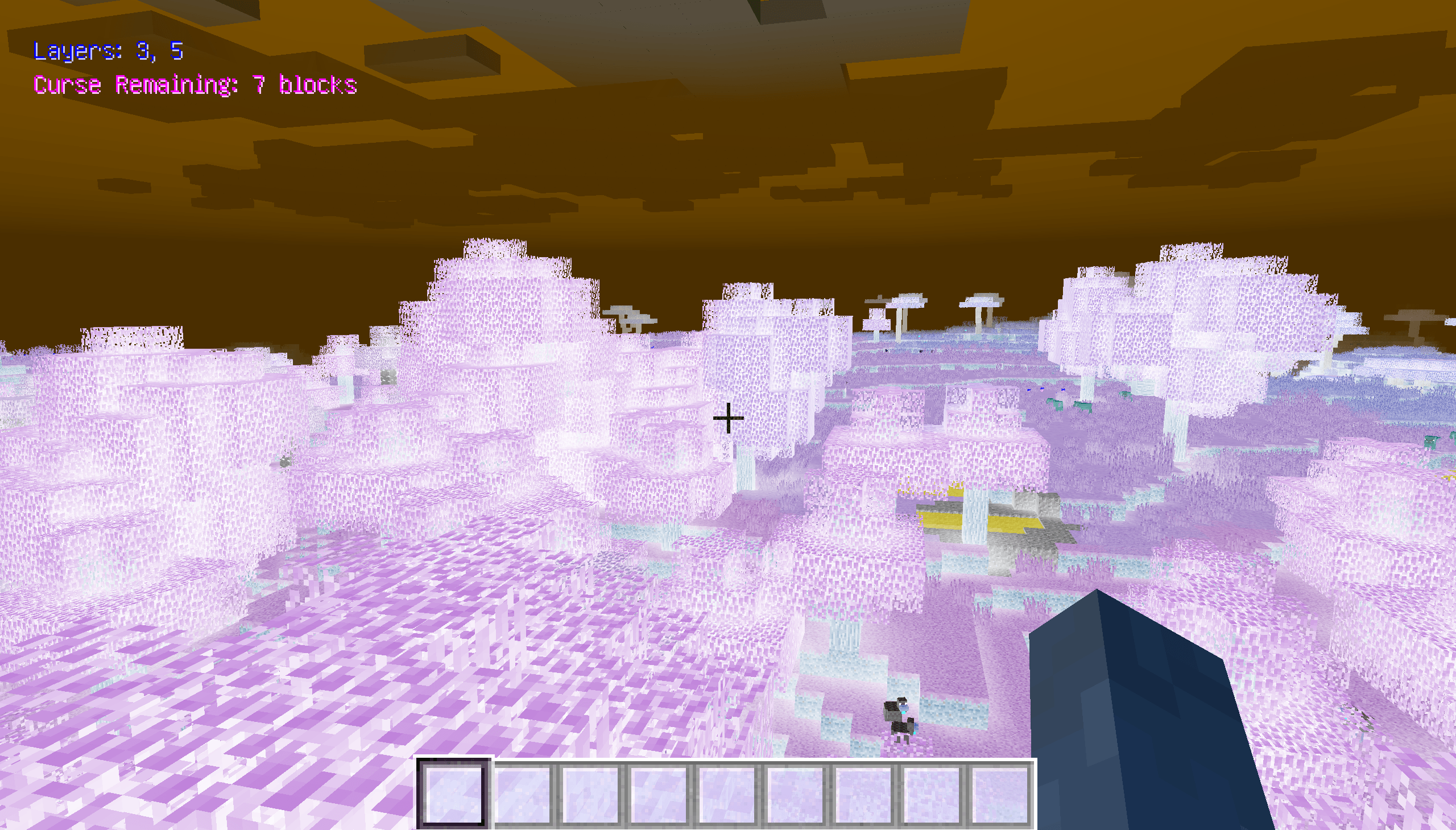
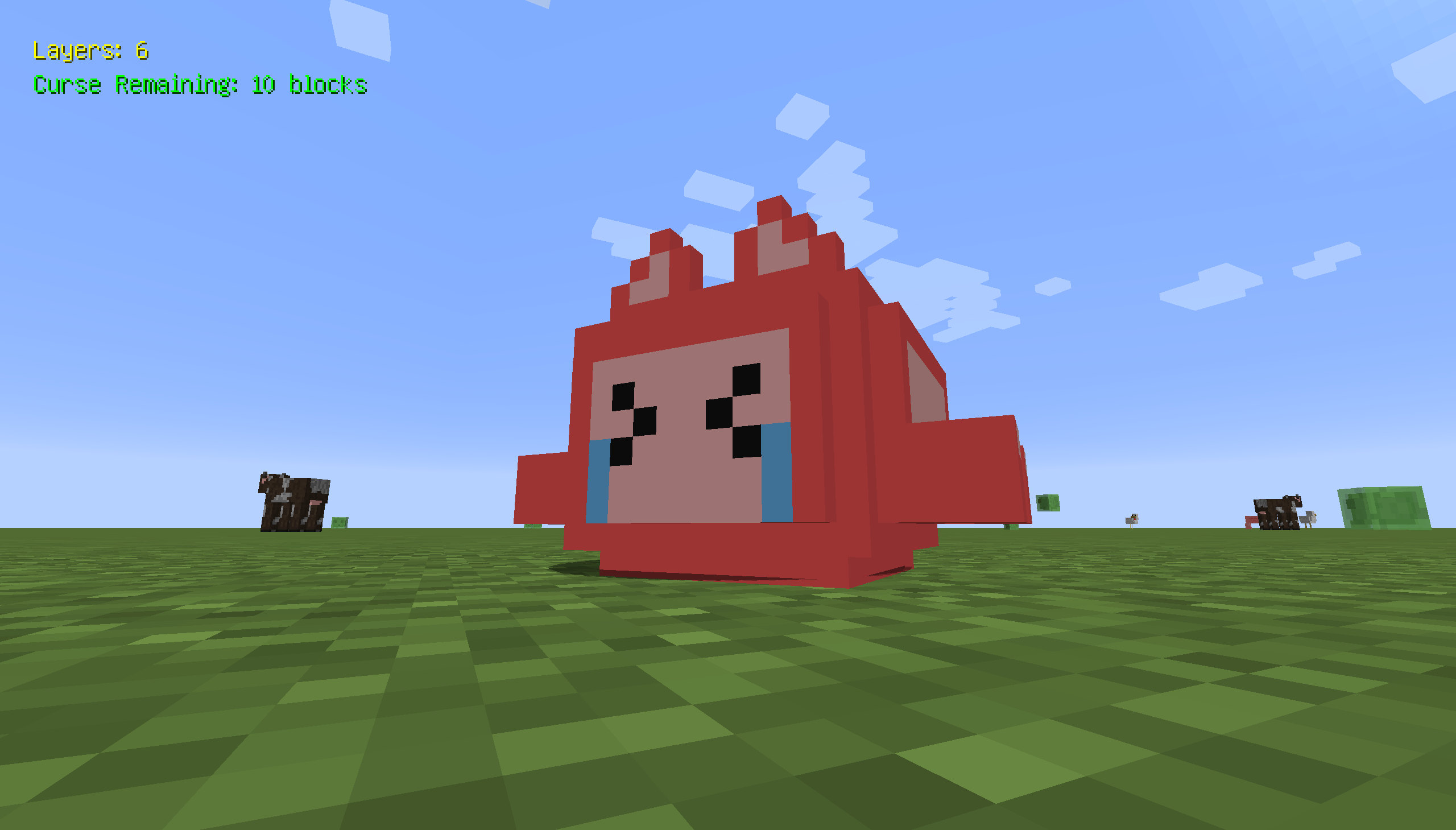
介绍
The inspiration for creating this mod comes from the anime “Made in Abyss”. The default configuration simulates the curses of the 6-layer Abyss from the anime.
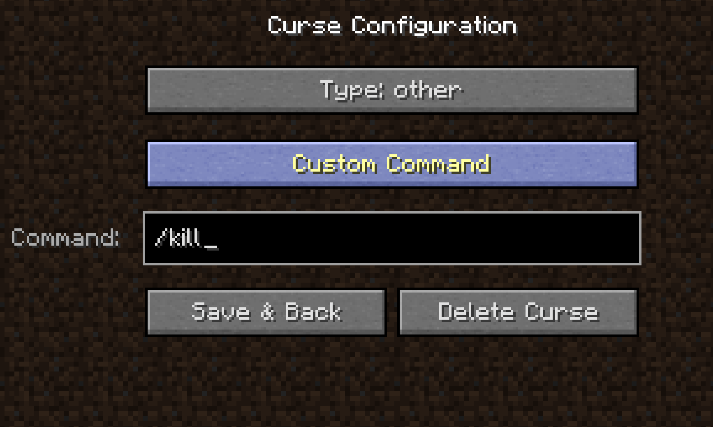
Players can freely configure the curses for various Abyss layers within the settings:
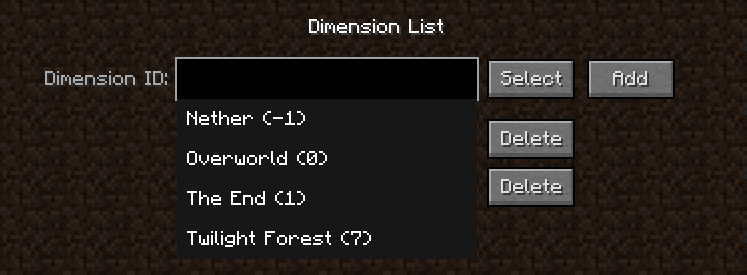
1. Select dimension
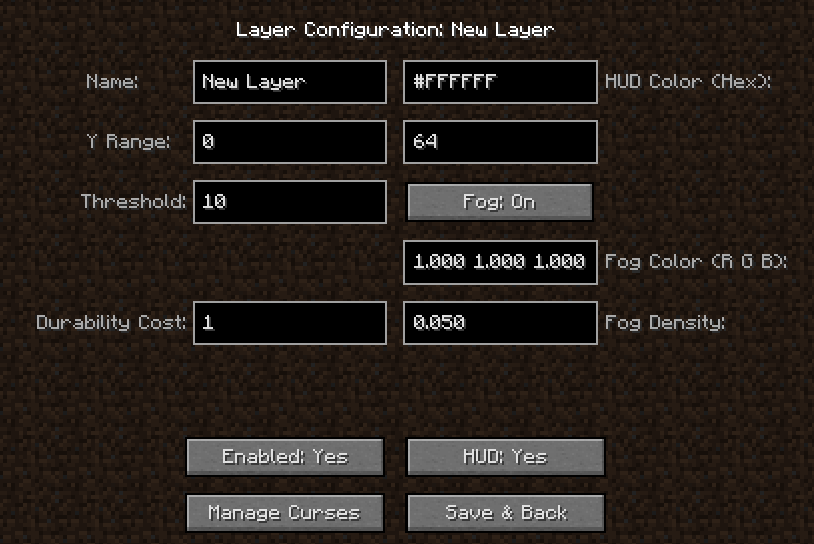
2. Select the layer to add. Note: A positive threshold value is considered an ascending curse; a negative value is considered a descending curse; a value of 0 is considered an interval-based curse, requiring additional input for the curse trigger interval. (Naturally, if the curse duration exceeds the trigger interval, it becomes a continuous curse.)
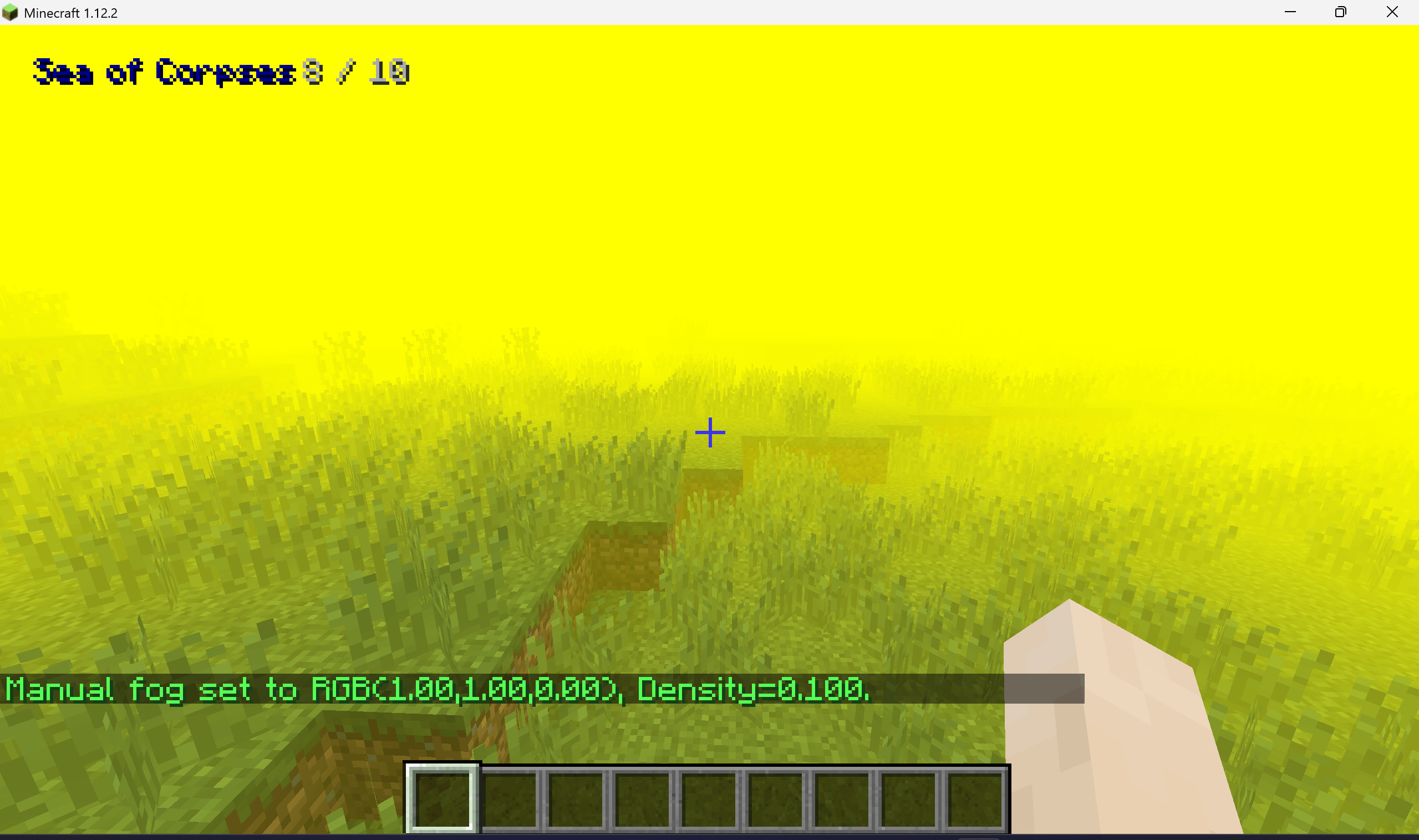
Additionally, fog can be added, and this effect will be covered by shadows.
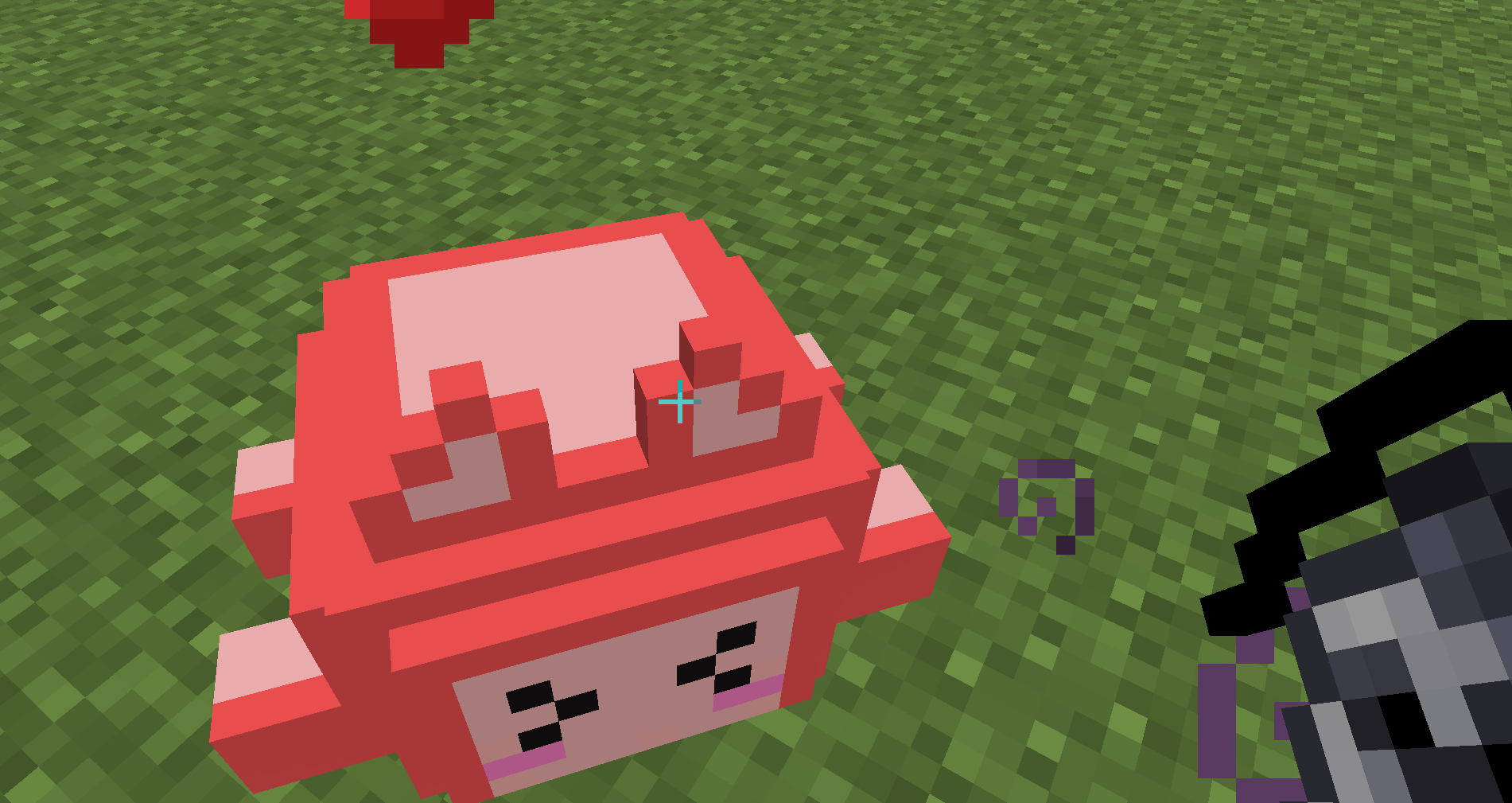
3. Select the curse(s) within the layer. There are multiple types of curses, including the visual filters from the ancient “Super Secret Settings”,and players can even input custom commands (e.g., /kill). These curses will trigger when the player ascends within the layer or after a certain period of time has elapsed.
Inspiration for the 2D entities comes from https://www.curseforge.com/minecraft/mc-mods/flat-entities
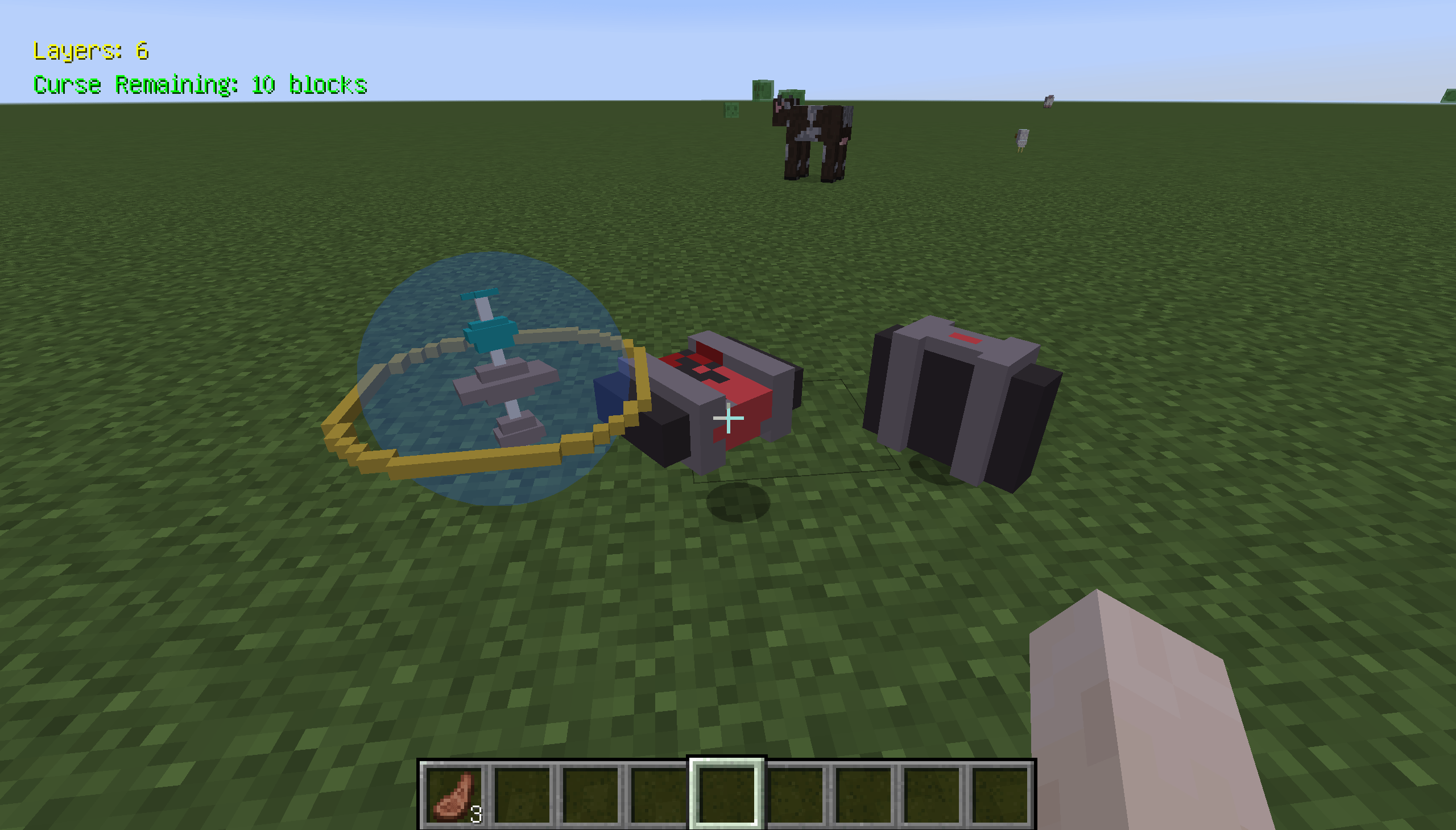
The mod also adds two items: the Star Compass (used for navigation) and the Scapegoat (used to counteract curses).
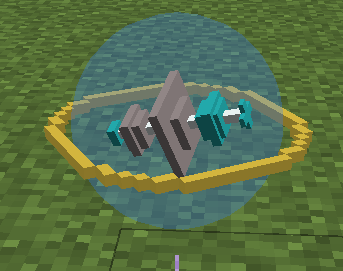
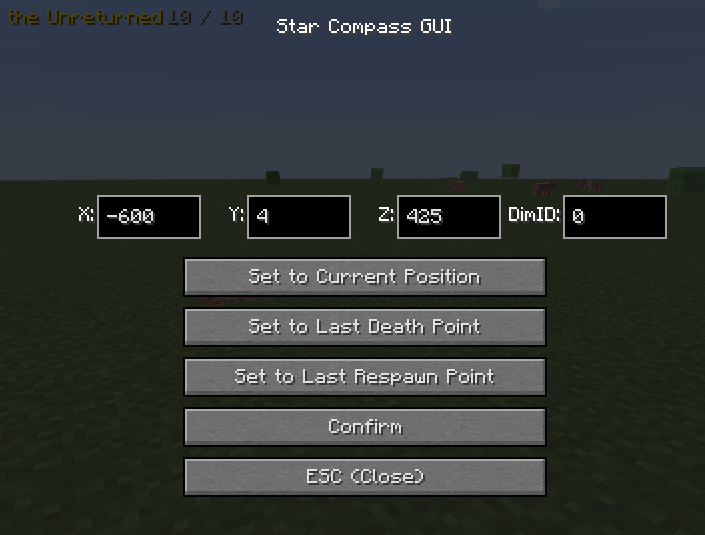
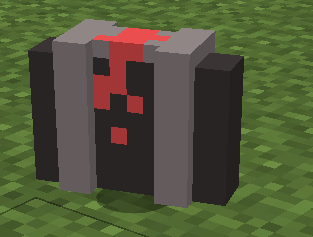
Players can create custom compasses and custom scapegoats in the configuration, which will grant arbitrary items functionality within specific dimensions.
Hold right-click with the White Whistle to grant the player combat buffs and summon an additional Hollow.
A HUD (Heads-Up Display) is shown on the game screen (can be disabled).

The mod supports applying curses via commands. The format is:
/applycurse <player> <type> <name> [duration_seconds] [amplifier] [boolean_value]
[duration_seconds] represents the duration in seconds.
<type> can be one of three types: filter, other, super_secret_setting
For filter, <name> options include inverted, overlappingblur, and red; both overlappingblur and red have an optional [boolean_value] parameter to control fade.
For super_secret_setting, <name> can be one of “antialias”, “art”, “bits”, “blobs”, “blobs2”, “blur”, “bumpy”, “color_convolve”, “creeper”, “deconverge”, “desaturate”, “flip”, “fxaa”, “green”, “invert”, “notch”, “ntsc”, “outline”, “pencil”, “phosphor”, “scan_pincushion”, “sobel”, “spider”, “wobble”.
For other, <name> options are hollow, confusion, bleeding, 2dentities;
hollow has an optional [boolean_value] parameter to enable bleeding particle effects (not the jump effect),
and bleeding has an [amplifier] parameter representing bleeding intensity (1-5).
For example:
/applycurse @s other hollow
/applycurse @s other hollow 10
/applycurse @s other hollow 120 0 true
Mod also has command that allows players to control the fog settings within the game.
/fogcontrol manual exp2 <red> <green> <blue> <density>
/fogcontrol manual linear <red> <green> <blue> <start> <end>
/fogcontrol off
/fogcontrol config (Sets fog effects based on the configuration file.)
The original armor HUD will be an independent mod
“The mod icon was made by Bread With Glasses. You are free to use this mod and all its features in your own modpack, but please provide proper credit when doing so – thank you!”
常见问题
Curse Of Abyss 支持哪些 Minecraft 版本?
Curse Of Abyss 支持 Minecraft Java 版 1.12.2,可用的加载器:Forge。下载时注意选择和你游戏版本一致的文件。
Curse Of Abyss 怎么安装?
先用 PCL2 或 HMCL 启动器安装对应版本的 Forge,再把下载的 .jar 文件放进游戏目录的 mods 文件夹,重新启动游戏即可。开启了版本隔离的,mods 文件夹在 versions/版本名 下面。
Sss189 的其他作品
查看全部 →
Simple Skybox
Customize a static skybox for any dimension.

SnowflakeGenerator
Generate a DLA algorithm-based snowflake using a command.

Keyboard Command
Allowing players to simulate pressing one or more keyboard buttons
评论
登录后评论和评分