
lumaLight
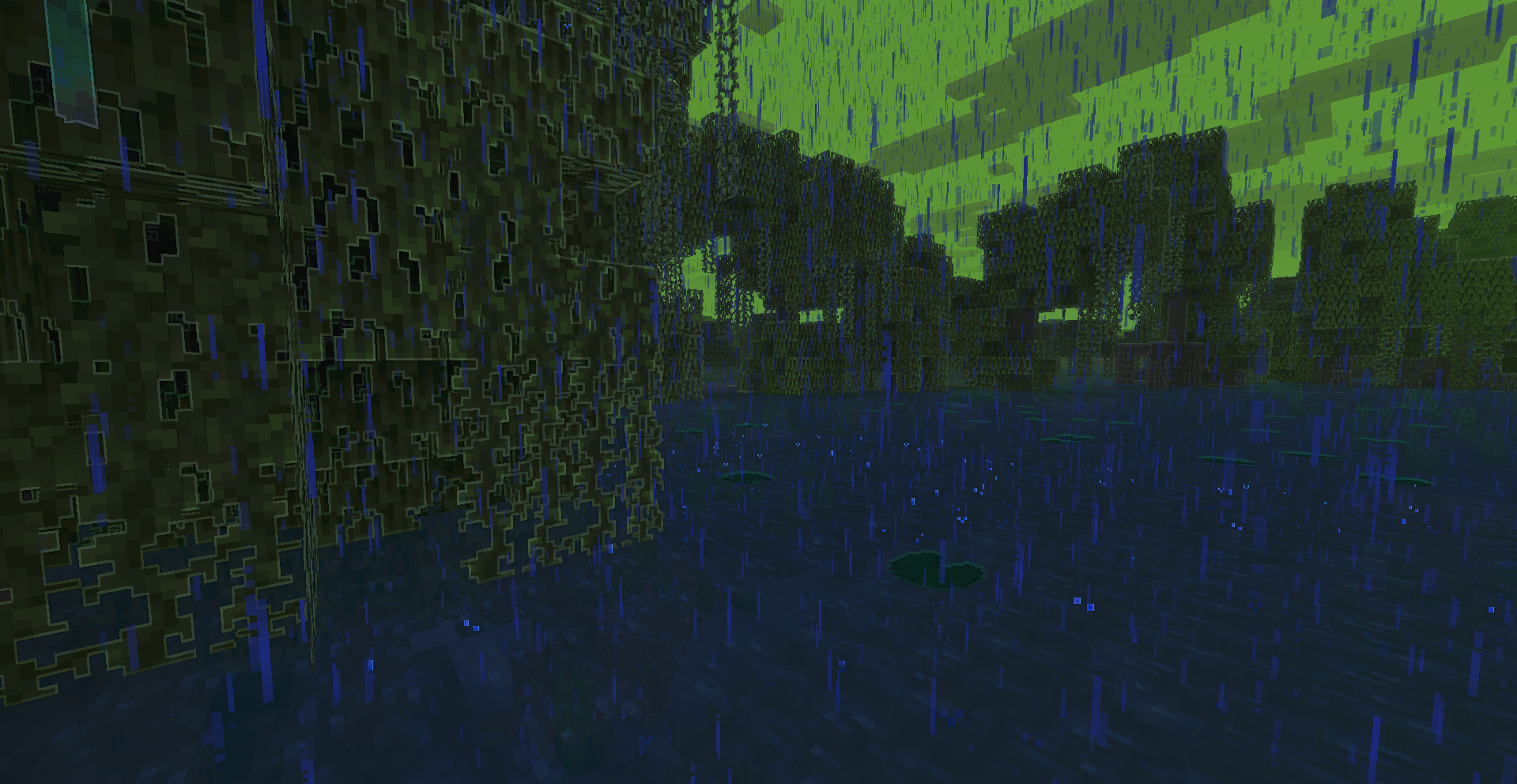
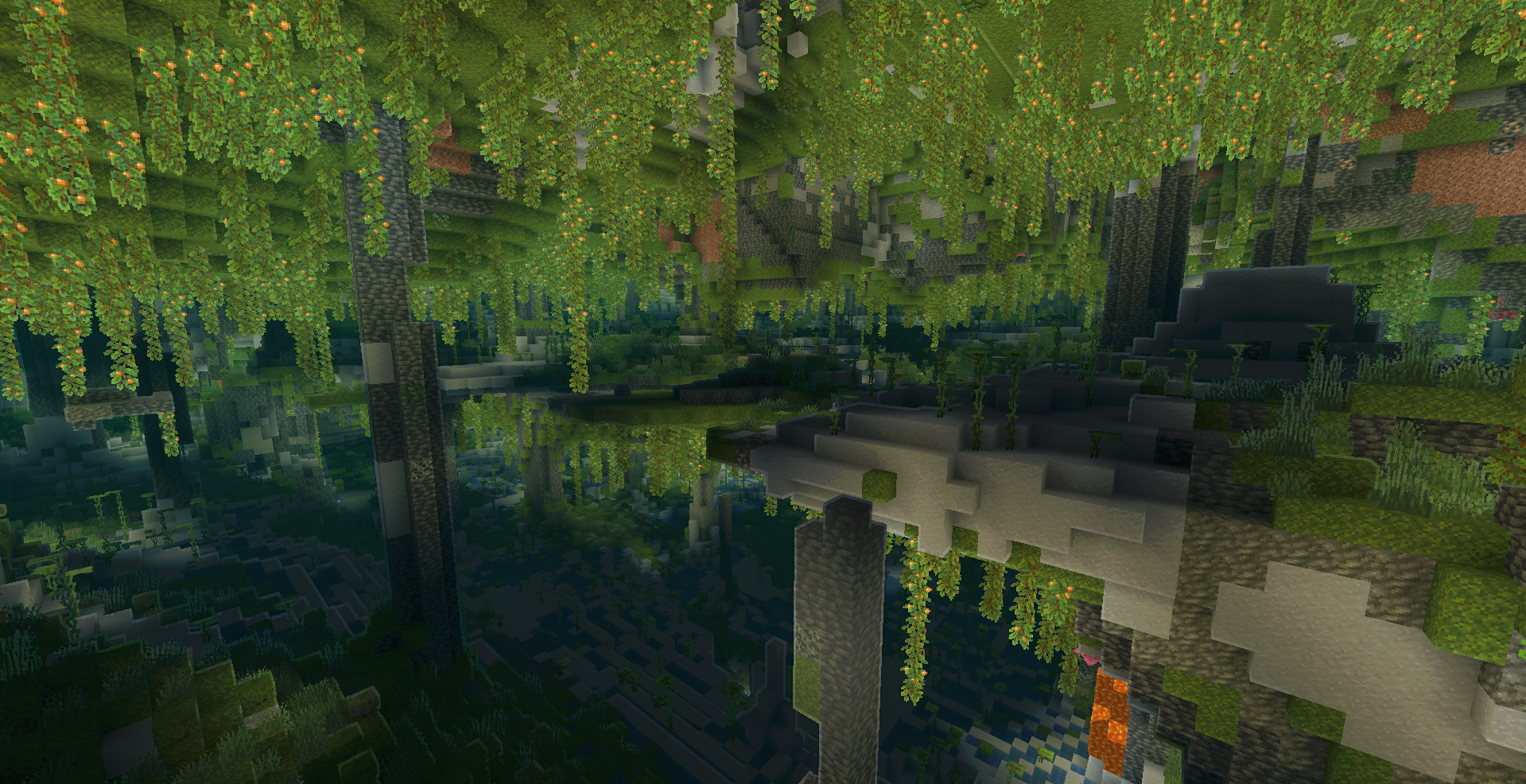
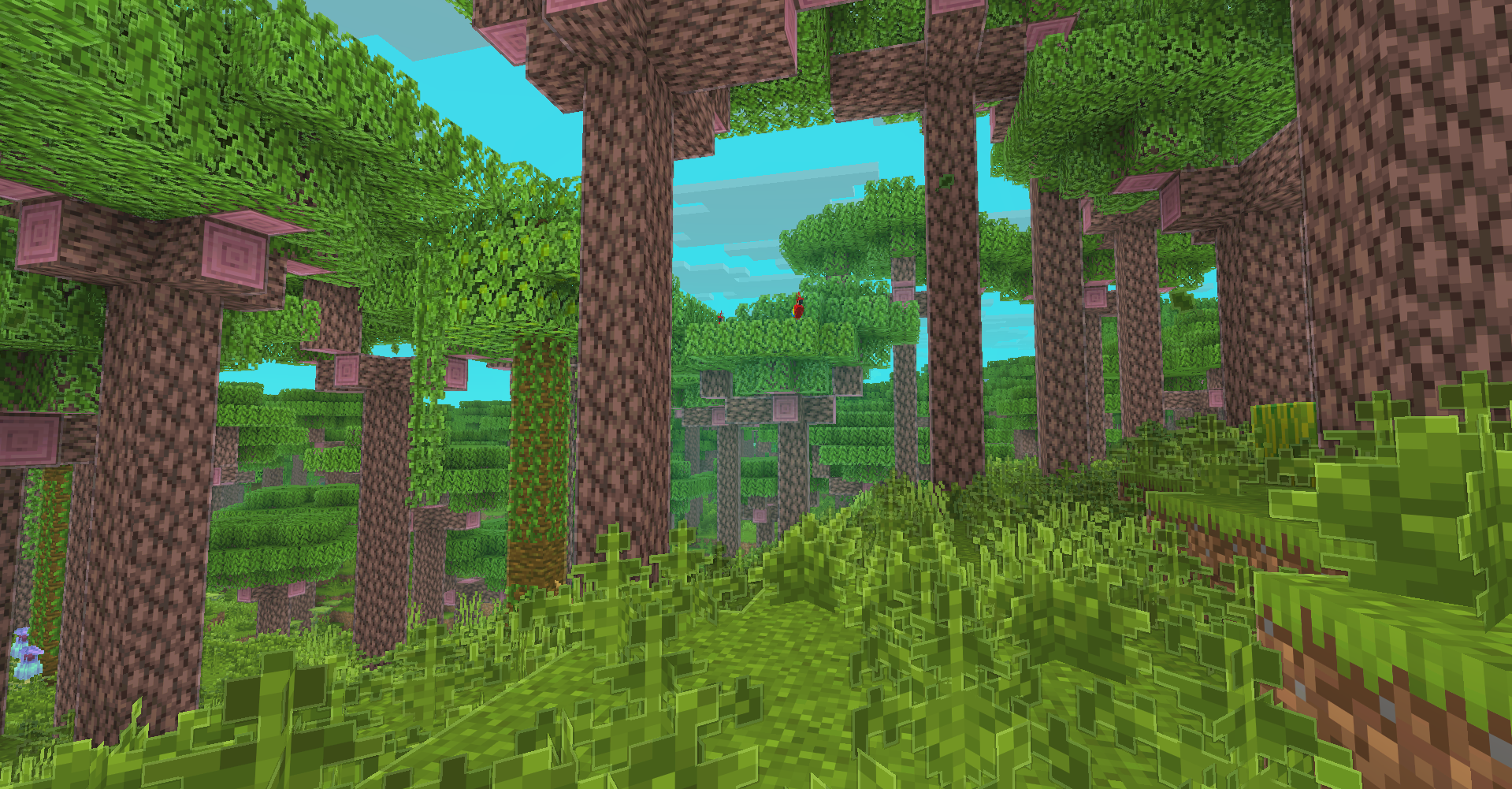
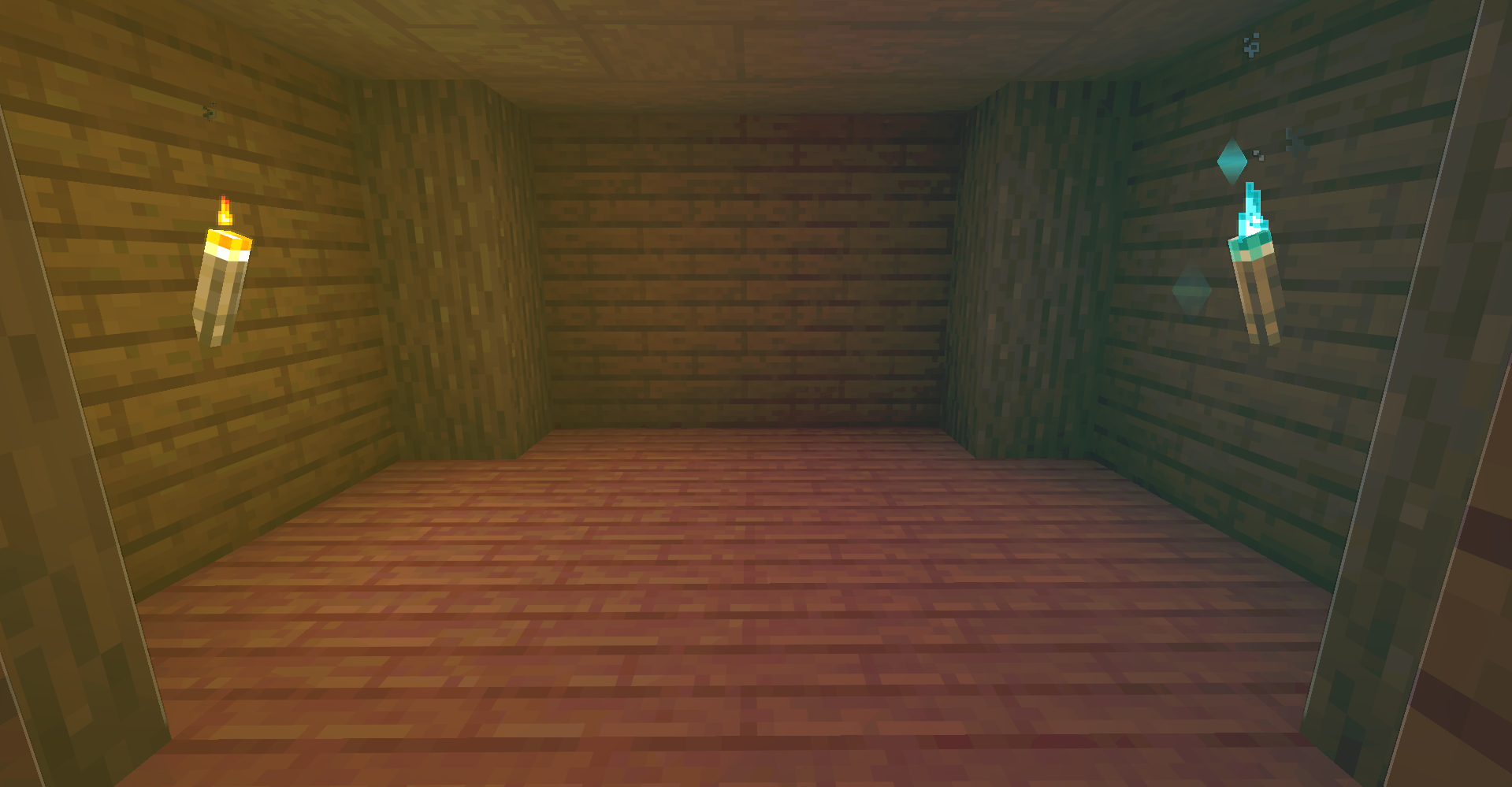
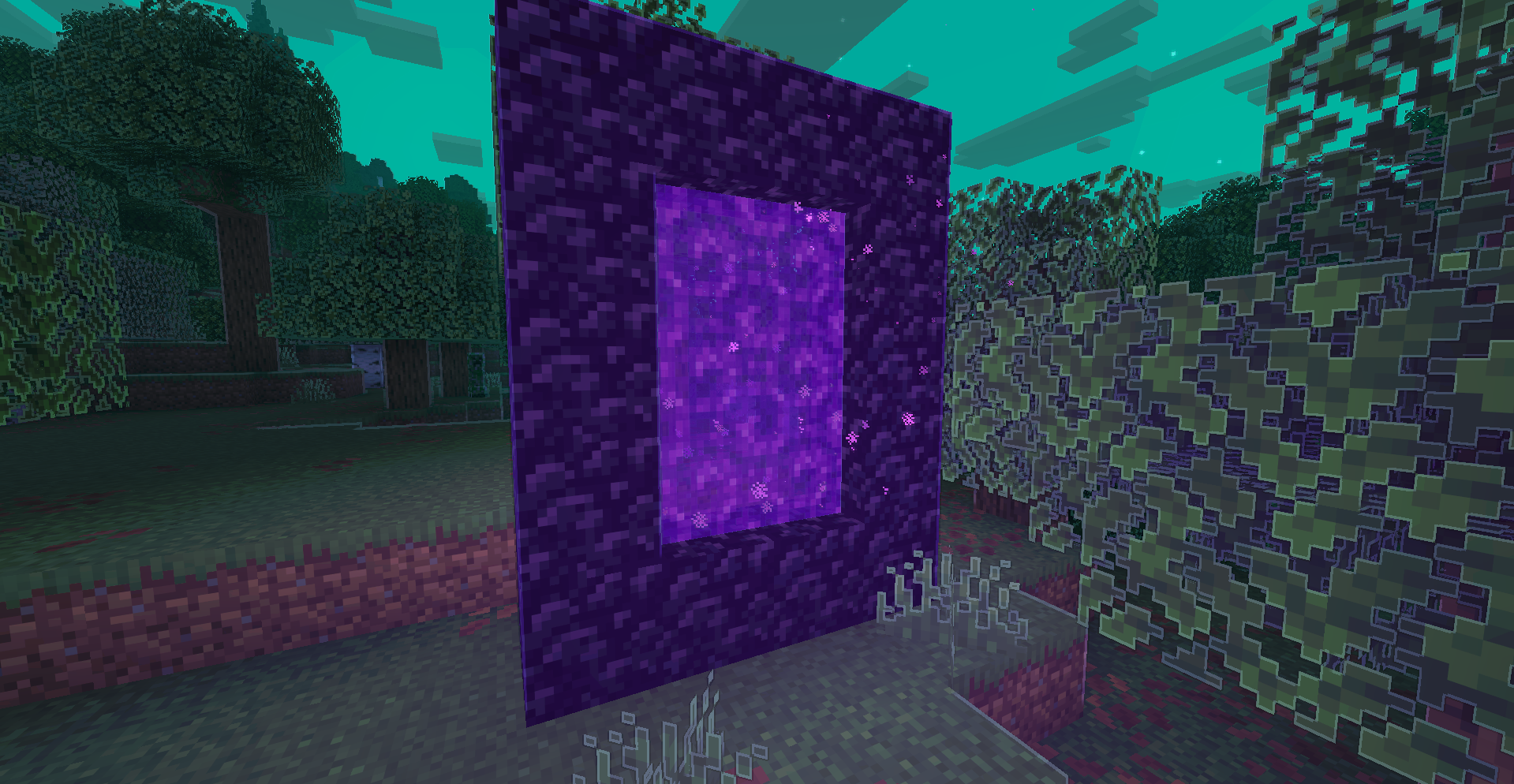
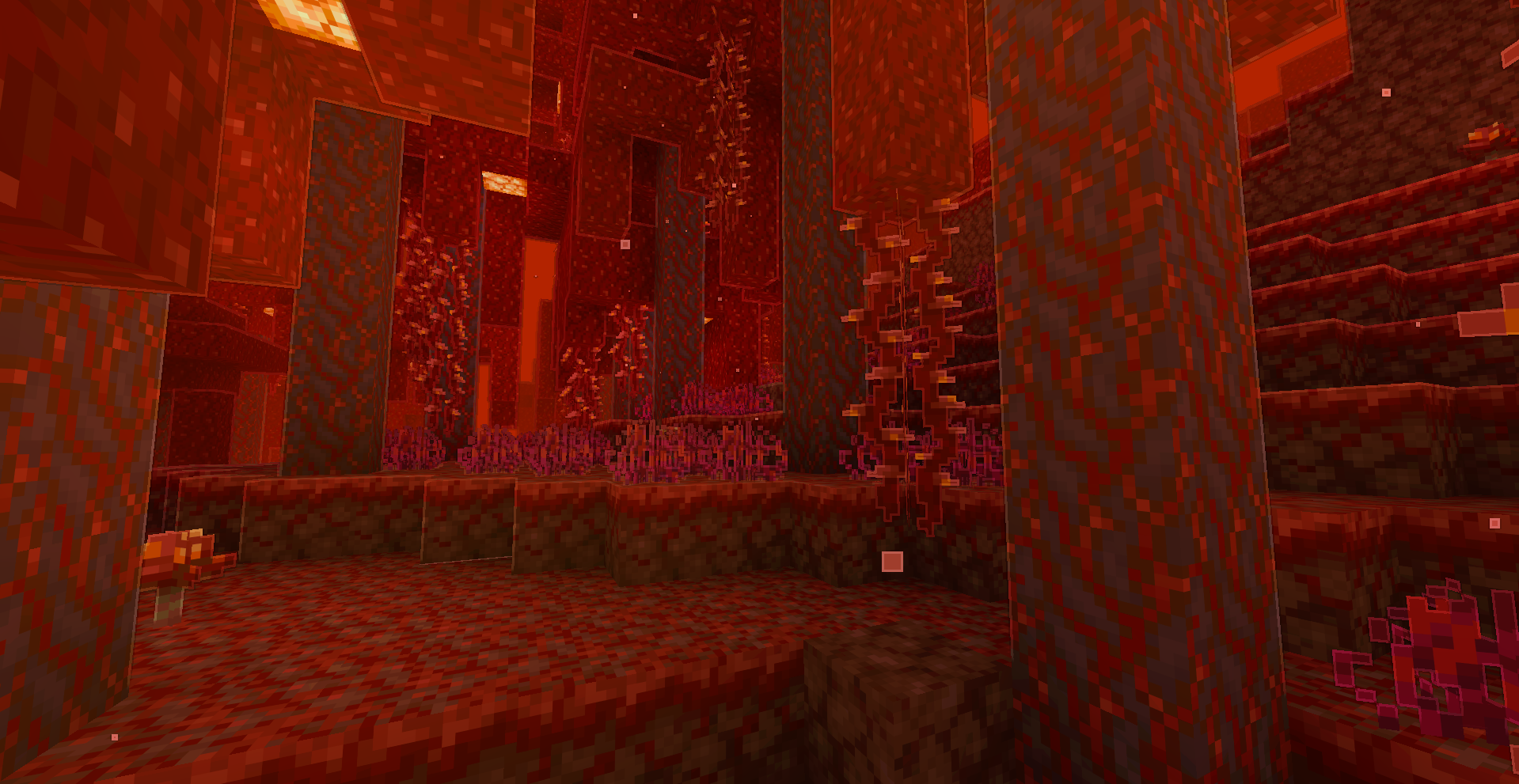
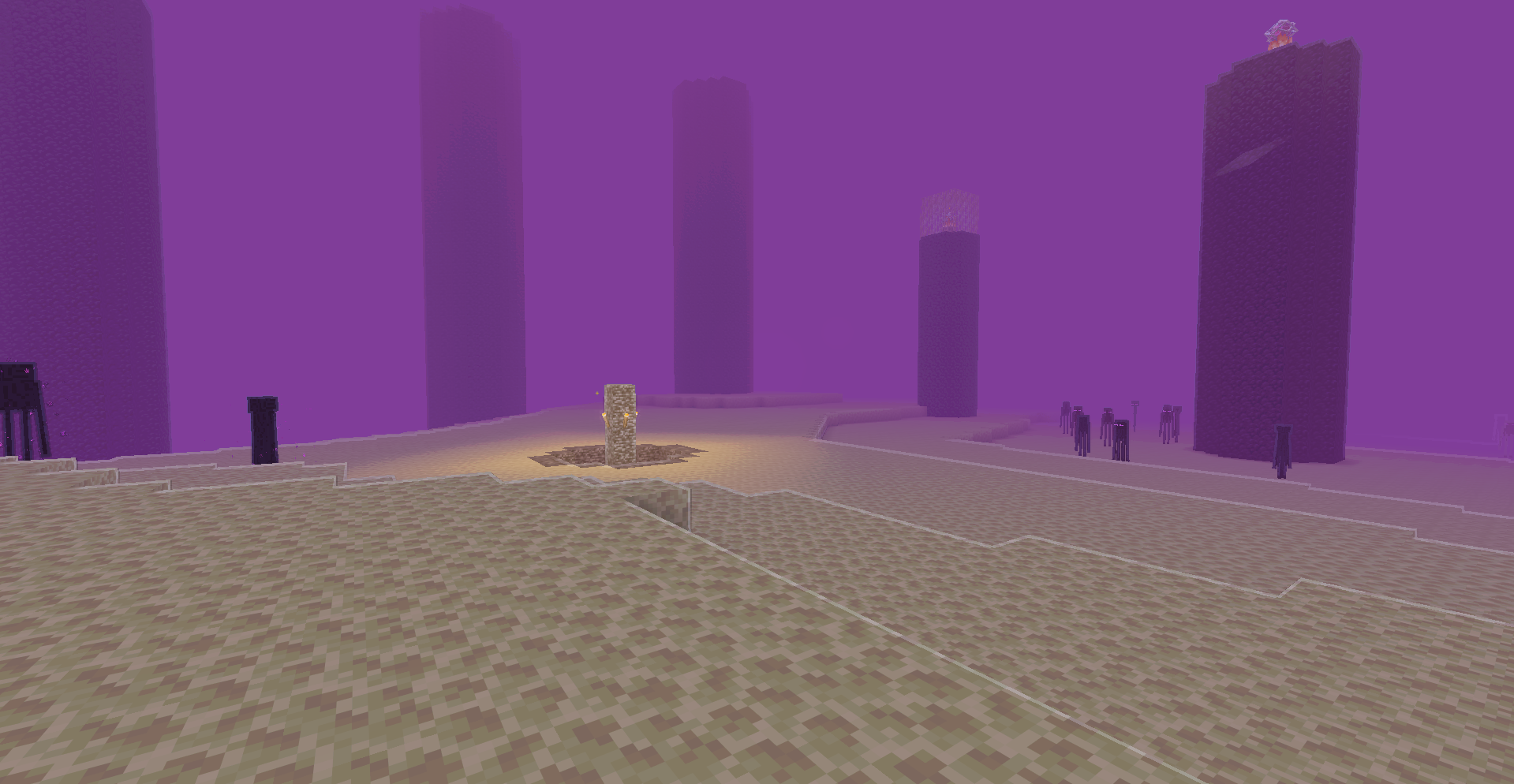
Colorful client-side lighting, outlines, bloom, and a biome-aware cartoon atmosphere without shader packs.
截图
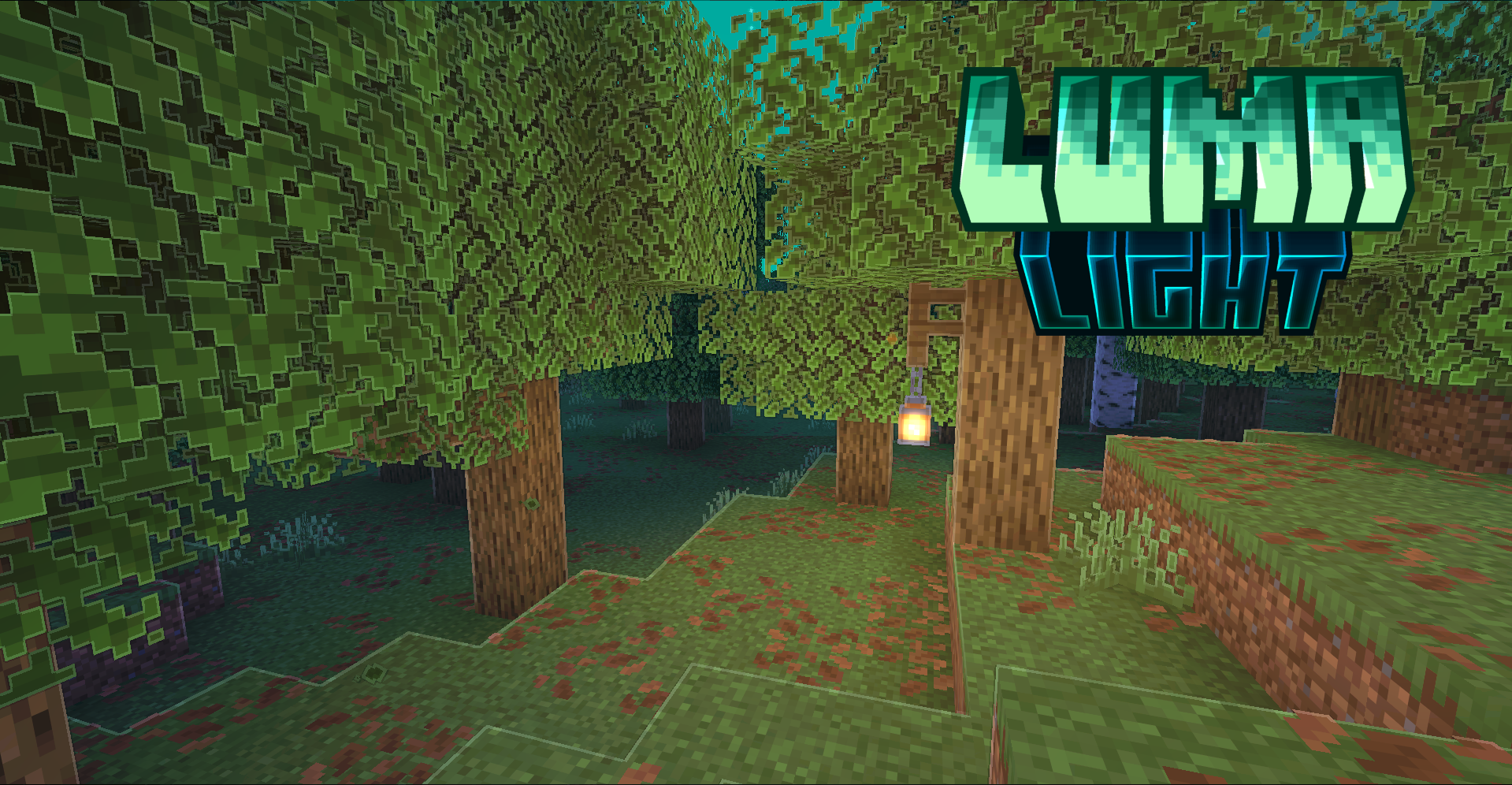
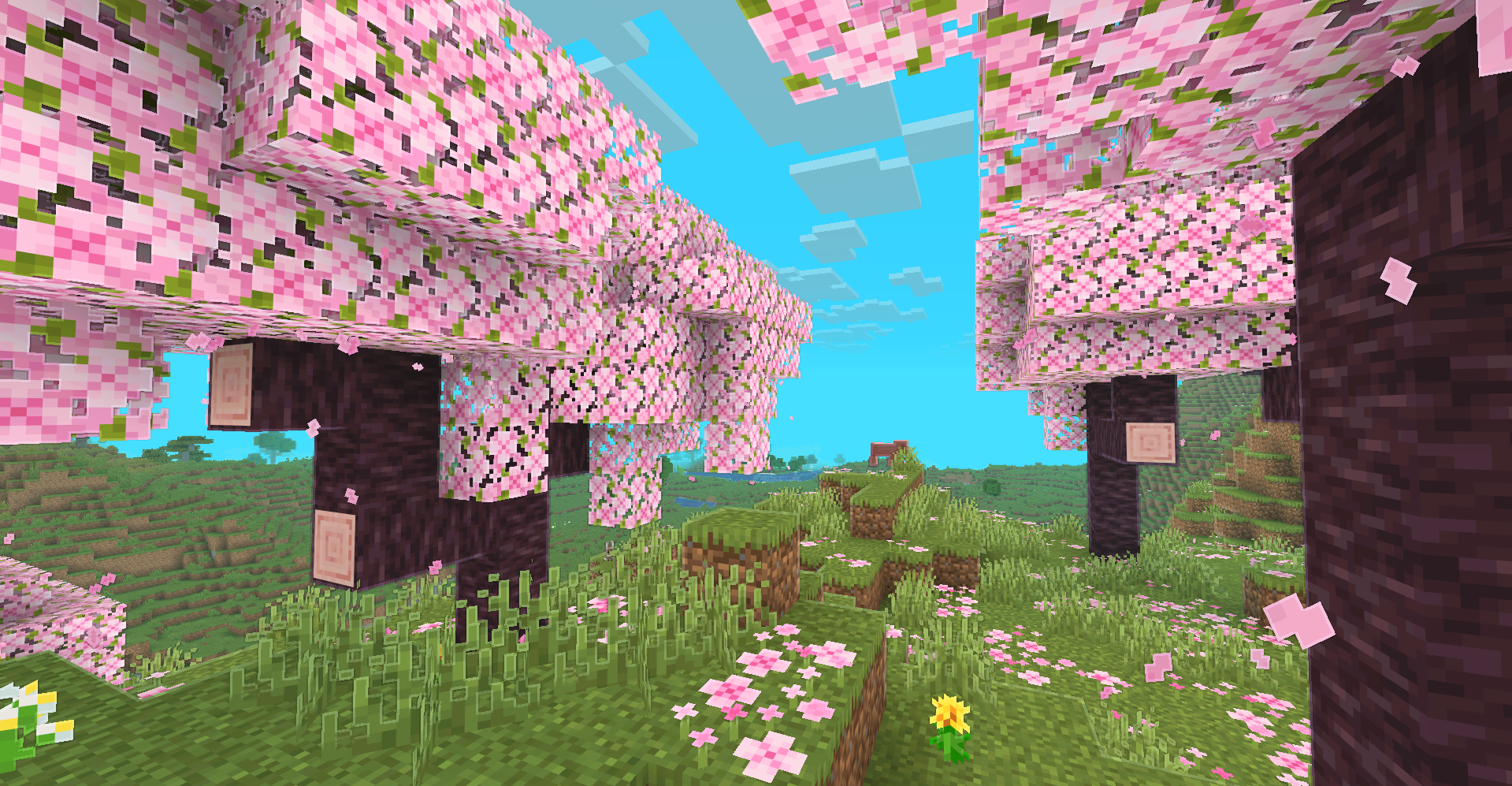
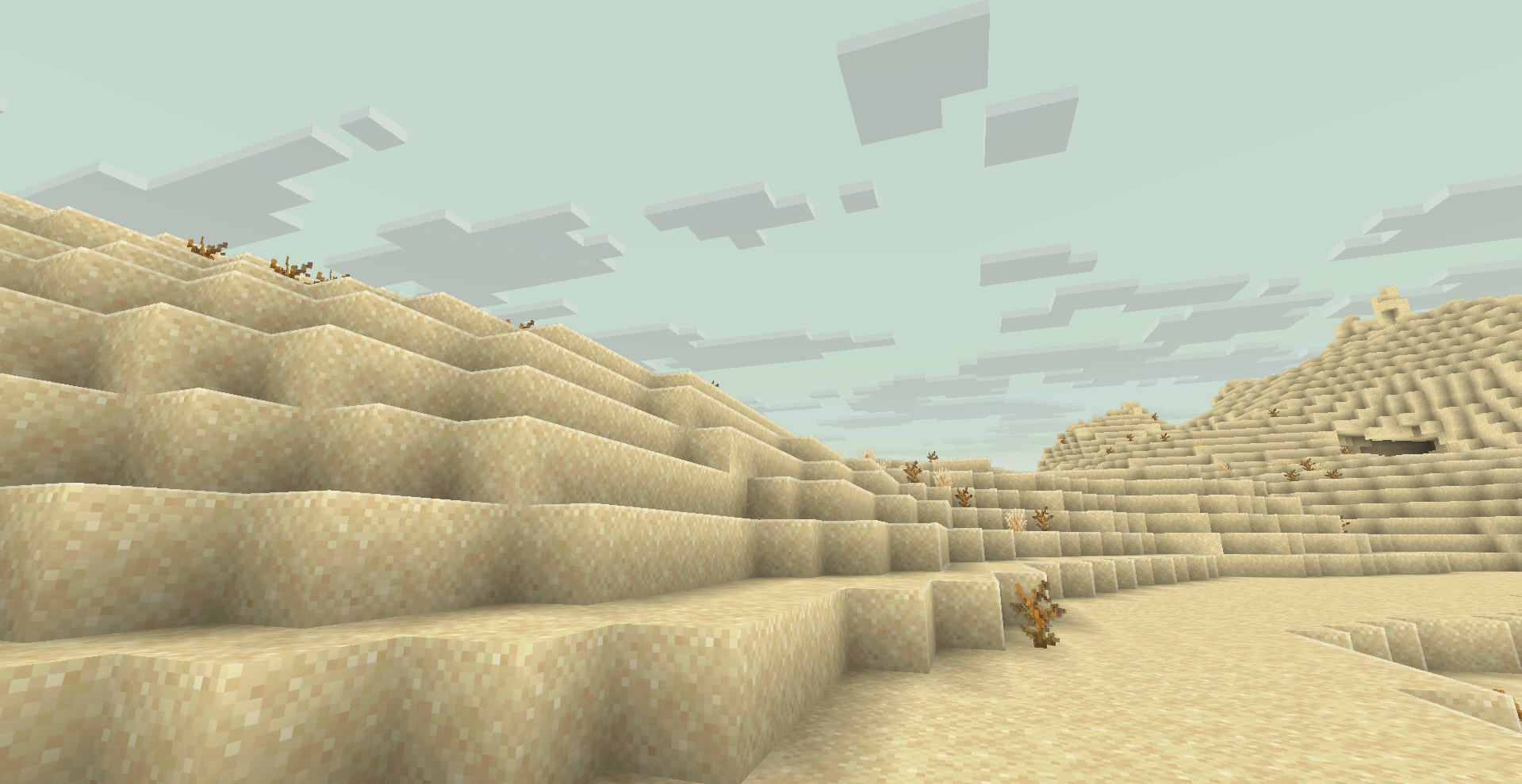
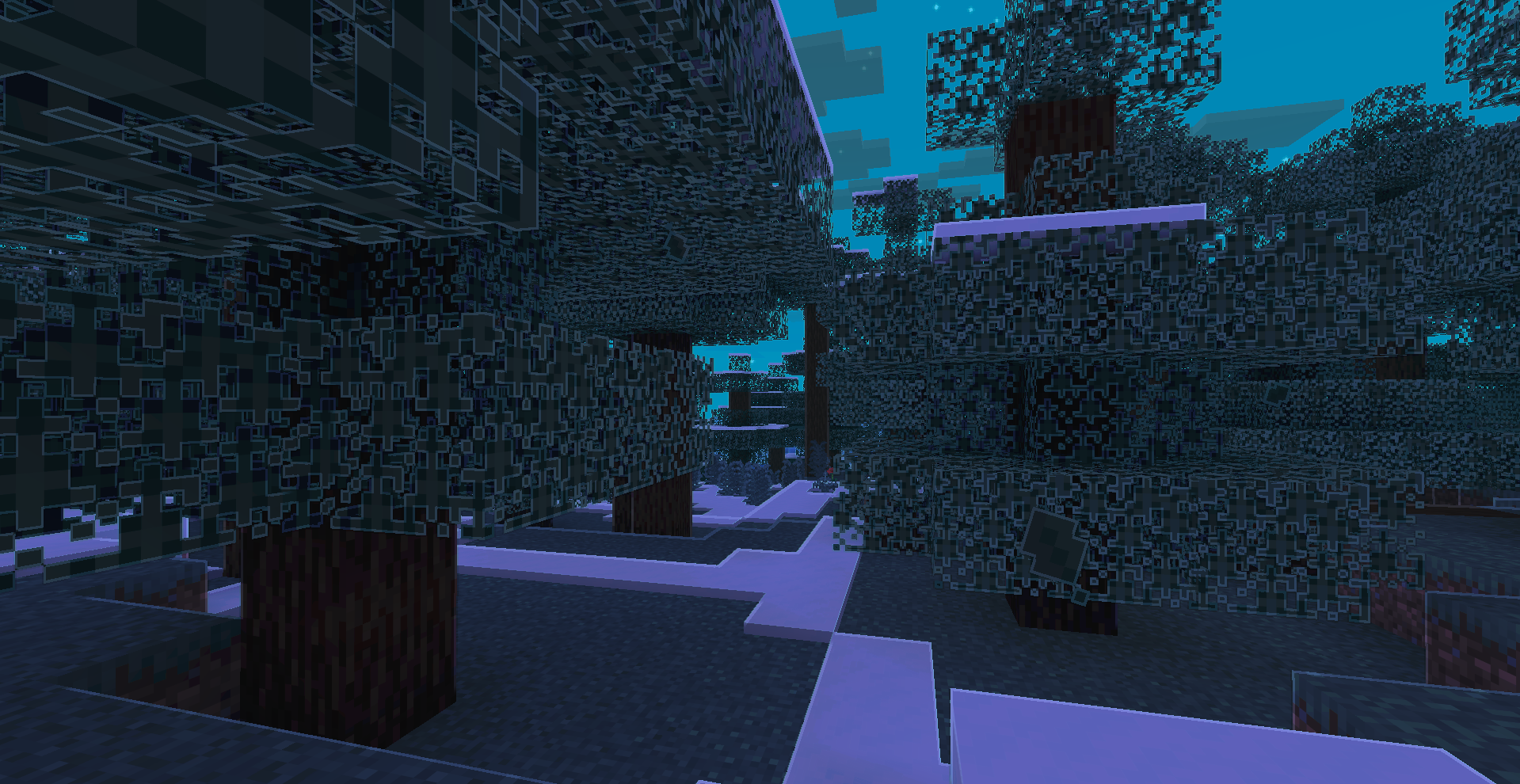
介绍
LumaLight
LumaLight is a client-side visual mod for Minecraft 26.2 and Fabric. It adds colorful lighting, texture-aware outlines, selective bloom, and a bright cartoon atmosphere without requiring a shader pack.
Features
- Colored lighting generated from luminous block textures
- Automatic support for compatible modded blocks and resource packs
- Outlines for terrain, entities, first-person hands, and held items
- Warm sunlight during the day and cool moonlight at night
- Biome-aware fog, sky, clouds, haze, sunsets, and weather colors
- Selective bloom and cartoon-style post-processing
- Water rims, highlighted leaves, projectile trails, and light sparks
- Visible-surface ore outlines that do not reveal ores through walls
- Colored outlines and animations for dropped items
- Smooth transitions without sudden light pop-in
- Performance limits for areas containing many light sources
Configuration
Press U in game to open the complete settings menu. The key can be changed in Minecraft Controls.
The menu includes visual presets, individual effect controls, performance settings, custom colors, and a complete reset button.
Mod Menu is optional and only adds a configuration button to the mod list.
Compatibility
LumaLight detects modded content through block properties, rendered textures, Fabric tags, and Minecraft base classes instead of hard-coded block or biome IDs.
The mod is client-side and works on vanilla servers. External shader packs disable conflicting screen-space effects automatically.
Requirements
- Minecraft 26.2
- Fabric Loader 0.19.3 or newer
- Fabric API
- Java 25
License
LumaLight is distributed under the MIT License.
常见问题
lumaLight 支持哪些 Minecraft 版本?
lumaLight 支持 Minecraft Java 版 1.20.1–26.3,共 9 个版本,可用的加载器:Fabric / Forge。下载时注意选择和你游戏版本一致的文件。
lumaLight 怎么安装?
先用 PCL2 或 HMCL 启动器安装对应版本的 Fabric / Forge,再把下载的 .jar 文件放进游戏目录的 mods 文件夹,重新启动游戏即可。开启了版本隔离的,mods 文件夹在 versions/版本名 下面。运行环境:仅客户端。
评论
登录后评论和评分