
截图



介绍
中文介绍正在准备中,下面暂时显示原文。
🥇 OPMOD
_Enhance your experience on Germany’s biggest Citybuild server: OPSUCHT_
Configure OPMOD with /opmod
We highly recommend going through the settings to discover what OPMOD is truly capable of!
New features and settings are added regularly, so don’t forget to check them out and optimize your gameplay.
But if you don’t want to, that’s perfectly fine. OPMOD’s default settings are carefully chosen to provide a great experience right out of the box.
Our Features
📊 Trading
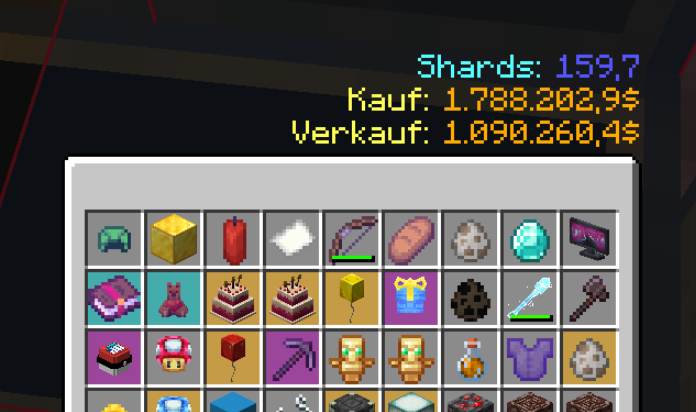
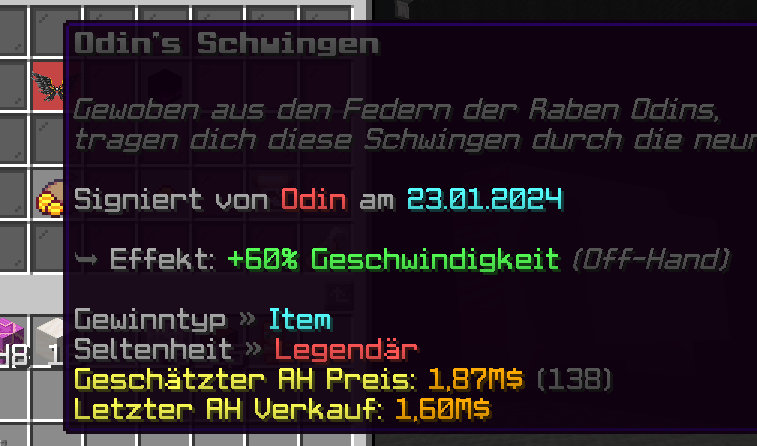
- Auction, Market & Shard price/value in tooltips
- even
/sw abcprices are included - Shard widget for daily rates
- _…and other small features_
🧑🌾 Farming
- Job Tracker Widget
- Custom RTP Menu
- RTP Cooldown Widget
- Better AFK Warning for Jobs
🏠 Citybuild
- Auto Fly
- Minion Notifications & more
🎒 Inventory
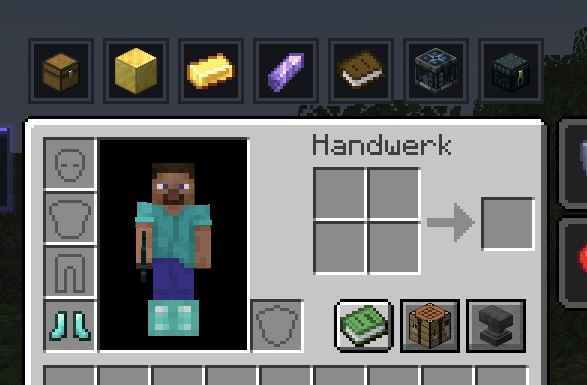
- Buttons with useful command hotkeys
- Show information about your inventory
- “Inventory full” warning
- _…and other small features_
👁️ Visuals
- Custom Inspect Animation for all “Bohrer” types
- Rainbow effect on high level enchants
- Hide Custom Model Items in different ways
- _…and other small features_
🛡️ Protection
_Never place or write anything you don’t want_
- Offhand Blocker
- Sign Protection
- Rename Protection
- Link Protection
And additionally:
- “k”, “m” and “b” support for /pay and most anvil inputs
/signsearch <input>– Search for text on signs! |/signsearchwithout any input to reset your search
Take a look!: Ingame Screenshots
常见问题
OPMOD 支持哪些 Minecraft 版本?
OPMOD 支持 Minecraft Java 版 1.21.4–1.21.11,共 4 个版本,可用的加载器:Fabric。下载时注意选择和你游戏版本一致的文件。
OPMOD 怎么安装?
先用 PCL2 或 HMCL 启动器安装对应版本的 Fabric,再把下载的 .jar 文件放进游戏目录的 mods 文件夹,重新启动游戏即可。开启了版本隔离的,mods 文件夹在 versions/版本名 下面。运行环境:仅客户端。


评论
登录后评论和评分