Walnut Laboratories
(MAJOR UPDATE COMING SOON) Explore Walnut's abandoned lab in a DOORS-styled way.
介绍
“Welp, we tried”
Explore Walnut’s abandoned lab in a DOORS-based pattern (go check it out on Roblox if you haven’t). Collect new tools to assist you in your journey both during and after the lab.
(DISCLAIMER: THE MOD IS IN ALPHA AND ONLY PART 1 OF THE LAB IS AVAILABLE. THE NEXT PARTS WILL RELEASE IN THE FUTURE WITH UPDATES. ANYTHING IS SUBJECT TO CHANGE AS WELL WITH UPDATES.)
NOTE: DO NOT USE THIS IN ANY IMPORTANT SURVIVAL WORLD, YOU MAY GET SOFTLOCKED! ONLY USE THIS IN WORLD THAT AREN’T SPECIAL! IT MAY ALSO NOT WORK TOO WELL IN MULTIPLAYER.
It is also HEAVILY recommended to play with Mowzie’s Mobs and True Darkness (or use shaders with that same effect), however it is not required.
if i’m being totally honest this mod isn’t that scary at all
CURRENT EVENTS IN THE LAB AND HOW TO BEAT:
Rupture chase 1:
Escape Rupture in the mineshaft by running on the tracks. Check the path you’re taking first before going down it.

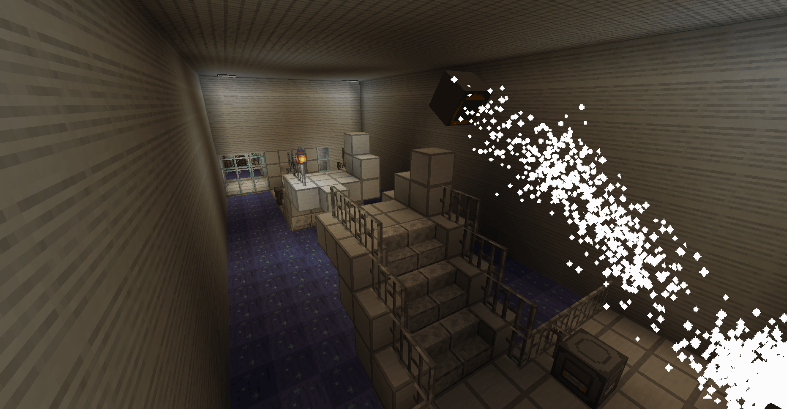
The Powerstation:
Avoid several instances of Glare while turning all 16 valves. The top and middle floor have 4 valves, while the bottom floor has 8.
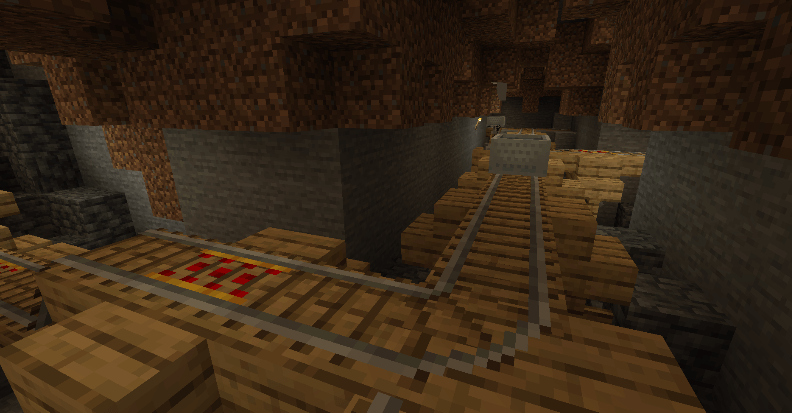
Rupture chase 2:
Escape rupture in the mineshaft again, although this time in a minecart. Pay attention to the rail’s direction, and make sure to turn in the correct direction (press A or D to turn, both do the same thing). Attention is Key.
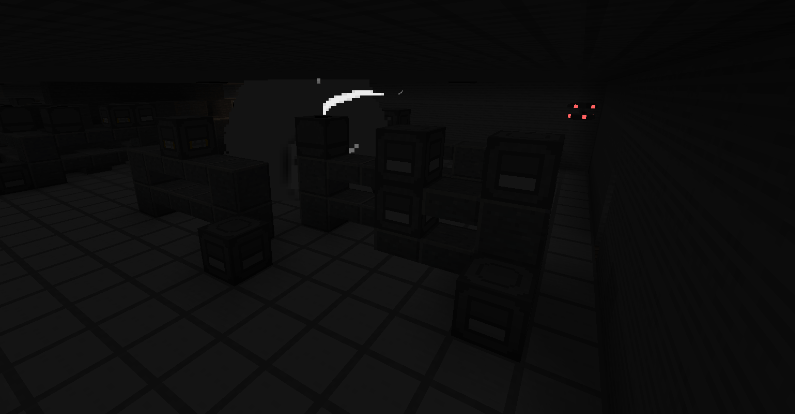
Void Rooms:
Survive throughout several pitch-black rooms without lights. Echo’s light flickering is no longer available for guidance.
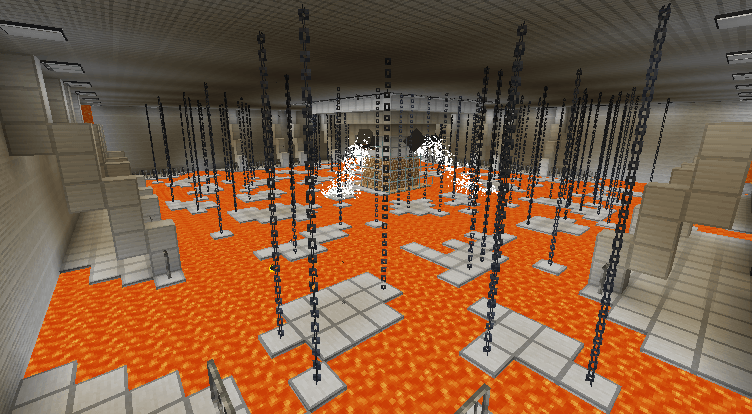
The Lava Pump:
Avoid several instances of Glare while turning all 12 valves and not falling into the lava.
All OST and assets are made by dexterwalnut (me) using Blockbench and FL Studio… except for that random stuff I accidentally left in which will be fixed in the next update
Use this mod in your videos if you want, no need to ask 🙂
Join the discord server for periodic development updates and for reporting bugs.
常见问题
Walnut Laboratories 支持哪些 Minecraft 版本?
Walnut Laboratories 支持 Minecraft Java 版 1.20.1,可用的加载器:Forge。下载时注意选择和你游戏版本一致的文件。
Walnut Laboratories 怎么安装?
先用 PCL2 或 HMCL 启动器安装对应版本的 Forge,再把下载的 .jar 文件放进游戏目录的 mods 文件夹,重新启动游戏即可。开启了版本隔离的,mods 文件夹在 versions/版本名 下面。
评论
登录后评论和评分