
Smooth Craft Texture
Smooth Craft is an elegant and refined texture that transforms the Minecraft landscape. With it, all blocks in the game gain a smoother and more polished appearance, ideal for those looking for a more modern and clean aesthetic.
截图

介绍
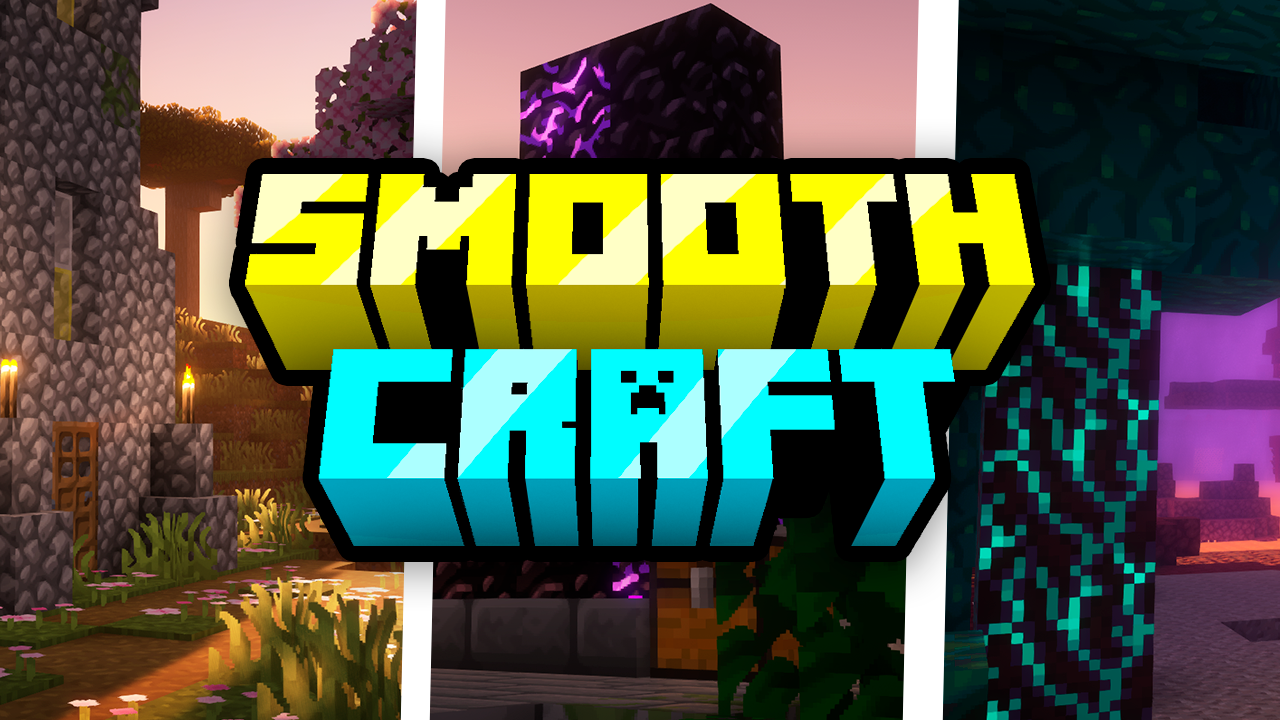
Smooth Craft is an elegant and refined texture that transforms the Minecraft landscape. With it, all blocks in the game gain a smoother and more polished appearance, ideal for those looking for a more modern and clean aesthetic. Each texture has been carefully crafted to ensure a pleasant visual experience while maintaining the essence of the game. Get ready to explore the world of Minecraft in a whole new way with Smooth Craft.
Modifications:
All blocks in the game receive a new, smoother and more polished texture, providing a renewed visual experience.
The texture maintains fidelity to the game’s original elements, but with a touch of elegance and modernity.
The color palette has been adjusted to ensure visual harmony across all areas of the game, from simple buildings to complex landscapes.
Item and object textures have also been improved to fit the new style, providing a consistent experience throughout the game.
Compatibility:
Smooth Craft is compatible with the latest versions of Minecraft, ensuring players can enjoy the texture in their latest adventures.
The texture is compatible with mods that do not directly change the textures of the blocks, ensuring a consistent experience even with the addition of modifications to the game.
Installation:
To install Smooth Craft, simply download the texture file and place it in the textures folder of your Minecraft client.
Be sure to select the Smooth Craft texture in the game’s options menu to start enjoying its smooth, sleek new appearance.
Ajude Com qualquer Quantia ( Não Reenbolsável )
Livepix
常见问题
Smooth Craft Texture 支持哪些 Minecraft 版本?
Smooth Craft Texture 支持 Minecraft Java 版 1.12–26.1.2,共 52 个版本。下载时注意选择和你游戏版本一致的文件。
Smooth Craft Texture 怎么安装?
把下载的 .zip 文件(不用解压)放进游戏目录的 resourcepacks 文件夹,进游戏后在「选项 → 资源包」里把它移到右边启用。
heycronus 的其他作品
查看全部 →
Better 3D Beds
Better 3D Beds 是一款 Minecraft 材质包,通过全新的 3D 模型显著提升游戏中床的外观,让床铺更加逼真、细致。该材质包将原本的床模型替换为更美观、更具沉浸感的版本。

Sun and Moon Circular
使用 Sun and Moon Circular 材质包,为你的 Minecraft 天空增添特别风格。它将太阳和月相变为圆润、平滑的形状,为游戏地平线带来独特而优雅的视觉效果。

Farm 3D
3D Farm 是一款视觉效果惊艳的 Minecraft 材质包,可将各种植物变为精美细致的 3D 模型,让你的农耕与园艺体验更加出色。

Full Brightness
使用“Full Brightness”,彻底改变你的 Minecraft 体验!
评论
登录后评论和评分