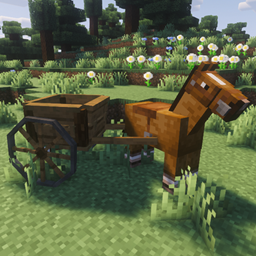
Modular Carts
A vanilla style modular carts for harvesting crops, planting fields, and journeying
截图
介绍
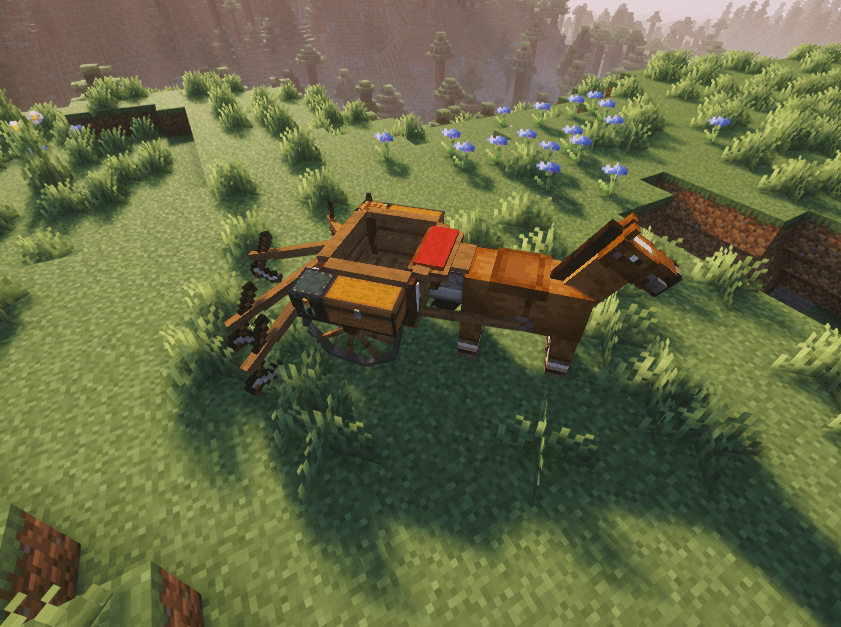
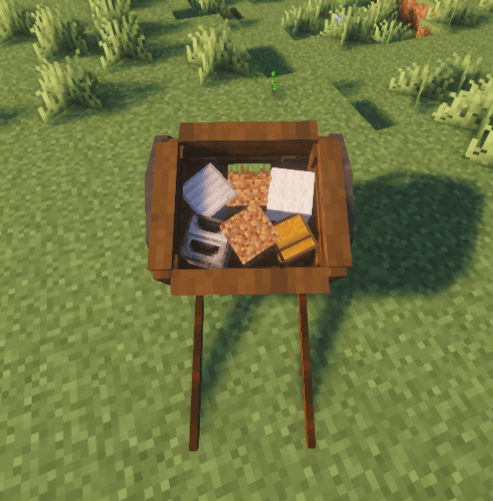
A single modular cart with expandable storage, a plow that harvests and replants your field, a cushion to carry your friends, and even a furnace and crafting table!
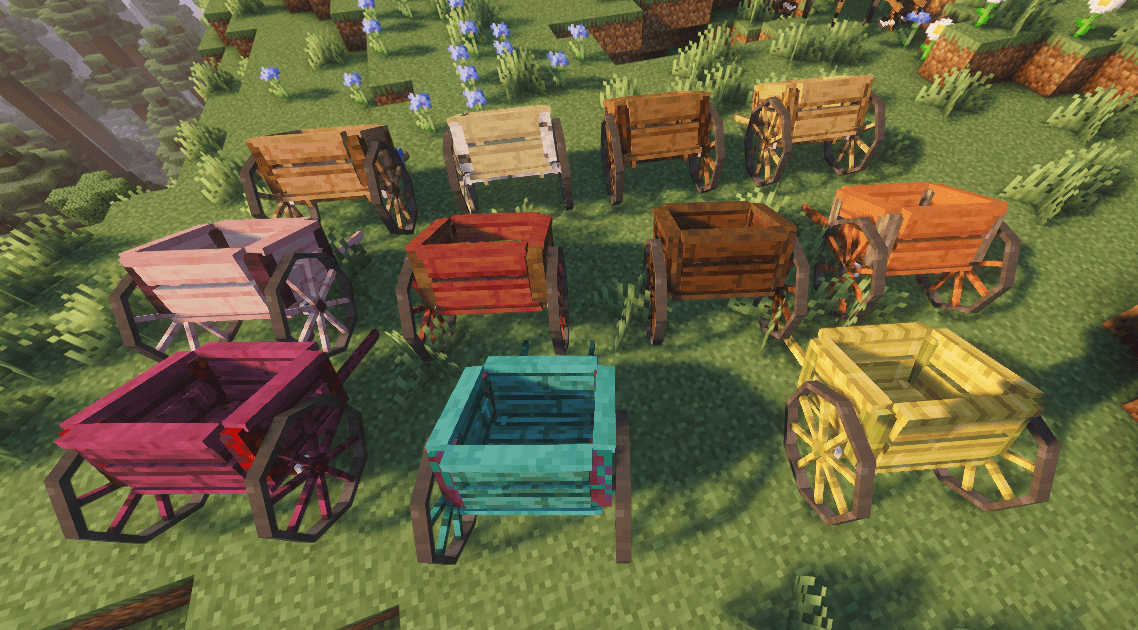
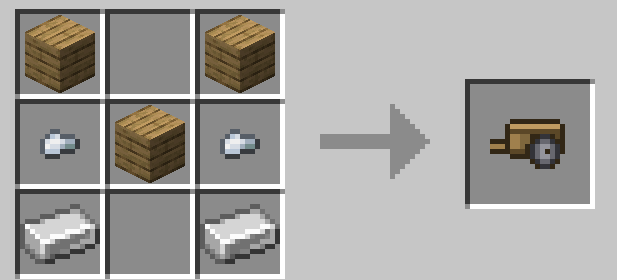
Base Craft, there is a cart for every wood type!
Attach a cart by pressing the keybind (default R) while riding a horse near a cart. You can also carry a cart on your own.
Detachable Modules:
Storage:
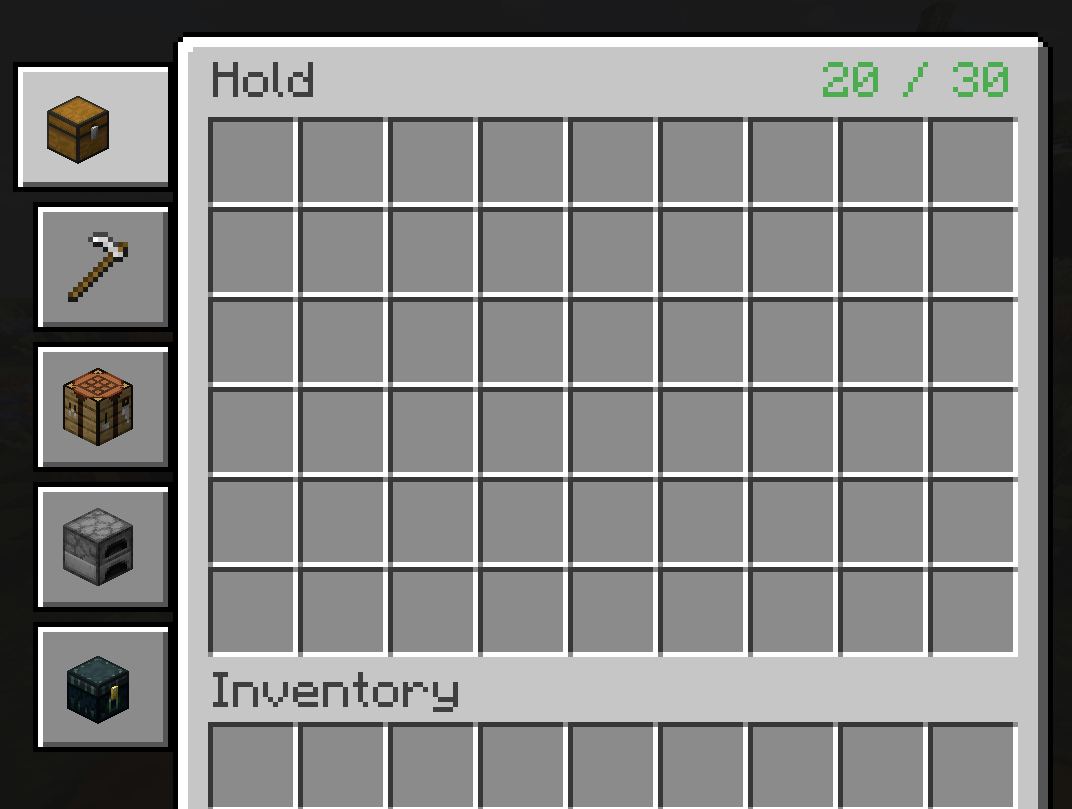
Right click the cart with a chest to increase the internal storage.
Plow:
Right click the cart with an iron hoe to add a plow, right click with a diamond hoe to expand the plow and increase its effect radius. Put hoes in the tool slots to harvest and repland and use shovels to create paths and clear foliage.
Seat:
Right click the cart with wool to add a stable seat, and can carry up to two mobs/friends.
Crafting Table:
Right click the cart with a crafting table (can be used via the cart’s gui).
End Chest:
Right click the cart with an end chest to add ender storage.
Furnace:
Right click the cart with a furnace to add a furnace.
Armor:
Right click the cart with an iron block to reinforce your cart.
Lightweight Frame:
Right click the cart with bamboo to add a lightweight frame and increase the tow speed.
常见问题
Modular Carts 支持哪些 Minecraft 版本?
Modular Carts 支持 Minecraft Java 版 1.21.1,可用的加载器:NeoForge。下载时注意选择和你游戏版本一致的文件。
Modular Carts 怎么安装?
先用 PCL2 或 HMCL 启动器安装对应版本的 NeoForge,再把下载的 .jar 文件放进游戏目录的 mods 文件夹,重新启动游戏即可。开启了版本隔离的,mods 文件夹在 versions/版本名 下面。
Gulpie 的其他作品
查看全部 →
Skibidi Toilet and Nukes
把脑腐内容(还有核弹)带进你的游戏

The Undead Dead
Kill the undead versions of the undead!

Explosion’t – Explosion Regen (Aeronautics compatible)
configurable explosion regen for all sources

Quarter Diamond | Vanilla Diamond Economy
A simple vanilla+ economy mod that lets you split a diamond into smaller parts and vice versa
评论
登录后评论和评分