截图

介绍
Verticality
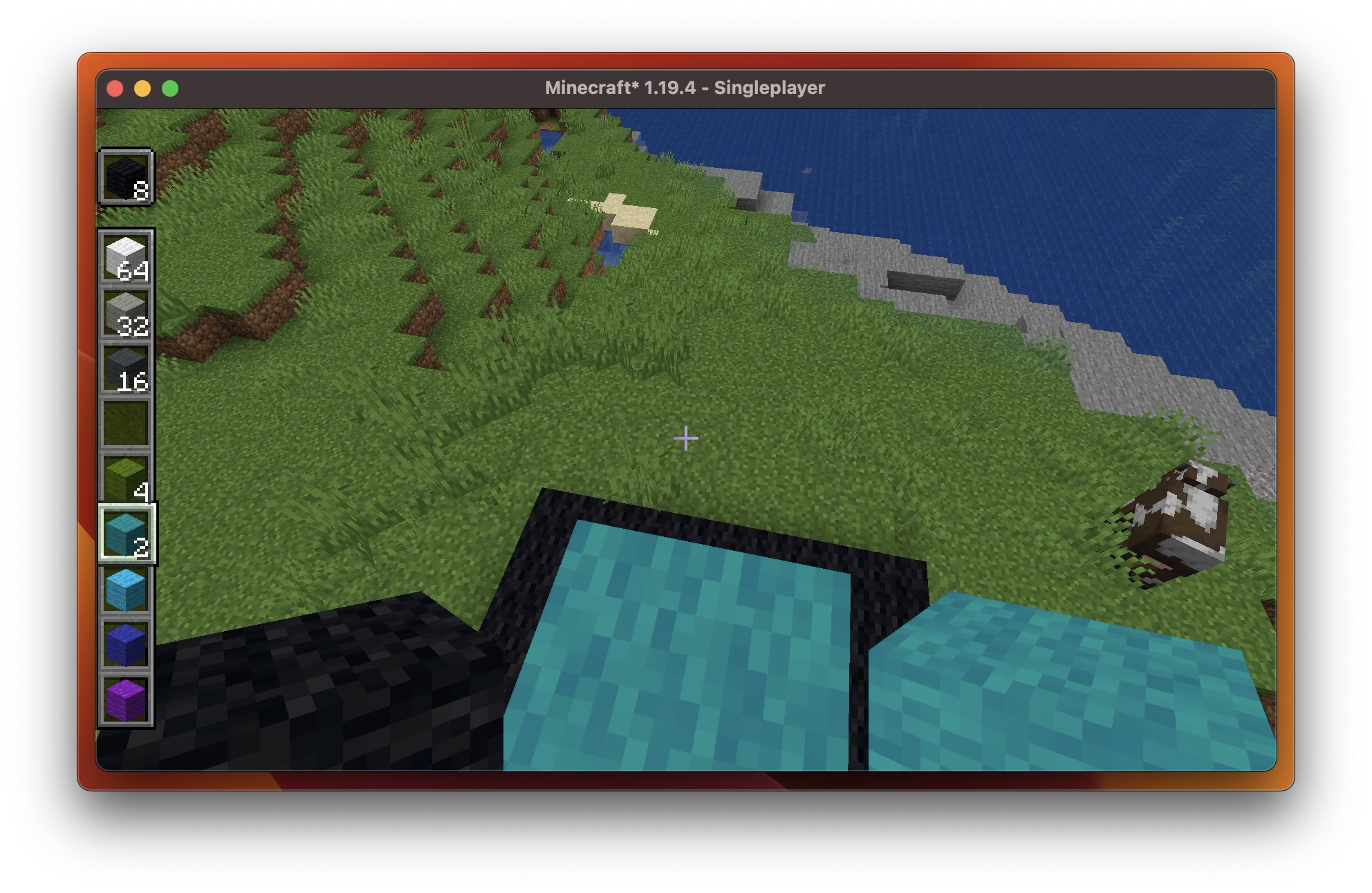
Verticality verticals your hotbar. Simple enough? Fascinating enough!
To toggle the feature, just press Escape to access the game menu, then you’shall see arrows on the hotbar area. Click them to see what happens!
Hotbar Styles
Verticality provides the following hotbar styles:
 Horizontal (Vanilla) |
 Vertical |
|---|---|
 Horizontal Alternative Layout |
 Vertical Alternative Layout |
 Also works in Spectator Mode. |
|
Compatibility
Verticality has good compatibility with:
Feel free to open a new issue if you find an incompatibility.
User Interface
This video demonstrates how you can play around with Verticality.
常见问题
Verticality 支持哪些 Minecraft 版本?
Verticality 支持 Minecraft Java 版 1.18–1.20.4,共 13 个版本,可用的加载器:Fabric / Quilt。下载时注意选择和你游戏版本一致的文件。
Verticality 怎么安装?
先用 PCL2 或 HMCL 启动器安装对应版本的 Fabric / Quilt,再把下载的 .jar 文件放进游戏目录的 mods 文件夹,重新启动游戏即可。开启了版本隔离的,mods 文件夹在 versions/版本名 下面。运行环境:仅客户端。
Kessoku Tea Time 的其他作品
查看全部 →
Bounced
Get your 'Minecraft' bounced!

Edgeless Chat Screen
Why not having an edgeless chat screen?

Flash
Flashes as you take a screenshot.

I’ve Spoken
Displays RPG-like dialogs above players' names. I've spoken.
评论
登录后评论和评分