
截图
介绍
DayNight Control
DayNight Control gives you complete control over Minecraft’s day and night cycle.
Customize day length, night length, sleep behavior, and HUD clock settings while keeping everything synchronized in both singleplayer and multiplayer worlds.
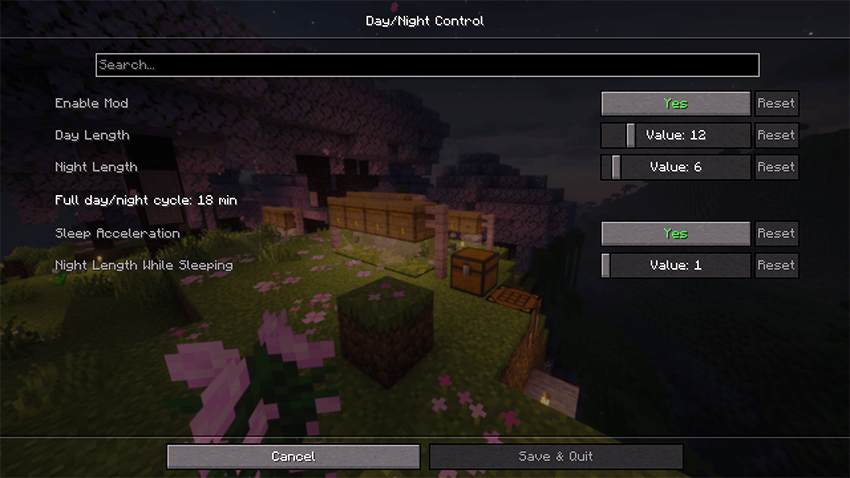
Configure day and night durations
Set custom day and night lengths in real-world minutes.

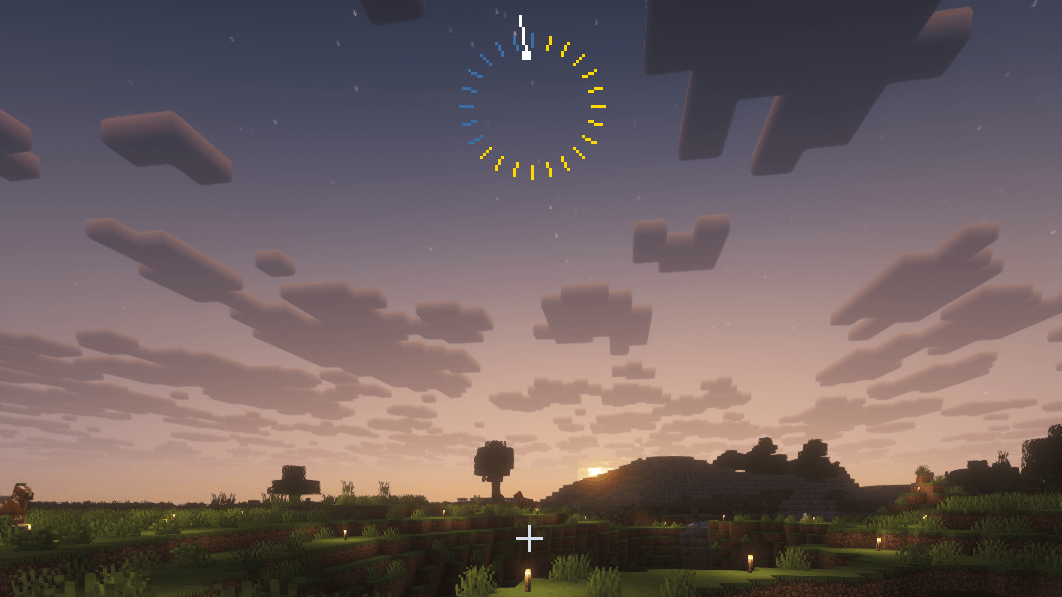
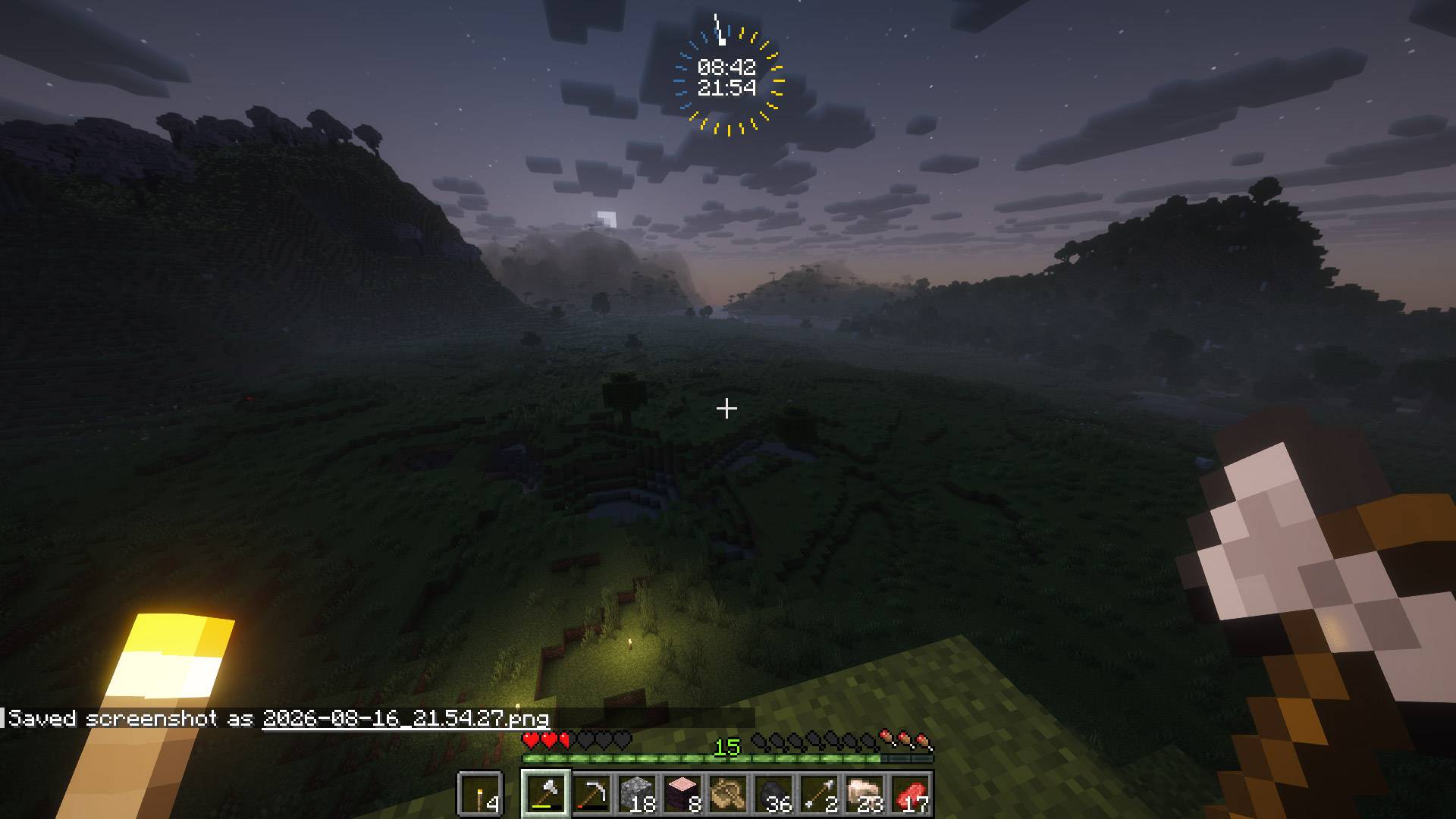
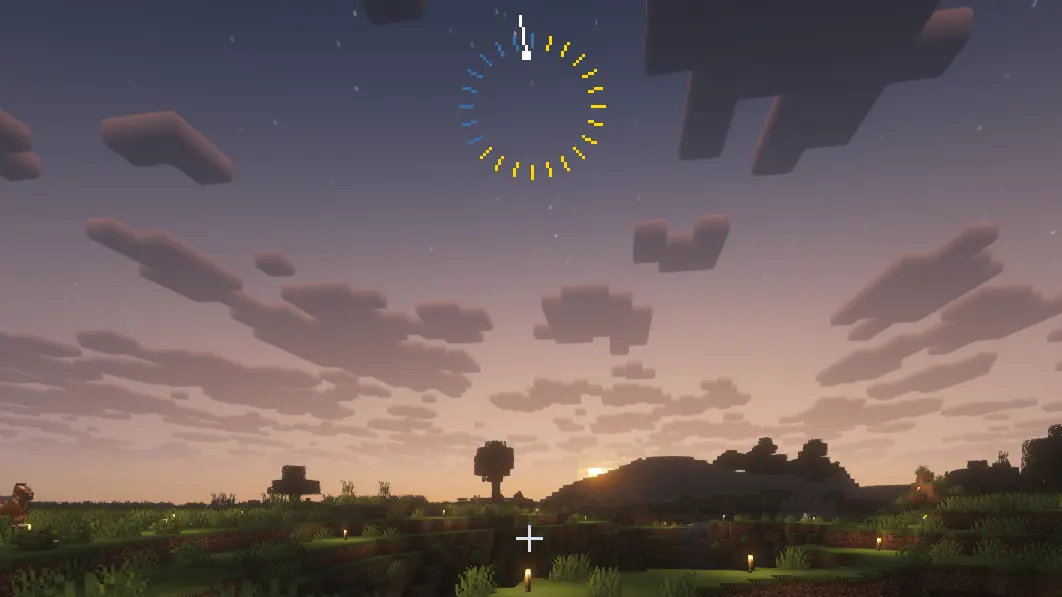
Clock HUD
Visual day/night ring showing the proportion of day and night lengths.
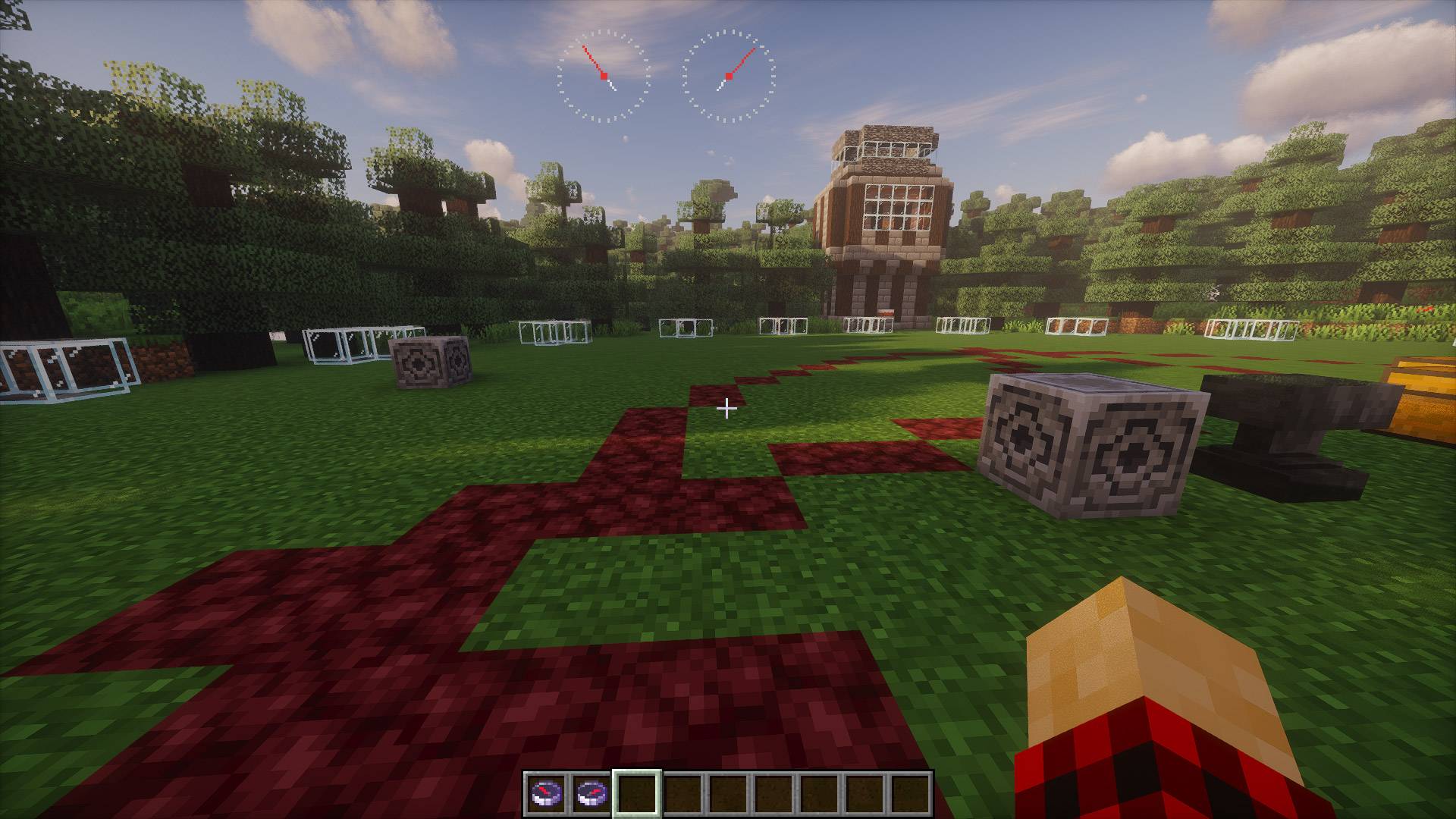
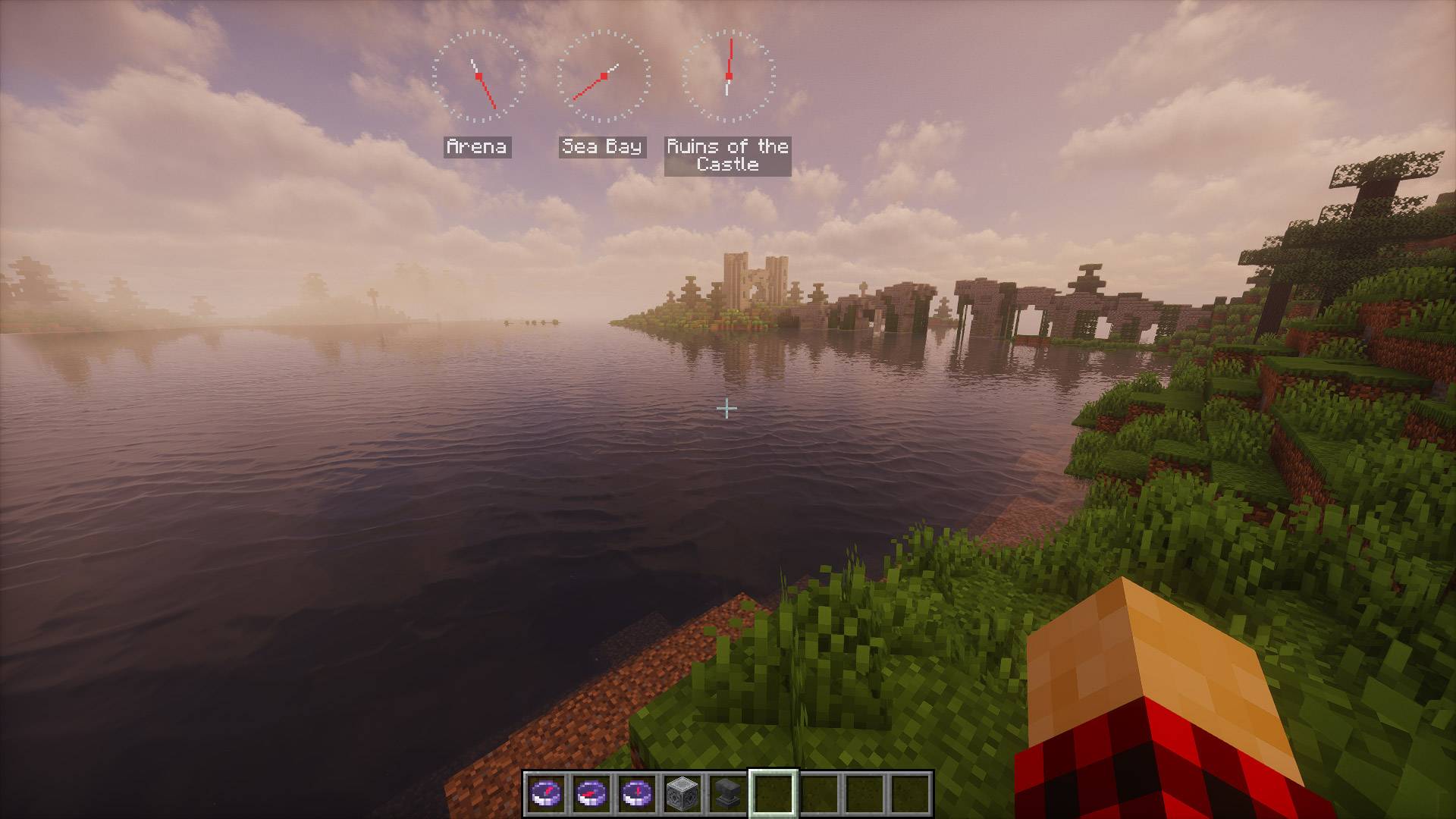
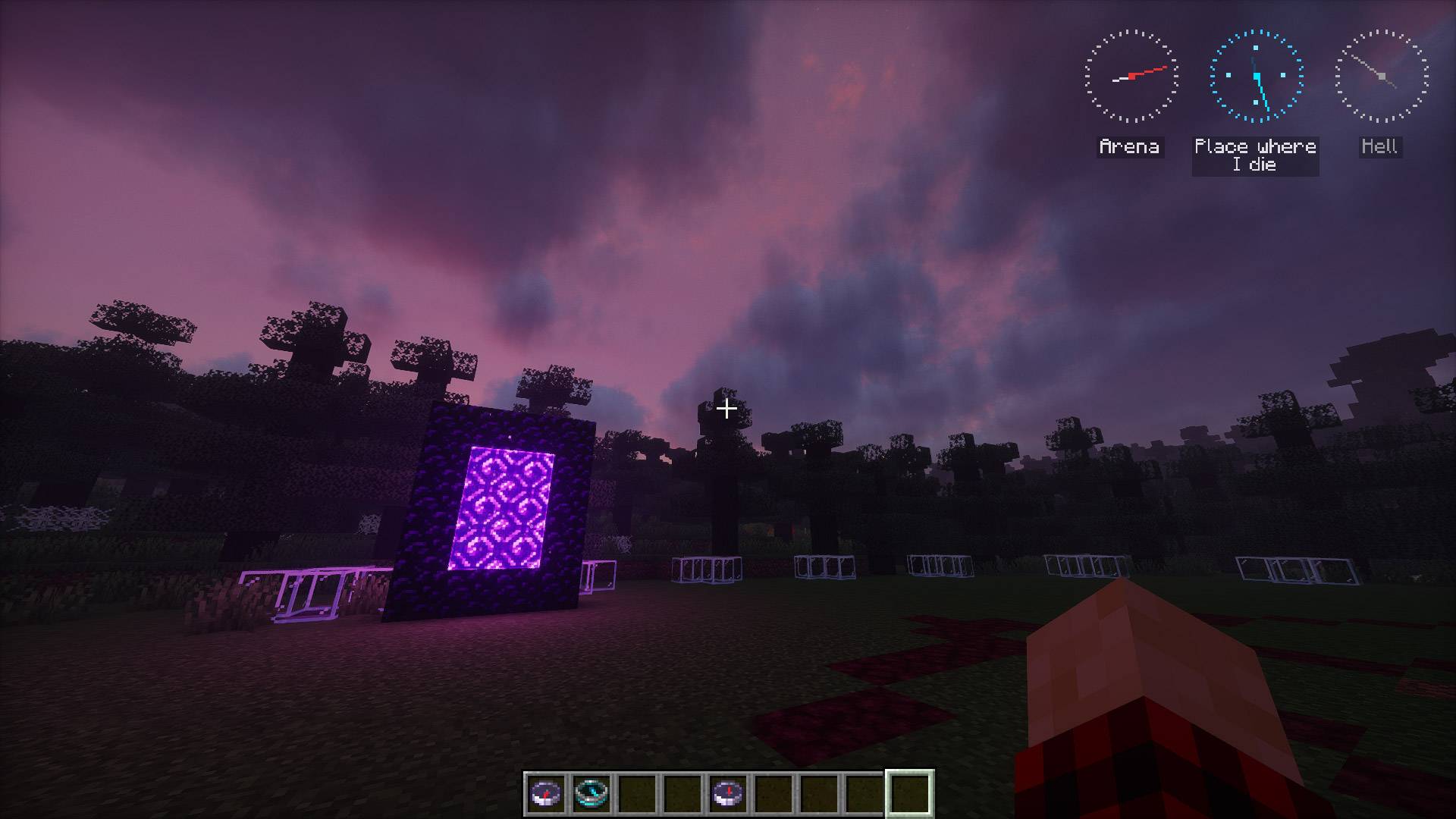
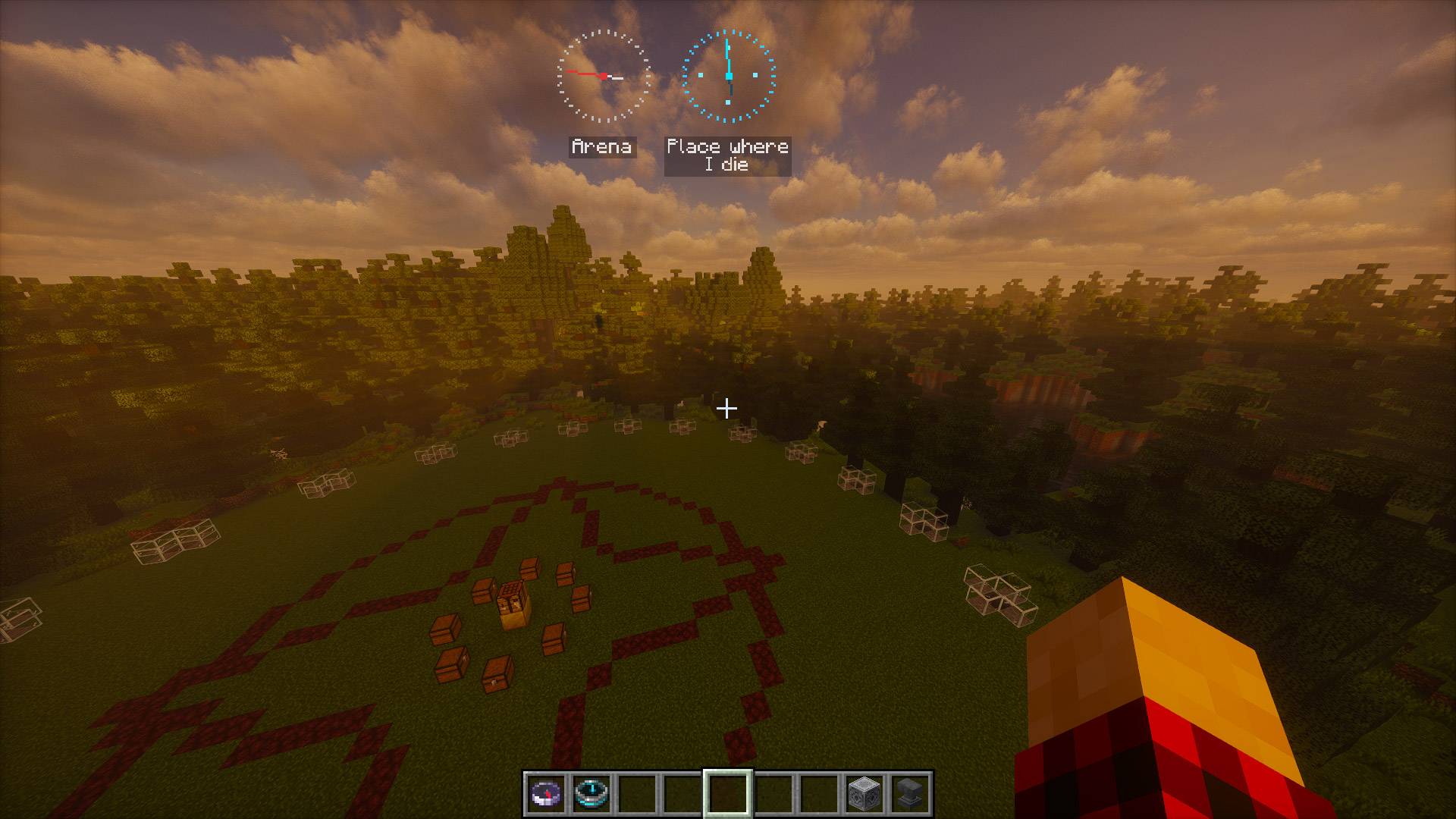
Compass HUD
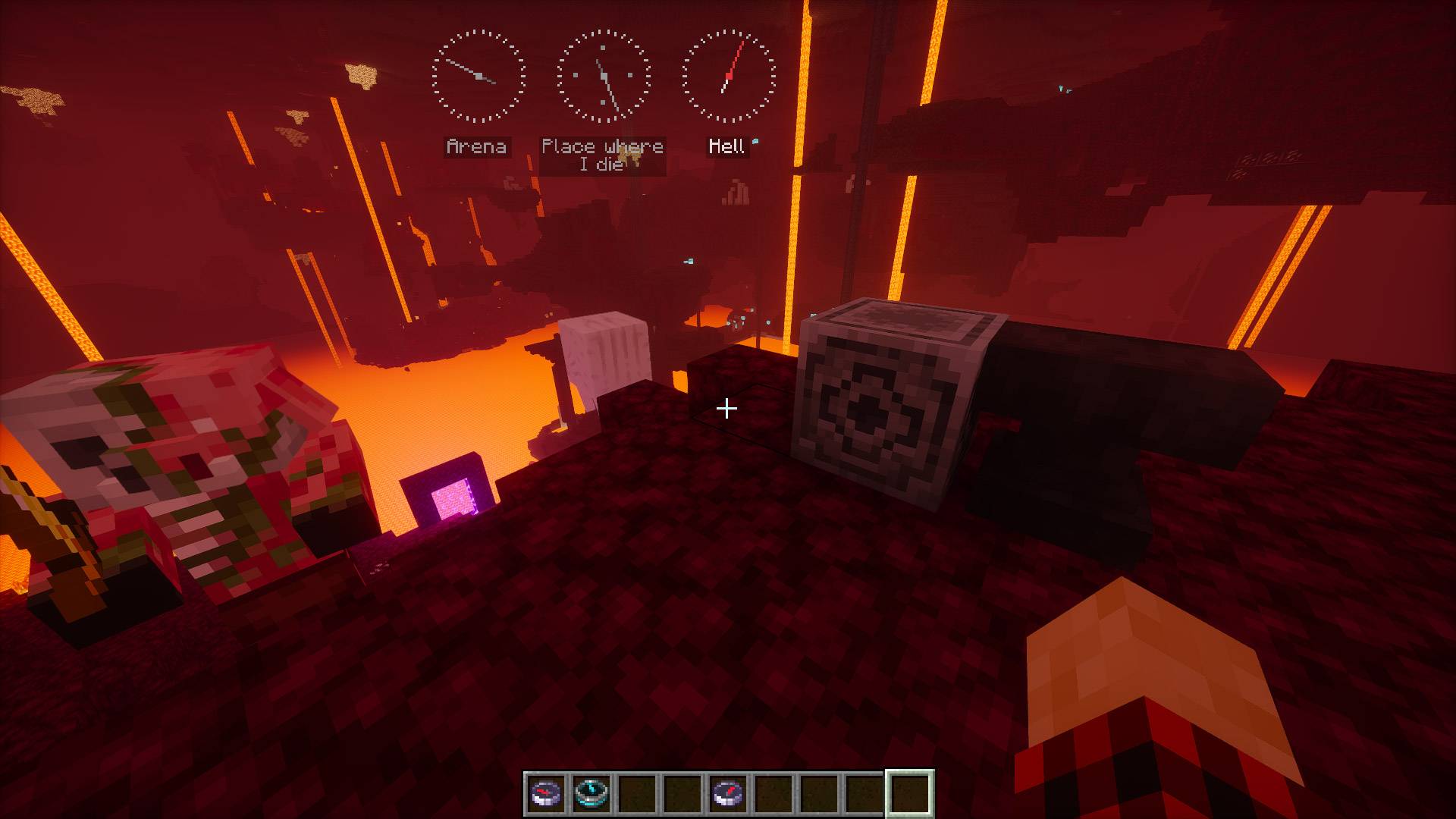
When the player has a compass in their inventory, its HUD is displayed on the screen.
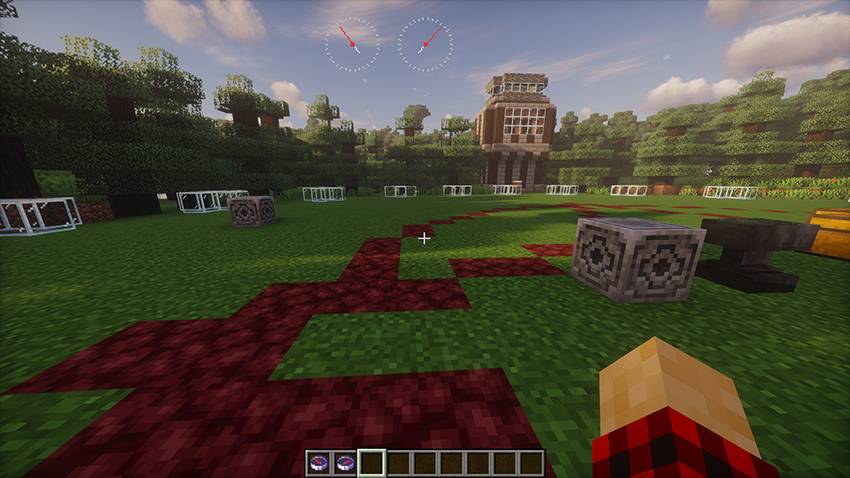
Compasses can be renamed in an anvil, which will cause their name to appear in the HUD.
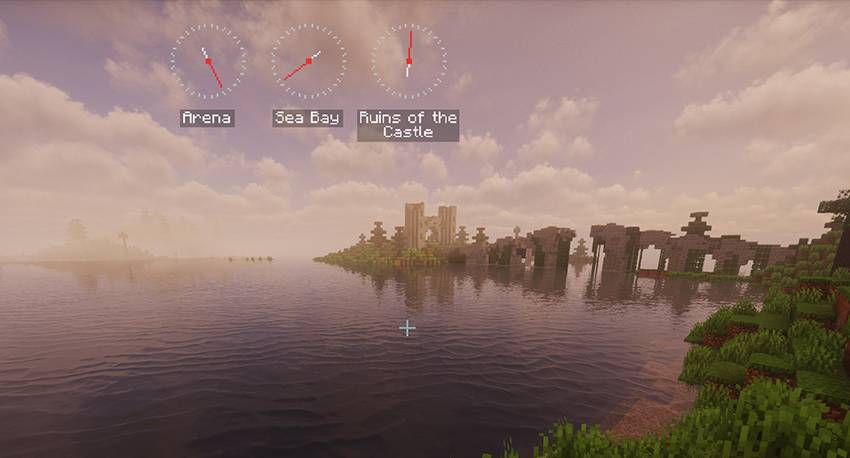
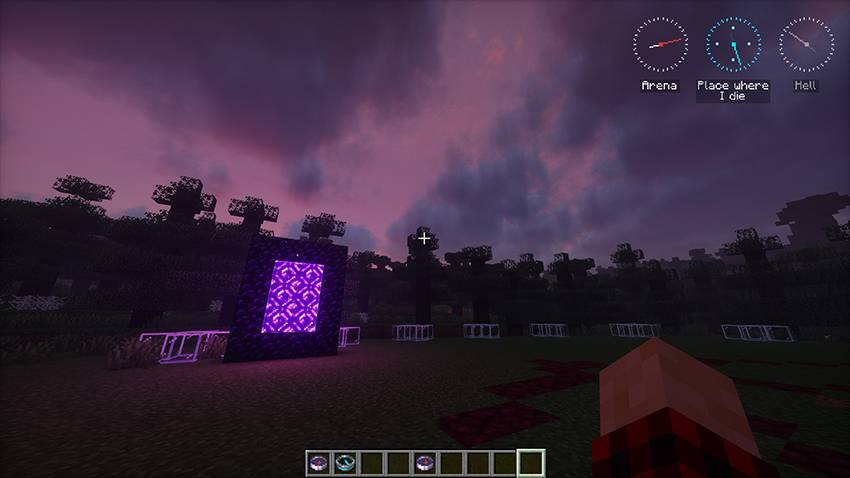
If the compass is anchored in another dimension, it turns gray and starts spinning.
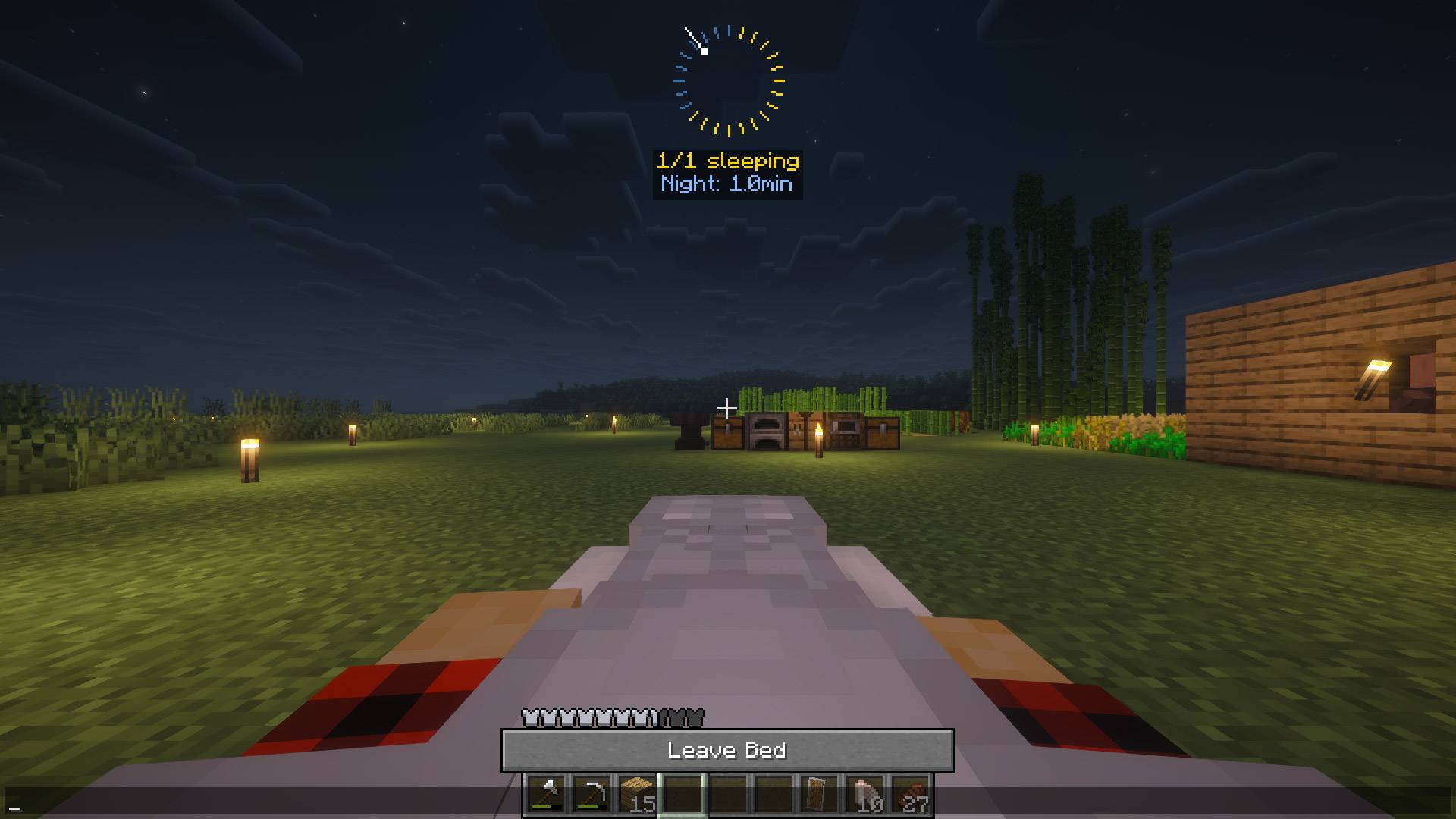
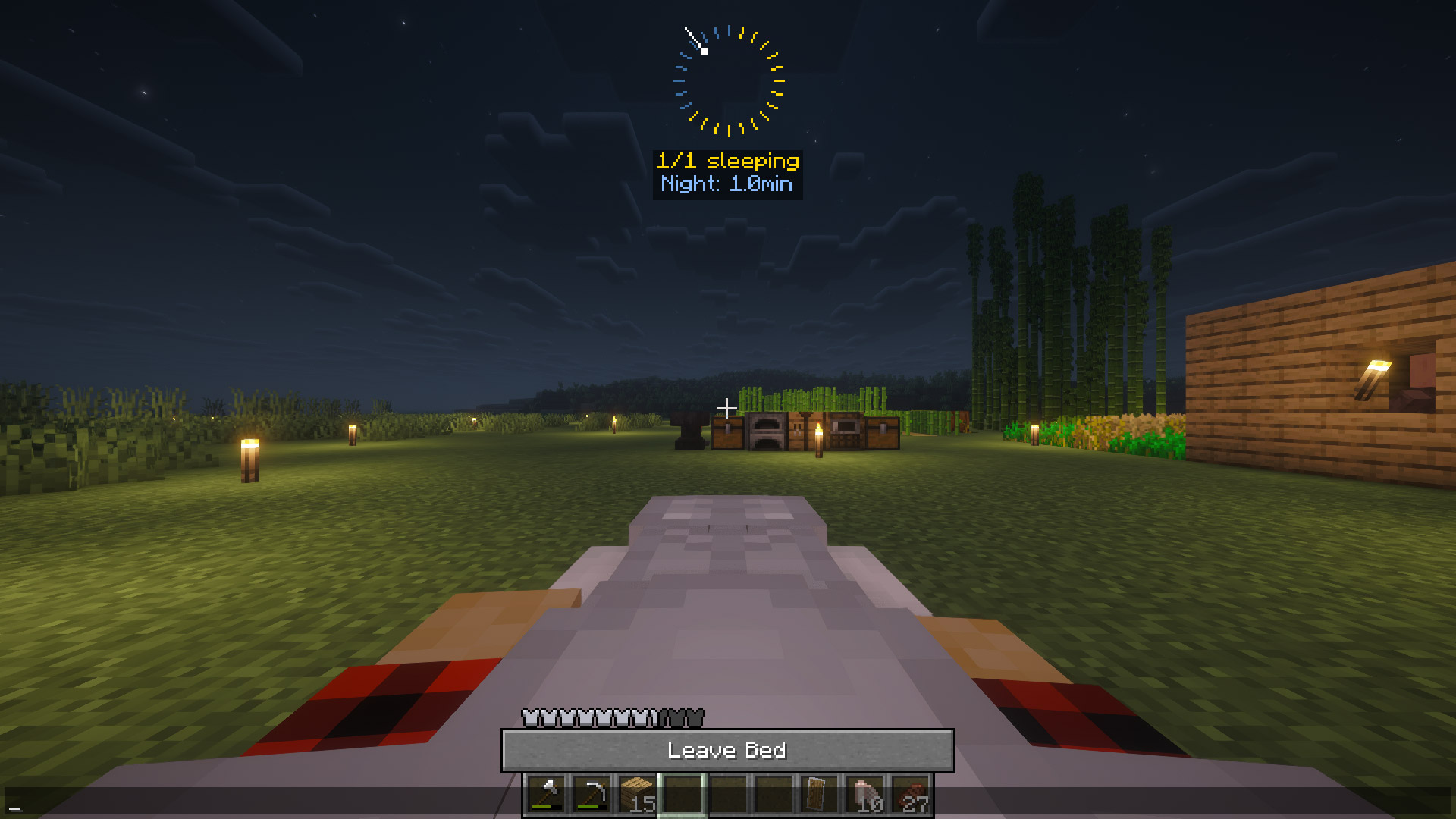
Fast nights while sleeping
Sleep acceleration scales dynamically with the percentage of players sleeping.
Easy Configuration
Fully configurable through in-game menu (Keybind: K).
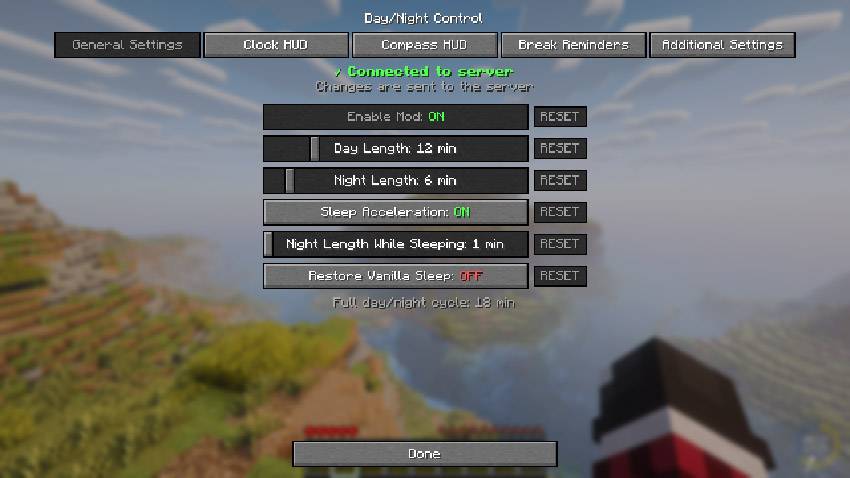
Also can be adjust from Mod Menu GUI.

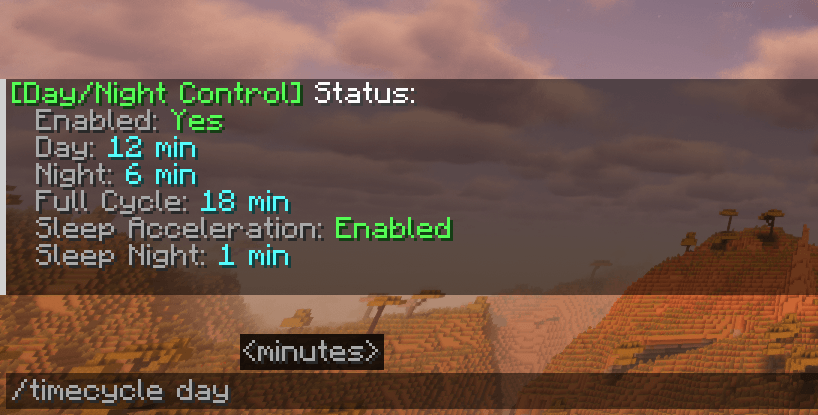
And also from in-game console.

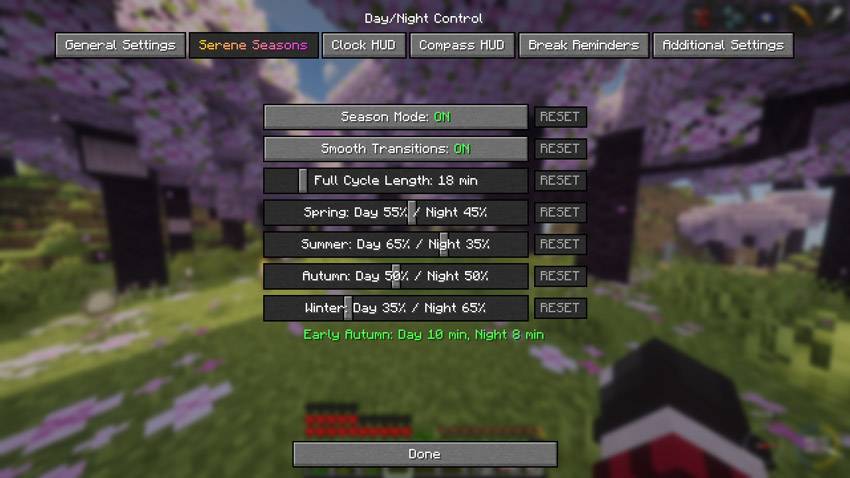
Compatible with Serene Seasons
With the Serene Seasons mod installed, a new tab will appear in the mod menu, allowing you to adjust the Day/Night Ratio for different seasons.
Multiplayer Ready
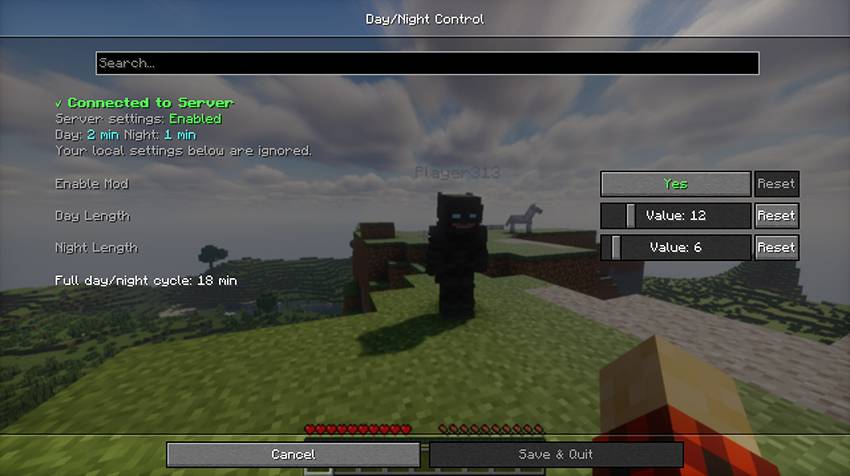
Server admins control the settings, clients automatically sync. Changes apply immediately without server restart.

Suggested Presets
(no pressure)
| Type | Day | Night | Description |
|---|---|---|---|
| Vanilla | 10 min | 10 min | Standard Minecraft |
| Better Balance | 12 min | 6 min | Perfect for Heart Mod and ordinary gameplay |
| Builder Friendly | 30 min | 2 min | Maximum building time |
| Hardcore Survival | 8 min | 15 min | Challenging nights |
| Speed Run | 2 min | 1 min | Fast-paced gameplay |
| Realistic | 20 min | 10 min | 2:1 day/night ratio |
| Casual | 15 min | 5 min | Beginner friendly |
常见问题
Day/Night Control 支持哪些 Minecraft 版本?
Day/Night Control 支持 Minecraft Java 版 1.21.1–26.3,共 13 个版本,可用的加载器:Fabric / Forge / NeoForge。下载时注意选择和你游戏版本一致的文件。
Day/Night Control 怎么安装?
先用 PCL2 或 HMCL 启动器安装对应版本的 Fabric / Forge / NeoForge,再把下载的 .jar 文件放进游戏目录的 mods 文件夹,重新启动游戏即可。开启了版本隔离的,mods 文件夹在 versions/版本名 下面。
Hejko 的其他作品
查看全部 →
HeartMod – Heart Crystals
Start with 5 hearts and collect Heart Crystals to increase your maximum health

Heart Mod
Rebalanced health progression. You start with only 5 hearts. Find more through exploration, and with no auto-regen, every hit counts.

DayNight Control
Customize day length, night length, sleep behavior, and HUD clock

Farmland World
The world generator adds endless farmlands
评论
登录后评论和评分