
介绍
LIGHTWEIGHT ESSENTIAL MODS
A modpack designed to be lightweight (as in less then 20 mods) and yet at the same time help make the game experience better

ALTERNATIVE DOWNLOAD
From GitHub
ISSUES:
go here
INSTALL GUIDE:
Prerequisites
- Fabric
- Minecraft
IF you don’t have Fabric or Minecraft (I doubt) then there are guides out there
- Fabric guide
- Minecraft, Either your lying or your for some weird reason you came across this page
BTW, the instructions are for windows, I don’t have a mac so not sure about installing on a mac and neither do i have a Linux machine
Steps (EASY WAY)
- Open the project, Here
- Click install
Steps (HARD WAY)
- Download the files from here
- Unzip the files,
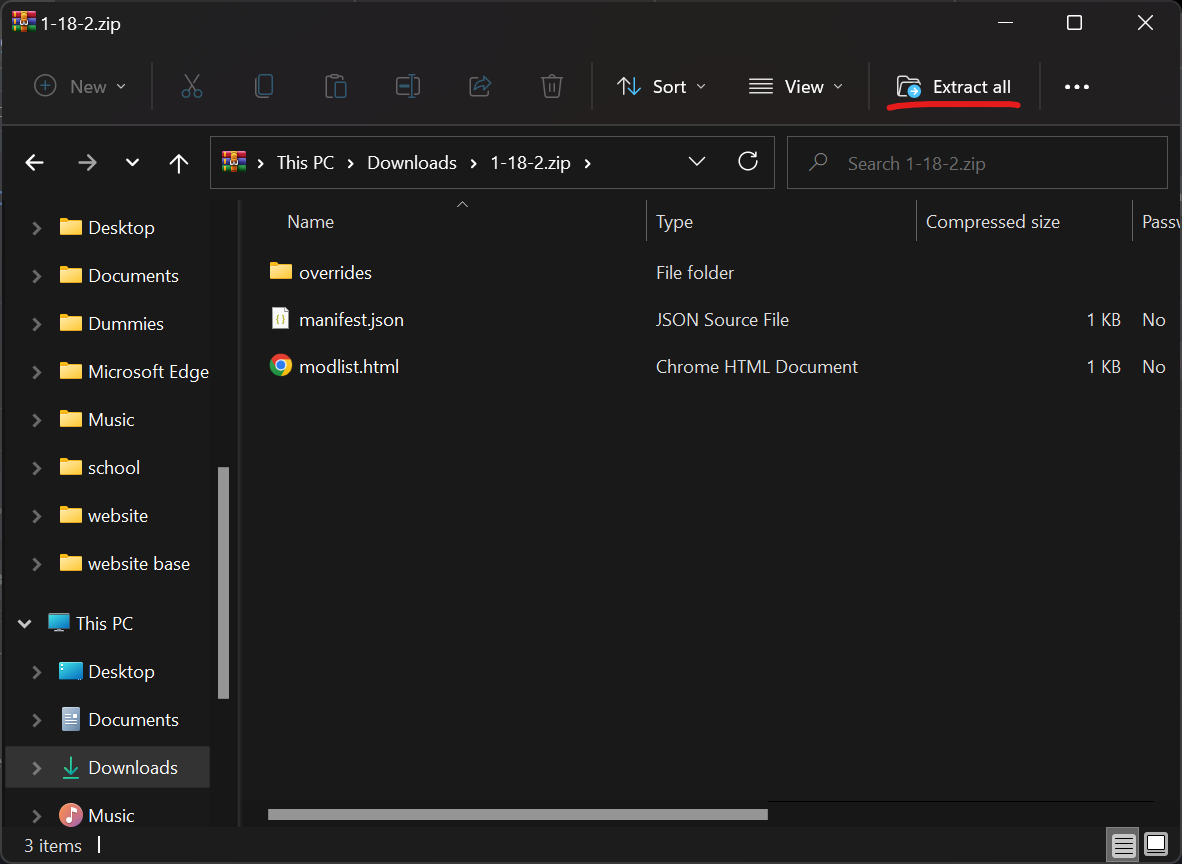
- Find the mods folder
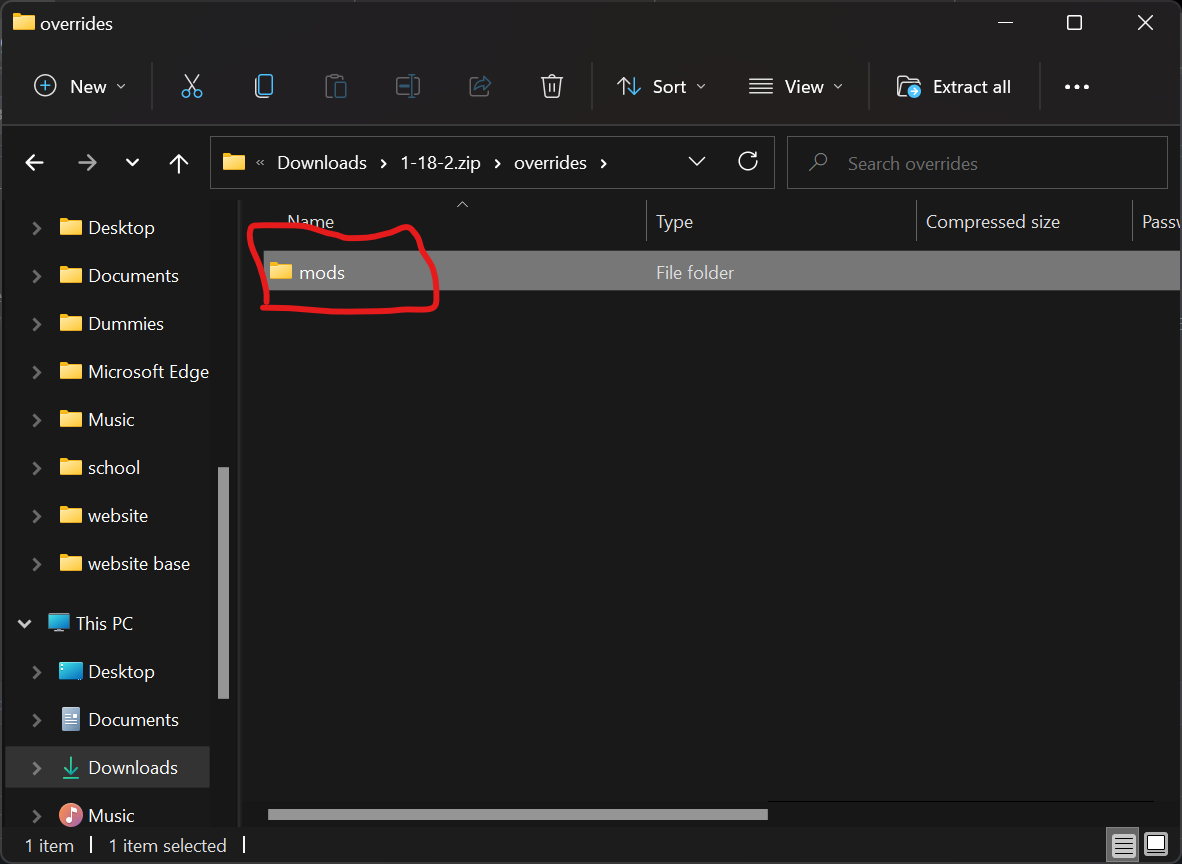
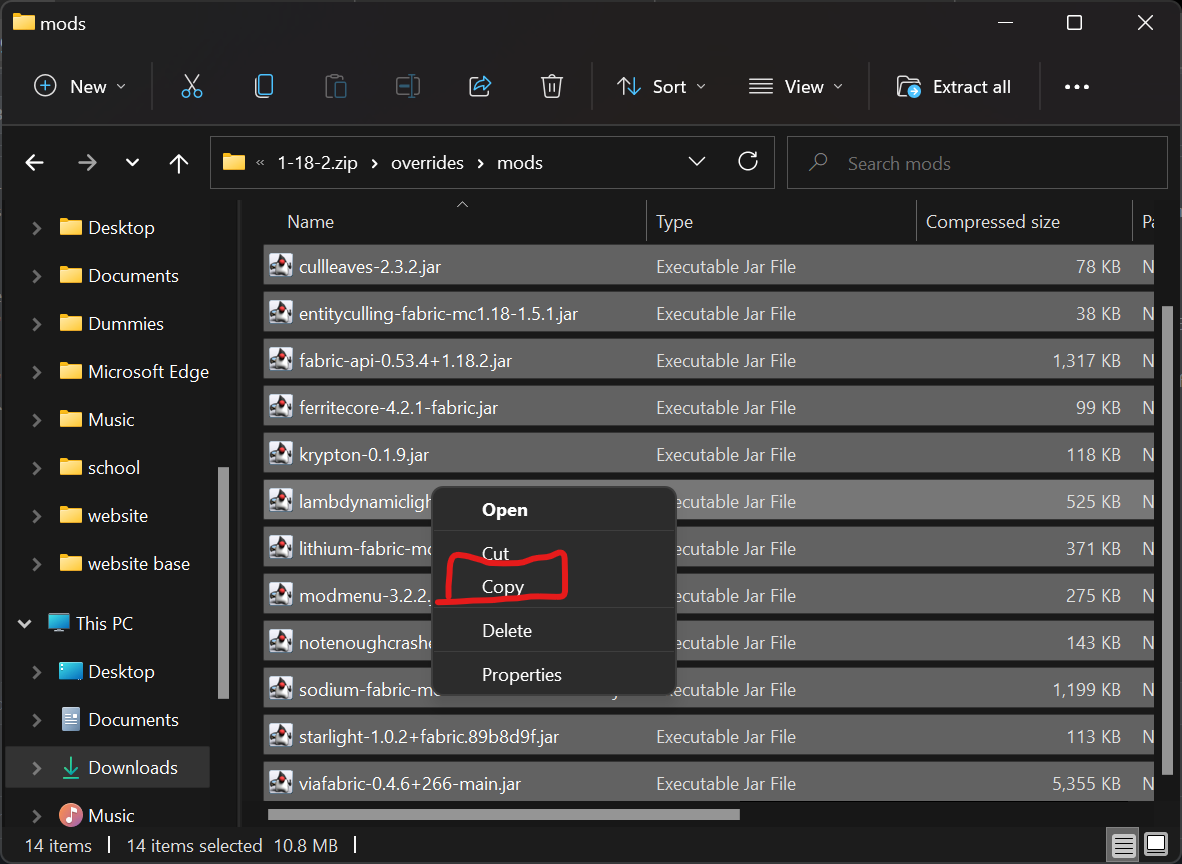
- Copy everything
- Do 🪟 + R and this should popup
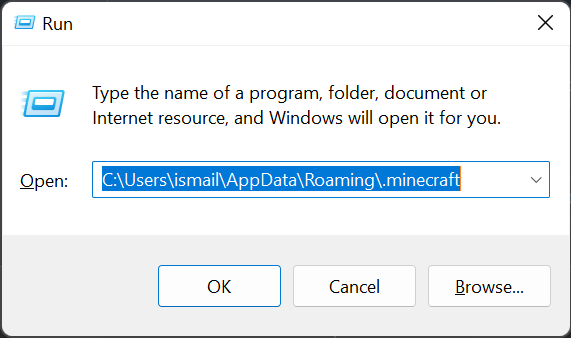
- type “%appdata%.minecraft”
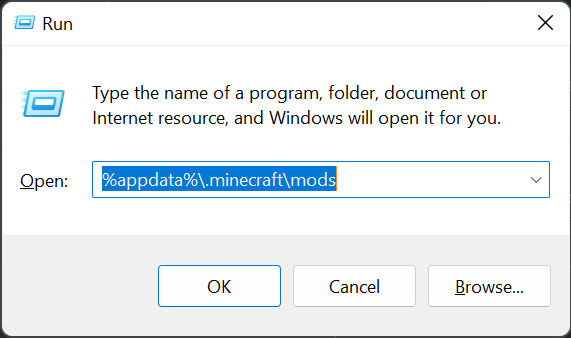
- Click OK
- Find the mods folder / if there isn’t any make one
- Paste the files
MODS:
- Lithium By jellysquid3_
- Sodium By jellysquid3_
- FerriteCore (Fabric) By malte0811
- Entity Culling By tr9zw
- Krypton By tuxed
- Starlight (Fabric) By SpottedStar
- Clear Despawn (Fabric) By StrikerRocker
- LambDynamicLights By LambdAurora
- Cull Leaves By Motschen
- Not Enough Crashes (Fabric) By NatanFudge
- ViaFabric By creeper12312332
mods vary by version of the pack, to see what mods are in what pack just look at the file page
SUGGESTIONS:
make a comment
常见问题
lightweight essential mods 支持哪些 Minecraft 版本?
lightweight essential mods 基于 Minecraft Java 版 1.18.2、1.18.1、1.18,使用 Fabric 加载器。
lightweight essential mods 怎么安装?
点本页「前往下载」拿到整合包文件(Modrinth 的是 .mrpack,CurseForge 的是 .zip),在 PCL2 或 HMCL 启动器里选择「导入整合包」,启动器会自动装好 Minecraft、加载器和全部模组。建议在启动器里给游戏分配 4–6 GB 内存。
lightweight essential mods 开服需要多大内存?
推荐服务器内存 12 GB。在线人数多、或者建了大量机器和区块加载器时,可以再加 2–4 GB。
怎么和朋友一起玩 lightweight essential mods?
点本页的「一键开服」,选好配置后会自动安装 lightweight essential mods 的服务端,几分钟就能开好。把服务器地址发给朋友,大家用同一个版本的整合包连进去就行。
评论
登录后评论和评分