截图
介绍
中文介绍正在准备中,下面暂时显示原文。
Have you needed to get your minecraft skins from your launcher but lost the original files? This mod reads from the launcher_skins.json, decodes, and exports your skins!
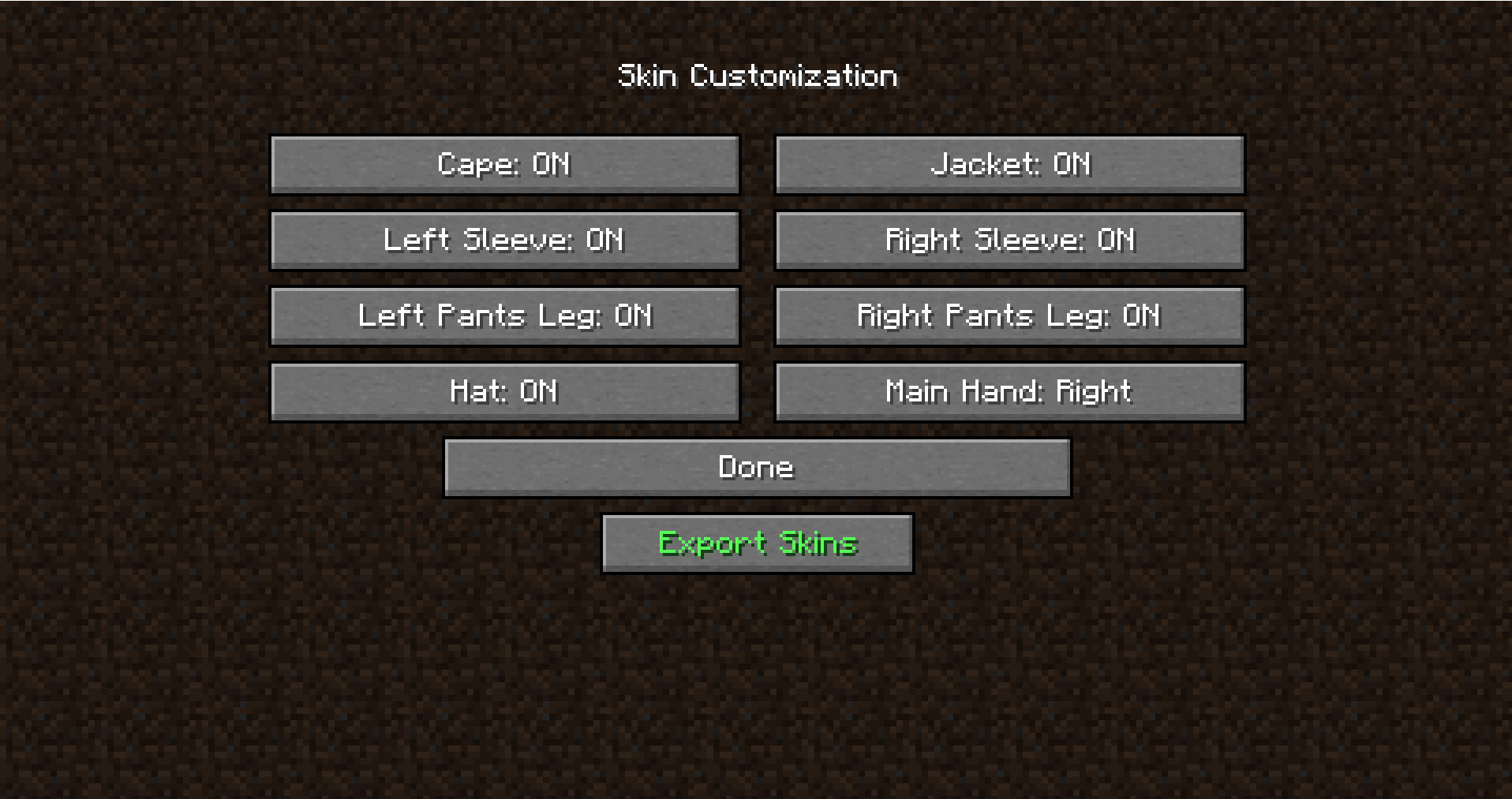
To use it, put the mod into the mods folder then launch the game. Click options, go to Skin Customization, then click export. It will export into a folder in your minecraft directory called skins.
This is more of a personal project than something I intended on releasing, so there could possible be some bugs.
常见问题
McSkinExtractor 支持哪些 Minecraft 版本?
McSkinExtractor 支持 Minecraft Java 版 1.16–26.3,共 11 个版本,可用的加载器:Forge / NeoForge。下载时注意选择和你游戏版本一致的文件。
McSkinExtractor 怎么安装?
先用 PCL2 或 HMCL 启动器安装对应版本的 Forge / NeoForge,再把下载的 .jar 文件放进游戏目录的 mods 文件夹,重新启动游戏即可。开启了版本隔离的,mods 文件夹在 versions/版本名 下面。
评论
登录后评论和评分