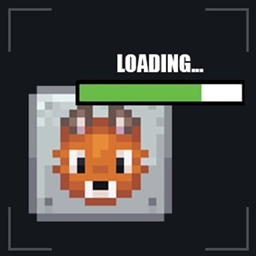
截图
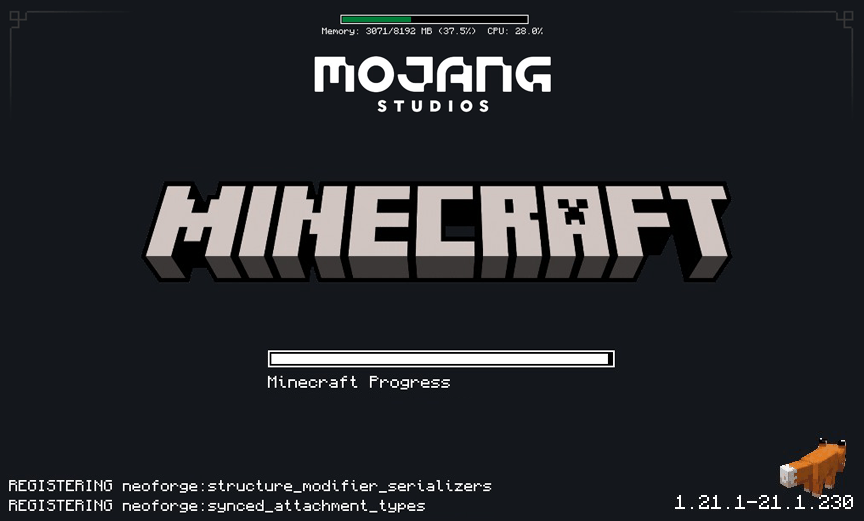
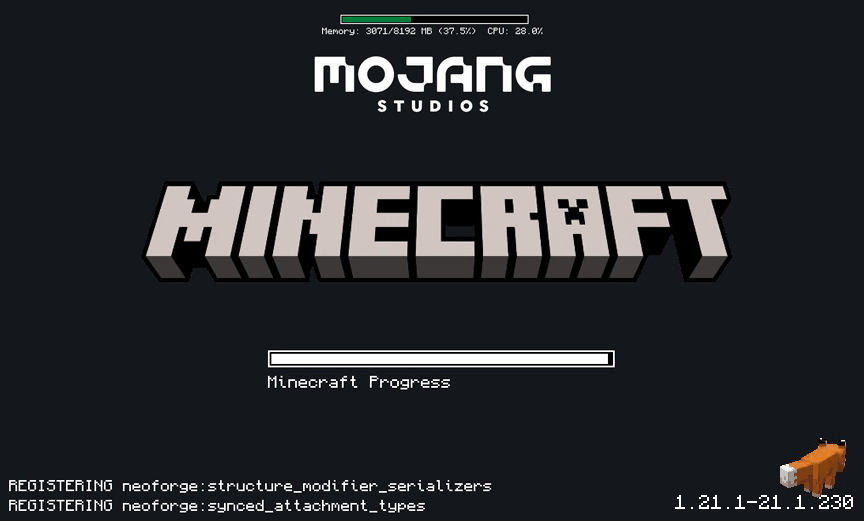
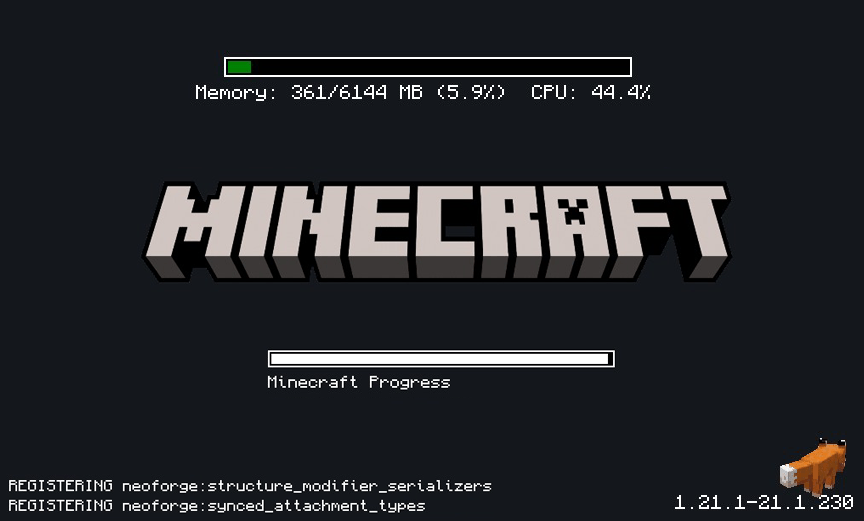
介绍
All code authorship belongs to Lukáš Kaňka; I was not involved in any way in the development of this mod.
My participation is limited to modifying the compiled JAR file to alter visual aspects to my liking. If there are any problems with the programming, performance, or errors, I recommend going to the original author’s website, from where I obtained the file I’m sharing here.
https://www.curseforge.com/minecraft/mc-mods/simple-custom-early-loading
Since my contribution was visual, I can alter only what the config file and my graphics files allow.

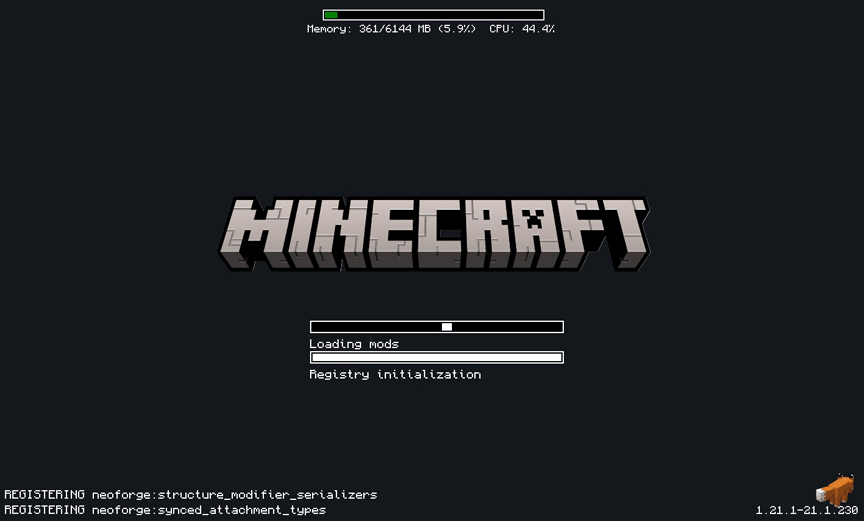
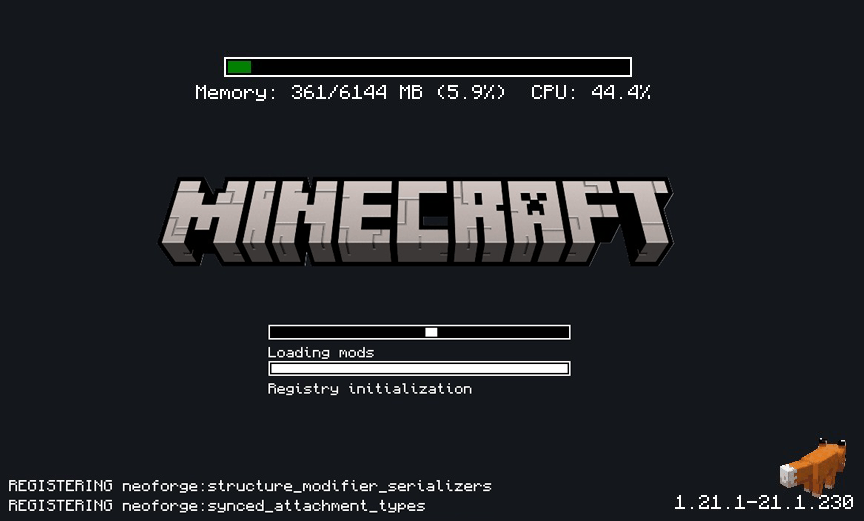
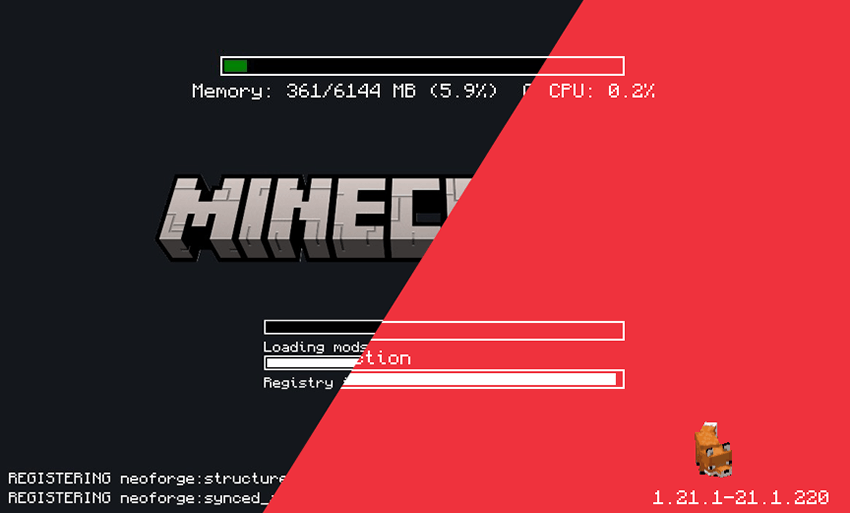
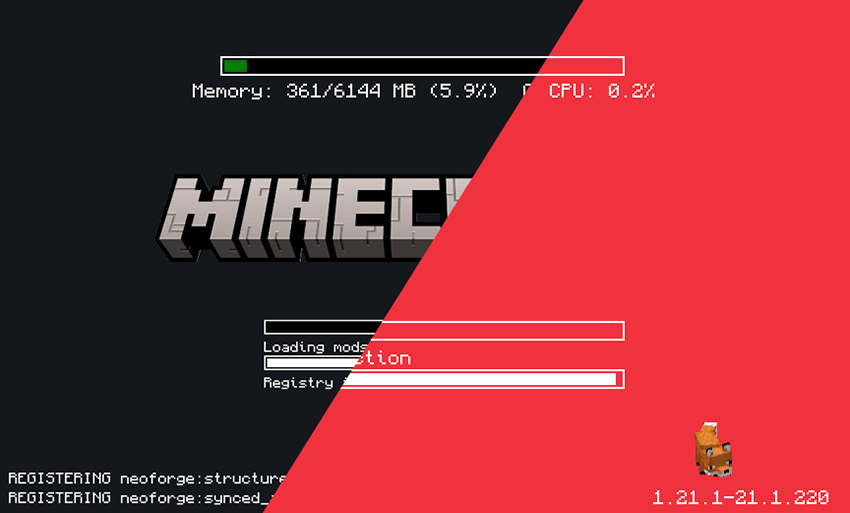
This mod allows the customization of Neoforge’s early loading screen.
As the original mod allows all the options mentioned by its author.
Features:
- add and position custom images (see supported image formats)
- toggle and change the position of the progress bar
- toggle performance bar
- toggle NeoForge’s fox
- toggle bottom left log
- toggle NeoForge’s version (bottom right)

Installation
- Just leave it in to the mods folder.
- when you run minecraft, you’ll see an alert windows said something like “you didn’t change manually the config file. do you wanna make it automatically?” press yes, and run minecraft again.
- now you can see loading screen darker.
If you wish to make the modifications manually, follow the author’s steps.
- place the jar in the mods folder
- modify the
config/fml.tomlfile
# Early window provider
earlyWindowProvider = "SimpleCustomEarlyLoading"
# ... Other options ...
# Optionally set the window to be maximized
earlyWindowMaximized = true

Some options that I left
If you want to change something, like background, or logo, maybe hiding things in the corners…
- Go to the config folder.
- Look for
simple-custom-early-loading(here you can change everything that appears on screen). - If you want the simple logo, look for the line that says
"image": "logoplain.png"
– logoplain.png – is simple
– logof.png – is the game’s most recent logo
– loading.apng – is an animation of the word “loading”
If you want to change the background, look for the line "image": "plaindark.png"
– plaindark.png – is the default dark version
– plaindark2.png – is a version with decorative corners
– stellarview.png – is a screenshot of the Minecraft sky using a mod the author used
If you want to use custom images, you can create a folder inside the config/simple-custom-early-loading ,put yours images there, and go to modify the simple-custom-early-loading.json file.
常见问题
Dark early loading 支持哪些 Minecraft 版本?
Dark early loading 支持 Minecraft Java 版 1.21–1.21.4,共 5 个版本,可用的加载器:NeoForge。下载时注意选择和你游戏版本一致的文件。
Dark early loading 怎么安装?
先用 PCL2 或 HMCL 启动器安装对应版本的 NeoForge,再把下载的 .jar 文件放进游戏目录的 mods 文件夹,重新启动游戏即可。开启了版本隔离的,mods 文件夹在 versions/版本名 下面。
kentapainter 的其他作品
查看全部 →
K’s DARK GUI
简约的方块材质包,但最重要的是……够暗。

Tom’s storage Create style
为 Tom's Simple Storage 打造机械动力风格的材质包。现已重新推出。

Create: Simple storage recipes
使Tom's Simple Storage的配方与机械动力匹配并使用机械动力。

Tom’s storage Create style
机械动力风格的 Tom's Simple Storage。复活此材质包。
评论
登录后评论和评分