
截图


介绍

🐉 Bluedude Dragons
A How to Train Your Dragon–themed Minecraft mod that lets you hatch, tame, train, and ride your very own dragons—all within the blocky world of Minecraft.
⚠️ Alpha Disclaimer
Warning: This mod is currently in alpha. Features are subject to change, bugs are expected, and content is actively being developed.
❓ Q&A
🐾 How do I tame a dragon?
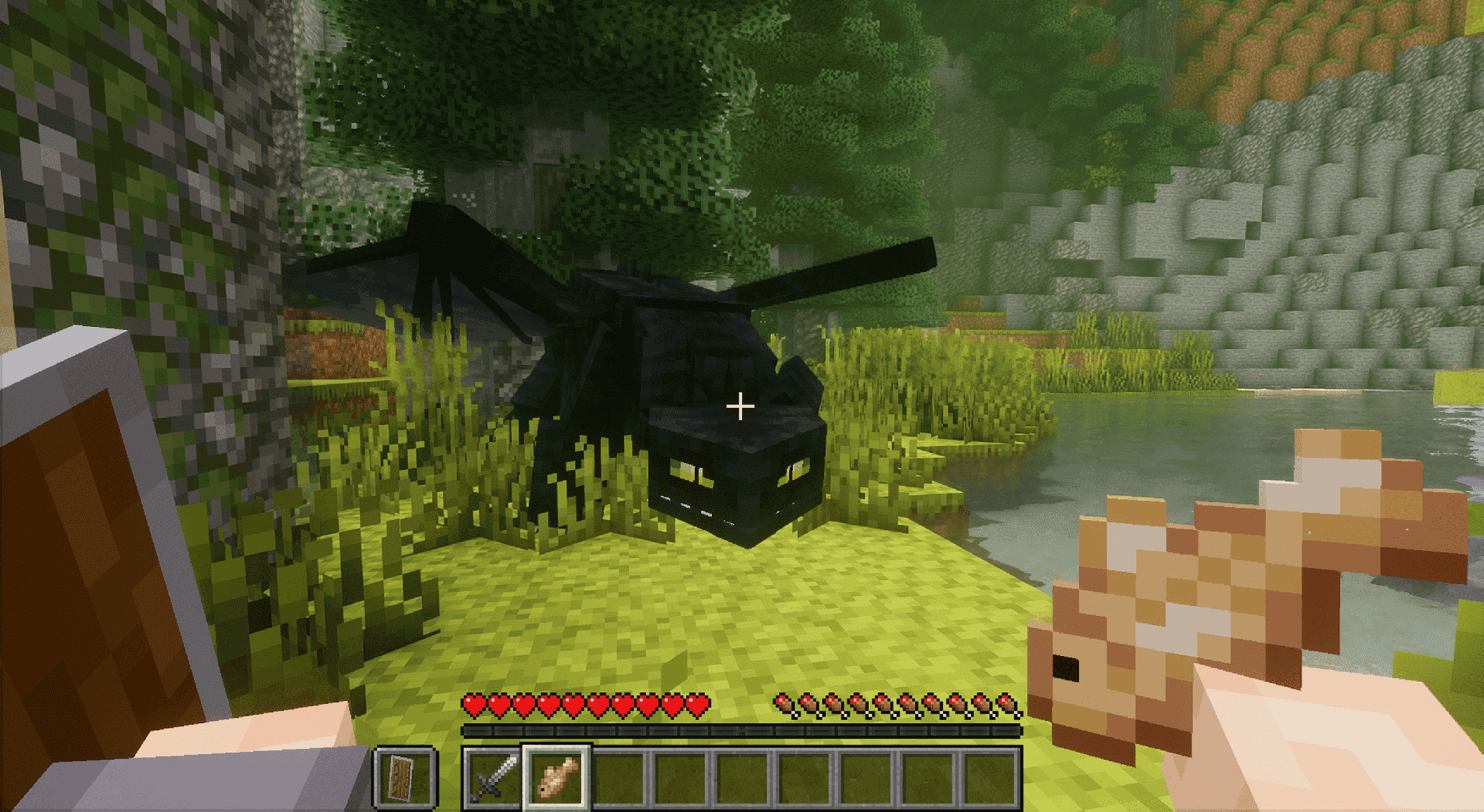
- Right-click a dragon with any food to start the taming process.
- Each feeding increases the taming progress bar.
- Once full, the dragon will sit and patiently wait for you to claim it.
- To claim, use Shift + Right-Click. A confirmation message will appear once tamed.
- Creative shortcut: use the _Tame Stick_ item to instantly tame a dragon.
**Side note. You may not have any armor on or have a weapon in your hotbar or taming will not start**
🥚 How do I hatch an egg?
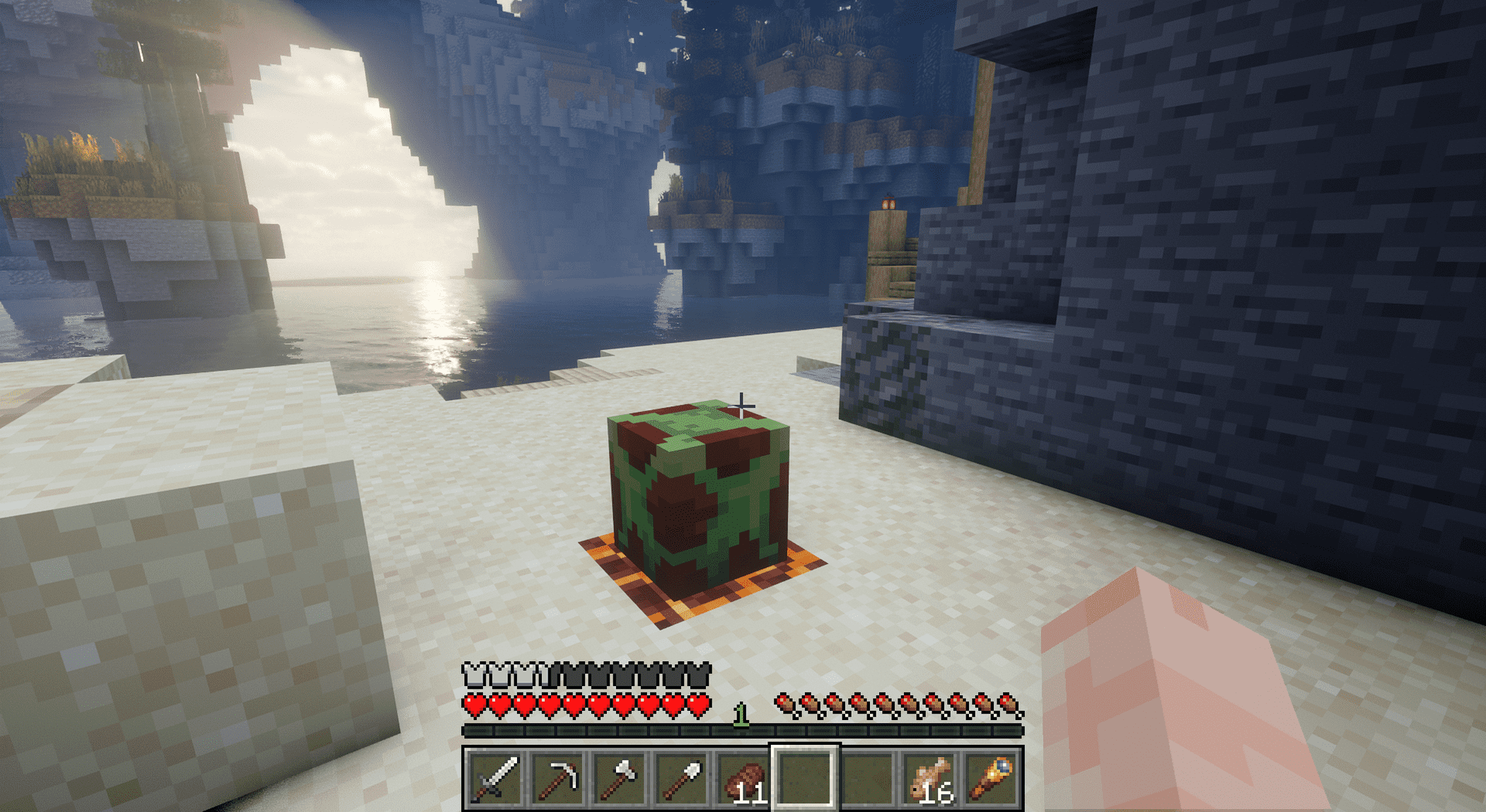
Place a heat source (such as fire or another warm block) beneath or near the egg to trigger hatching.
🌍 Where can I find dragon eggs?
Dragon eggs are found in dragon nests, which naturally spawn across a variety of biomes, including:
- Cherry Groves
- Savannas
- Deserts
- …and many more!
🌟 What is _Bluedude Dragons_?
_Bluedude Dragons_ is a Minecraft mod inspired by the _How to Train Your Dragon_ universe. We aim to bring dragons from across the franchise—books, movies, shows, and games—into Minecraft.
Our goals:
- 🥚 Hatch unique dragons from eggs
- 🤝 Tame & bond with them
- 🏹 Train them to obey and protect
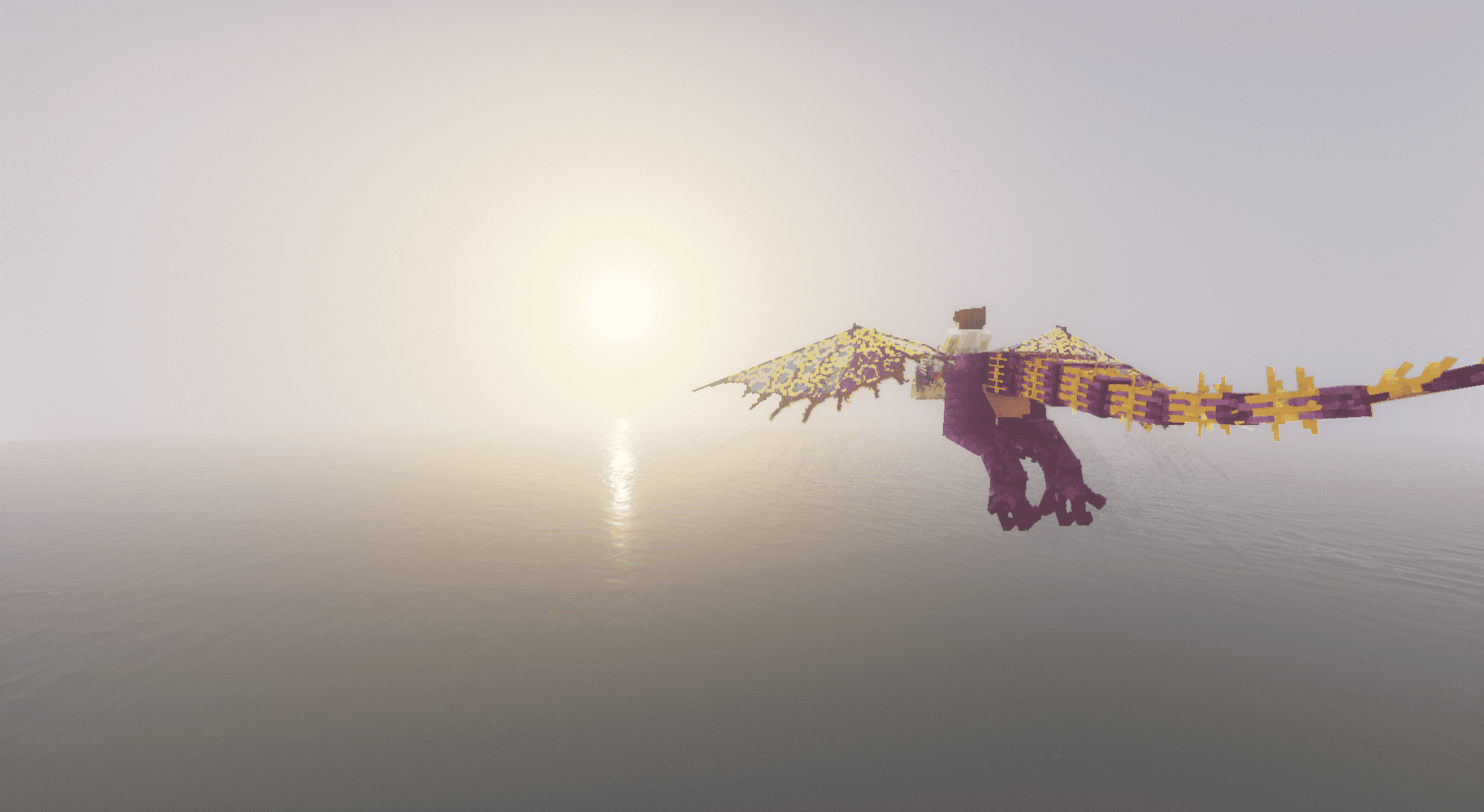
- 🌎 Ride & explore the world together
✨ Feature Showcase
🥚 Hatch and Raise Your Dragon
🏹 Train Your Dragon
🌎 Explore the World Together
常见问题
Bluedude Dragons 支持哪些 Minecraft 版本?
Bluedude Dragons 支持 Minecraft Java 版 1.21.1,可用的加载器:Fabric / NeoForge。下载时注意选择和你游戏版本一致的文件。
Bluedude Dragons 怎么安装?
先用 PCL2 或 HMCL 启动器安装对应版本的 Fabric / NeoForge,再把下载的 .jar 文件放进游戏目录的 mods 文件夹,重新启动游戏即可。开启了版本隔离的,mods 文件夹在 versions/版本名 下面。运行环境:客户端和服务端都要装。

评论
登录后评论和评分