JRDCreate
A Semi-Complex Modpack based on the Create mod and MCA mod. (attempts to make many demanding mods playable together on a lighter system, Still requires a decent machine to run).)
截图
介绍
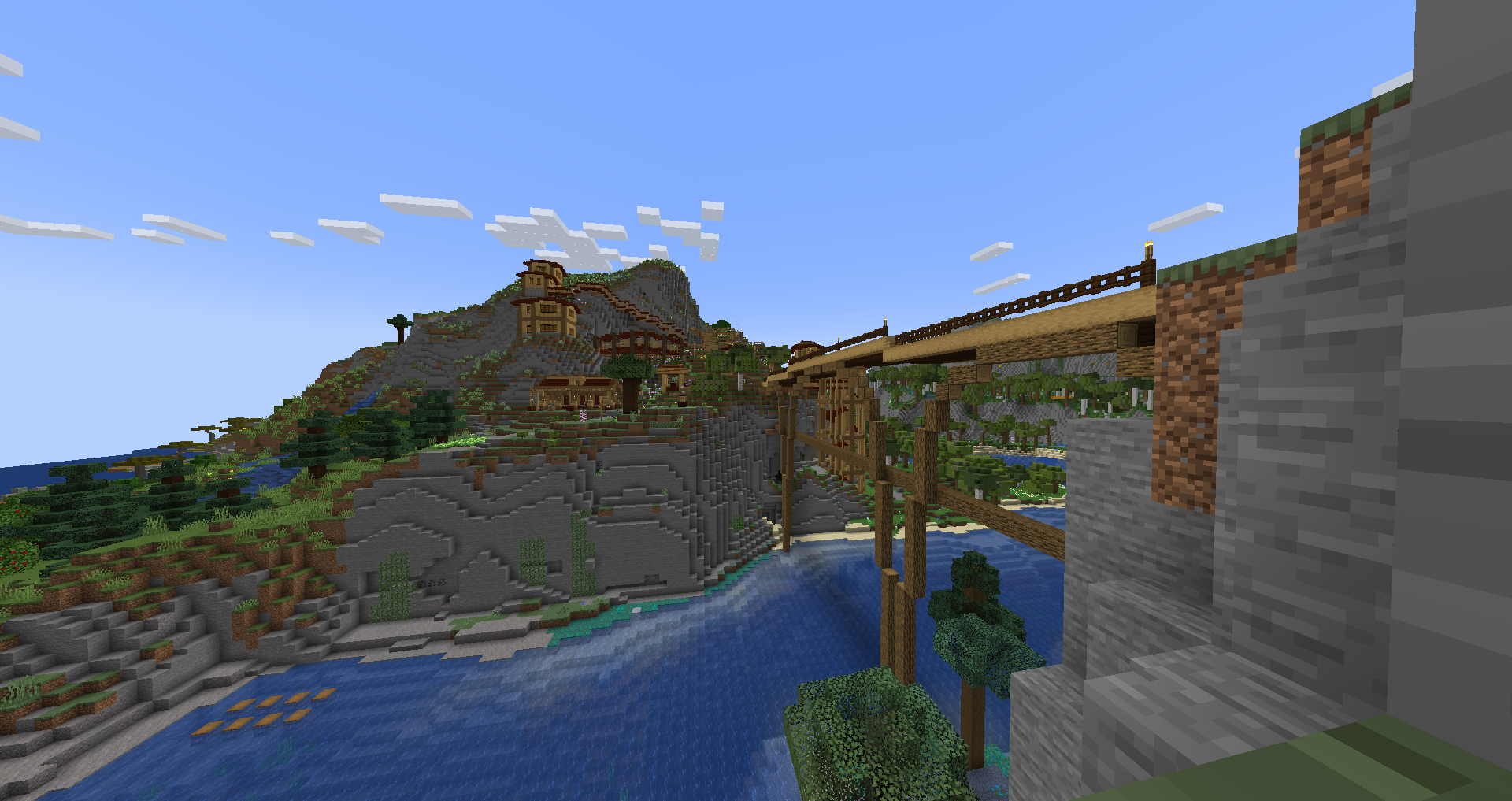
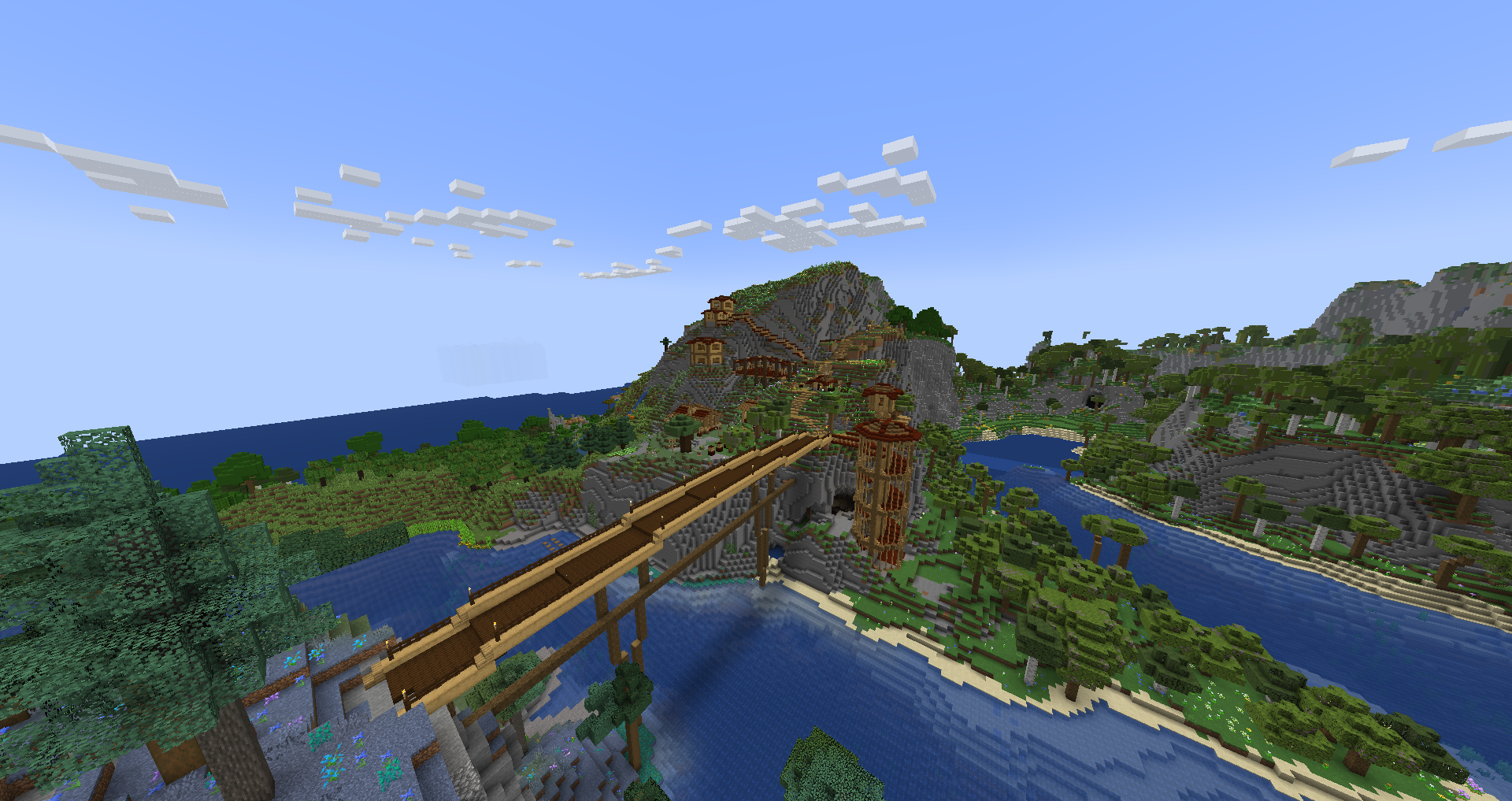
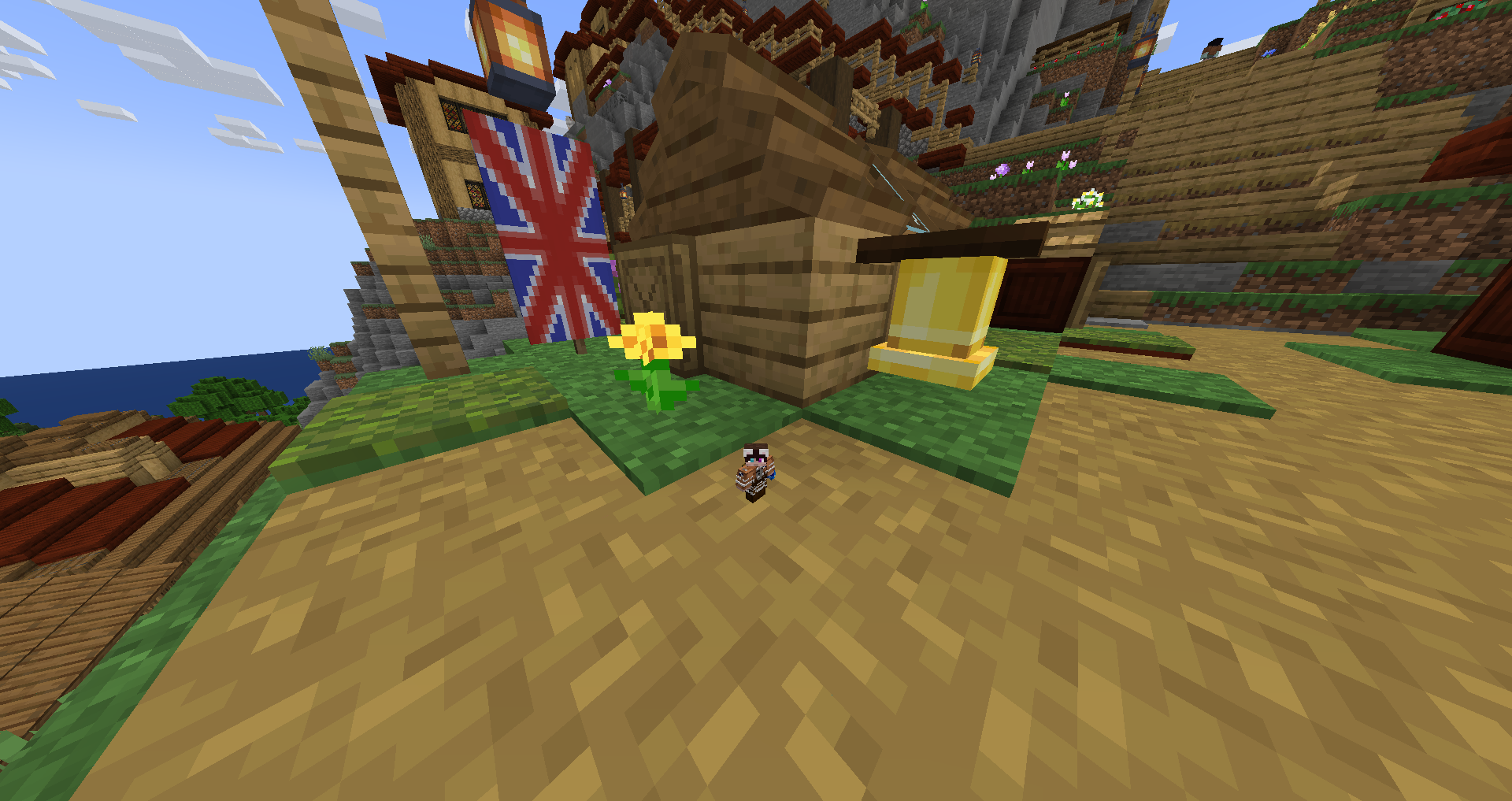
JRD Create is a modpack based on the Create mod and MCA. Explore and create a town bursting with people and automation. Choose a origin to help you on your quest to become one of the greats in a forgotten world. A few of many origins which could help you in your journey of automation include but aren’t limited to the Inchling ranging from 3 pixels to half a block tall the inchlings are a small group of people whos size makes them perfect for crawling inside complex machines to fix bugs, broken cogs, and missing redstone. Shulks have tough outer shells making them great offensive warriors despite being unable to wield shields they make up for it by having an extra 9 inventory slots to store extra parts when building and extra loot when exploring. Slimes are able to jump from high heights and bounce rather than take fall damage making them excellent at building tall complex builds without fear of falling. A few of many origins which could help you explore a dynamic, diverse, and dangerous world. Tired of your kingdom explore the a new more complex and dynamic nether and end. Need something new try exploring the ancient evil of the deep dark with a new dimension new items and blocks. In a world were you can do anything from making wine to automating the creation of a cake, to exploring dark new worlds. You won’t struggle to find something to do.
常见问题
JRDCreate 支持哪些 Minecraft 版本?
JRDCreate 基于 Minecraft Java 版 1.19.2,使用 Fabric 加载器。
JRDCreate 怎么安装?
点本页「前往下载」拿到整合包文件(Modrinth 的是 .mrpack,CurseForge 的是 .zip),在 PCL2 或 HMCL 启动器里选择「导入整合包」,启动器会自动装好 Minecraft、加载器和全部模组。建议在启动器里给游戏分配 4–6 GB 内存。
JRDCreate 开服需要多大内存?
推荐服务器内存 12 GB。在线人数多、或者建了大量机器和区块加载器时,可以再加 2–4 GB。
怎么和朋友一起玩 JRDCreate?
点本页的「一键开服」,选好配置后会自动安装 JRDCreate 的服务端,几分钟就能开好。把服务器地址发给朋友,大家用同一个版本的整合包连进去就行。
johnrd3 的其他作品
查看全部 →
JRD CrazyCraft
A Heavy modpack created by JohnRD1 Trying to replicate many of the classic Crazy Craft elements in 1.19.2 Fabric

JRD Magic
1 Magic Based RPG modpack created by JohnRD1
JRD/ALI Destroy
A modpack centered around guns and chaos with some fun surprises.
评论
登录后评论和评分