截图
介绍
 MusicBlockMod
A Forge mod that adds programmable music blocks!
Minecraft version: 1.16.4, should work for other 1.16.
Content and Craftings
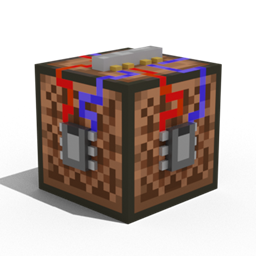
Music Processor
It is the base component of all the other musical blocks. It can be crafted by using 3 redstone and 6 iron ingots

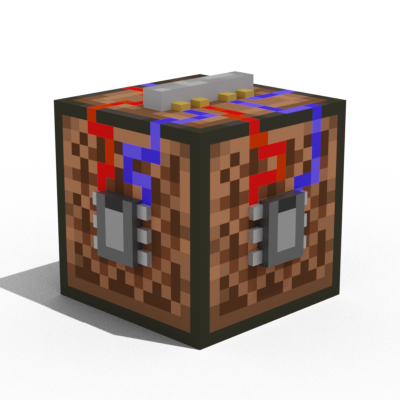
Music Block
Used to record music.
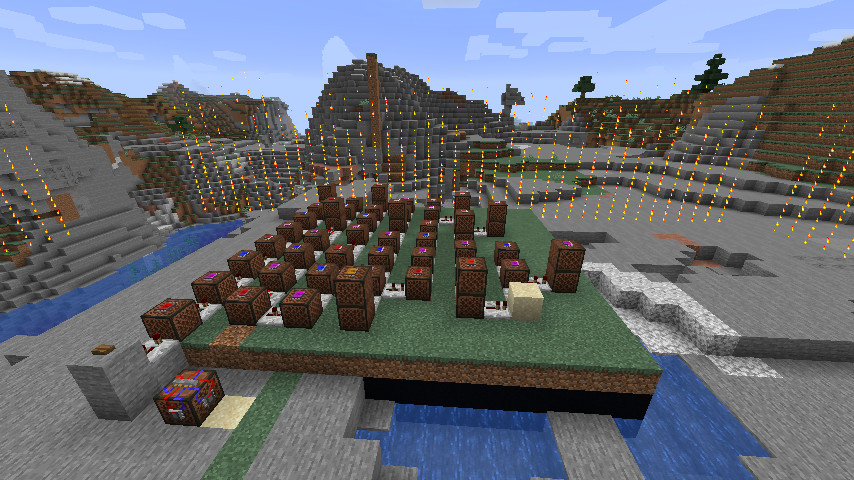
Right-click it to start recording music in the area indicated by particles. Every sound that an Advanced Note Block makes will be recorded.
The maximum recording time is defined in the code (TODO: Make it configurable) as 12000 ticks, which is 10 minutes. After that the recording saves. You can also save it manually by right-clicking again.
To play the music again, all you need to do is to power it with redstone. Powering it when it is playing makes the music stop.
To record again, you have to double right-click the block.
When you break the block it will drop with it’s music saved. You can rename it to change it’s title.

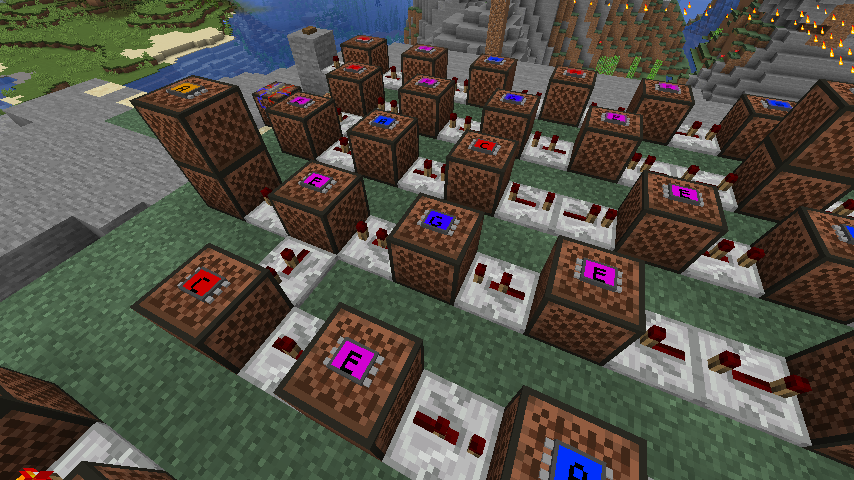
Advanced Note Block
Works just like a normal Note Block, but with a few tweaks:
+ displays the letter-note
+ doesn’t have annoying particles
+ is registered by the Music Block

In crafting, you can make up to 8 Advanced Note Blocks using only one Processor

Credits
@Bajtix – code stuff
@Dragster2401 – the entirety of the resources folder: textures, models, Polish and English translation
Huge “thank you” to Forge forums members:
+ diesieben07
+ Beethoven92
常见问题
MusicBlock Mod 支持哪些 Minecraft 版本?
MusicBlock Mod 支持 Minecraft Java 版 1.16.2–1.16.4,共 3 个版本,可用的加载器:Forge。下载时注意选择和你游戏版本一致的文件。
MusicBlock Mod 怎么安装?
先用 PCL2 或 HMCL 启动器安装对应版本的 Forge,再把下载的 .jar 文件放进游戏目录的 mods 文件夹,重新启动游戏即可。开启了版本隔离的,mods 文件夹在 versions/版本名 下面。
评论
登录后评论和评分