
Account Switcher
This mod makes it so that you can switch account without closing minecraft!
介绍


Account Switcher Mod
A Minecraft mod that allows you to switch accounts without needing to restart or close minecraft.
Features
- Auto Account Change Detection: checks
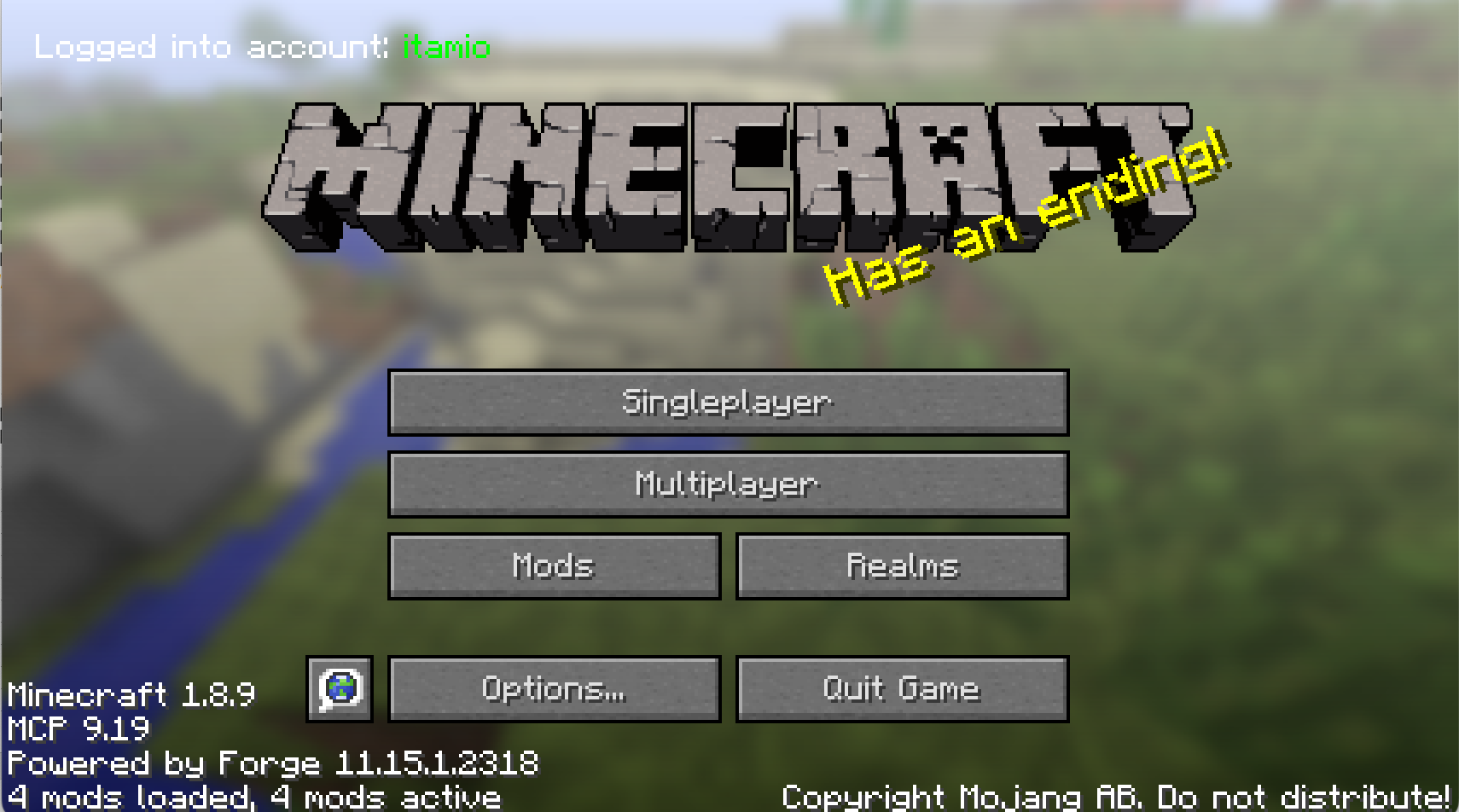
config/account.txtfor changes, if account changed will auto set account to changed account, so you don’t need to restart minecraft to change account. - Real-time Display: Shows current account on main menu
- Offline Account Only: Currently only supporting for offline account switching
How to Change Account
- Locate the config file:
minecraft/config/account.txt - Edit the file: Change the
account=value
account=YourNewAccountName- Save the file: The mod automatically detects changes and switches accounts
- Verify: Check the main menu – account name displays in top left corner
常见问题
Account Switcher 支持哪些 Minecraft 版本?
Account Switcher 支持 Minecraft Java 版 1.8.9–26.1.2,共 35 个版本,可用的加载器:Fabric / Forge / NeoForge。下载时注意选择和你游戏版本一致的文件。
Account Switcher 怎么安装?
先用 PCL2 或 HMCL 启动器安装对应版本的 Fabric / Forge / NeoForge,再把下载的 .jar 文件放进游戏目录的 mods 文件夹,重新启动游戏即可。开启了版本隔离的,mods 文件夹在 versions/版本名 下面。运行环境:仅客户端。
Itamio 的其他作品
查看全部 →
FIX MY PINGGGGG
Makes sure that as long as you have internet, you will be able to both PING and CONNECT to the server.
Toggle Sprint
Allows you to keep sprinting when sprint is toggled.

Auto Fast XP
Automatically throws XP bottles rapidly when you hold right-click. Perfect for quickly gaining XP!

Allow Offline Lan Join
Fixes a bug where offline players are not able to join someone's lan world in same network
评论
登录后评论和评分