Command Translation
Use localized Minecraft commands, search translated names, and get argument and structured-data help.
截图
介绍
Command Translation / Completion Helper
Ever start a command and forget its name or how to use it? Or find the arguments so complicated that you cannot tell what any of them mean? This mod is made for that.
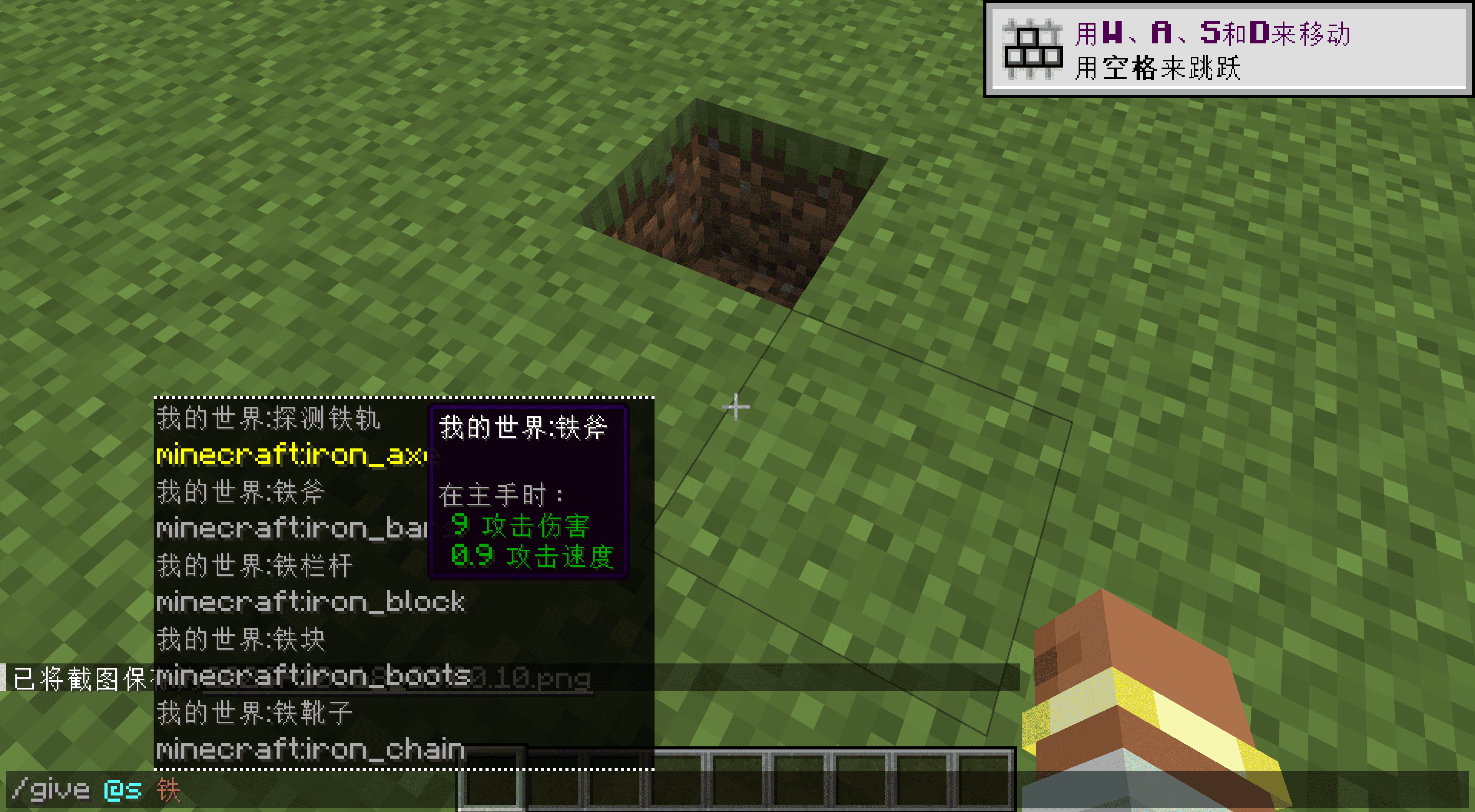
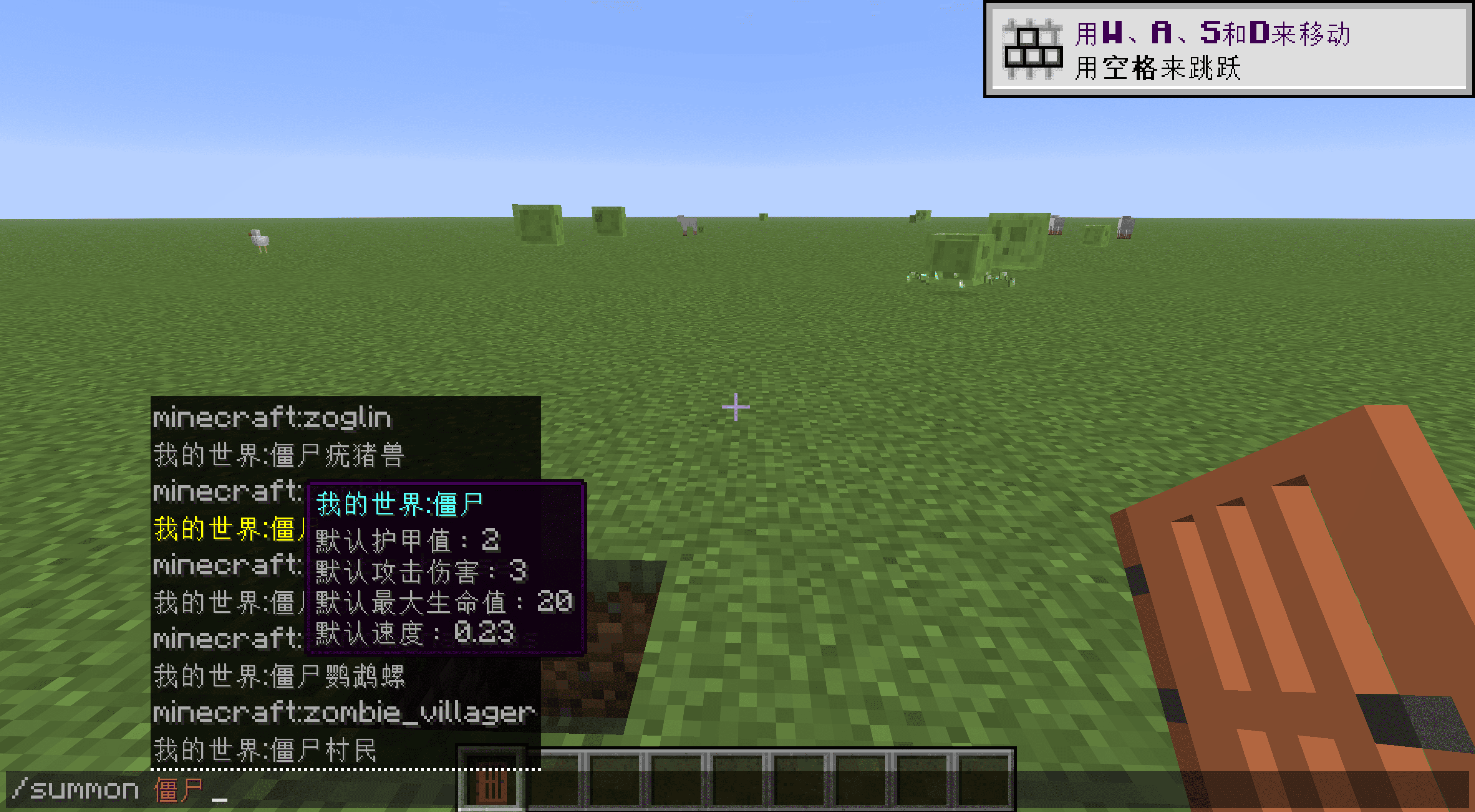
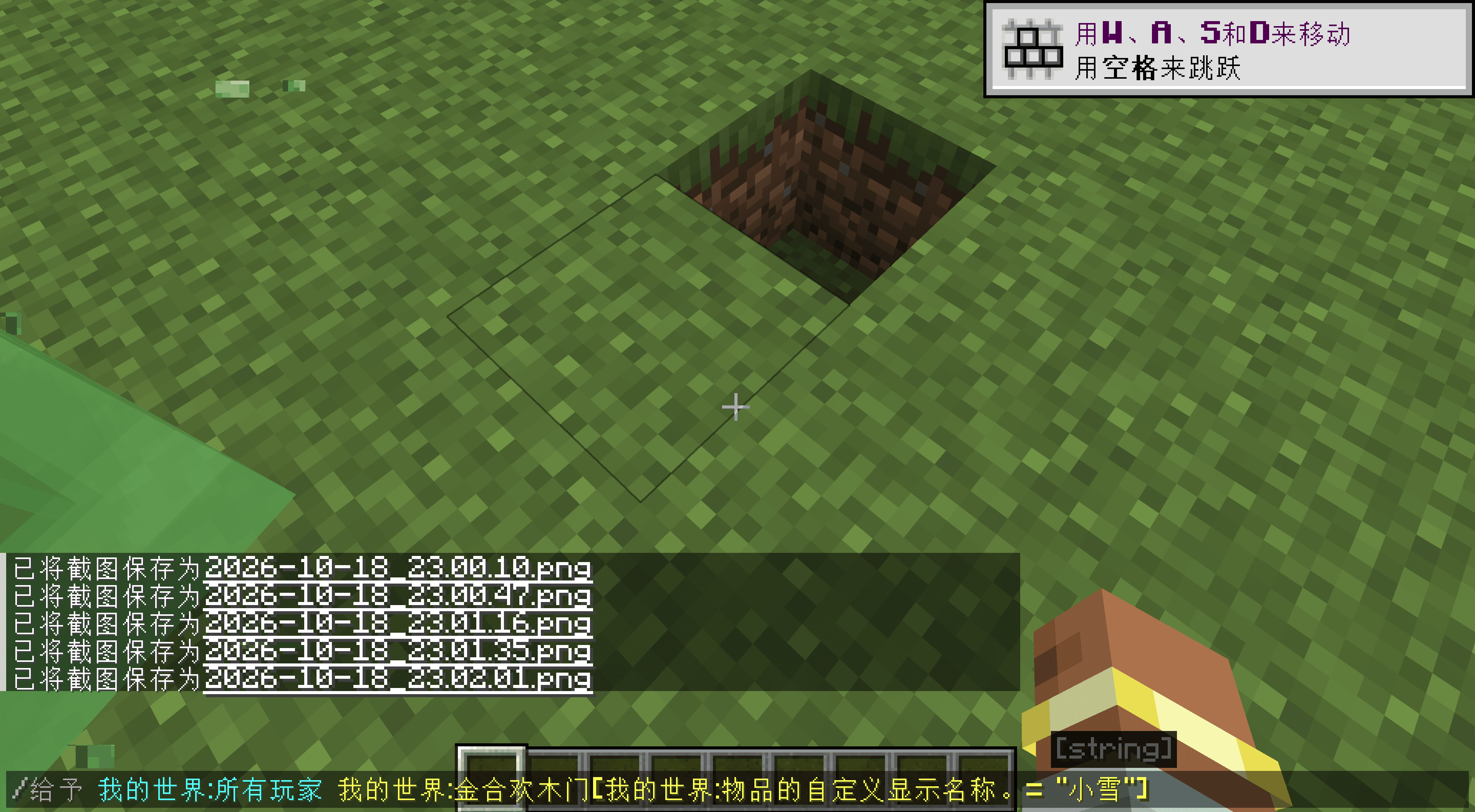
Type Minecraft commands in a language you know, and search items, blocks, mobs, biomes, effects and enchantments by translated name. Original English still works, and the completion list keeps both English and current-language suggestions.
Features
Search by translated name. Type the local name of an item, block, mob or biome to filter suggestions. Existing translations from mods and resource packs are reused.
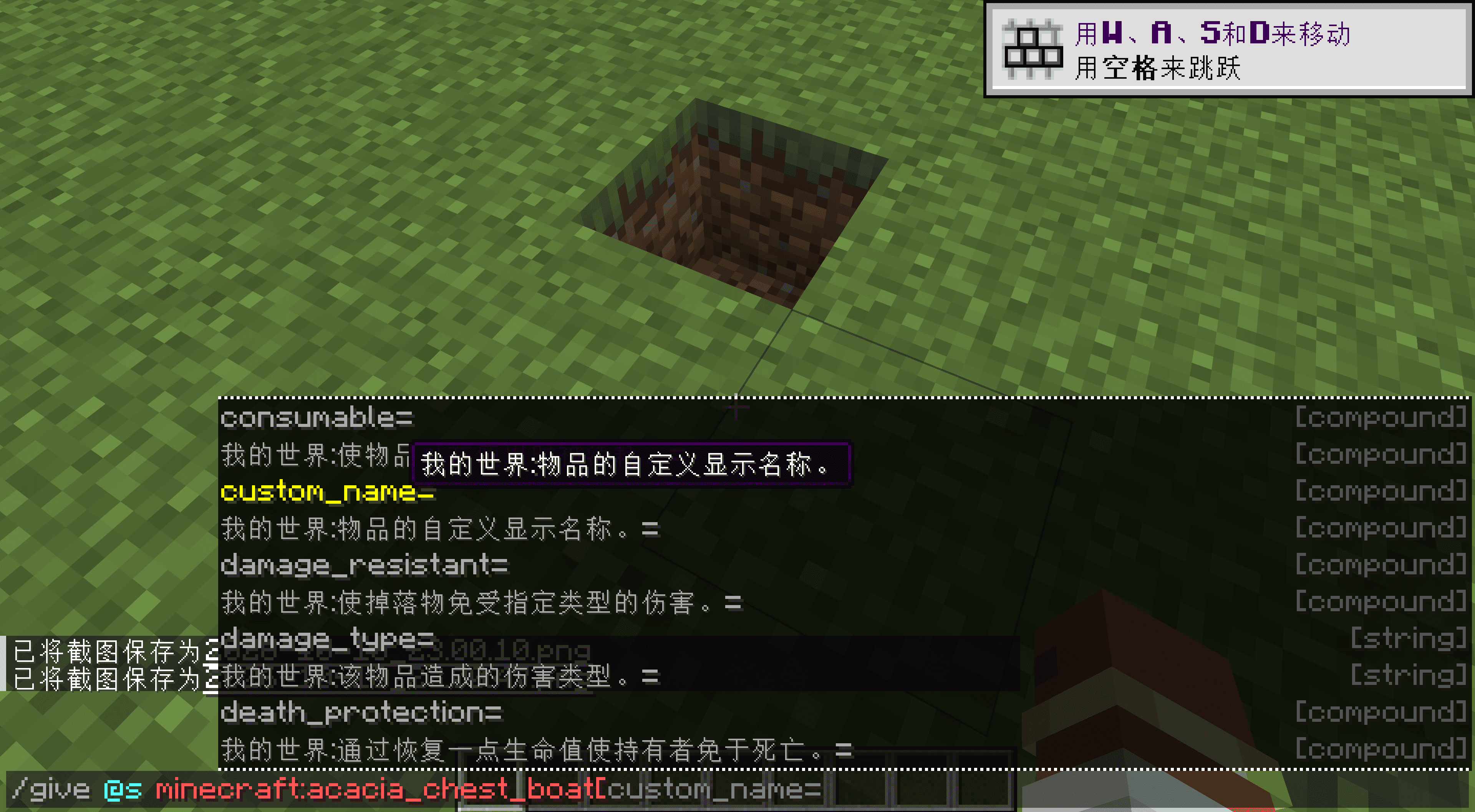
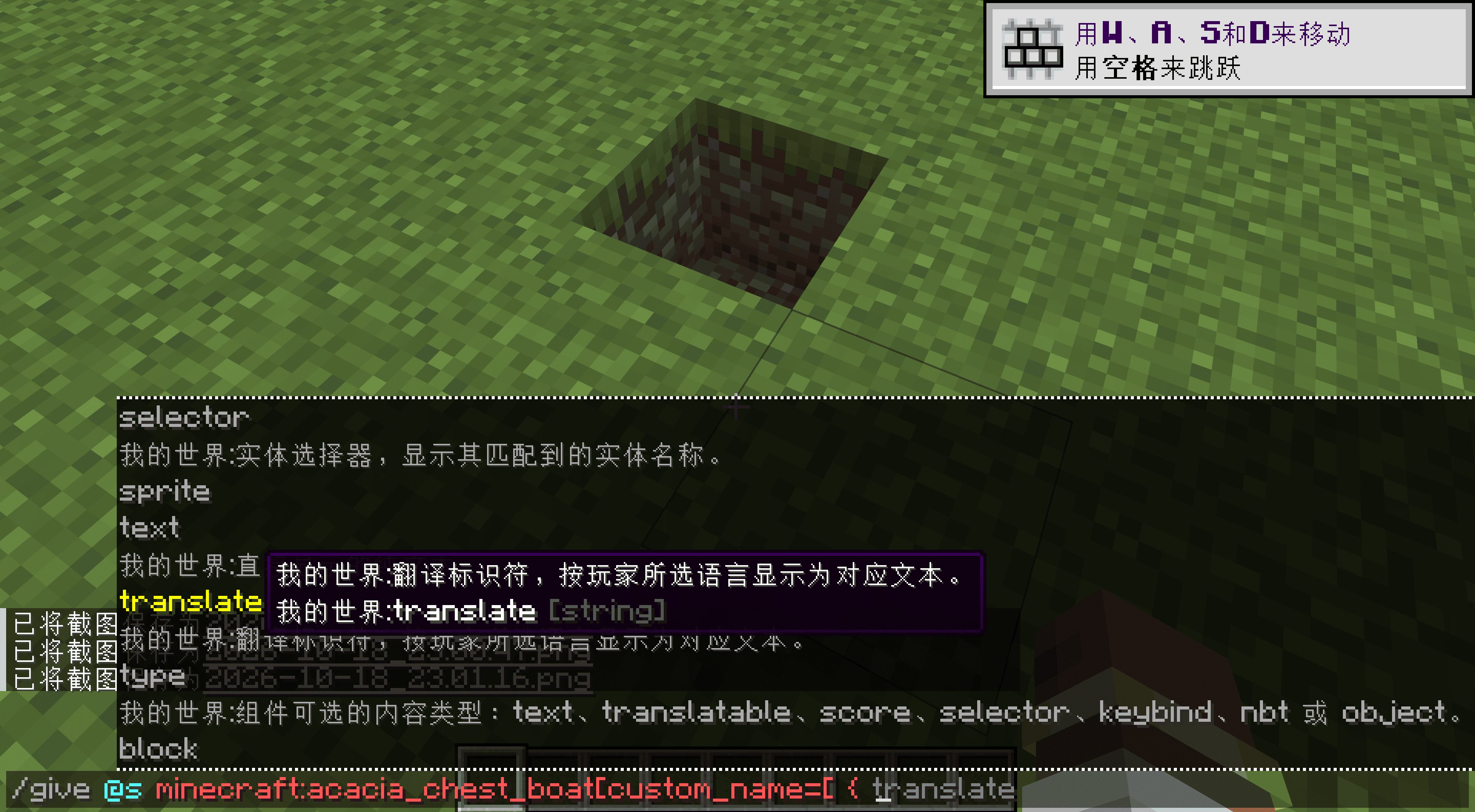
Hover over an entry to learn about it. Suggestions and entered text both support hover help, covering arguments, fixed options, tags, and NBT or data-component keys, nested fields and values.
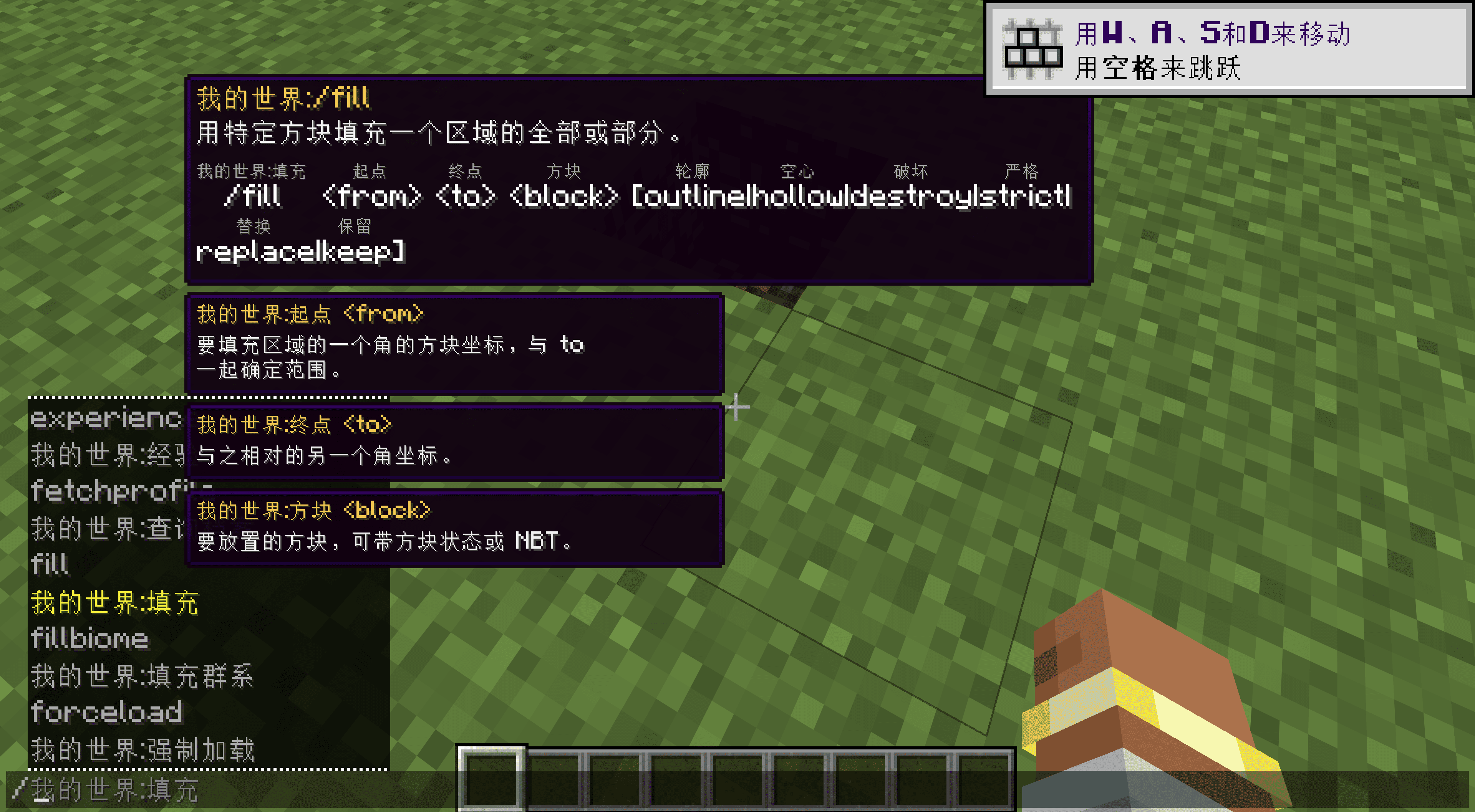
Read the syntax as you type. Tooltips include vanilla syntax, small localized annotations and separate parameter panels.
Item and mob information. Items can show native damage, attack speed and other tooltip text, and effects have short descriptions. Mob details start with registered max health, attack damage, movement speed and armor; other attributes can be enabled separately. These are defaults, not the live state of a particular entity.
Structured data completion. NBT Autocomplete 2.1 is bundled, so no separate installation is needed. It keeps its own configuration.
Just for fun: enter commands in different languages, including Chinese. This can be switched off in the configuration.
Localized names include namespaces, such as Minecraft:Plains and Create:Large Cogwheel. Conflicting names append the original ID to keep them distinct, and that disambiguated form can also be entered.
Settings
Localized input, hover help, syntax annotations, parameter panels, item details and mob attributes have separate switches. Text colors and styles are configurable too. Turn off individual features you do not want; English commands always remain.
The display language follows your game settings. English, Simplified Chinese, Traditional Chinese, German and Japanese have fuller descriptions; missing entries in other bundled languages fall back to English.
Other mod developers and modpack authors can find integration instructions in the wiki.
Credits
Usage descriptions reference Minecraft Wiki, and base loader tags use official sources. NBT Autocomplete is developed by mt1006 and contributors.
常见问题
Command Translation 支持哪些 Minecraft 版本?
Command Translation 支持 Minecraft Java 版 1.16.5–26.3,共 30 个版本,可用的加载器:Fabric / Forge / NeoForge。下载时注意选择和你游戏版本一致的文件。
Command Translation 怎么安装?
先用 PCL2 或 HMCL 启动器安装对应版本的 Fabric / Forge / NeoForge,再把下载的 .jar 文件放进游戏目录的 mods 文件夹,重新启动游戏即可。开启了版本隔离的,mods 文件夹在 versions/版本名 下面。
kltyton 的其他作品
查看全部 →
Polymorphic Tom’s Simple Storag
为 Tom's Simple Storag 提供 Polymorph 支持。

LightSpeedRe – Launch optimizations
大幅缩短整合包加载时间,让你少等一会儿(目前可提速 48%–71%)。

LightSpeedRe
大幅加快整合包加载速度,减少等待时间(目前可提升 48% - 71%)。

Only One Item
一个 Fabric 模组,在数据加载阶段替换整合包中的重复物品,确保配方、战利品表一致,并加快世界加载速度。
评论
登录后评论和评分