
Bundle Browser
A client-side Fabric mod that provides a grid UI for viewing and extracting items from bundles
截图
介绍
The Problem
Vanilla bundles use a FILO (First In, Last Out) system – you can only extract the most recently added item. Want to grab something from the middle? You have to pull everything out one by one.
The Solution
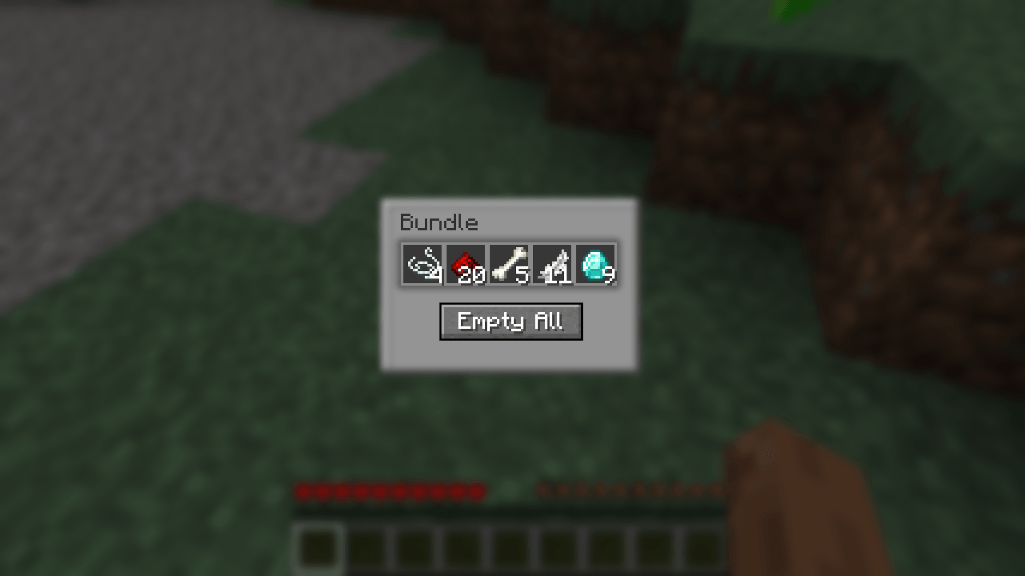
Bundle Browser lets you right-click any bundle in your inventory to open a chest-like grid view of its contents. Click any item to extract it directly, or use the “Empty All” button to dump everything at once.
Features
- Chest-like UI – Familiar container styling that feels native to Minecraft
- Direct item selection – Click any item in the bundle to extract it
- Empty All button – Quickly dump all items to your inventory
- Client-side only – Works on any server, no server-side installation needed
Usage
- Open any container or your inventory
- Right-click on a non-empty bundle
- Click items to extract them, or use “Empty All”
- Press ESC or your inventory key to close
常见问题
Bundle Browser 支持哪些 Minecraft 版本?
Bundle Browser 支持 Minecraft Java 版 1.21.4–26.3,共 3 个版本,可用的加载器:Fabric。下载时注意选择和你游戏版本一致的文件。
Bundle Browser 怎么安装?
先用 PCL2 或 HMCL 启动器安装对应版本的 Fabric,再把下载的 .jar 文件放进游戏目录的 mods 文件夹,重新启动游戏即可。开启了版本隔离的,mods 文件夹在 versions/版本名 下面。
justfatlard 的其他作品
查看全部 →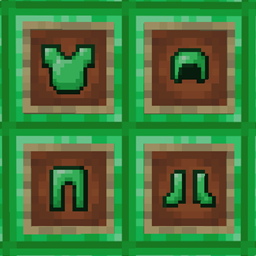
Emerald Armor – pandorical
Diamond-tier armor crafted from emerald blocks
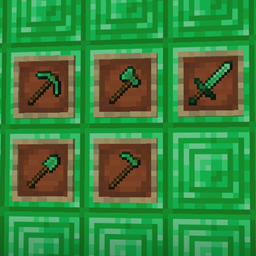
Emerald Tools – pandorical
Diamond-tier tools crafted from emerald blocks

Pandorical lib
Client-side enablement bridge for server-driven UI, content, and rendering on Fabric.

Dirt Slab – pandorical
Fully functional half blocks of dirt (Now with world gen!)
评论
登录后评论和评分