
截图
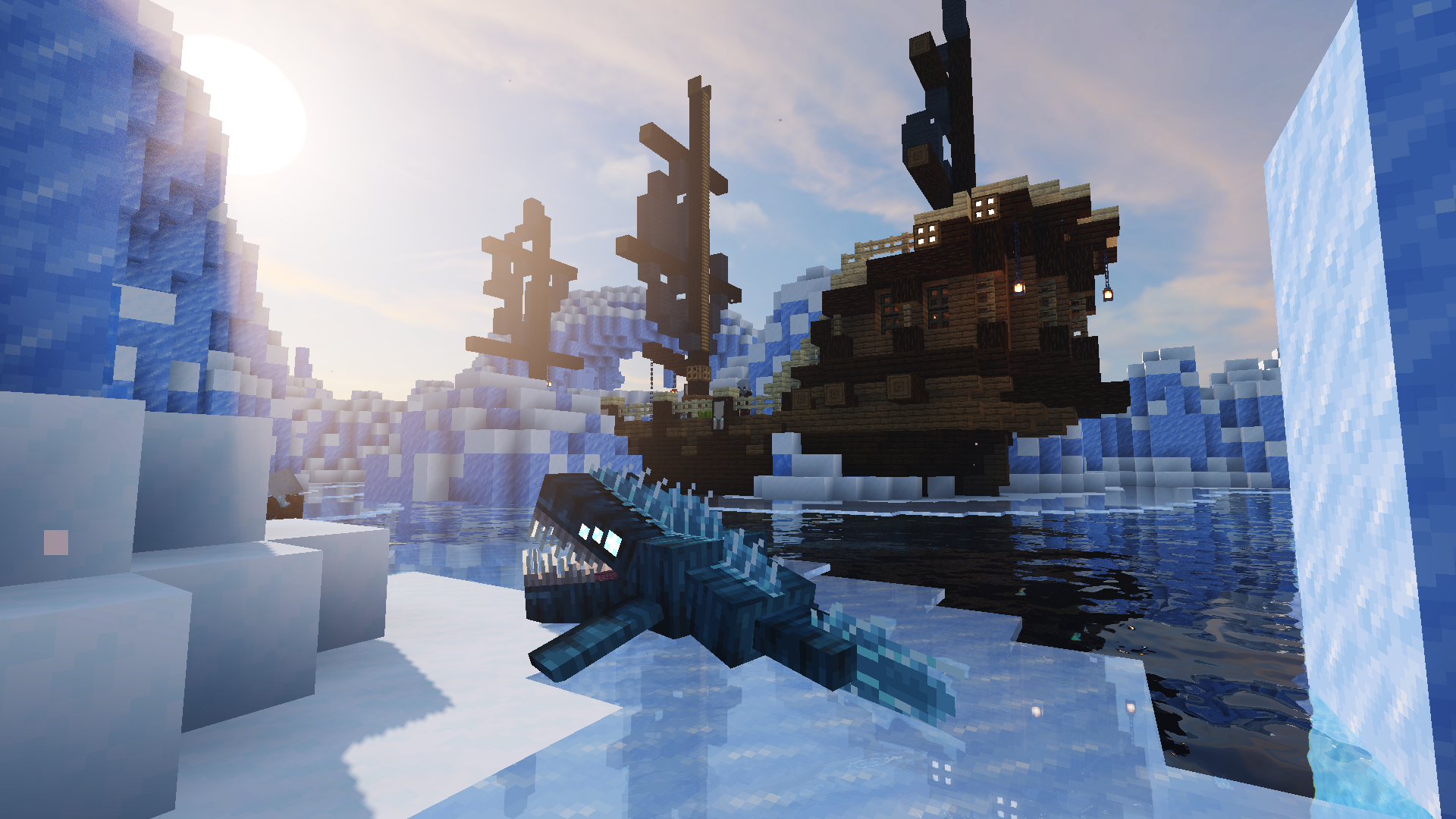
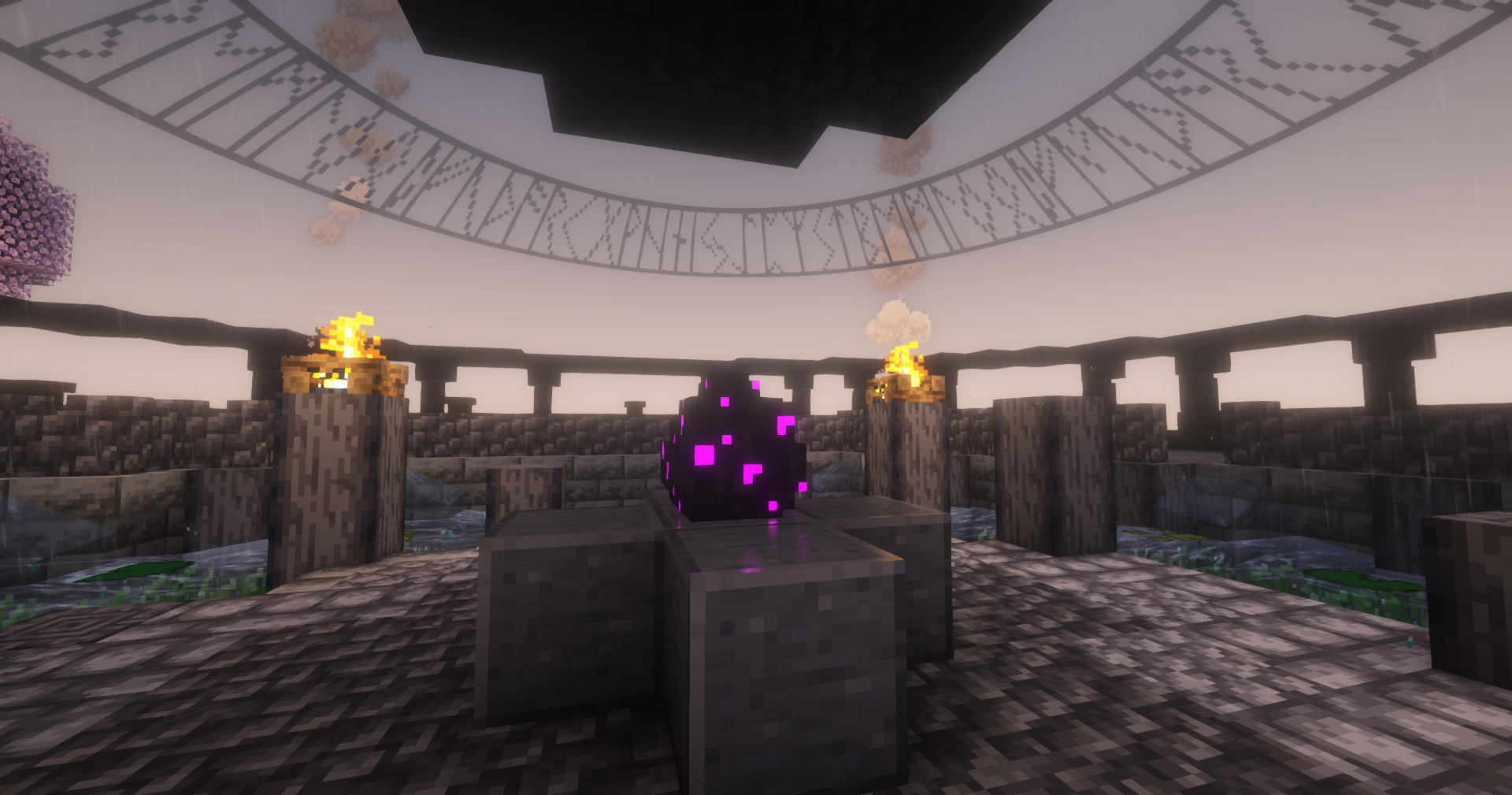
介绍
Dragon Adventure 🐲
This modpack is focused on exploration and adventure, as well as its dragons-based gameplay. It has some multiplayer enhancing mods. There is also a custom server and a Discord server from which you can play with an active community, this server has been alive for years now, and is now on its third official season. However, the modpack is not small, with over 100 mods, we are currently searching for optimization mods, but still around 8-10G of RAM are needed. If you wan’t to play on the server, there is even a custom launcher for it, with community-based informations added to it! But please keep in mind the community is 100% french at the moment, even if we are accepting any new player.
Everything is on our Discord server!
French 🥖
Ce modpack est centré sur l’exploration et l’aventure, ainsi que son gameplay, basé sur les dragons. Il possède aussi des mods pour améliorer l’expérience en multijoueurs. Si vous ne voulez pas jouer tout seul, mais plutôt avec une communauté active, un serveur Minecraft et un serveur discord ont été créés. Le serveur est en ligne depuis quelques années maintenant, c’est maintenant la troisième saison officielle. En revanche, le modpack n’est pas léger, avec plus d’une centaine de mods, mais nous sommes à la recherche de mods pour optimiser les performances et le rendre accessible à tous, pour l’instant, autour de 8 à 10 Go de RAM sont nécessaires. Si vous voulez jouer sur le serveur, il y a même un launcher custom avec des information relatives à la communauté !
Installation
To use the modpack, download the ZIP file.
While the file is downloading, create a new Minecraft instance in 1.18.2 with Forge 42.0.10, launch the instance once, then close it. Go into the mods folder created upon launch and extract the content of the downloaded folder into it. You can now launch the game back with all the mods. Don’t worry if it takes time, it is not a small modpack, so it needs to load all the mods.
Or, use the CurseForge launcher, or any launcher of your choice.
But note, if you plan to play on our server, a custom launcher will do all the job for you.
Optimization
If you would like to optimize whether your client or your server, you can use these Java flags that will improve performance while reducing hardware usage.
-
For the client:
-XX:+UnlockExperimentalVMOptions -XX:+UnlockDiagnosticVMOptions -XX:+AlwaysActAsServerClassMachine -XX:+AlwaysPreTouch -XX:+DisableExplicitGC -XX:+UseNUMA -XX:NmethodSweepActivity=1 -XX:ReservedCodeCacheSize=400M -XX:NonNMethodCodeHeapSize=12M -XX:ProfiledCodeHeapSize=194M -XX:NonProfiledCodeHeapSize=194M -XX:-DontCompileHugeMethods -XX:MaxNodeLimit=240000 -XX:NodeLimitFudgeFactor=8000 -XX:+UseVectorCmov -XX:+PerfDisableSharedMem -XX:+UseFastUnorderedTimeStamps -XX:+UseCriticalJavaThreadPriority -XX:ThreadPriorityPolicy=1 -XX:AllocatePrefetchStyle=3 -XX:+UseG1GC -XX:MaxGCPauseMillis=37 -XX:+PerfDisableSharedMem -XX:G1HeapRegionSize=16M -XX:G1NewSizePercent=23 -XX:G1ReservePercent=20 -XX:SurvivorRatio=32 -XX:G1MixedGCCountTarget=3 -XX:G1HeapWastePercent=20 -XX:InitiatingHeapOccupancyPercent=10 -XX:G1RSetUpdatingPauseTimePercent=0 -XX:MaxTenuringThreshold=1 -XX:G1SATBBufferEnqueueingThresholdPercent=30 -XX:G1ConcMarkStepDurationMillis=5.0 -XX:G1ConcRSHotCardLimit=16 -XX:G1ConcRefinementServiceIntervalMillis=150 -XX:GCTimeRatio=99 -
For the server:
-XX:+UnlockExperimentalVMOptions -XX:+UnlockDiagnosticVMOptions -XX:+AlwaysActAsServerClassMachine -XX:+AlwaysPreTouch -XX:+DisableExplicitGC -XX:+UseNUMA -XX:NmethodSweepActivity=1 -XX:ReservedCodeCacheSize=400M -XX:NonNMethodCodeHeapSize=12M -XX:ProfiledCodeHeapSize=194M -XX:NonProfiledCodeHeapSize=194M -XX:-DontCompileHugeMethods -XX:MaxNodeLimit=240000 -XX:NodeLimitFudgeFactor=8000 -XX:+UseVectorCmov -XX:+PerfDisableSharedMem -XX:+UseFastUnorderedTimeStamps -XX:+UseCriticalJavaThreadPriority -XX:ThreadPriorityPolicy=1 -XX:AllocatePrefetchStyle=3 -XX:+UseG1GC -XX:MaxGCPauseMillis=130 -XX:+UnlockExperimentalVMOptions -XX:+DisableExplicitGC -XX:+AlwaysPreTouch -XX:G1NewSizePercent=28 -XX:G1HeapRegionSize=16M -XX:G1ReservePercent=20 -XX:G1MixedGCCountTarget=3 -XX:InitiatingHeapOccupancyPercent=10 -XX:G1MixedGCLiveThresholdPercent=90 -XX:G1RSetUpdatingPauseTimePercent=0 -XX:SurvivorRatio=32 -XX:MaxTenuringThreshold=1 -XX:G1SATBBufferEnqueueingThresholdPercent=30 -XX:G1ConcMarkStepDurationMillis=5 -XX:G1ConcRSHotCardLimit=16 -XX:G1ConcRefinementServiceIntervalMillis=150
常见问题
Dragon Adventure Pack 支持哪些 Minecraft 版本?
Dragon Adventure Pack 基于 Minecraft Java 版 1.18.2,使用 Forge 加载器。
Dragon Adventure Pack 怎么安装?
点本页「前往下载」拿到整合包文件(Modrinth 的是 .mrpack,CurseForge 的是 .zip),在 PCL2 或 HMCL 启动器里选择「导入整合包」,启动器会自动装好 Minecraft、加载器和全部模组。建议在启动器里给游戏分配 4–6 GB 内存。
Dragon Adventure Pack 开服需要多大内存?
推荐服务器内存 12 GB。在线人数多、或者建了大量机器和区块加载器时,可以再加 2–4 GB。
怎么和朋友一起玩 Dragon Adventure Pack?
点本页的「一键开服」,选好配置后会自动安装 Dragon Adventure Pack 的服务端,几分钟就能开好。把服务器地址发给朋友,大家用同一个版本的整合包连进去就行。
评论
登录后评论和评分