
AIT TARDIS Controller
A simple in-game menu and HUD to control your TARDIS in Adventure in Time.
截图
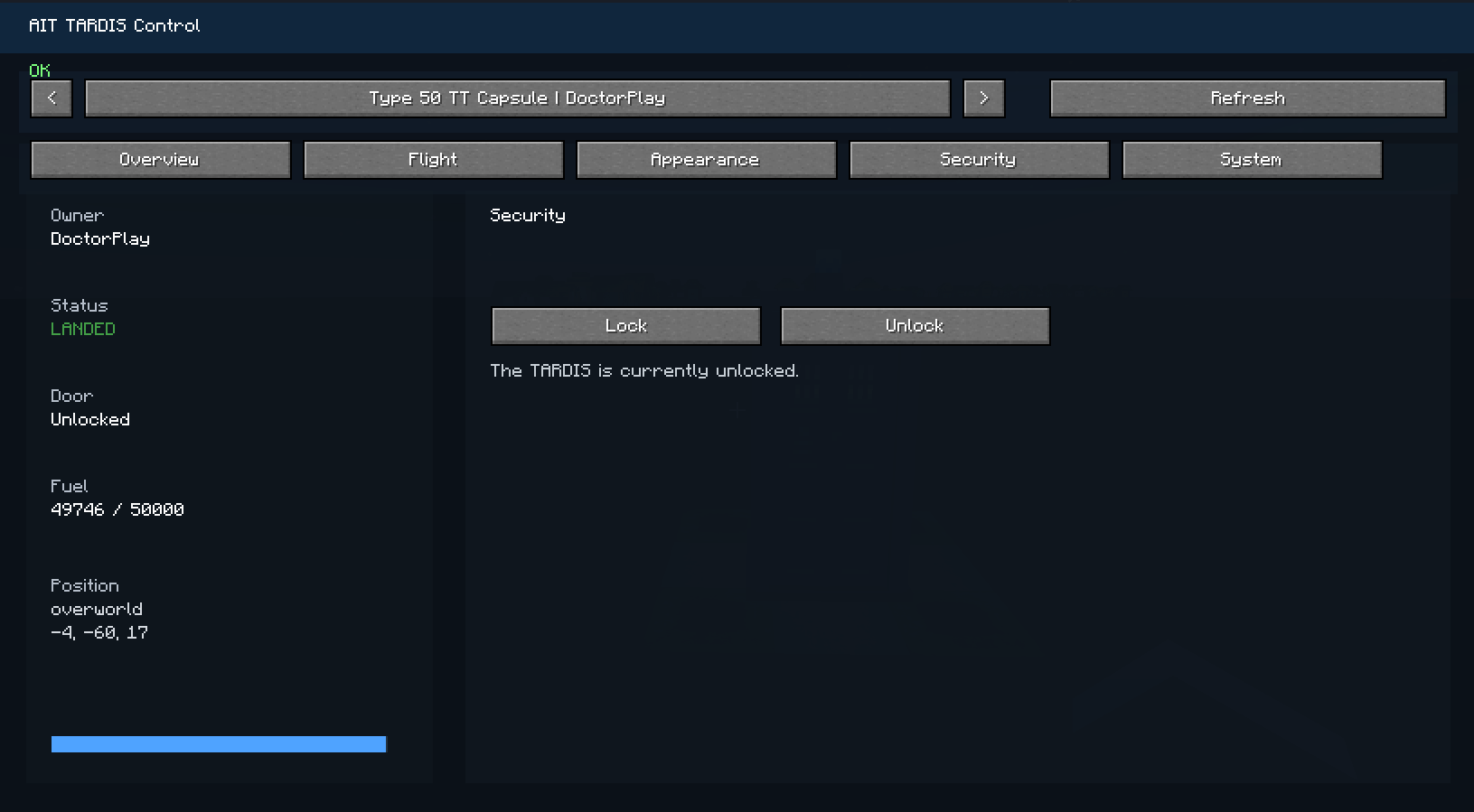
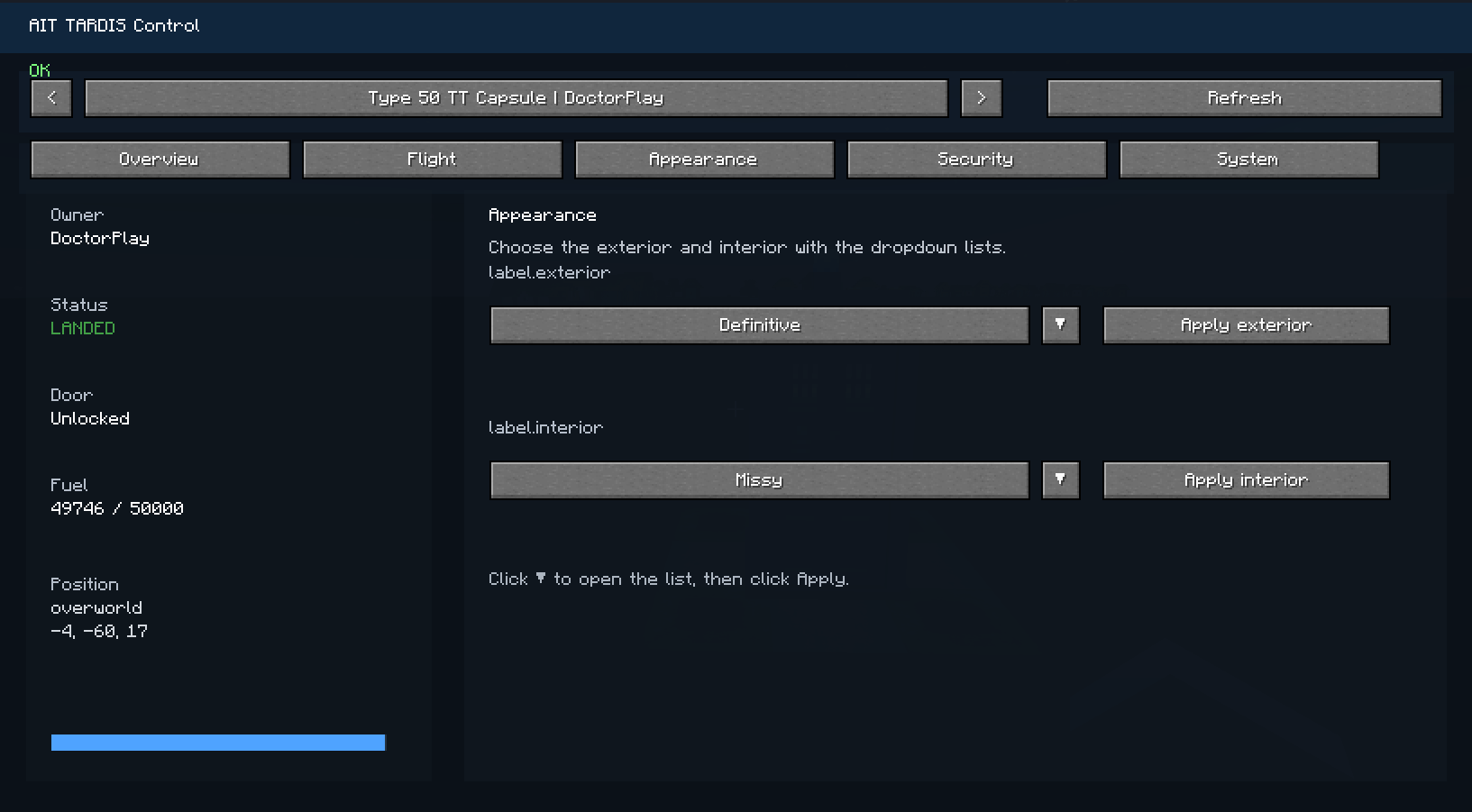
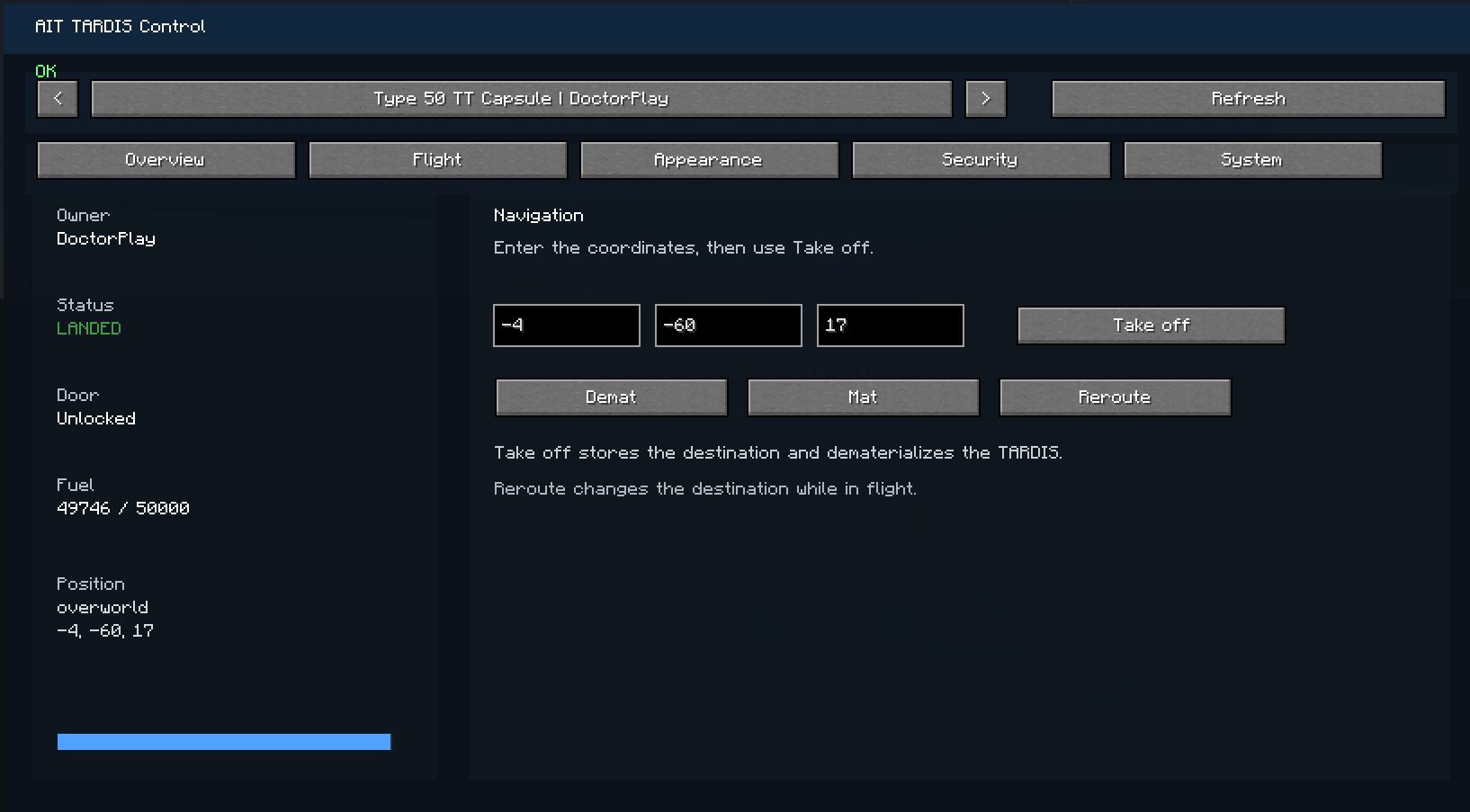
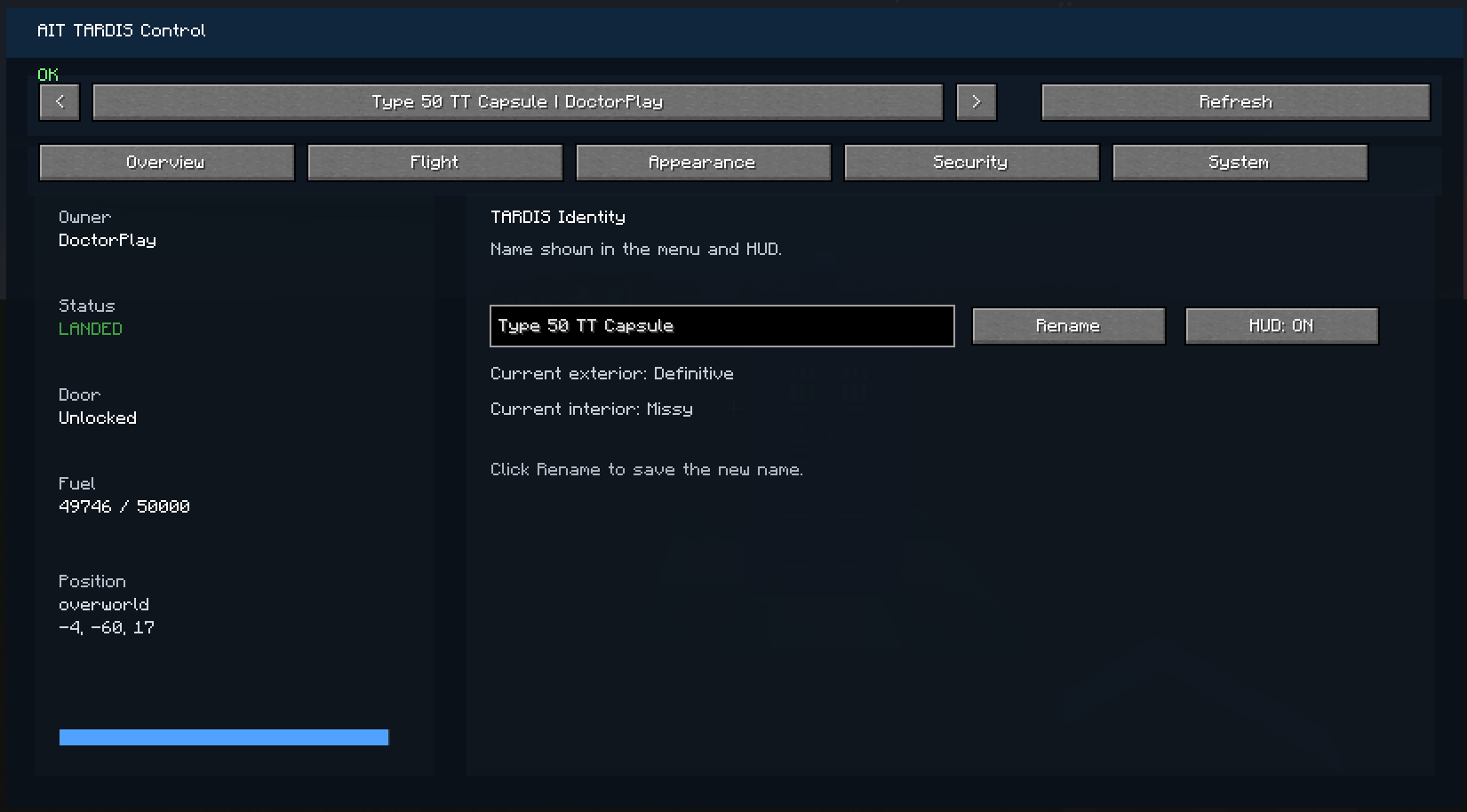
介绍
🚀 AIT TARDIS Control (Menu & HUD)
This addon adds a complete control interface for your TARDIS in Adventure in Time.
Instead of using only the in-world console, you can now manage your TARDIS directly from a clean in-game menu and HUD.
✨ Features
🖥️ Control Menu
-
Select any existing TARDIS (yours or others)
-
Rename your TARDIS
-
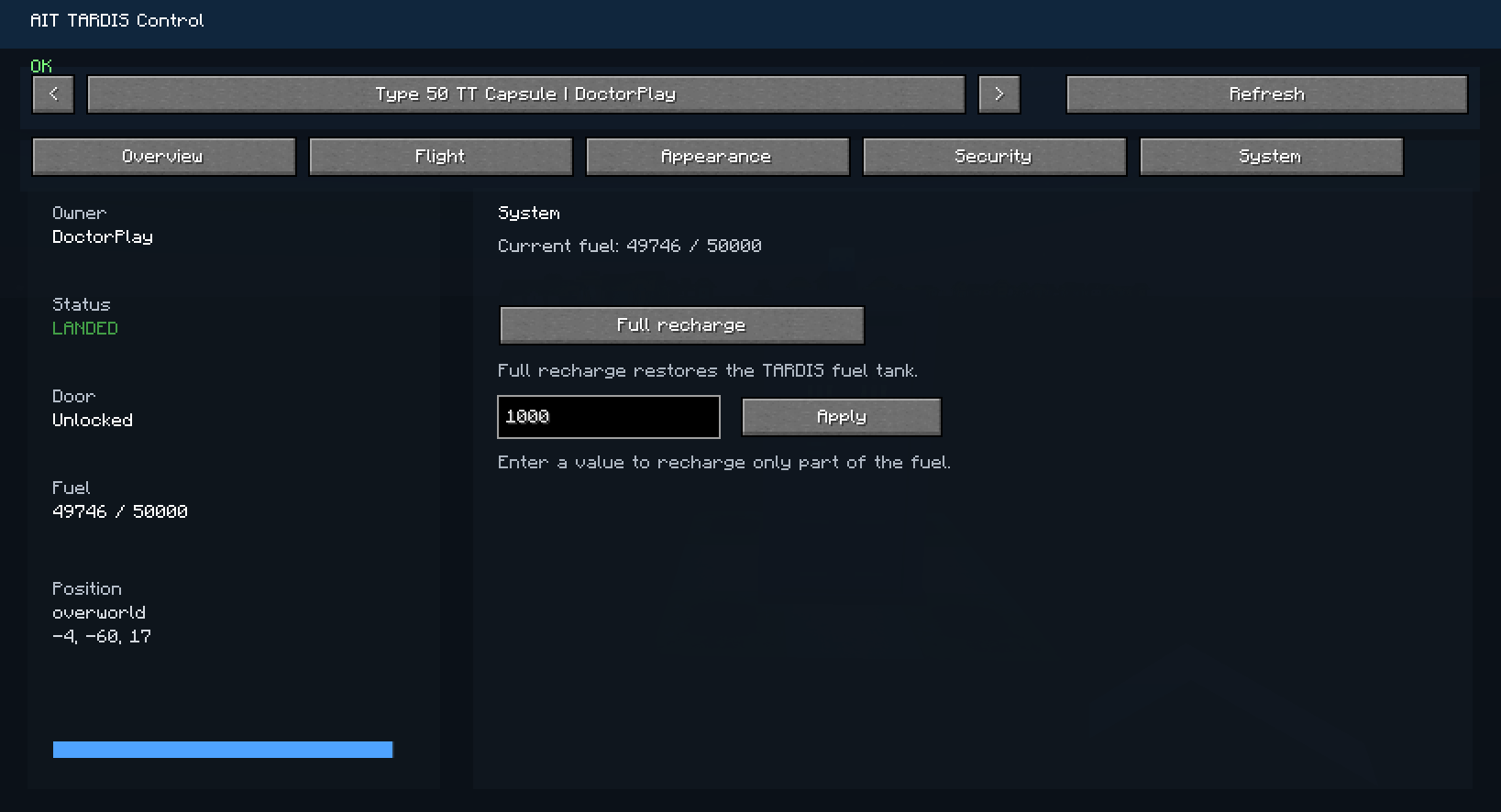
View key information:
-
Owner
-
Status (landed, in flight, etc.)
-
Position
-
Fuel level
-
🧭 Navigation
-
Set destination coordinates (X, Y, Z)
-
One-click Take Off system
-
Reroute while in flight
🎨 Customization
-
Change TARDIS exterior
-
Change TARDIS interior
-
Easy selection with dropdown menus
🔐 Security & System
-
Lock / Unlock doors
-
Recharge the TARDIS
-
Quick status overview
📊 HUD (In-game display)
-
TARDIS name
-
Status
-
Fuel
-
Position
-
Lock state
🎮 Controls
-
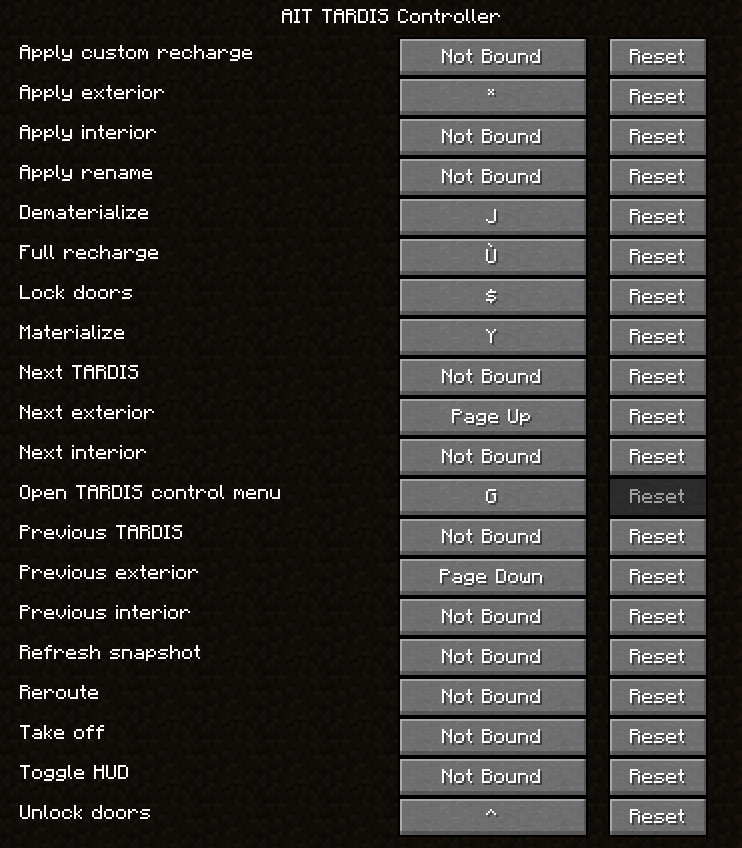
Press G to open the TARDIS control menu
⚠️ Requirements
-
Minecraft 1.20.1
-
Forge
-
Adventure in Time (AIT)
💡 Notes
-
This is an addon, not a standalone mod
-
Some features depend on AIT internal systems (fuel, permissions, etc.)
🔮 Future Updates
-
Improved visuals
-
Advanced HUD
-
More immersive TARDIS interface
常见问题
AIT TARDIS Controller 支持哪些 Minecraft 版本?
AIT TARDIS Controller 支持 Minecraft Java 版 1.20.1,可用的加载器:Forge。下载时注意选择和你游戏版本一致的文件。
AIT TARDIS Controller 怎么安装?
先用 PCL2 或 HMCL 启动器安装对应版本的 Forge,再把下载的 .jar 文件放进游戏目录的 mods 文件夹,重新启动游戏即可。开启了版本隔离的,mods 文件夹在 versions/版本名 下面。
Docplay 的其他作品
查看全部 →
Blocktrace
BlockTrace is a lightweight block logging and rollback mod for Forge that tracks block changes, container activity, and explosions to help server admins inspect and restore worlds.

Tardis Remote
This mod is designed to allow the use of the control from the mod "Doctor Who TARDIS Reborn."

TARDIS Refined: Bi-Generation ⭐
TARDIS Refined: Bi-Generation — Strike a TARDIS with an axe to split it into two independent TARDIS with the same interior and console.

Roleplay Identity
Adds a roleplay name system that replaces Minecraft usernames with custom first and last names in chat and TAB.
评论
登录后评论和评分