
DMZ Quest Markers
Shows your tracked DragonMine Z quest's next objective on screen and on Xaero's Minimap / JourneyMap. No commands, no clicks.
截图
介绍
Track a DragonMine Z quest and the mod points you to the next step. Works on its own, and shows up on Xaero’s and JourneyMap if you have them.
What you get
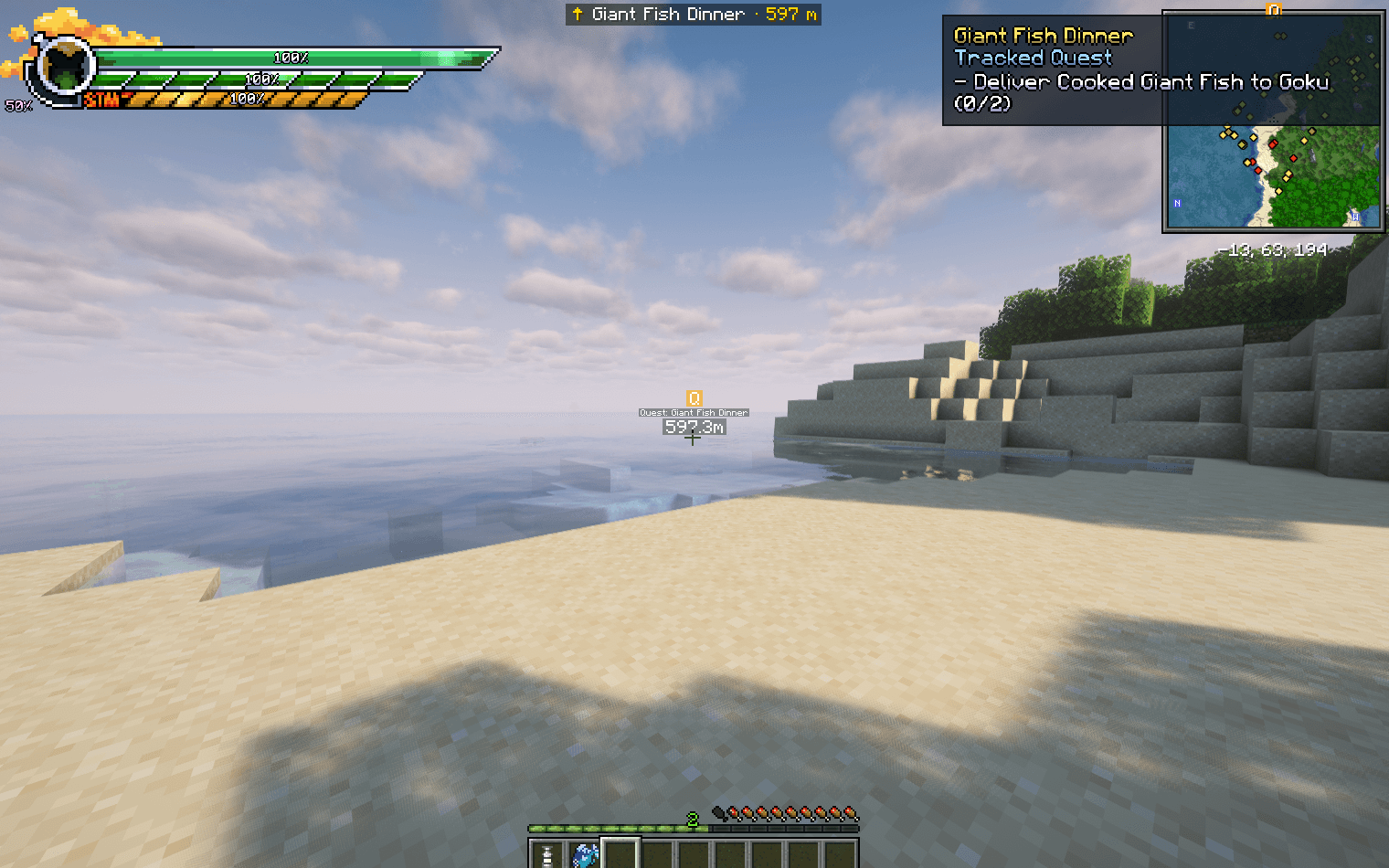
- On-screen arrow with the quest name and distance, e.g.
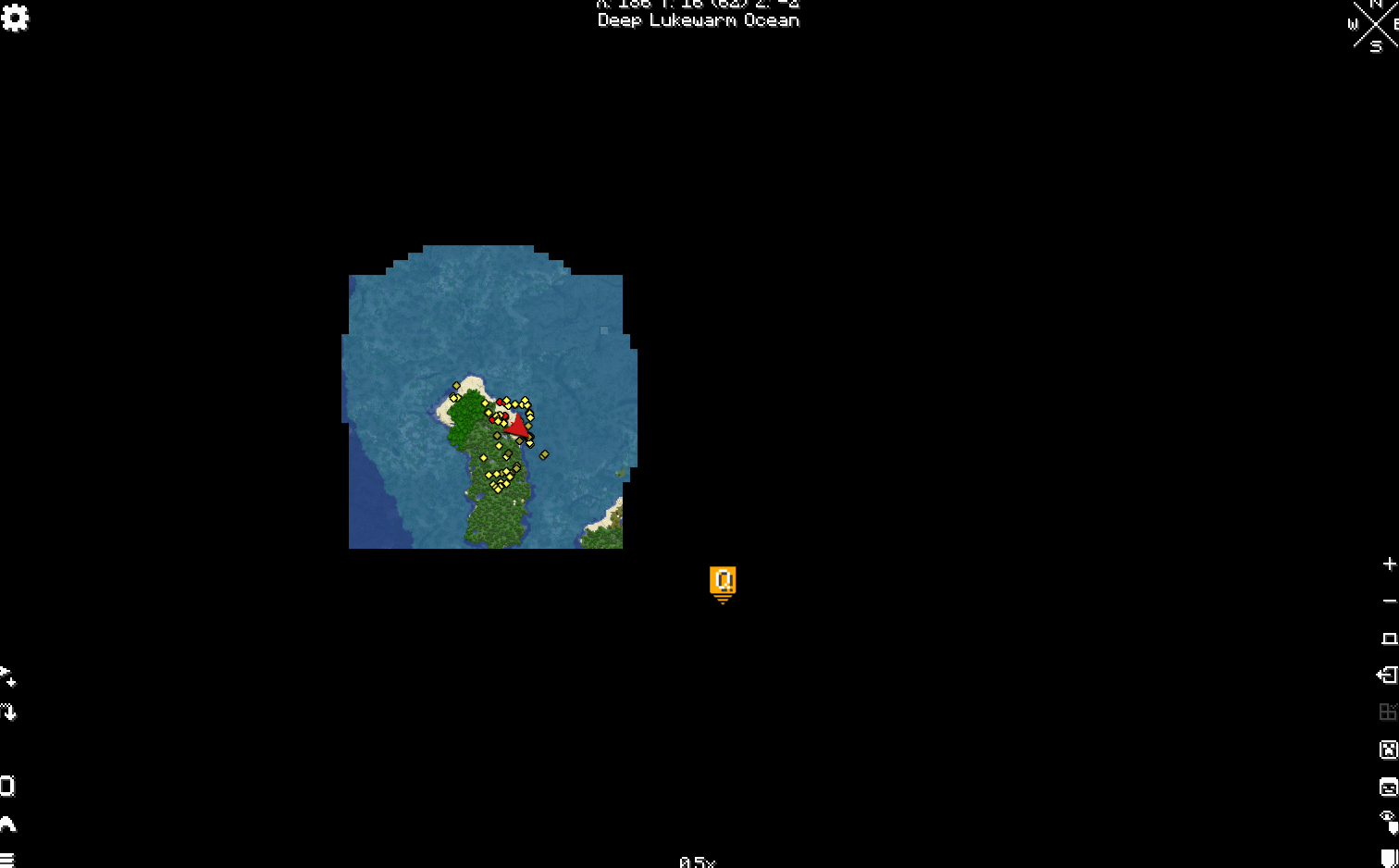
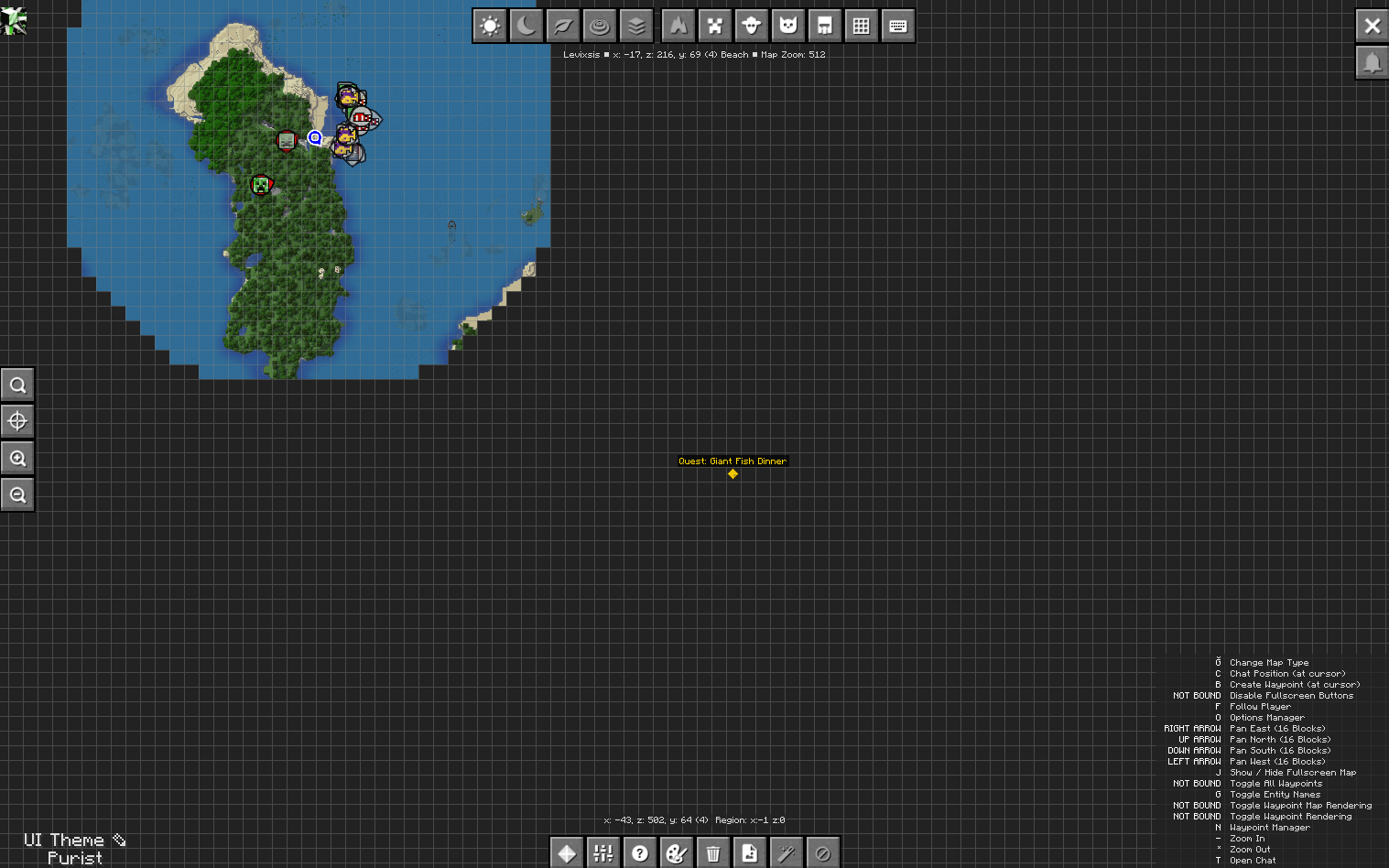
↑ Hunting Cell · Be in Any Plains · 51 m. Says “here” when you arrive. - Map waypoint – a gold Q on Xaero’s Minimap, World Map and JourneyMap. Temporary, never saved to your waypoint list.
- Follows the quest – finish a step and it moves to the next one.
Where it points
| Step | Marker |
|---|---|
| Find a structure | The nearest one, in the right dimension (the Time Chamber points to Kami’s Lookout) |
| Go to / escort | The destination |
| Talk to / deliver | The NPC if nearby, otherwise their home (Krillin at Roshi’s house, Dende at Kami’s Lookout, …) |
| Be in a biome | The nearest matching biome |
| Kill | The nearest matching enemy, once one is nearby |
Nothing tracked? It points to the next quest you can only accept in a certain biome, like the Frieza fights on the Ajissa Plains.
Install
Minecraft 1.20.1, Forge 47+, DragonMine Z 2.2+. Put it on client and server (single-player: just the mods folder). Players without it can still join.
Fine to use in modpacks.
Also by me
- DMZ Ki & Form HUD – shows a technique’s Ki cost and how long your form lasts
- Optimized DragonMine Z – the modpack I play this in
Unofficial add-on, not affiliated with the DragonMine Z team, Xaero or JourneyMap.
常见问题
DMZ Quest Markers 支持哪些 Minecraft 版本?
DMZ Quest Markers 支持 Minecraft Java 版 1.20.1,可用的加载器:Forge。下载时注意选择和你游戏版本一致的文件。
DMZ Quest Markers 怎么安装?
先用 PCL2 或 HMCL 启动器安装对应版本的 Forge,再把下载的 .jar 文件放进游戏目录的 mods 文件夹,重新启动游戏即可。开启了版本隔离的,mods 文件夹在 versions/版本名 下面。

评论
登录后评论和评分