
Sonara (Voice Chat)
voice chat mod. Talk to nearby players with customizable settings and player controls.
截图

介绍
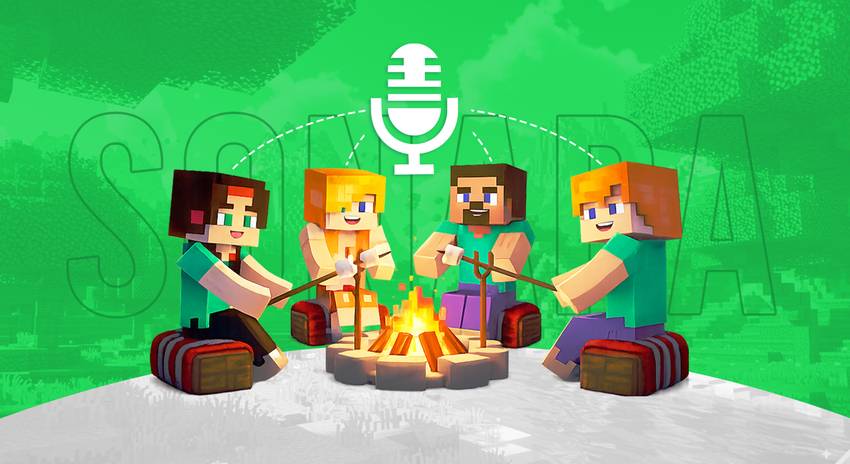

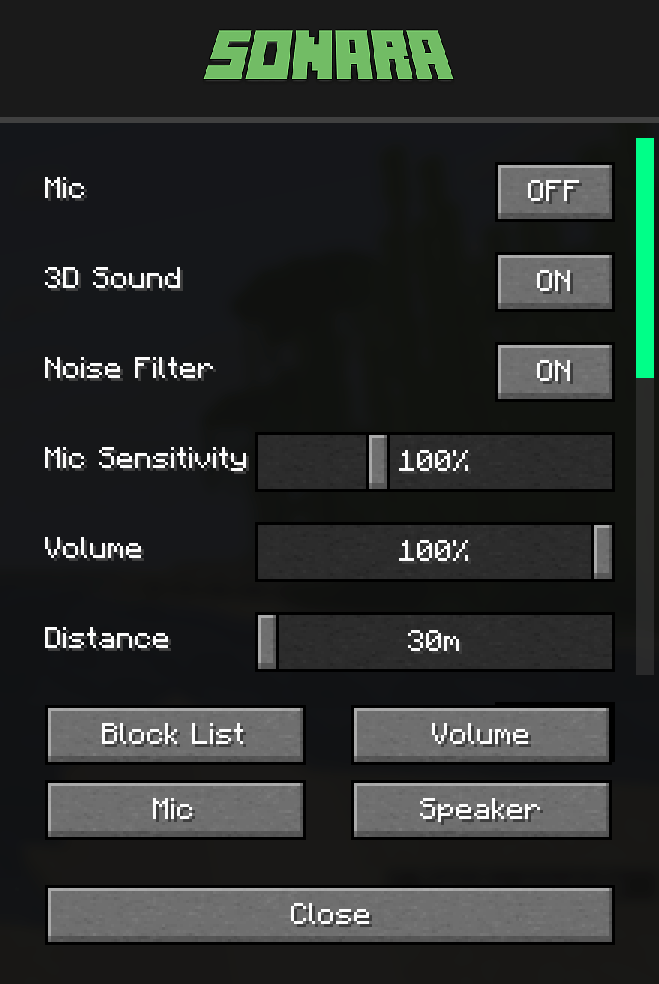
Talk to nearby players using your microphone. The closer you are, the louder you hear each other.
Voice Chat
3D Spatial Audio – Hear voices from the player’s direction
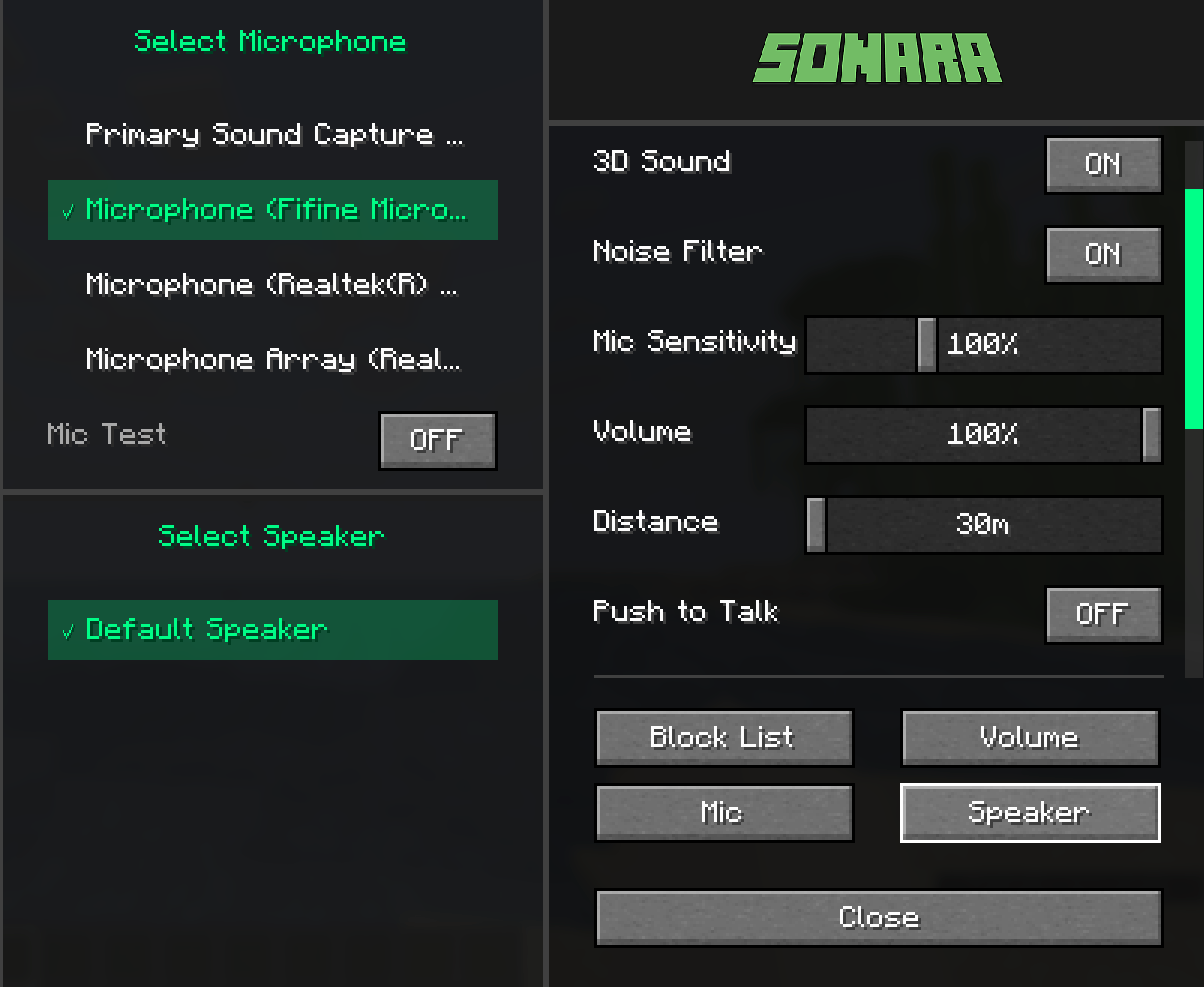
Distance Control – Adjust hearing range (30-120 blocks)
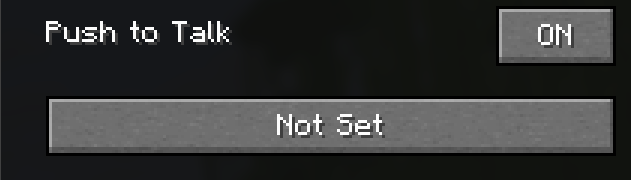
Push-to-Talk Mode – Press a key to talk, or enable always-on
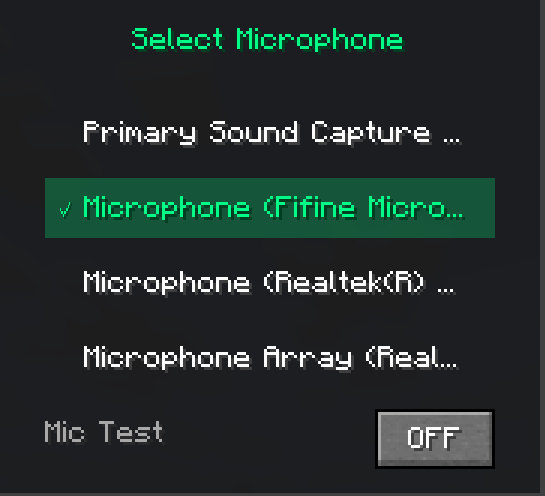
Microphone Test – Test your mic before joining
Audio Settings
Volume Control – Master volume for all voices
Mic Sensitivity – Adjust microphone input level
Noise Filter – Reduce background noise
Player Controls
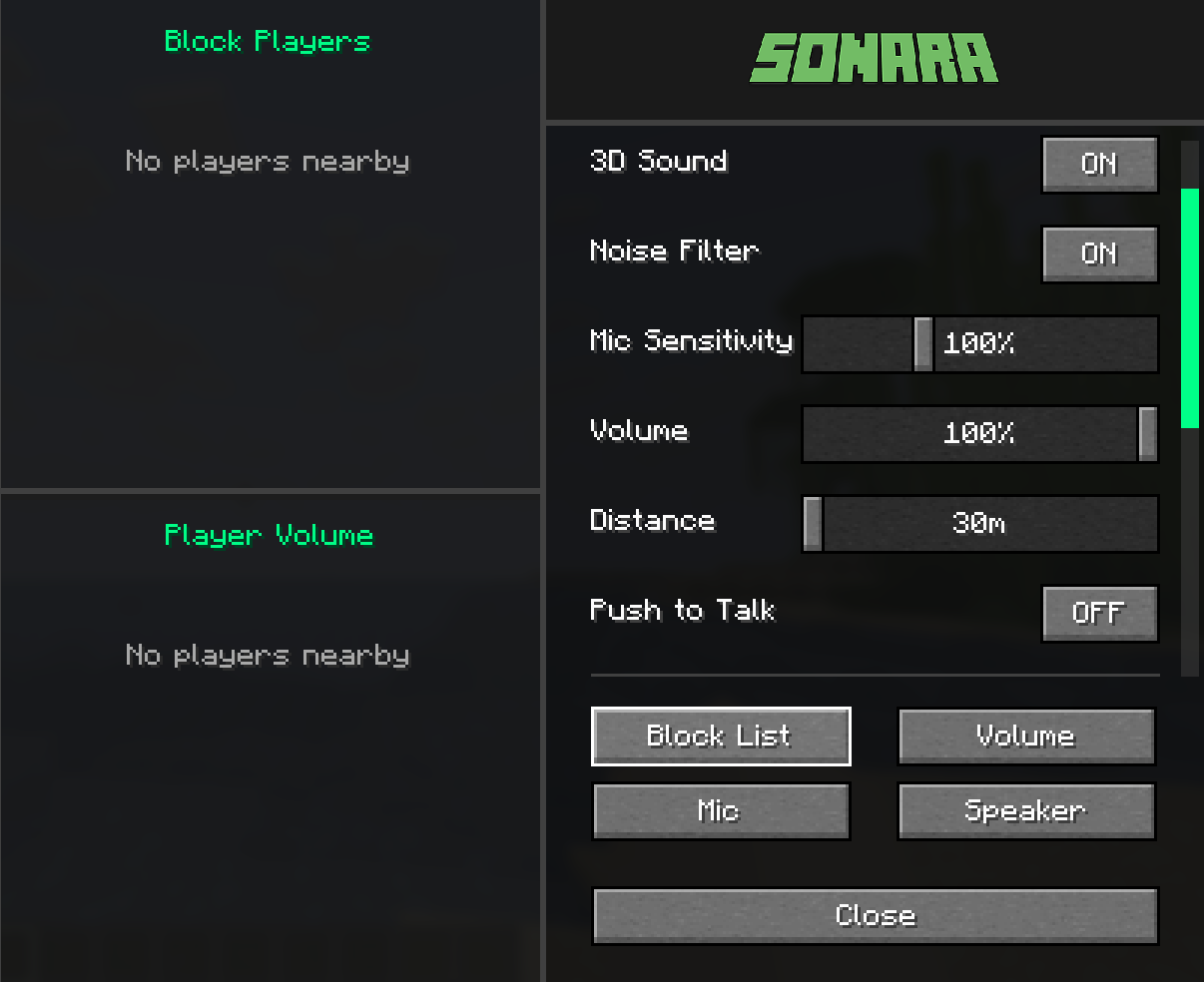
Per-Player Volume – Set different volume for each player
Block List – Mute specific players
Audio Device Selection – Choose your mic and speakers
Network Options
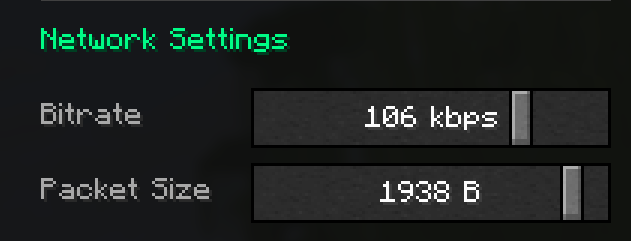
Bitrate – Quality settings (32-128 kbps)
Packet Size – Latency optimization (512-2048 bytes)

1- Install the mod in your Fabric mods folder
2- Press V key to open voice chat menu
3- Toggle microphone ON/OFF or set push-to-talk key
4- Adjust settings as needed

/Voice data is transmitted directly between players and server
/No voice recordings are stored
/Block players anytime from the menu

Settings reset when game restarts (session-only)
Server must have the mod installed
All players need the mod to participate
常见问题
Sonara (Voice Chat) 支持哪些 Minecraft 版本?
Sonara (Voice Chat) 支持 Minecraft Java 版 1.21.6–1.21.11,共 6 个版本,可用的加载器:Fabric。下载时注意选择和你游戏版本一致的文件。
Sonara (Voice Chat) 怎么安装?
先用 PCL2 或 HMCL 启动器安装对应版本的 Fabric,再把下载的 .jar 文件放进游戏目录的 mods 文件夹,重新启动游戏即可。开启了版本隔离的,mods 文件夹在 versions/版本名 下面。
IXSG 的其他作品
查看全部 →
Luminara Shader
用空灵之美与电影级光照,彻底改变你的 Minecraft 世界。支持体积云、金色氛围色调、清晰通透的下界画面,以及充满魔法感的末地效果。

Luminara Shader – Rebuilt
体验增强视觉效果之美,惊艳的云层系统与令人叹为观止的光照效果,将你的 Minecraft 世界化为杰作。

Luminara Shader spooky
把你的Minecraft世界变成令人毛骨悚然的万圣节噩梦。包含诡异雾气、低饱和度的恐怖色调、压抑的阴影和阴森的特效。
Reflexa
Reflexa:一款进阶版 Minecraft 光影,拥有动态体积云、逼真的水体效果、更出色的光照、阴影与反射、大气效果、圆形太阳与月亮、泛光、动态模糊和可自定义色彩,并针对性能进行了优化。
评论
登录后评论和评分