HoloPath
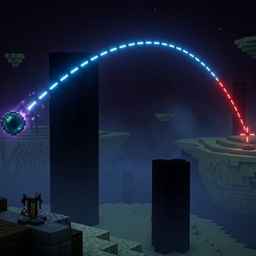
HoloPath - Trajectory Visualizer for Minecraft 1.21.1-1.21.11 Ever wondered exactly where your ender pearl will land HoloPath renders a real-time holographic trajectory line showing the exact path of your throwables and projectiles before you release them
截图
介绍
HoloPath — Trajectory Visualizer for Minecraft 1.21.1-1.21.11
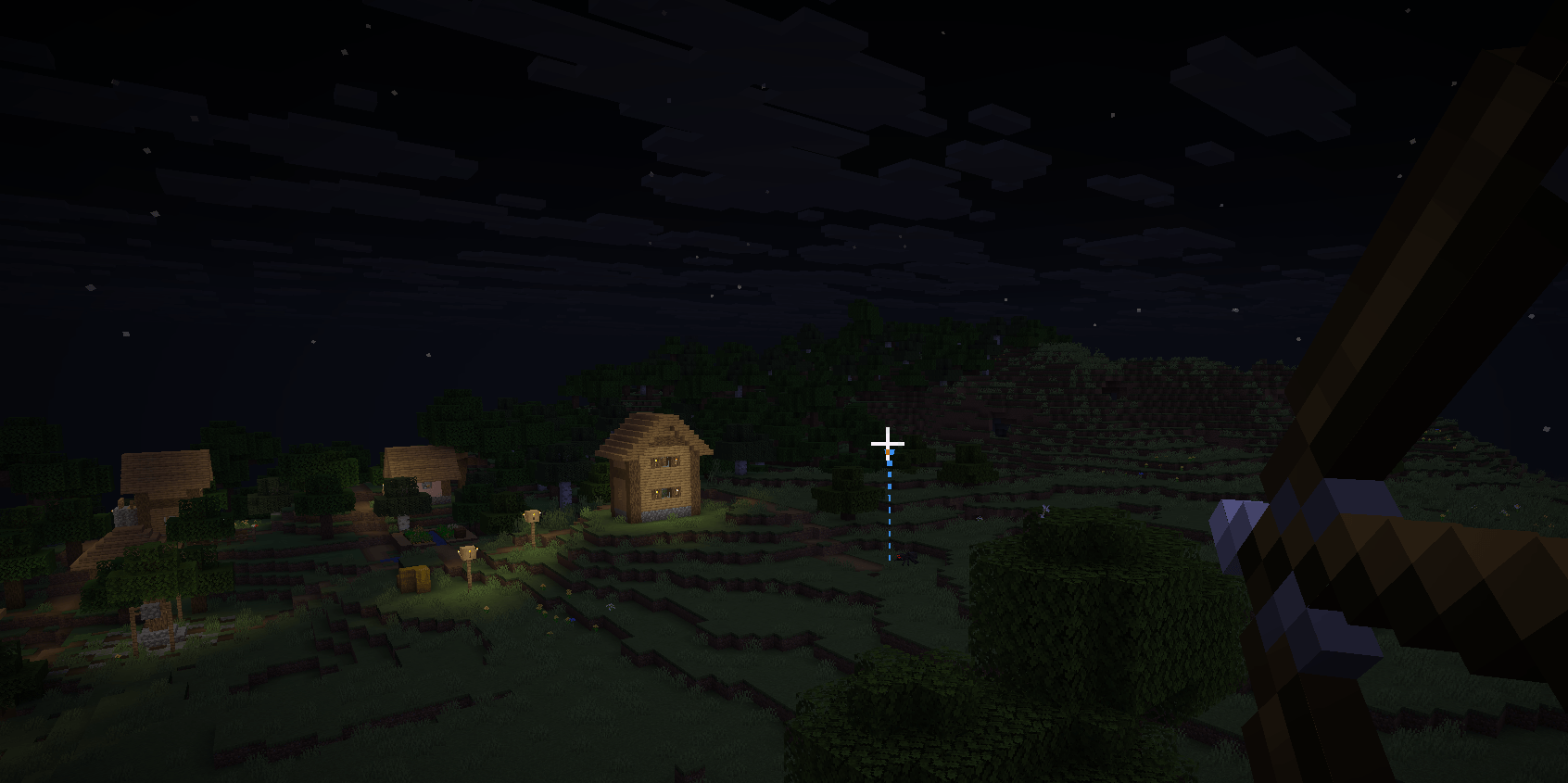
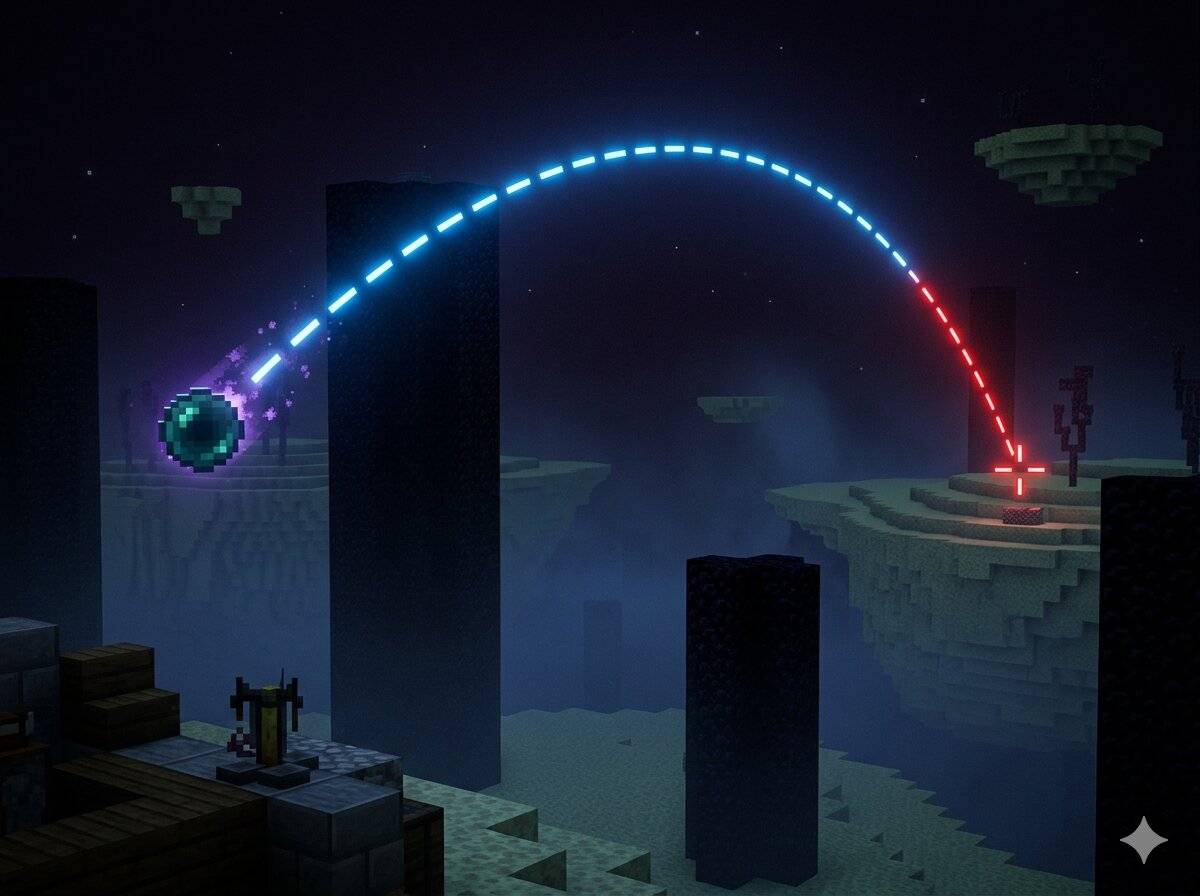
Ever wondered exactly where your ender pearl will land? HoloPath renders a real-time holographic trajectory line showing the exact path of your throwables and projectiles before you release them.
Supported Items:
– Ender Pearl
– Bow (draw strength sensitive — the line updates as you pull back)
– Snowball
Features:
– Real-time 3D trajectory line that updates as you move and aim
– Color changes to red when the path passes through a living entity — so you know if your shot will hit before you throw
– Dashed line style for clear visibility without cluttering your screen
– Toggle the display on or off at any time with a keybind (default: K)
– Keybind is fully rebindable from Options → Controls → HoloPath
– A reminder message appears in chat when you join a world, telling you the current keybind
How to Use:
– Hold an ender pearl, bow, or snowball
– Aim — the trajectory line appears automatically
– Pull back your bow to see the arc adjust in real time based on draw strength
– If the line turns red, a living entity is in the path
– Press K to hide the display when you don’t need it
Client-side only — works in singleplayer and on any server without requiring the mod to be installed server-side.
常见问题
HoloPath 支持哪些 Minecraft 版本?
HoloPath 支持 Minecraft Java 版 1.21.1–1.21.11,共 11 个版本,可用的加载器:Fabric。下载时注意选择和你游戏版本一致的文件。
HoloPath 怎么安装?
先用 PCL2 或 HMCL 启动器安装对应版本的 Fabric,再把下载的 .jar 文件放进游戏目录的 mods 文件夹,重新启动游戏即可。开启了版本隔离的,mods 文件夹在 versions/版本名 下面。
评论
登录后评论和评分