Screen Weather & Biome Effects
Immersive screen effects for Minecraft: rain drops, frost, sweat, sandstorms, swamp mist and falling leaves, all client-side.
介绍
This mod adds visual effects to your screen. The effects change with the weather, the biome and the time of day. It is like looking at the world through a window.Everything is visual only. It does not change gameplay.
Cherry Grove
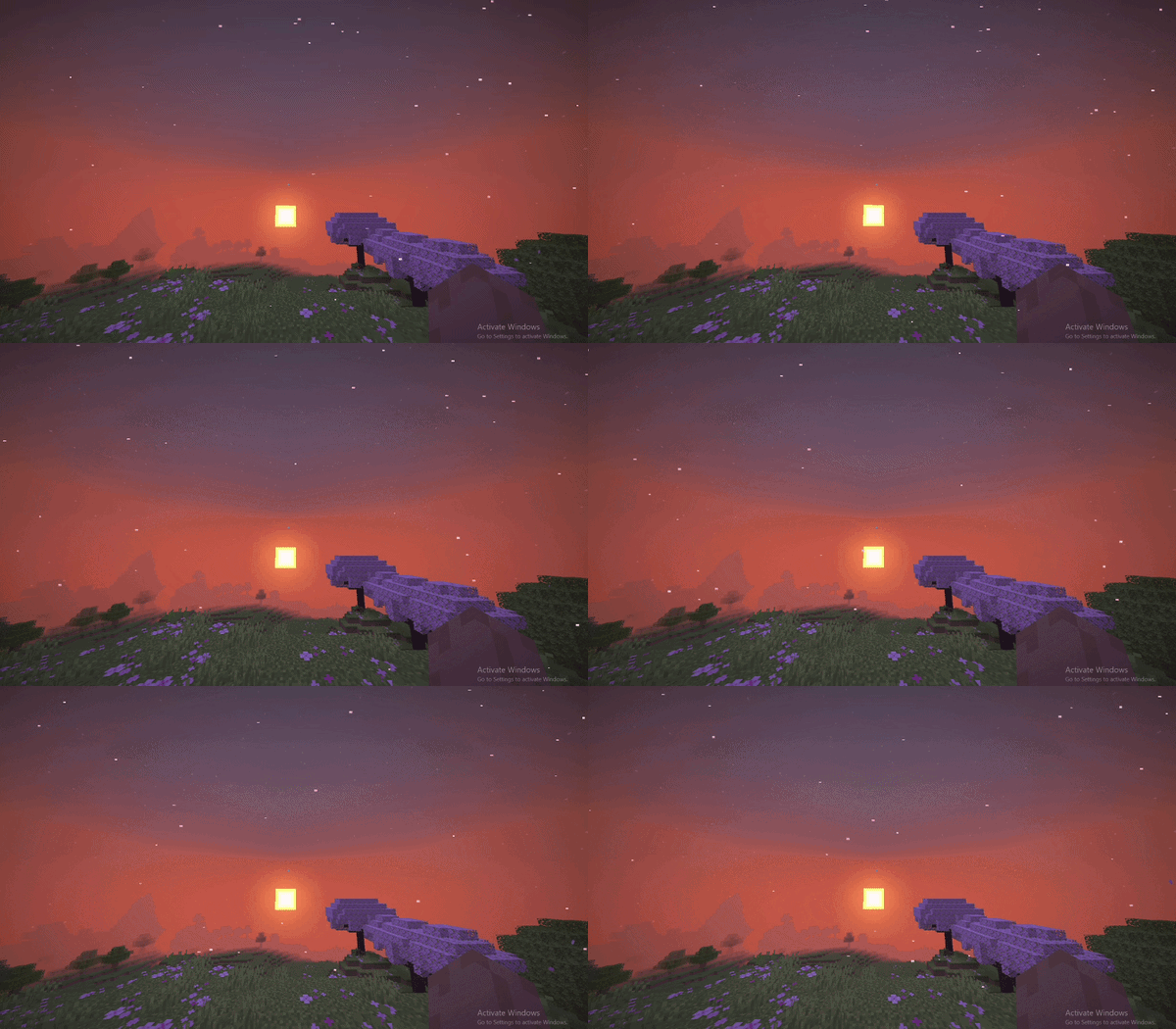
Floral Forest
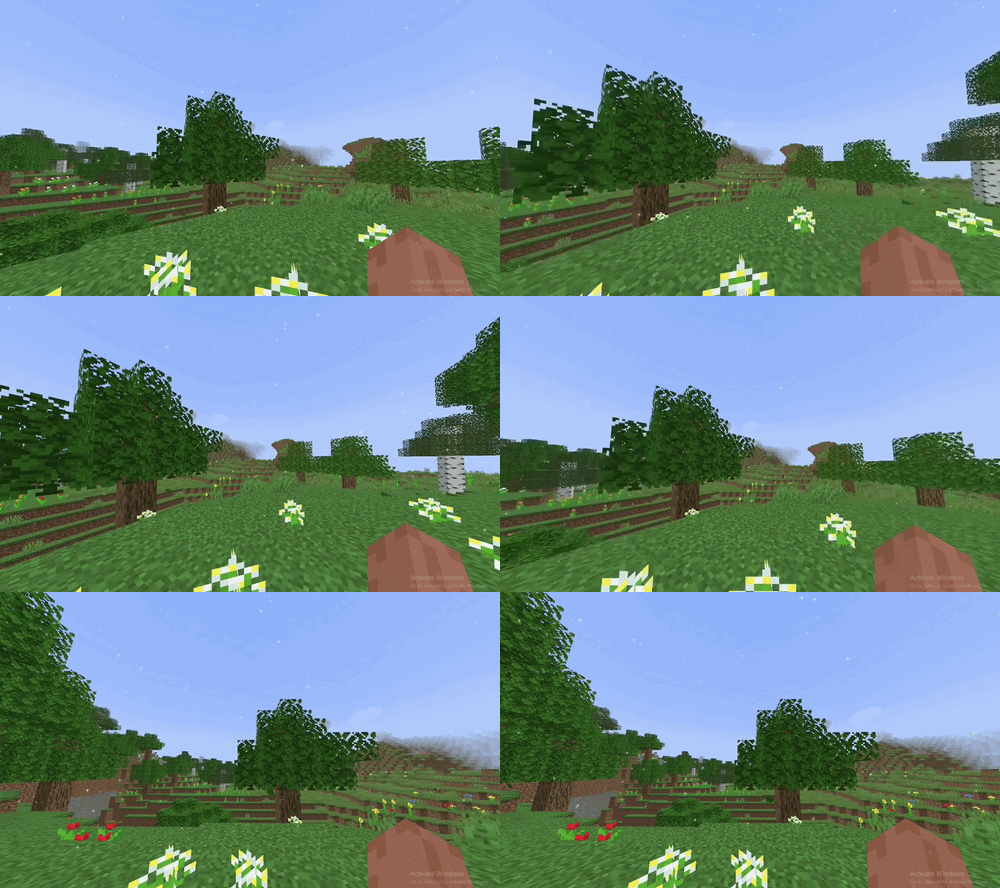
Snowy Taiga
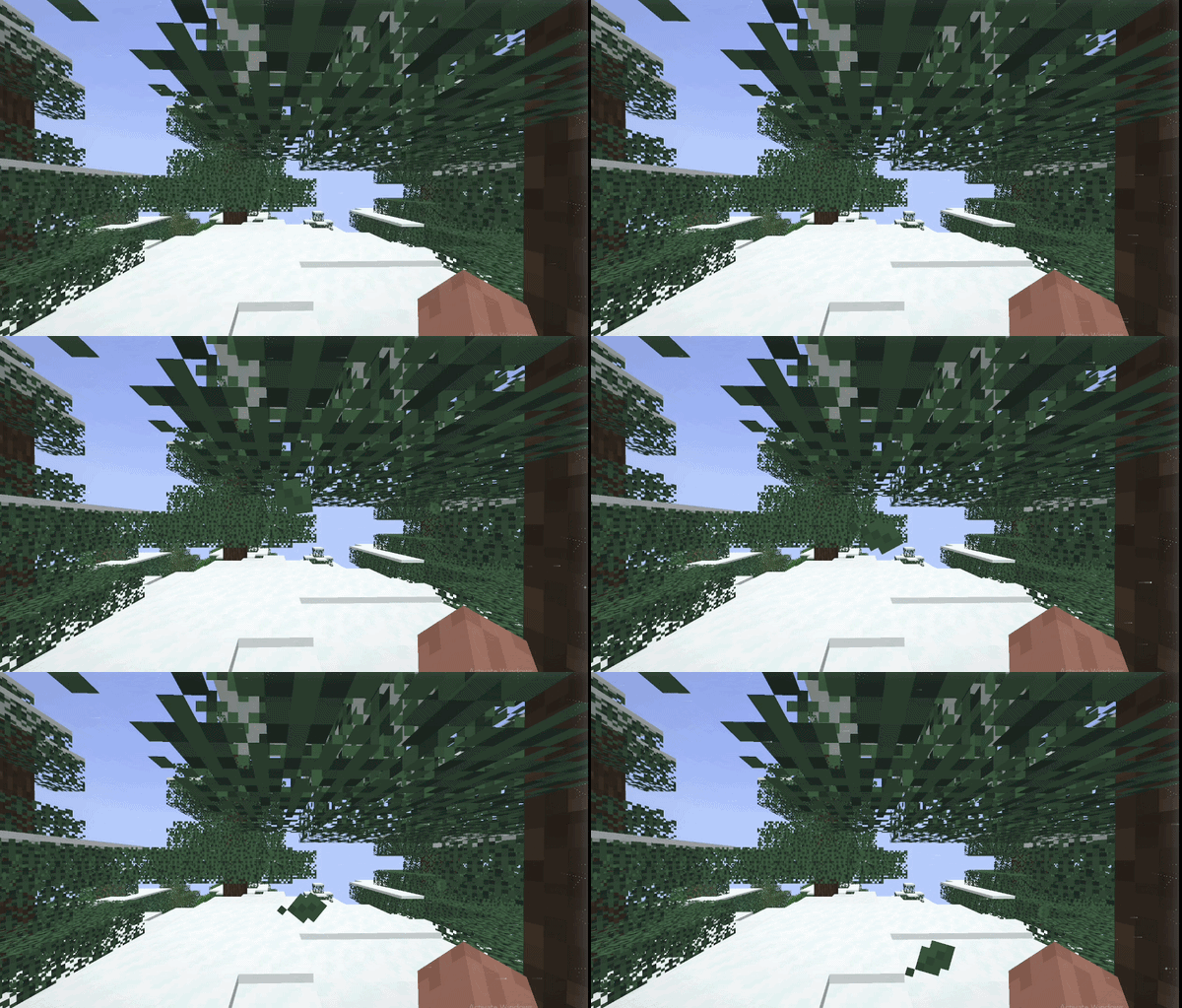
Jungle Forest
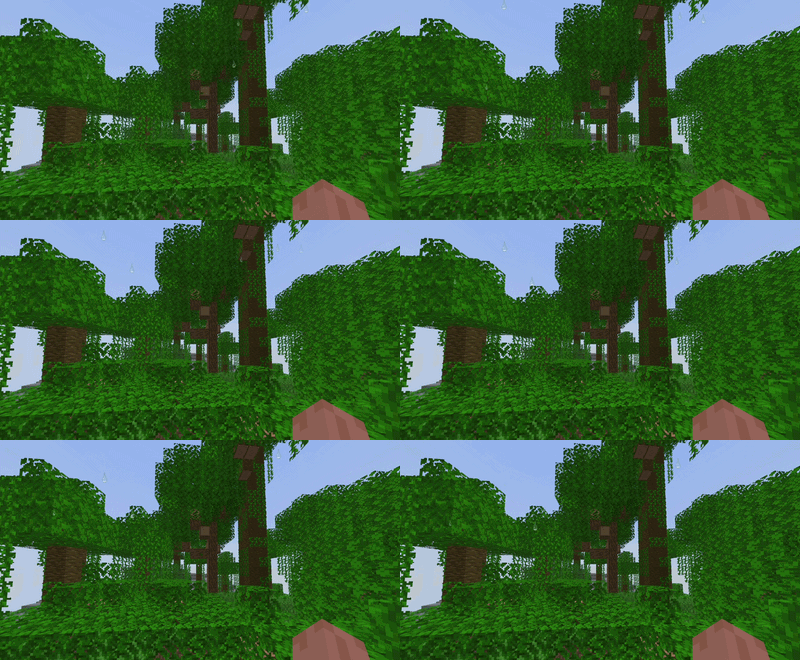
Rain
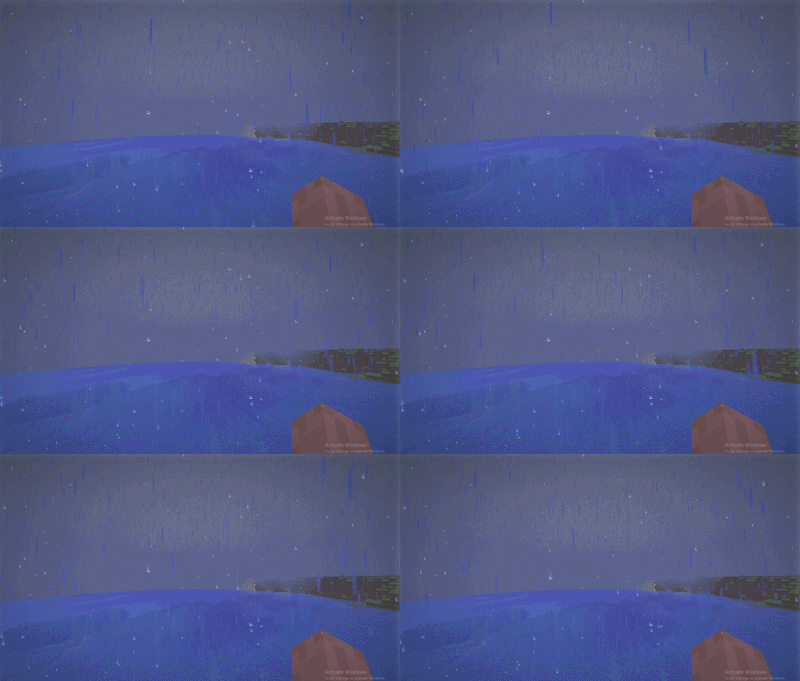
Snow
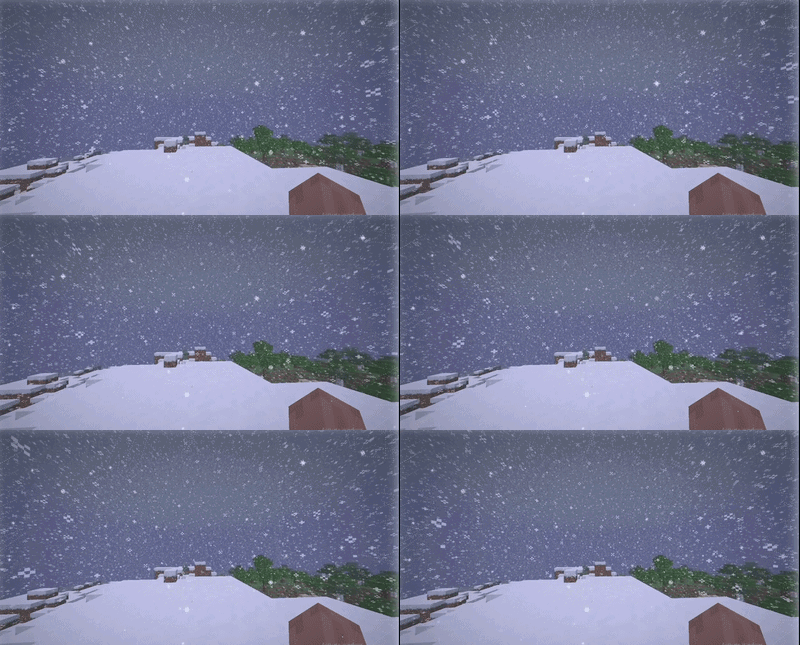
Effects after water
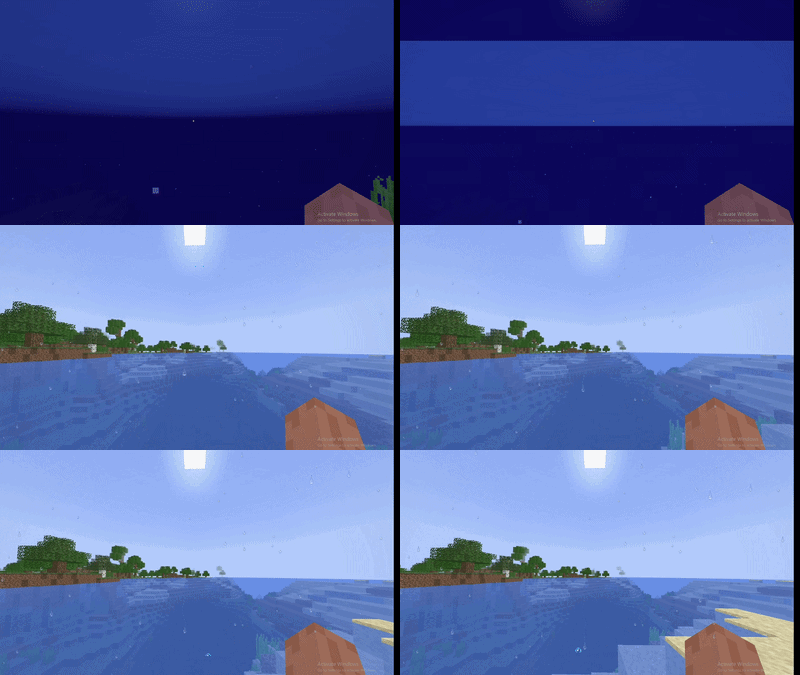
Desert
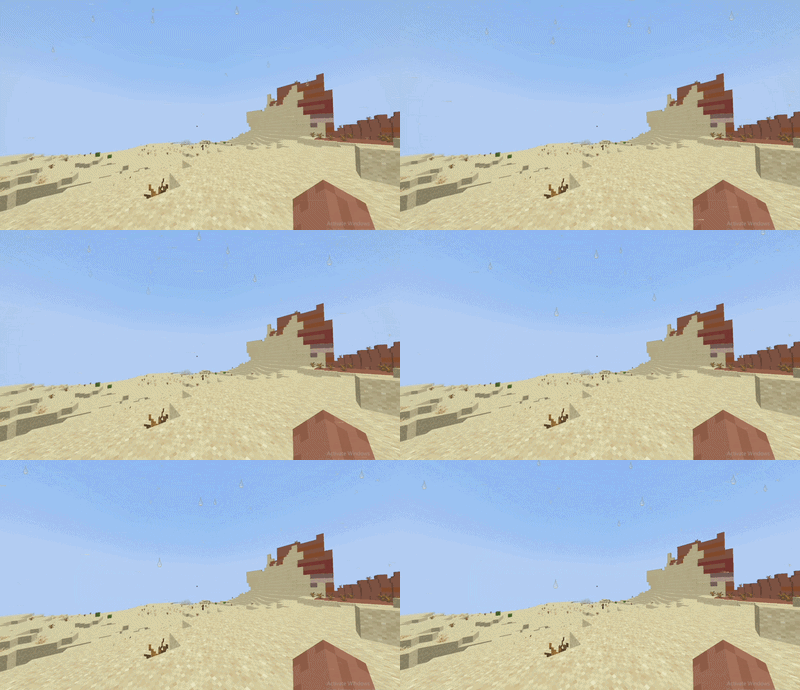
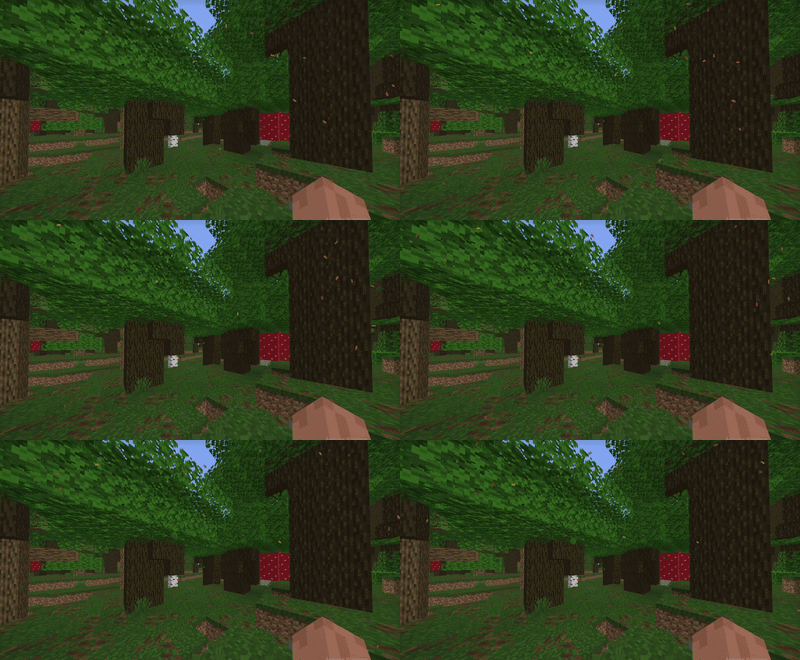
Dark Forest
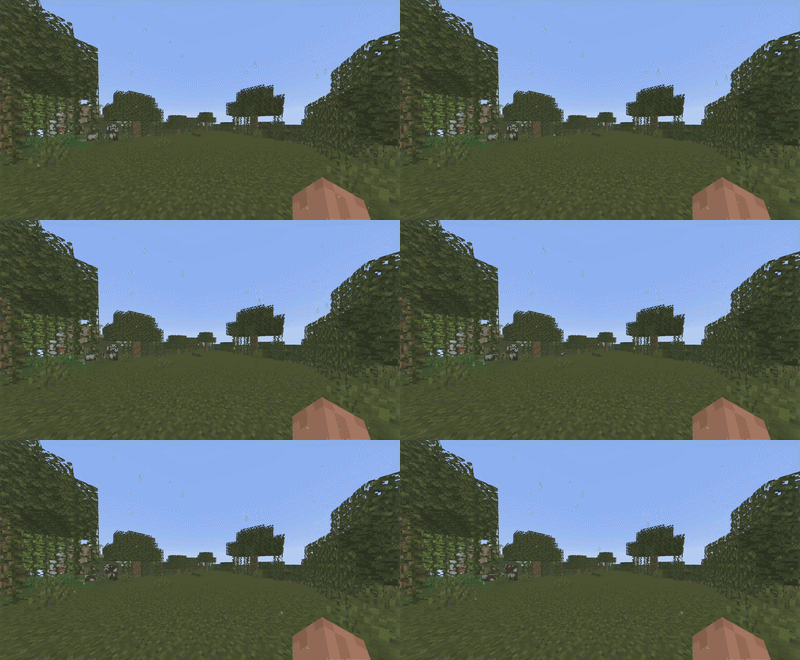
Swamp
Configuration file(only for 1.1 versions)
Configuration file rainscreen.json, located in the config folder of your Minecraft instance (.minecraft/config/rainscreen.json)
Particles (things that fly or slide across your screen). 1.0 is normal, 2.0 is double, and 0 turns it off.
rainDrops: raindrops on the screensnowFlakes: large patterned snowflakessnowFall: small falling snow flakessweatDrops: sweat drops in the heat (deserts and jungles during the day)swampDrops: condensation drops in swampsemergeDrops: water drops after you come up from underwatersandGrains: blowing sand in desertssnowDust: blowing snow in cold biomesautumnLeaves: orange and red leaves in dark forestscherryPetals: pink petals in cherry grovesflowerPollen: pollen in flower forestsoakLeaves: green leaves in oak forestsbirchLeaves: light yellow leaves in birch forests
Screen color (a light tint over the whole screen, no particles). 1.0 is normal and 0 removes the effect.
wetnessOverlay: gray-blue dampness and darker edges after rainfrostOverlay: white frost around the edges of the screen during snowheatTint: orange tint in the heatsandHaze: yellow sand haze in desertsswampHaze: greenish fog in swampsforestShade: darkened edges in dark forestscherryHaze: pink haze in cherry grovescoldTint: bluish tint in cold biomesiceGlints: shiny ice sparkles in cold biomes
Limits (how many particles can be on screen at the same time). Whole numbers only, for example 200, not 200.5.
maxDrops: drops (rain, sweat, condensation, water after surfacing) and large snowflakesmaxFlakes: large snowflakesmaxFalls: small snow flakesmaxGrains: sand grainsmaxStuck: sand grains stuck to the screenmaxSnowDust: blowing snowmaxLeaves: all leaves, petals, and pollen combined
If you raised a number in the Particles section and don’t see more of them, you have hit the limit. Raise the matching max... value.
常见问题
Screen Weather & Biome Effects 支持哪些 Minecraft 版本?
Screen Weather & Biome Effects 支持 Minecraft Java 版 1.20.1–26.3,共 23 个版本,可用的加载器:Fabric / NeoForge。下载时注意选择和你游戏版本一致的文件。
Screen Weather & Biome Effects 怎么安装?
先用 PCL2 或 HMCL 启动器安装对应版本的 Fabric / NeoForge,再把下载的 .jar 文件放进游戏目录的 mods 文件夹,重新启动游戏即可。开启了版本隔离的,mods 文件夹在 versions/版本名 下面。
zhuravellll 的其他作品
查看全部 →
Zhuravel HandView
Fully customize your first-person viewmodel with in-game controls for hand scale, position, and rotation.
Zhuravel CursorTrail
Adds a customizable neon cursor trail
HUD Christmas Lights
Decorate your HUD with twinkling New Year string lights that blink and shimmer in changing colors.

Zhuravel CrosshairTrail
Adds a customizable neon crosshair trail
评论
登录后评论和评分