截图
介绍
AutoConnect
AutoConnect is a lightweight client-side mod that joins your saved multiplayer server when you open the Multiplayer screen.
It is useful if you usually play on the same server and want to skip opening the server list, selecting the server, and pressing Join every time. The server address can be entered manually, or updated automatically when you join a server from the normal multiplayer list.
AutoConnect only changes the client-side connection flow. It does not bypass authentication, whitelists, bans, player limits, server rules, or any other server-side restriction.
Features
- Automatically connects after you open Multiplayer
- Saves the last server you joined manually
- Lets you manually edit the saved server address
- Optional retry-on-failure behavior
- Configurable retry count and retry delay
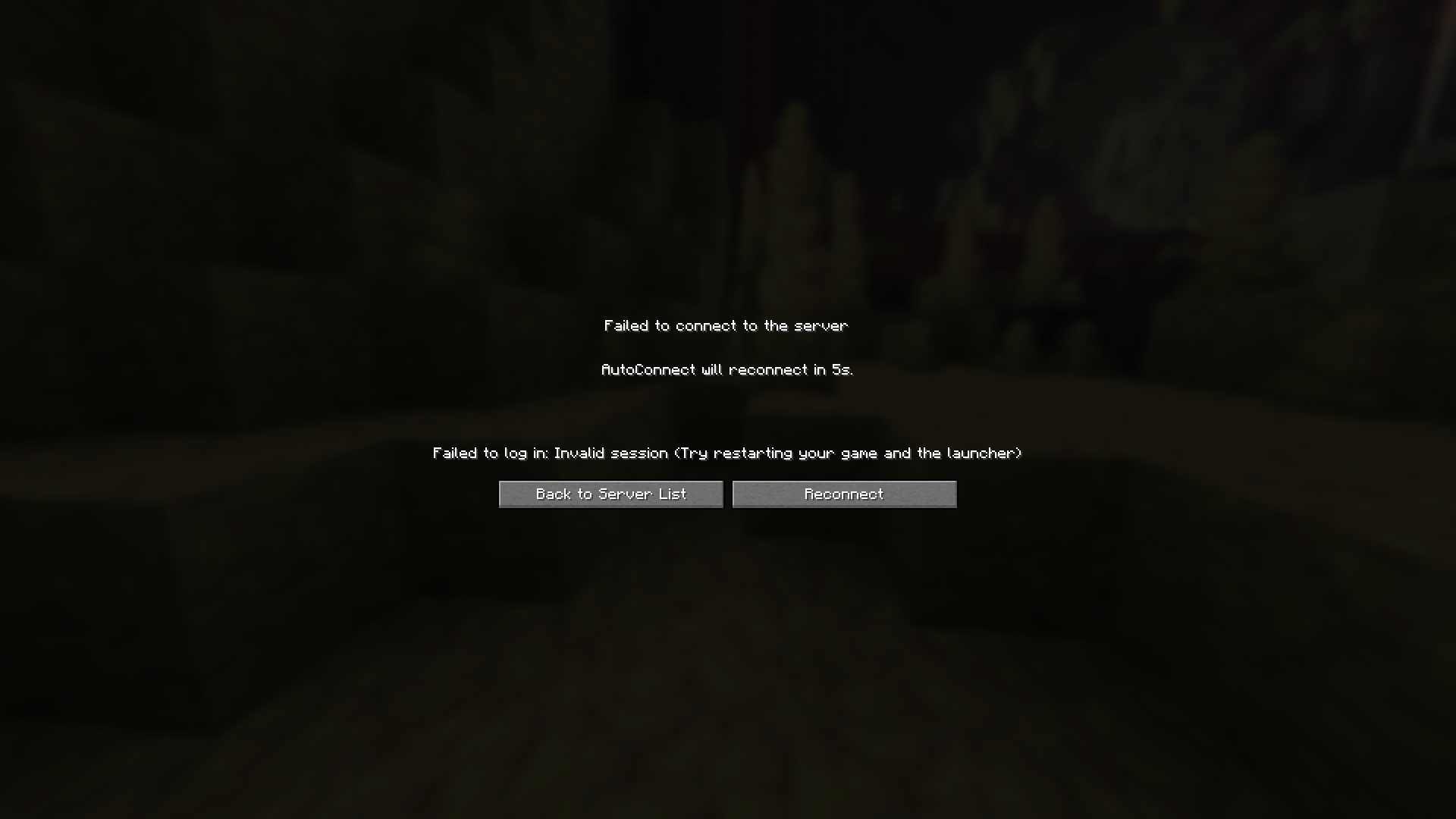
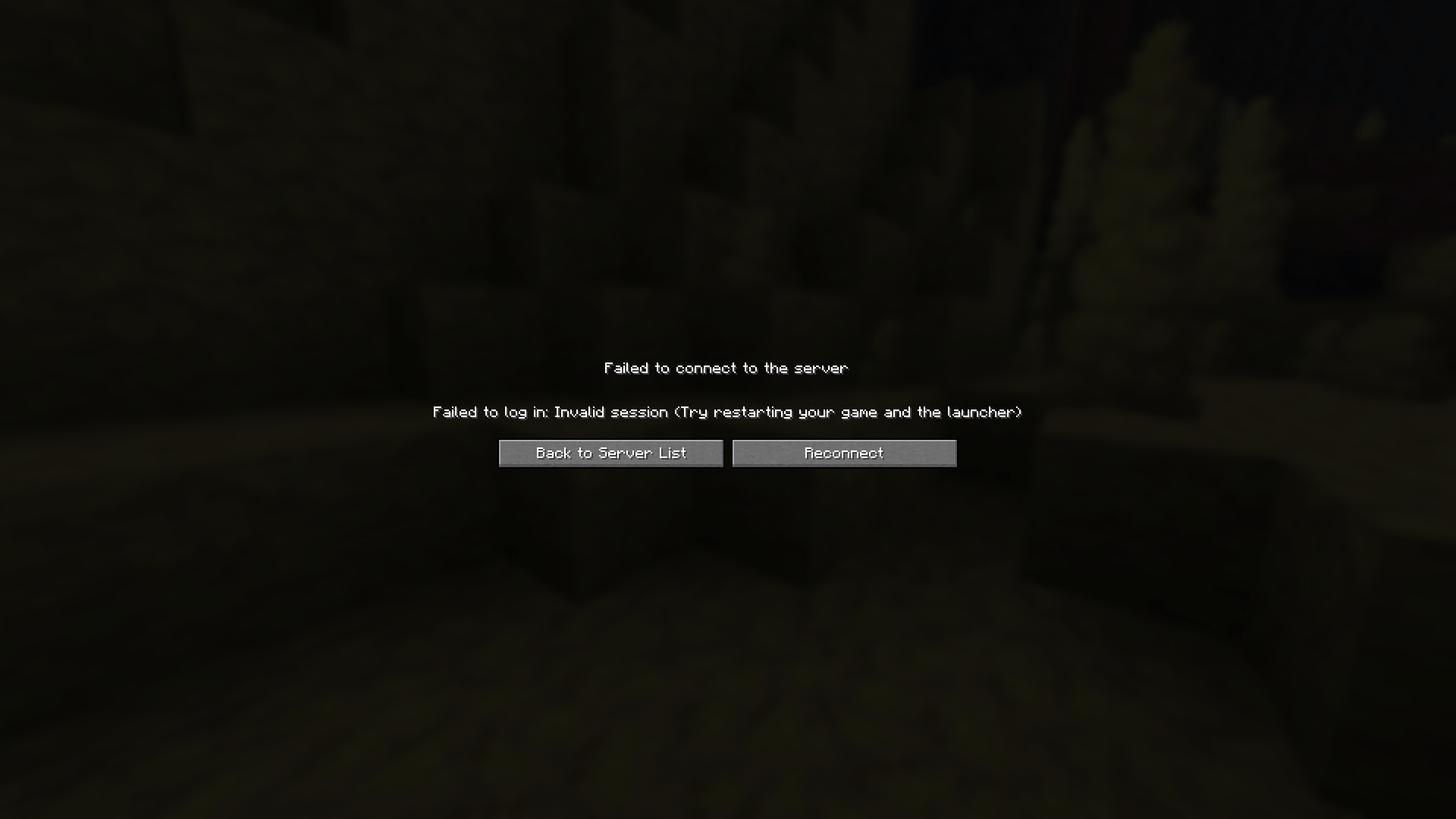
- Adds a Reconnect button to failed connection screens
- Client-side only
- Supports Fabric, Forge, NeoForge, and Quilt
Configuration
AutoConnect can be configured in-game where supported:
- Fabric: through Mod Menu when Mod Menu and Cloth Config are installed
- Forge: through the built-in mod list/config screen
- NeoForge: through the built-in mod list/config screen
- Quilt: through Mod Menu when available
The config file can also be edited directly:
config/autoconnect.jsonSettings
| Setting | Description | Default |
|---|---|---|
| Enabled | Turns AutoConnect on or off. | true |
| Server Address | The server AutoConnect should join. Joining a server manually updates this value. | Empty |
| Retry on Failure | Allows AutoConnect to retry after a failed connection. | false |
| Retries Count | Number of retry attempts after the first failed connection. | 0 |
| Automatic Retry Timeout (in seconds) | Delay before an automatic retry. 0 retries immediately. |
0 |
Compatibility
Minecraft versions:
26.126.1.126.1.226.2
Loaders:
- Fabric
- Forge
- NeoForge
- Quilt
Optional Dependencies
For Fabric and Quilt, Mod Menu can provide an in-game configuration entry. Fabric also uses Cloth Config for the Mod Menu configuration screen.
AutoConnect does not require Fabric API.
常见问题
AutoConnect by m1dLL3 支持哪些 Minecraft 版本?
AutoConnect by m1dLL3 支持 Minecraft Java 版 26.1–26.3,共 5 个版本,可用的加载器:Fabric / Forge / NeoForge / Quilt。下载时注意选择和你游戏版本一致的文件。
AutoConnect by m1dLL3 怎么安装?
先用 PCL2 或 HMCL 启动器安装对应版本的 Fabric / Forge / NeoForge / Quilt,再把下载的 .jar 文件放进游戏目录的 mods 文件夹,重新启动游戏即可。开启了版本隔离的,mods 文件夹在 versions/版本名 下面。
评论
登录后评论和评分