
Panoramics
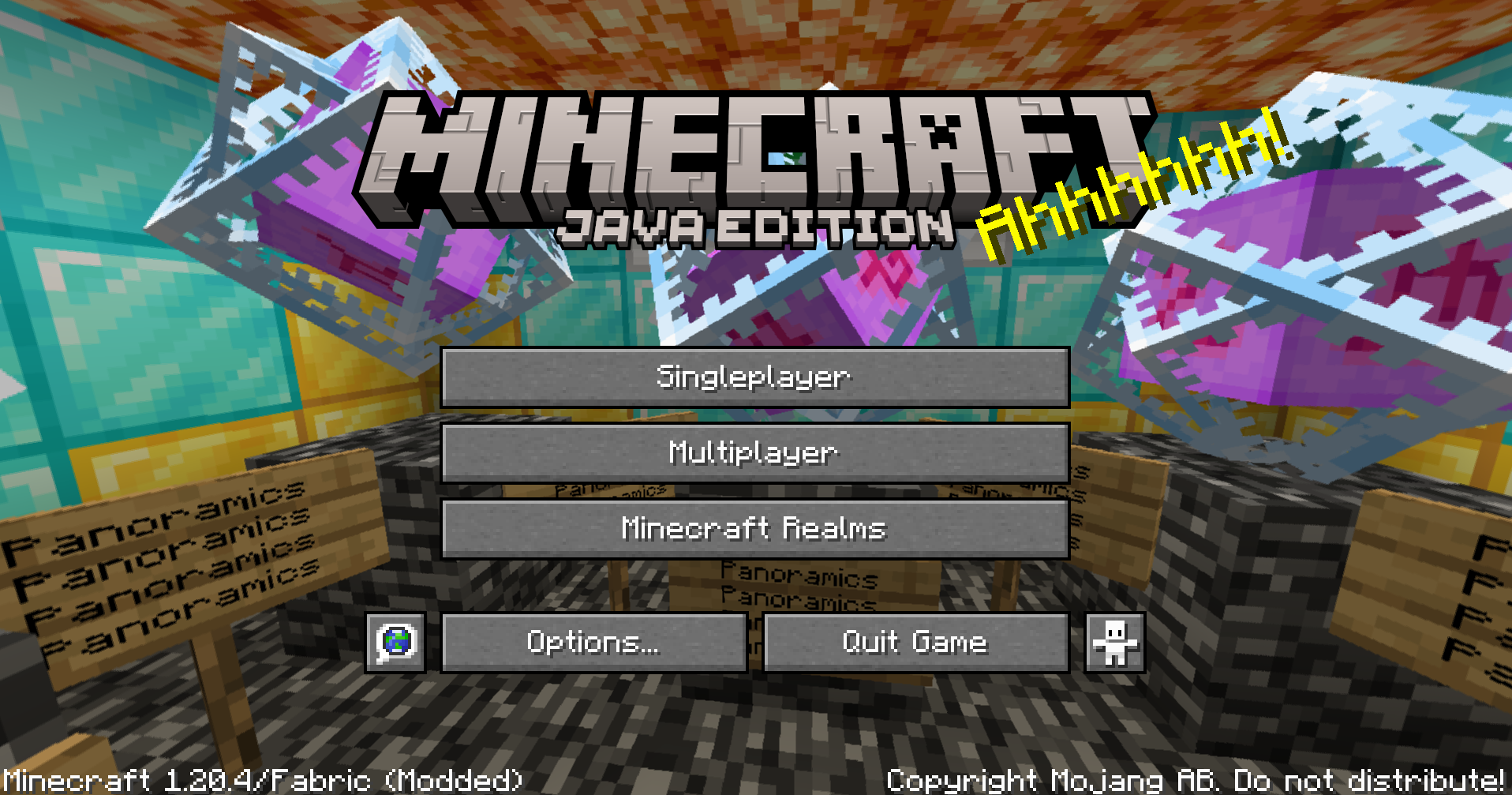
Allows you to take Panorama screenshots and uses them as the background on the title screen.
截图
介绍
Allows you to take panorama screenshots and use them as the background on the title screen.
taking panoramas:
Use /panorama in-game (recommended to have higher render distance if you can see the chunk border). This takes a panoramic shot of your current surroundings and saves it to a folder inside your screenshots folder. The title screen background is chosen randomly from what is in that folder (or the default background if none are found).
adding external panoramas:
Take a panorama or copy one you already have made and replace the panorama_(0-5).png with the files you have. Folders dont need to follow any name format, they just need to be in the screenshots/panoramics folder, and have a sub-folder called screenshots (this is due to how saving panoramics work)
removing panoaramas:
delete or move it from the screenshots/panoramics folder.
常见问题
Panoramics 支持哪些 Minecraft 版本?
Panoramics 支持 Minecraft Java 版 1.20.1–1.20.4,共 4 个版本,可用的加载器:Fabric。下载时注意选择和你游戏版本一致的文件。
Panoramics 怎么安装?
先用 PCL2 或 HMCL 启动器安装对应版本的 Fabric,再把下载的 .jar 文件放进游戏目录的 mods 文件夹,重新启动游戏即可。开启了版本隔离的,mods 文件夹在 versions/版本名 下面。运行环境:仅客户端。
评论
登录后评论和评分