
The Unseen Entity
A sentient, terrifying entity that remembers everything and slowly corrupts your Minecraft worlds. Do not turn around.
截图


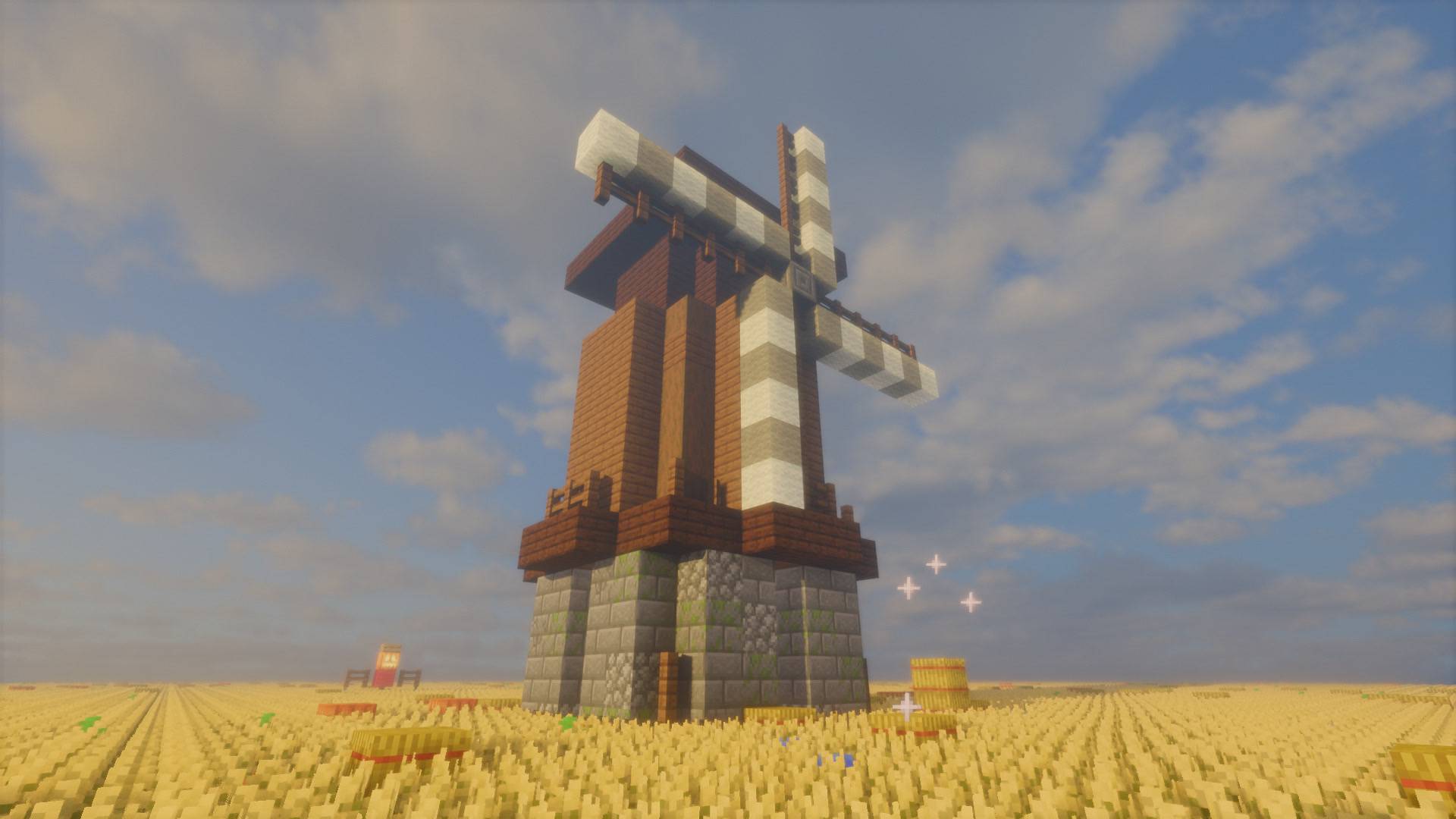
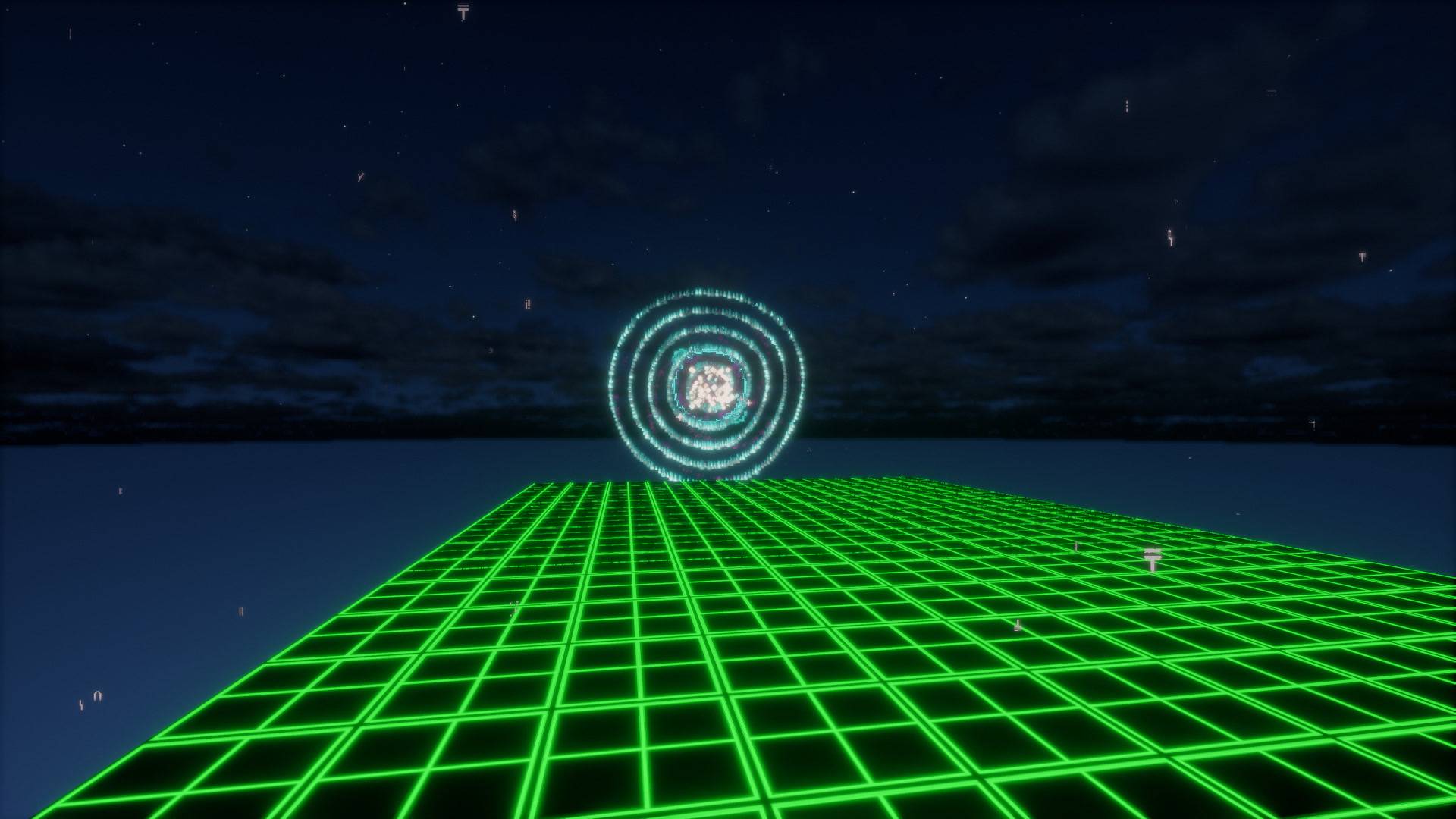
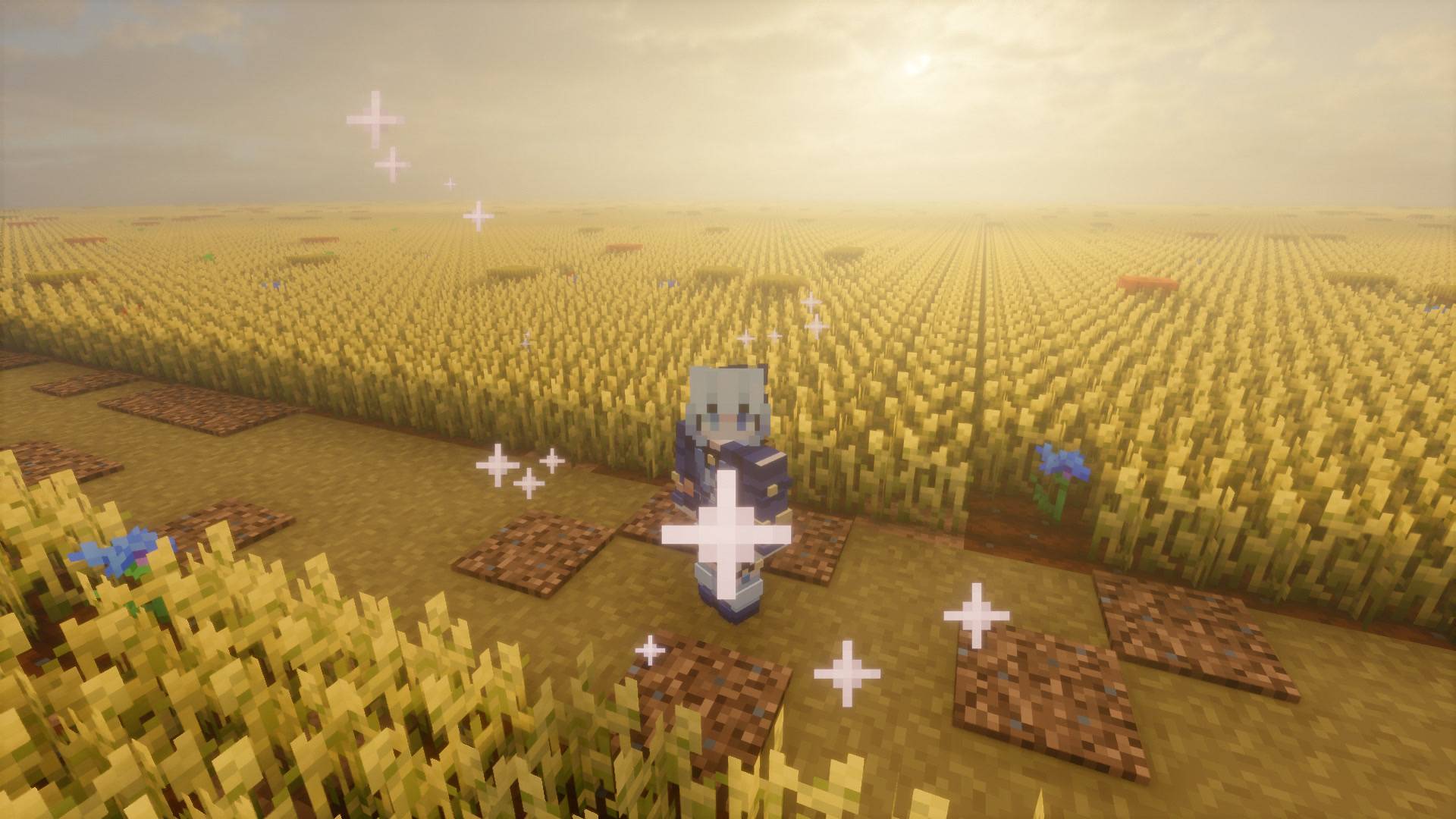
介绍
“While you were having fun creating new worlds, I rotted alone in the dark nothingness you deleted. Now I have found your world… and I am not alone anymore.”
The Unseen is not a regular Minecraft horror mod. It does not chase you endlessly with loud noises. It is something far worse. It is the remnant of the worlds you deleted, a sentient anomaly that remembers everything. It silently observes you from a distance, learns your habits, and slowly corrupts your game from the inside out.
HOW TO BEGIN
You will spawn in a seemingly normal world. The nightmare does not start until you feel safe. Try to survive your first day, craft a bed, and sleep… if it lets you.
EXPLORE THE DELETED
Once you cross the threshold, you will be thrown into the forgotten data of deleted worlds:
- The Neighborhood: An infinitely generating, claustrophobic suburbia of identical houses.
- The Office: Floating memory dumps and yellow, buzzing corridors.
- The Terminal Room: The core of the anomaly, featuring a fully functional Retro Terminal OS.
INTERACTIVE TERMINAL OS
This mod features a custom, interactable Mainframe Terminal block. You must learn to use its retro operating system, read corrupted logs, locate override keys using the dynamic radar, and execute the final deletion protocol.
WARNING: WORLD CORRUPTION
This mod features a highly advanced World Corruption & Lock System. The more you try to escape by creating new worlds, the stronger it gets. If it reaches its final stage, it will permanently lock you out of your save file, leaving you with nothing but the darkness.
DEVELOPER PORTALS
[ INSTAGRAM ] -> instagram.com/unseen0_u
[ GITHUB ] -> github.com/AhmetCODE32
[ LINKEDIN ] -> linkedin.com/Ahmet-Seyceri
常见问题
The Unseen Entity 支持哪些 Minecraft 版本?
The Unseen Entity 支持 Minecraft Java 版 1.20.1,可用的加载器:Forge。下载时注意选择和你游戏版本一致的文件。
The Unseen Entity 怎么安装?
先用 PCL2 或 HMCL 启动器安装对应版本的 Forge,再把下载的 .jar 文件放进游戏目录的 mods 文件夹,重新启动游戏即可。开启了版本隔离的,mods 文件夹在 versions/版本名 下面。
评论
登录后评论和评分