
截图
介绍


A visual sandbox for designing automation workflows in Minecraft
🇺🇸 English · 🇩🇪 Deutsch · 🇪🇸 Español · 🇫🇷 Français · 🇵🇱 Polski · 🇧🇷 Português (BR) · 🇷🇺 Русский
⚠️ For the latest updates and full feature set, download Pathmind on Modrinth:
https://modrinth.com/mod/pathmind
CurseForge versions may be outdated or missing features due to platform restrictions on certain functionality (such as marketplace preset downloads).
Features
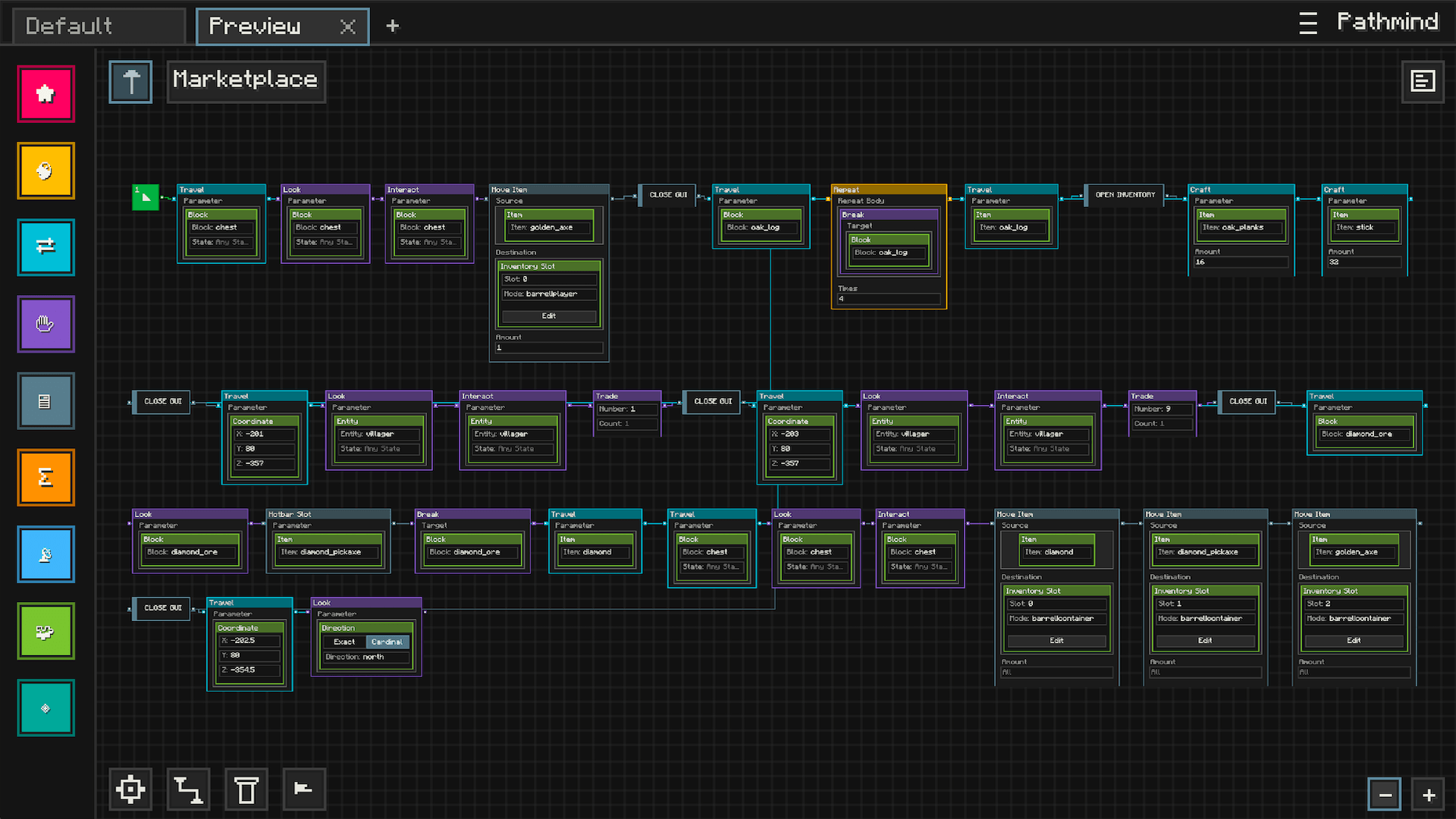
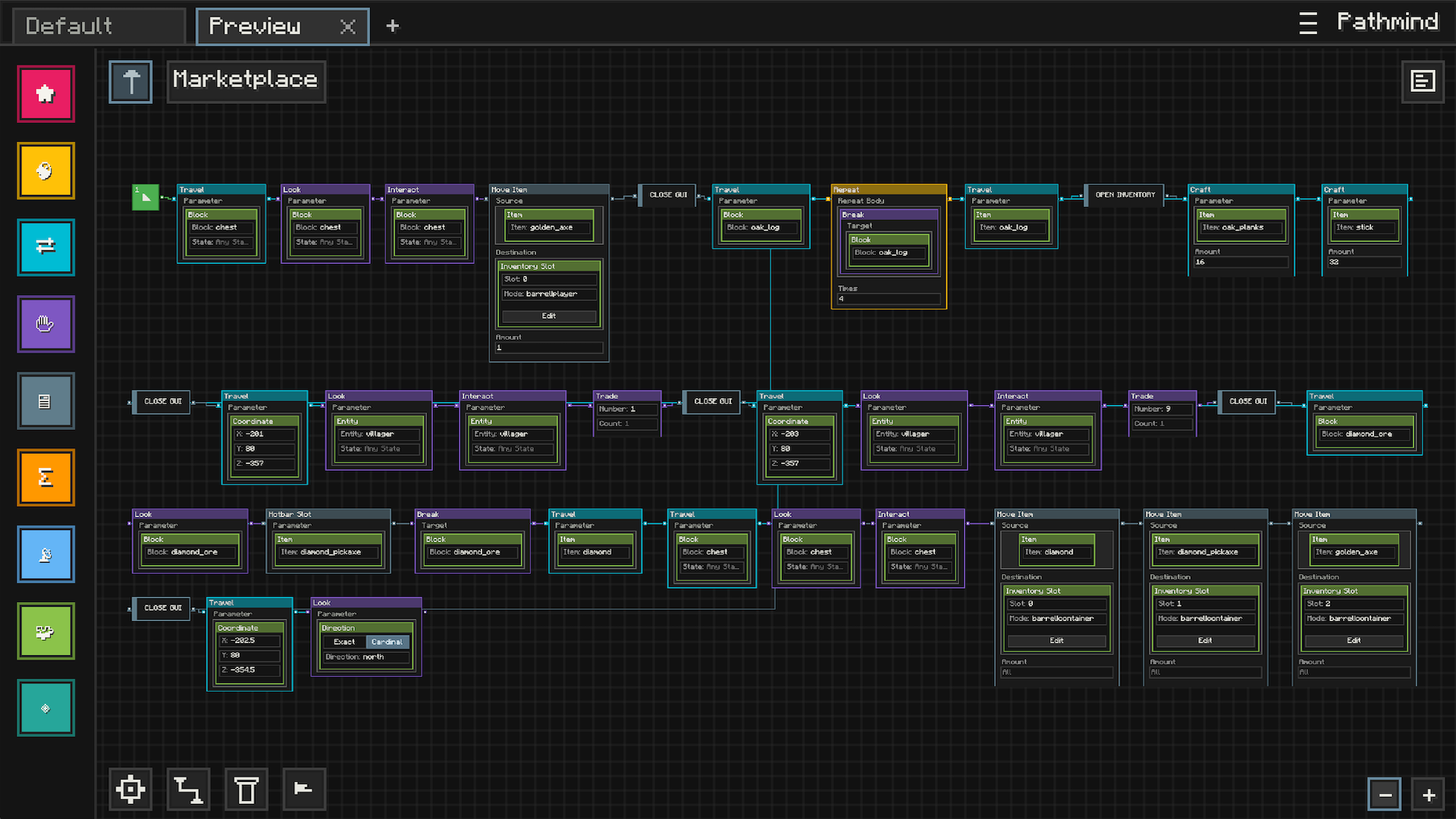
Visual Automation
- Node-Based Editor: Build automation visually with nodes, connections, and editable parameters instead of commands or scripts
- Readable Workflows: Lay out your logic in a way that is easy to follow, revisit, and expand over time
- Creative Sandbox: Experiment with behaviors, interactions, and systems inside a dedicated in-game workspace
Workspace And Presets
- Saved Graphs: Keep your automation setups as reusable presets you can come back to later
- Organized Editing: Work across multiple presets and continue refining them as your ideas grow
- Import And Share: Bring in community-made setups or use your own presets as building blocks for larger systems
In-Game Execution
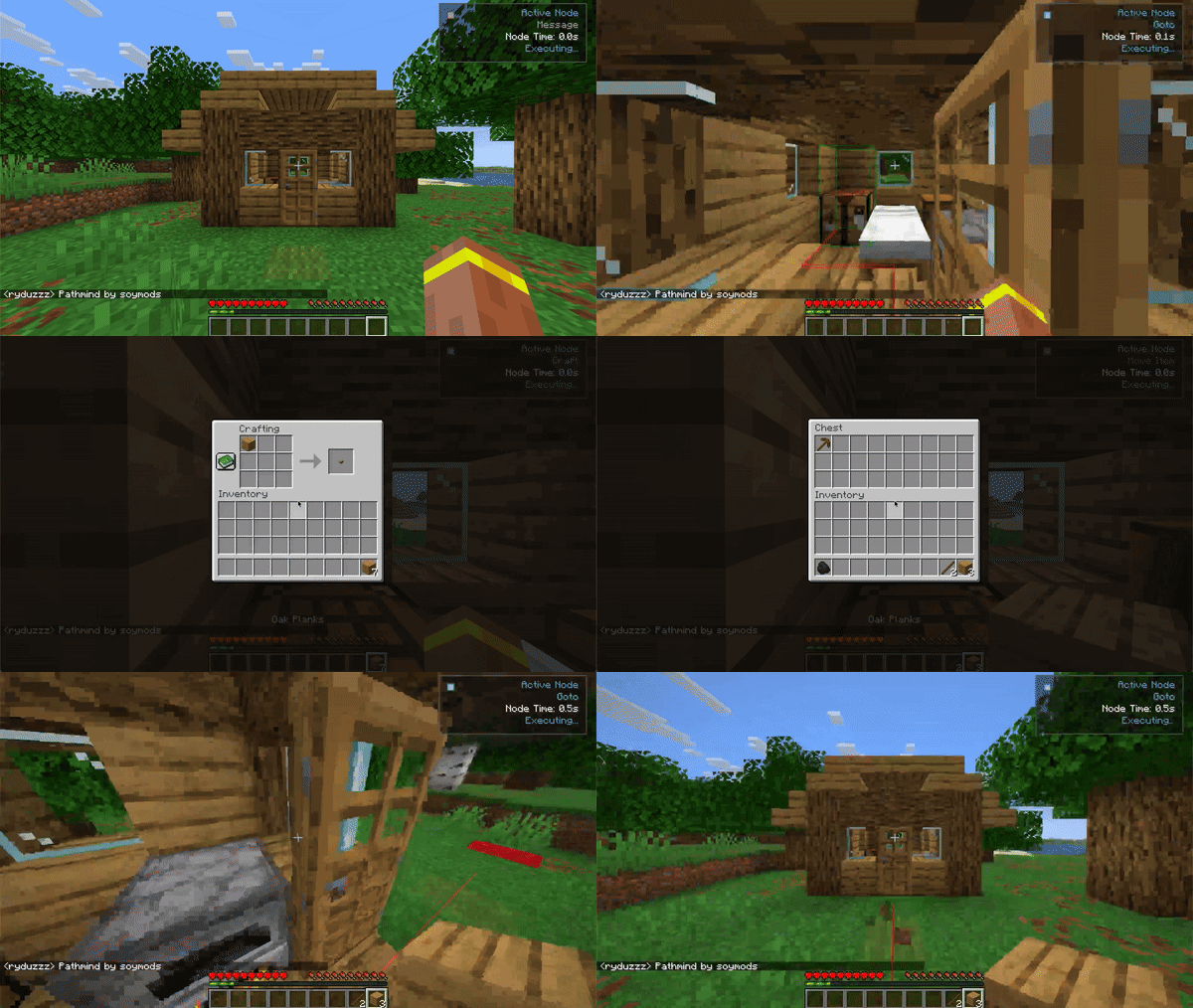
- Live Workflow Runtime: Run graphs directly in Minecraft and watch them respond while you play
- Visual Feedback: See execution state, runtime feedback, and validation cues while building and testing
- Flexible Logic: Combine actions, conditions, reusable logic, and event-driven behavior into larger workflows
Navigation And Interaction
- Movement Automation: Build workflows around movement, navigation, and world interaction
- Expanded Integrations: Optional integrations can extend what Pathmind can do in supported setups
- Built For Play: Designed to feel like a Minecraft tool, not an external scripting environment
Community Marketplace
- Browse Presets In-Game: Discover automation setups made by other players without leaving Minecraft
- Publish Your Own Work: Share your presets with the community through the built-in marketplace
- Start From Examples: Import existing presets and adapt them to your own world, style, or ideas
Quick Start
Prerequisites
- Minecraft: 1.21 through 1.21.11
- Fabric Loader: 0.17.3 or higher
- Fabric API: version matching your Minecraft version
- Java: 21 or higher
Installation
- Install Fabric Loader
- Download and install Fabric Loader for your Minecraft version
- https://fabricmc.net/use/installer/
- Install Fabric API
- Download the matching Fabric API release for your Minecraft version
- https://modrinth.com/mod/fabric-api
- Install Pathmind
- Download the Pathmind jar for your Minecraft version
- Place it in your
modsfolder
- Launch and Enjoy
- Start Minecraft with Fabric
- Use your configured keybind to open the visual editor
How to Use
Opening the Editor
- Use your configured keybind to open Pathmind
- The visual editor opens in fullscreen mode
Creating Workflows
- Add Nodes: Drag nodes from the sidebar onto the workspace
- Connect Logic: Link nodes together to shape how the workflow behaves
- Configure Parameters: Edit node values to match the behavior you want
- Organize Your Graph: Move nodes around to keep your setup readable
- Run And Refine: Test your workflow in-game and keep improving it
Disclaimer
Pathmind is designed for automation and workflow visualization in single-player or in multiplayer environments where such tools are explicitly permitted.
You are solely responsible for ensuring that your use of this mod does not violate any server rules, terms of service, or community guidelines.
Do not use Pathmind in ways that provide unfair advantages, disrupt gameplay for others, or break the terms set by server administrators or Minecraft service providers.
常见问题
Pathmind 支持哪些 Minecraft 版本?
Pathmind 支持 Minecraft Java 版 1.21–1.21.11,共 12 个版本,可用的加载器:Fabric。下载时注意选择和你游戏版本一致的文件。
Pathmind 怎么安装?
先用 PCL2 或 HMCL 启动器安装对应版本的 Fabric,再把下载的 .jar 文件放进游戏目录的 mods 文件夹,重新启动游戏即可。开启了版本隔离的,mods 文件夹在 versions/版本名 下面。
ryduzz 的其他作品
查看全部 →
Visual Keystrokes
A refined keystroke HUD built for performance and customization

Pathmind
Scratch for Minecraft automation

Visual Keystrokes
A refined keystroke HUD built for performance and customization
评论
登录后评论和评分