TwitchHUD
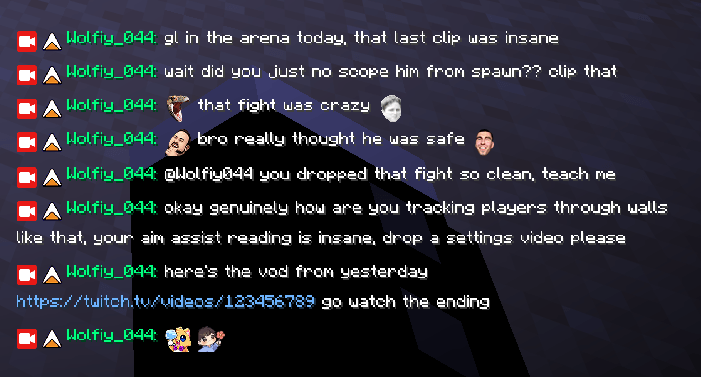
A Twitch chat overlay for Minecraft that shows live chat, emotes, and badges right in your game, works on Forge, NeoForge, Fabric, and Quilt.
截图
介绍
TwitchHUD
A Twitch chat overlay for Minecraft. Your chat, live on screen, without alt-tabbing to the browser every five seconds.
Built for Forge, NeoForge, Fabric and Quilt, same features everywhere, no loader is the “lesser” version.
What it does
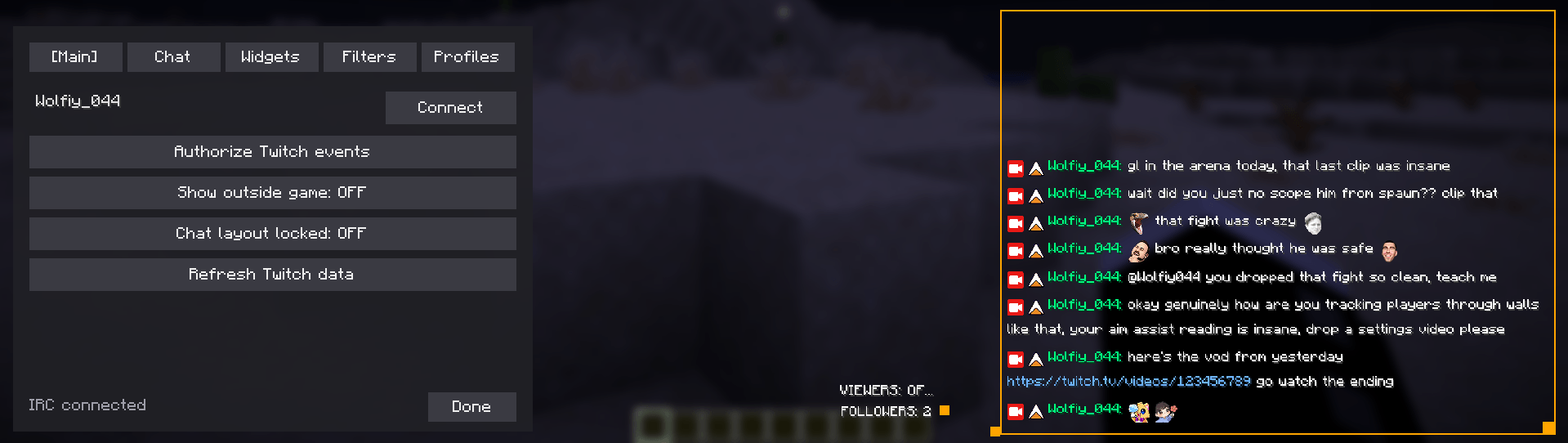
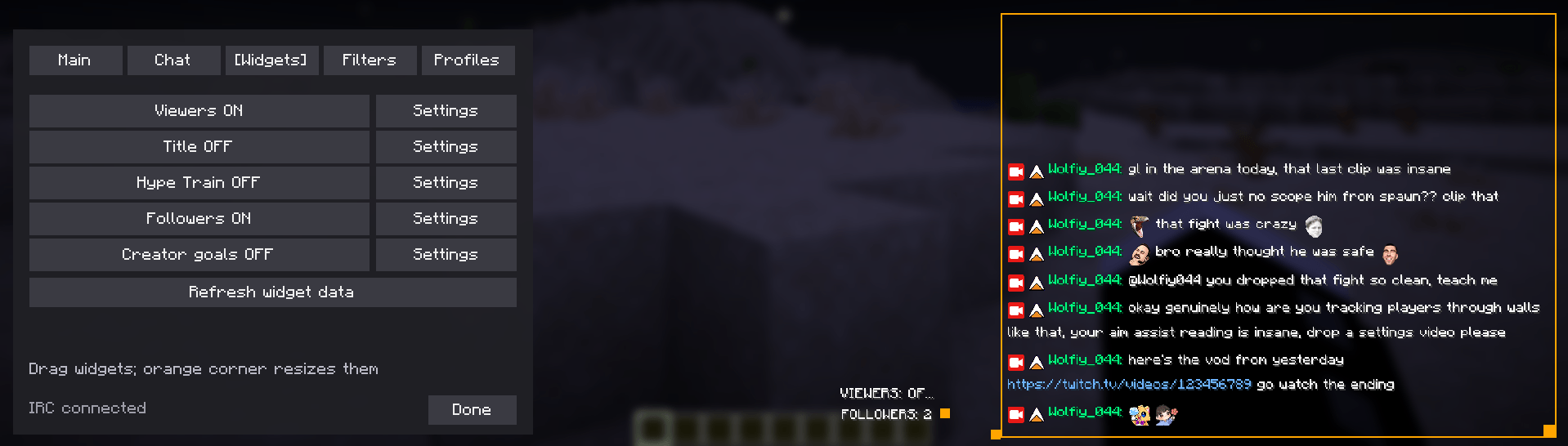
- Draggable, resizable chat box that sits wherever you put it
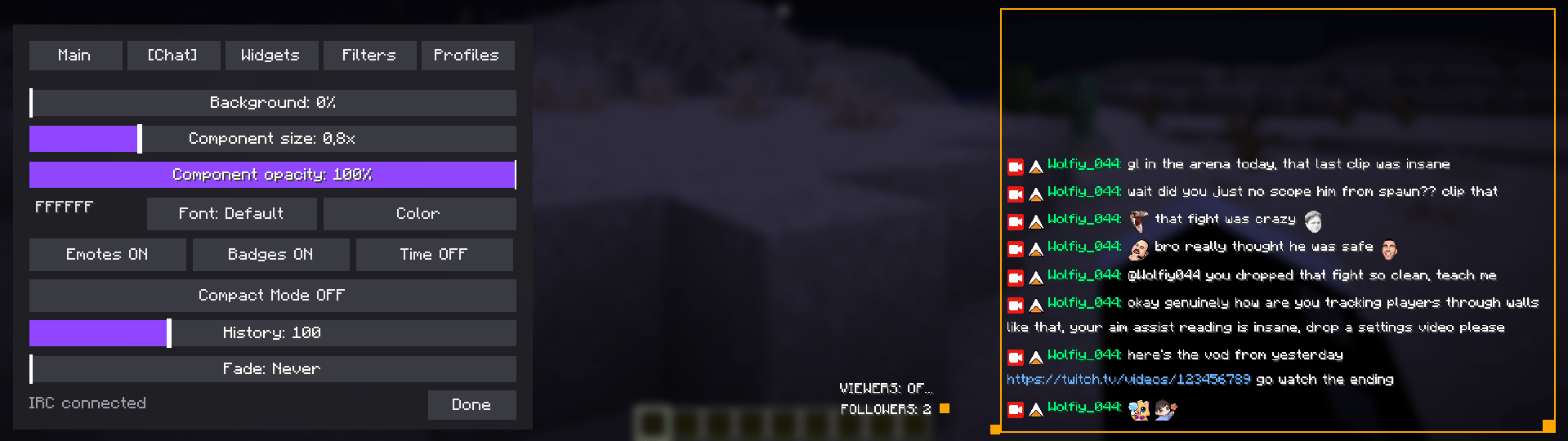
- Emotes, badges and colored usernames, just like real Twitch chat
- Long messages wrap properly instead of getting cut off
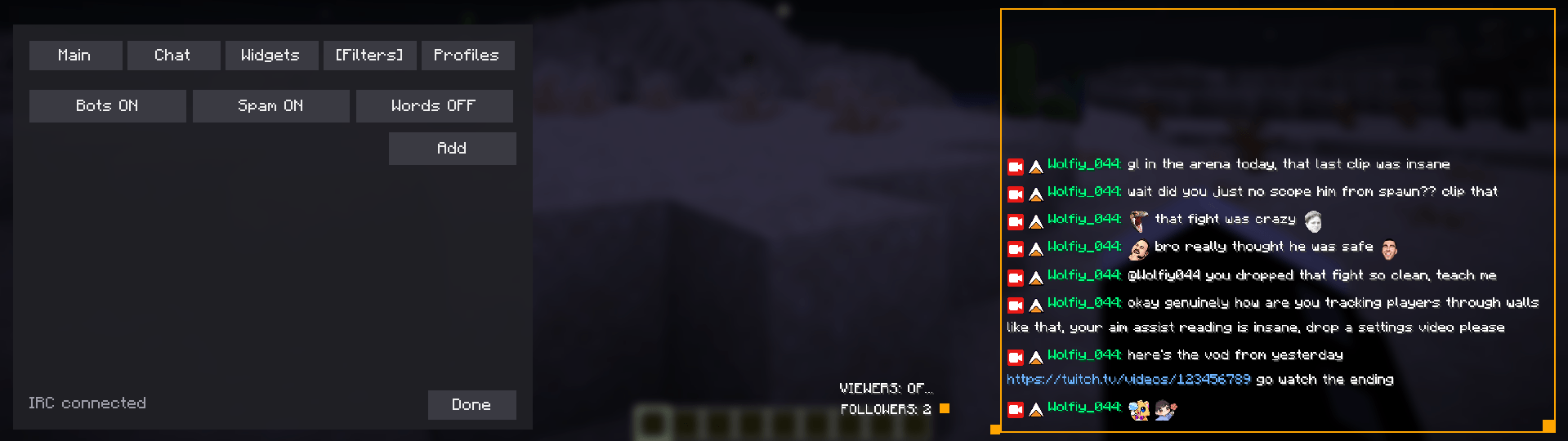
- Scroll back through chat history, copy messages/links, hide annoying users
- Pick a font (Nunito, Inter, Poppins, or vanilla Minecraft) and scale everything to taste
- Optional widgets you can drop anywhere: viewer count, stream title, follower count, Hype Train, Creator Goals
- Everything is custom-drawn, no clunky vanilla buttons in the settings menu
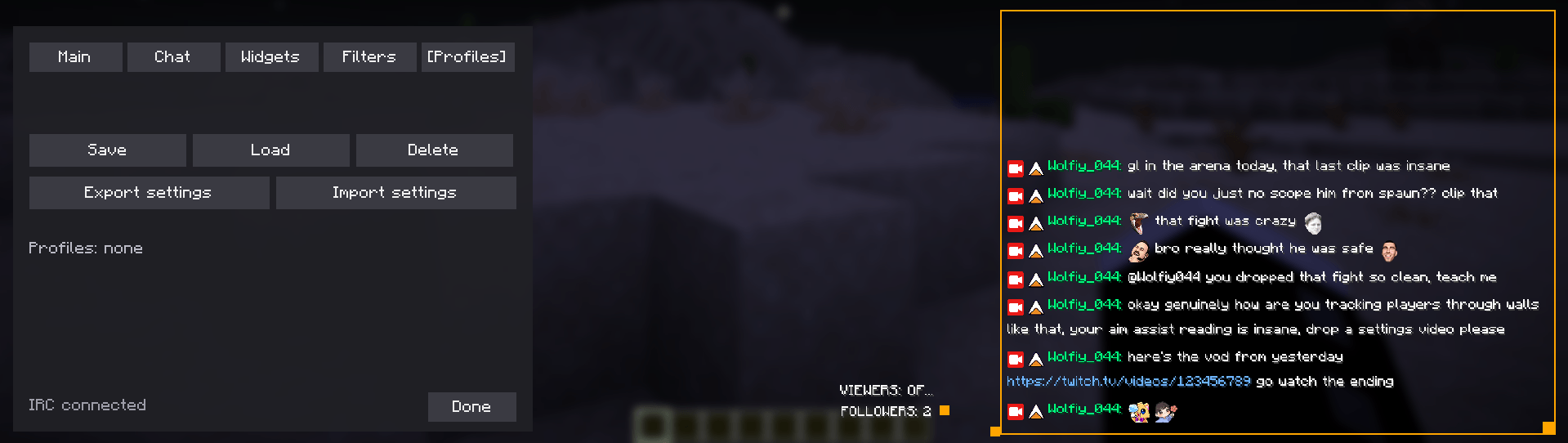
- Save/load/export settings profiles so you don’t have to redo your setup on every PC
Why
Streamers and viewers doing chat interactive stuff in Minecraft shouldn’t need a second monitor just to read chat. This puts it right in the game, styled to actually look good, without eating your FPS and putting your screen full with content in your PVP sessions.
Heads up
- No moderator permissions are requested, ever. Follower alerts and goal/hype train progress work off public data instead.
- 7TV/BTTV/FFZ emotes are supported, not only native Twitch emotes.
- Animated emotes show as a static frame for now.
Pls report all bugs to me in the comments
常见问题
TwitchHUD 支持哪些 Minecraft 版本?
TwitchHUD 支持 Minecraft Java 版 1.20.1–26.3,共 23 个版本,可用的加载器:Fabric / Forge / NeoForge / Quilt。下载时注意选择和你游戏版本一致的文件。
TwitchHUD 怎么安装?
先用 PCL2 或 HMCL 启动器安装对应版本的 Fabric / Forge / NeoForge / Quilt,再把下载的 .jar 文件放进游戏目录的 mods 文件夹,重新启动游戏即可。开启了版本隔离的,mods 文件夹在 versions/版本名 下面。
评论
登录后评论和评分