
介绍
中文介绍正在准备中,下面暂时显示原文。
Sticky It!
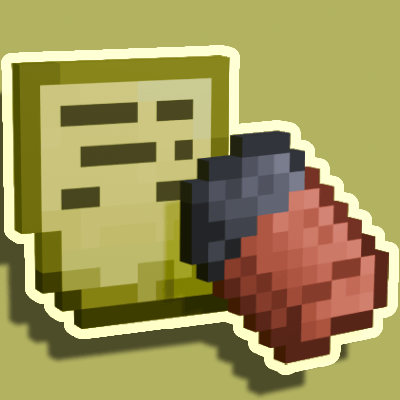
Adds a way to add under text/labels to items.
Items:
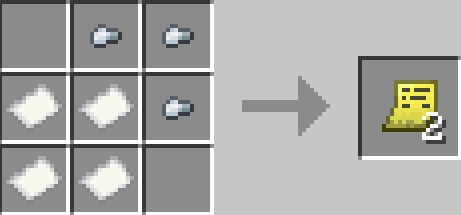
- Sticky note, used to apply the under text
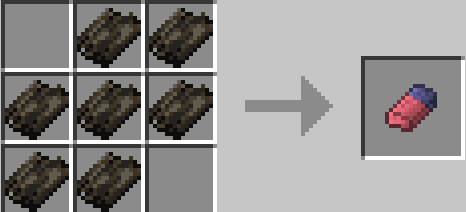
- Eraser, used to remove the under text
How to:
- Rename the Sticky Note to whatever you want the under text/label to be.
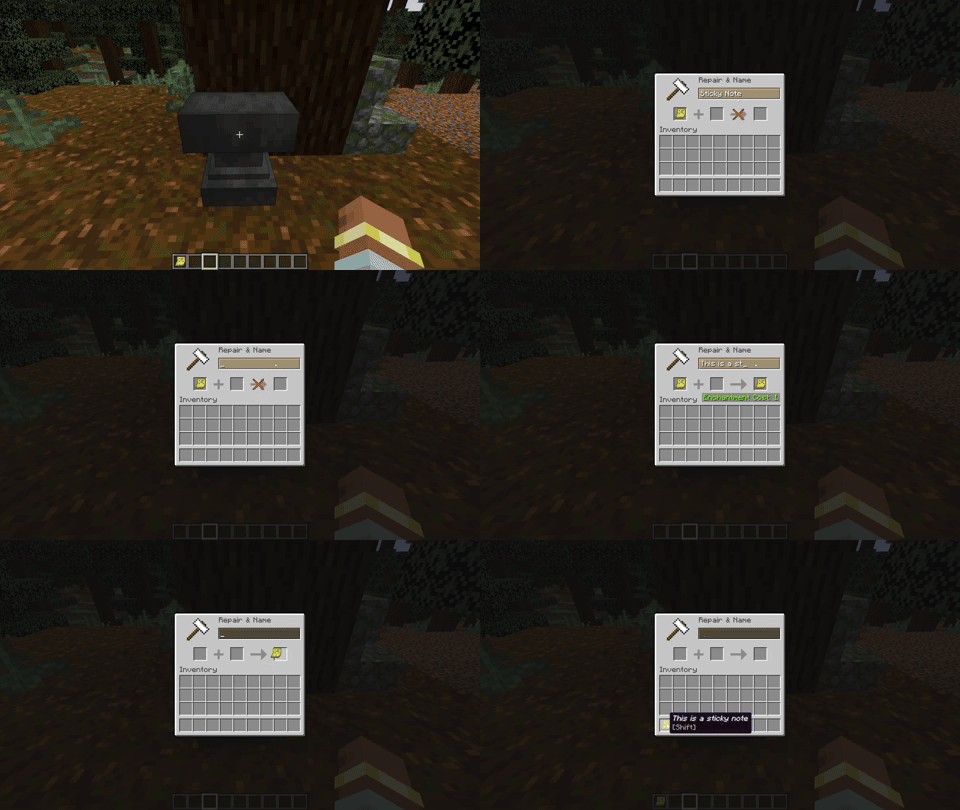
- To apply the under text/label equip the item in the offhand and the Sticky Note in the main hand, then right click. Keep in mind the max amount of labels on a single item is 3.
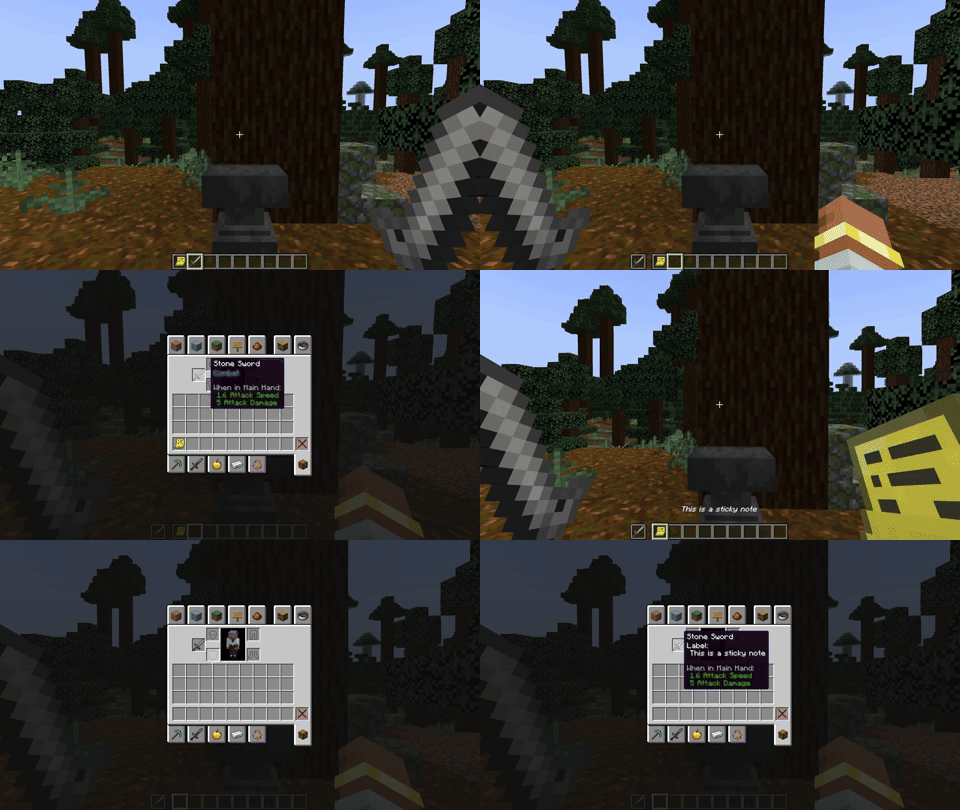
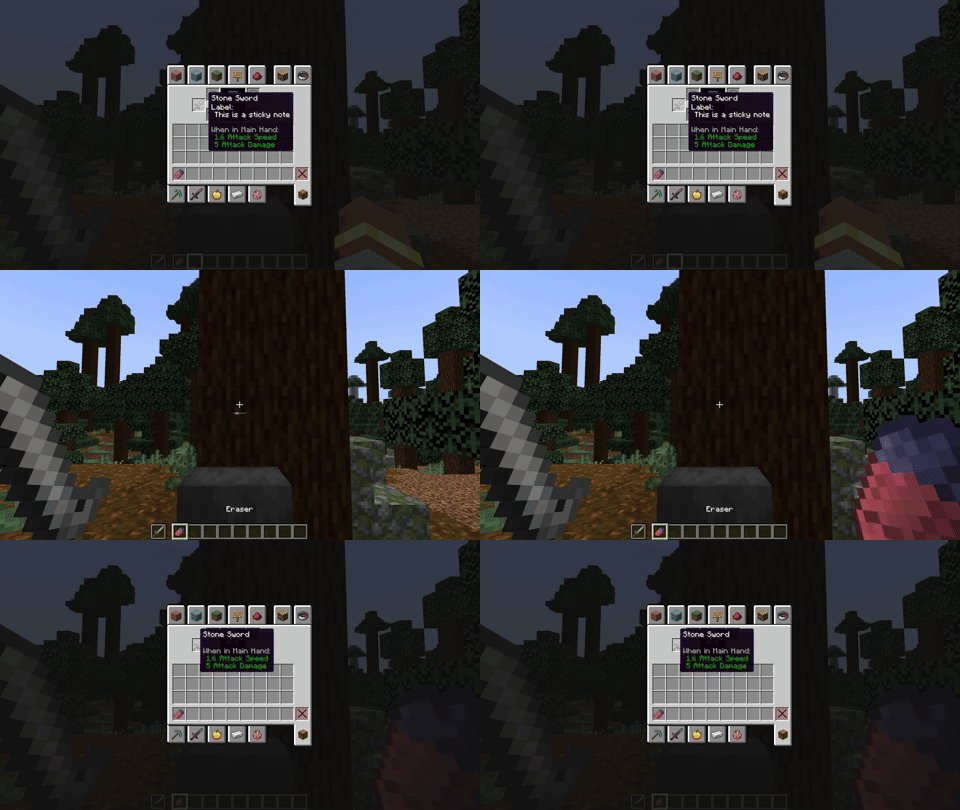
- To remove the under text/label do the same, but with a eraser in the main hand.
Crafting recipes:
Eraser
Sticky Note
Credits:
The idea came from this mod: Label My Items by: Bscit
常见问题
Sticky It! 支持哪些 Minecraft 版本?
Sticky It! 支持 Minecraft Java 版 1.18.2–1.21.1,共 5 个版本,可用的加载器:Forge / NeoForge。下载时注意选择和你游戏版本一致的文件。
Sticky It! 怎么安装?
先用 PCL2 或 HMCL 启动器安装对应版本的 Forge / NeoForge,再把下载的 .jar 文件放进游戏目录的 mods 文件夹,重新启动游戏即可。开启了版本隔离的,mods 文件夹在 versions/版本名 下面。



评论
登录后评论和评分