
截图
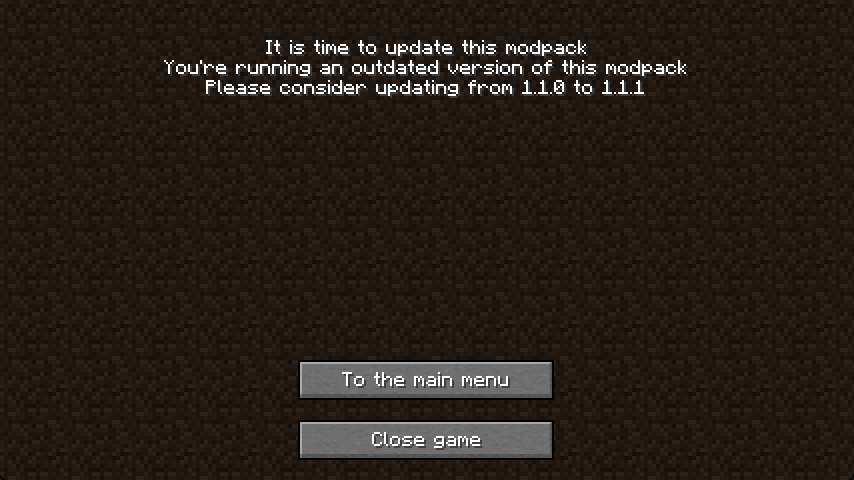
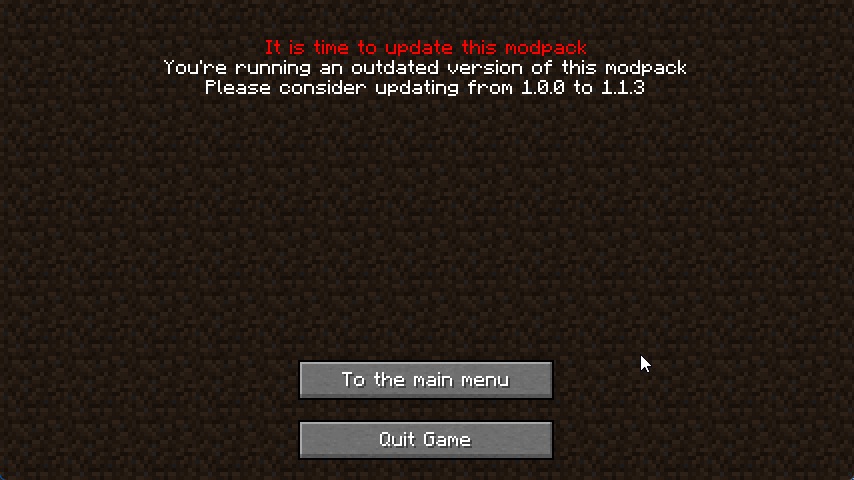
介绍
中文介绍正在准备中,下面暂时显示原文。


Update ME!
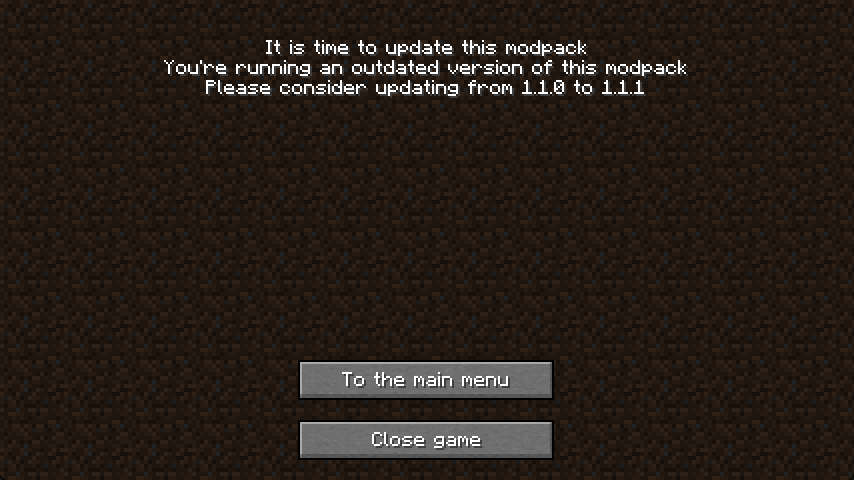
Informs the player when your modpack needs an update
How to use
- Install MidnightLib
- For Fabric this also requires Fabric API and supports ModMenu
- Set
versionStringin config/updateme.json to the version name before realsing your modpack - Have a text file (maybe on github) that has the newest version name
- Set
newestVersionURLto the direct link to file - Any users playing a modpack version with a different version then the newest will get a popup whenever the launch the game, asking them to update the modpack
Screenshots
Example:
Using this
You are allowed to use this in any personal modpack,
but this mod may only be distributed in modpacks published on Modrinth and Curseforge
常见问题
Update ME! 支持哪些 Minecraft 版本?
Update ME! 支持 Minecraft Java 版 1.20.1–1.20.4,共 3 个版本,可用的加载器:Fabric / NeoForge / Quilt。下载时注意选择和你游戏版本一致的文件。
Update ME! 怎么安装?
先用 PCL2 或 HMCL 启动器安装对应版本的 Fabric / NeoForge / Quilt,再把下载的 .jar 文件放进游戏目录的 mods 文件夹,重新启动游戏即可。开启了版本隔离的,mods 文件夹在 versions/版本名 下面。运行环境:仅客户端。
Spellbook Studios 的其他作品
查看全部 →
Wynncraft Ultimate
by Spellbook Studios
The ultimate Wynncraft experience! Custom GUI's & HUD, Blazingly Fast Performance and Stunning Visuals.
2.1万
2 年前
Modrinth

No Multiplayer Menu
by Spellbook Studios
Redirects the multiplayer menu to the title screen
1.9万
2 年前
Modrinth

Yet Another Additions Mod
by Spellbook Studios
Adds an assortment of neat feature full blocks and items
7,365
3 年前
Modrinth
评论
登录后评论和评分