
HyperGrowth (Crops Indicator)
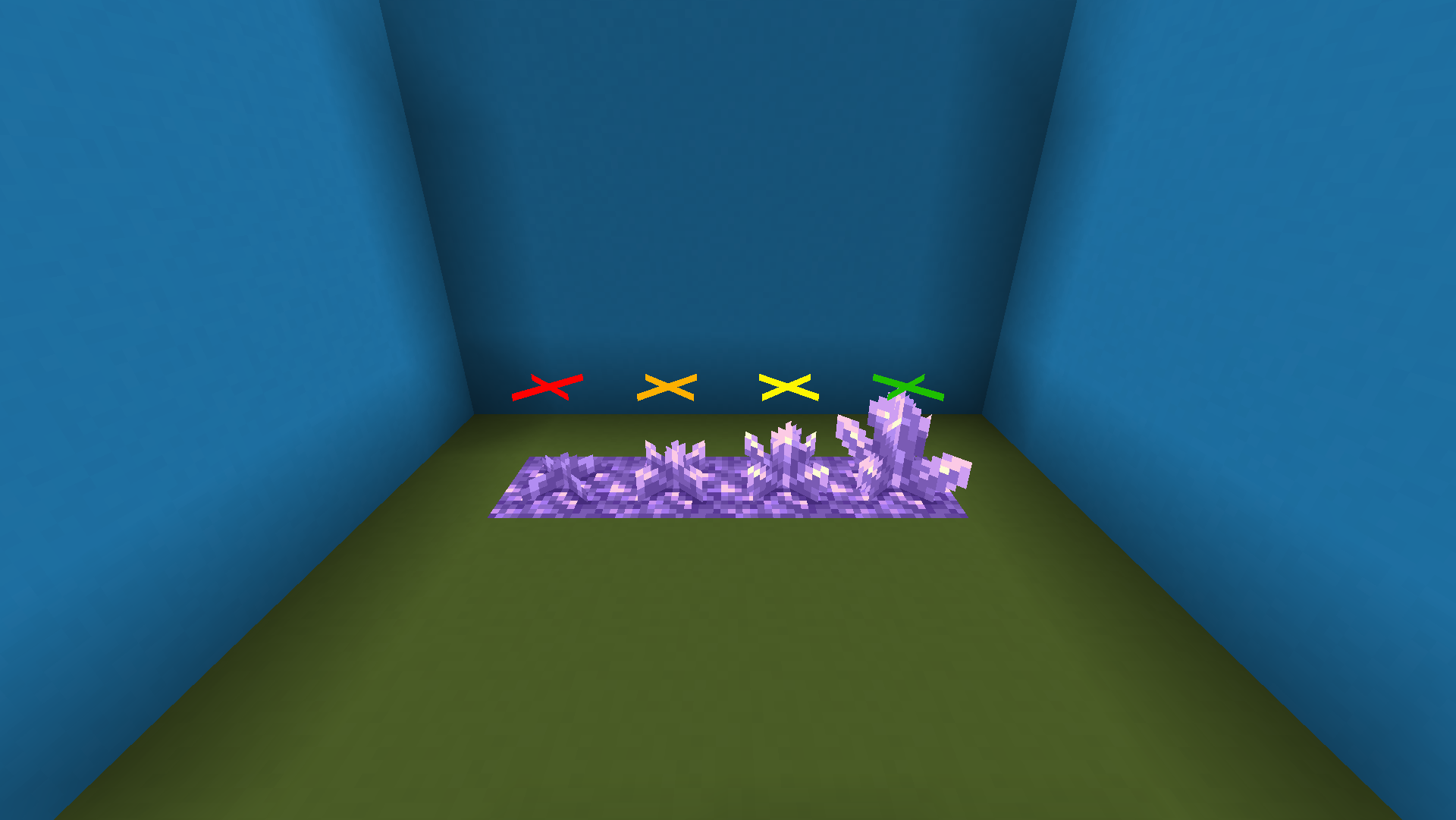
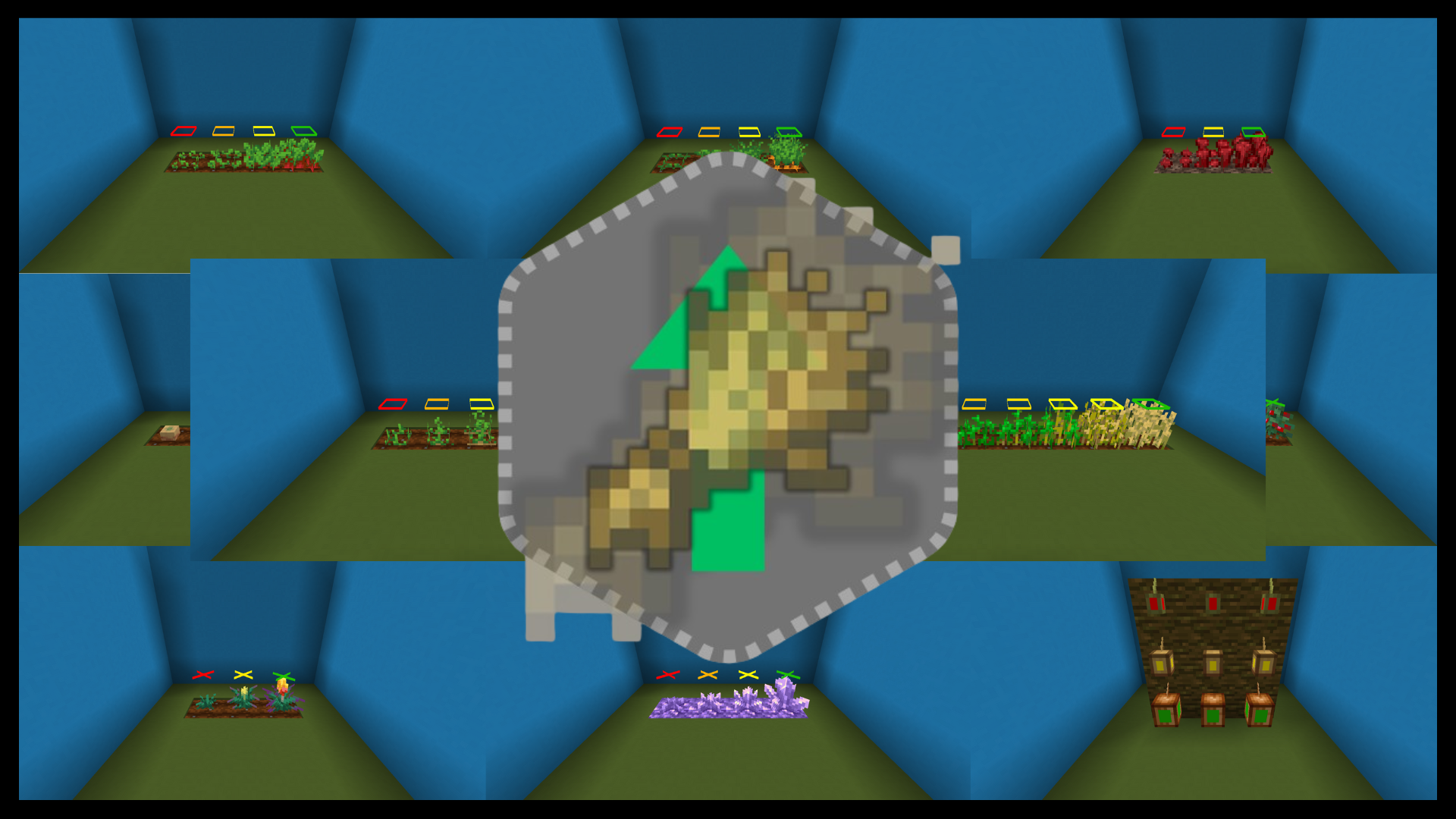
HyperGrowth is a Minecraft resource pack that displays crop growth stages above plants, clearly indicating their current stage and whether they are fully grown.
截图



介绍
HyperGrowth Resource Pack
HyperGrowth is a Minecraft resource pack designed to make farming easier and more intuitive by displaying the growth stages of crops directly above the plants. With HyperGrowth, you can instantly see which crops are fully grown and which are still developing, helping you plan your harvest more efficiently.
Features
- Displays growth stages above all standard crops in Minecraft using color.
- Fully compatible with wheat, carrots, potatoes, beetroot, and more.
- Includes support for additional crops, such as Amethyst.
- Clear visual indicators show whether crops are fully grown or still growing.
- Lightweight for smooth gameplay.
Installation
Modrinth Website
- Download the latest version of HyperGrowth from Modrinth by clicking Download.
- Move the
.zipfile to your Minecraftresourcepacksfolder.
- Windows:
%appdata%\.minecraft\resourcepacks - Mac:
~/Library/Application Support/minecraft/resourcepacks - Linux:
~/.minecraft/resourcepacks
- Open Minecraft, go to Options → Resource Packs, and activate HyperGrowth.
- Enjoy a smarter farming experience!
Modrinth App
- Open the Modrinth app and go to your Minecraft instance.
- Click Install content and, under the resource packs tab, search for HyperGrowth.
- Click Install.
- Enjoy a smarter farming experience!
Screenshots
Also check out the gallery!
Credits
- Baruch: The main crop textures are directly copied from Crop Growth Indicator. We only added a few extras and fixed some bugs. Thank you very much, Baruch!
- HyperProjects: Added extra crops and blocks, and fixed some bugs/texture mismatches.
License
This project is licensed under the MIT License.
View the license by:
- Clicking the LICENSE file on GitHub
- On Modrinth, clicking on the Licensed MIT section on the right
Feedback & Contributions
We welcome contributions and suggestions! Feel free to submit pull requests, report issues, or share your ideas to help make HyperGrowth even better.
Enjoy farming like never before with HyperGrowth!
常见问题
HyperGrowth (Crops Indicator) 支持哪些 Minecraft 版本?
HyperGrowth (Crops Indicator) 支持 Minecraft Java 版 1.20–26.3,共 24 个版本。下载时注意选择和你游戏版本一致的文件。
HyperGrowth (Crops Indicator) 怎么安装?
把下载的 .zip 文件(不用解压)放进游戏目录的 resourcepacks 文件夹,进游戏后在「选项 → 资源包」里把它移到右边启用。
评论
登录后评论和评分