
Kungas Client [Craft Attack 9]
Kungas 1.17.1 Client for the Minecraft Project Craft Attack 9.
截图
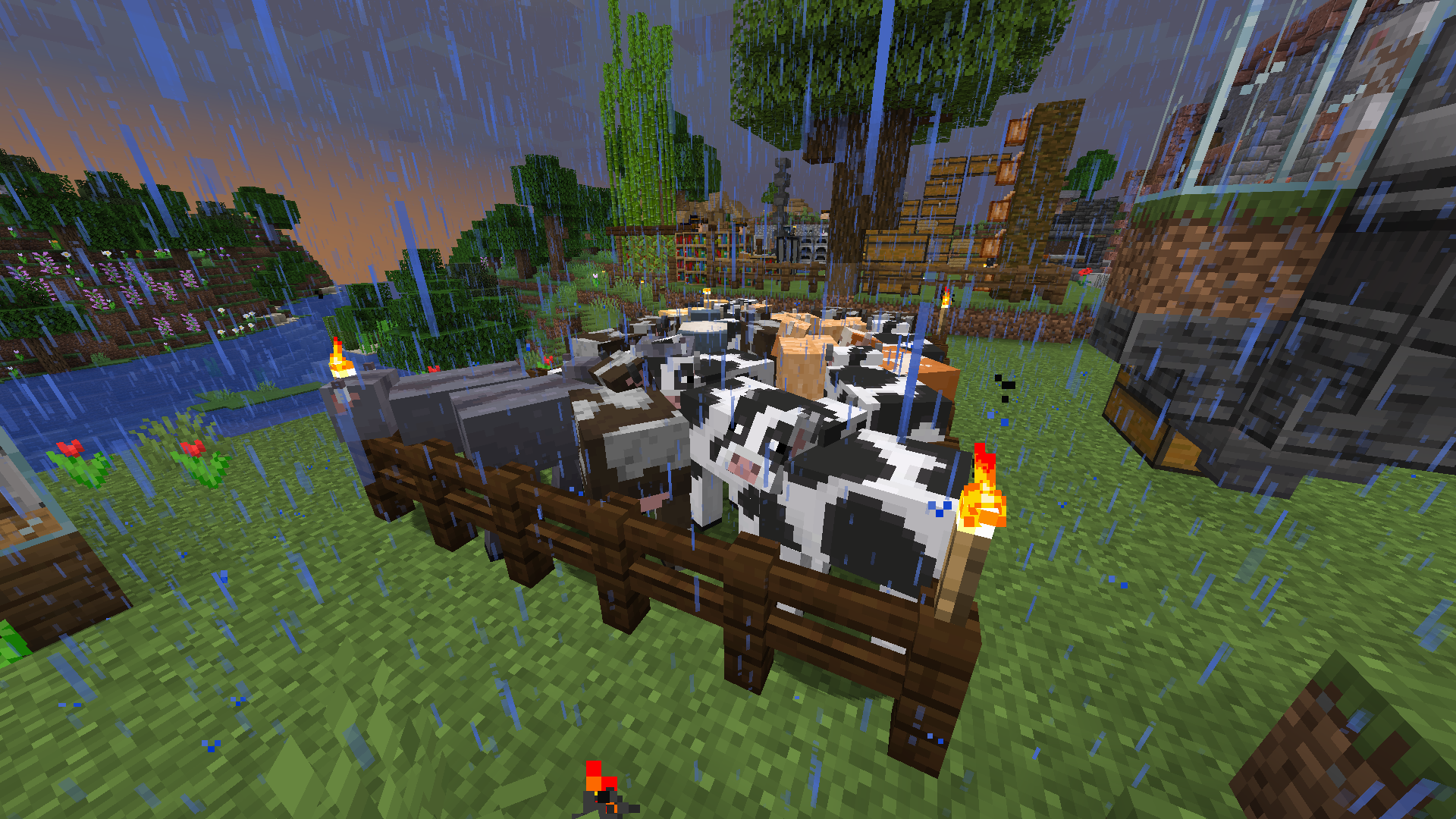
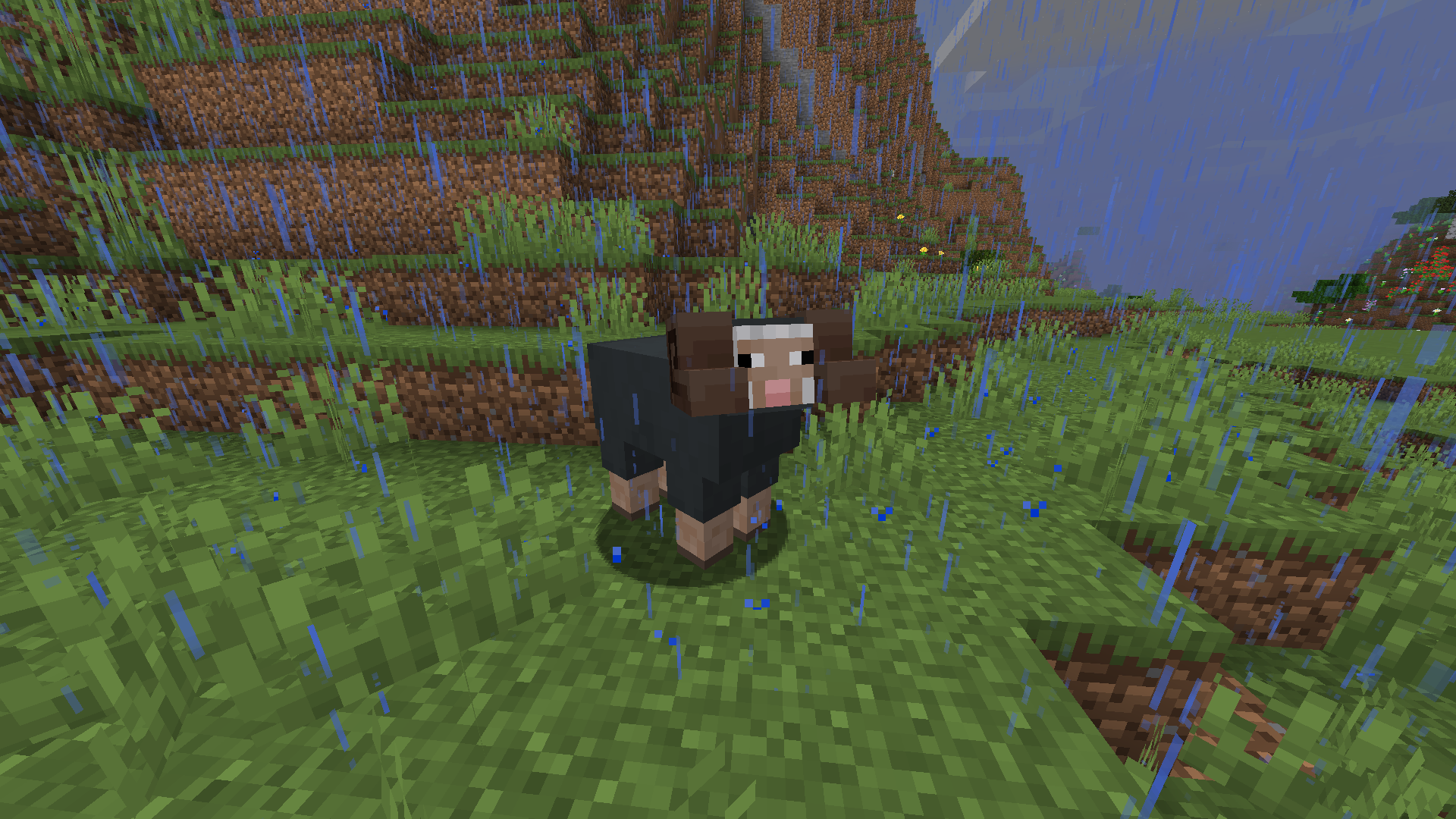

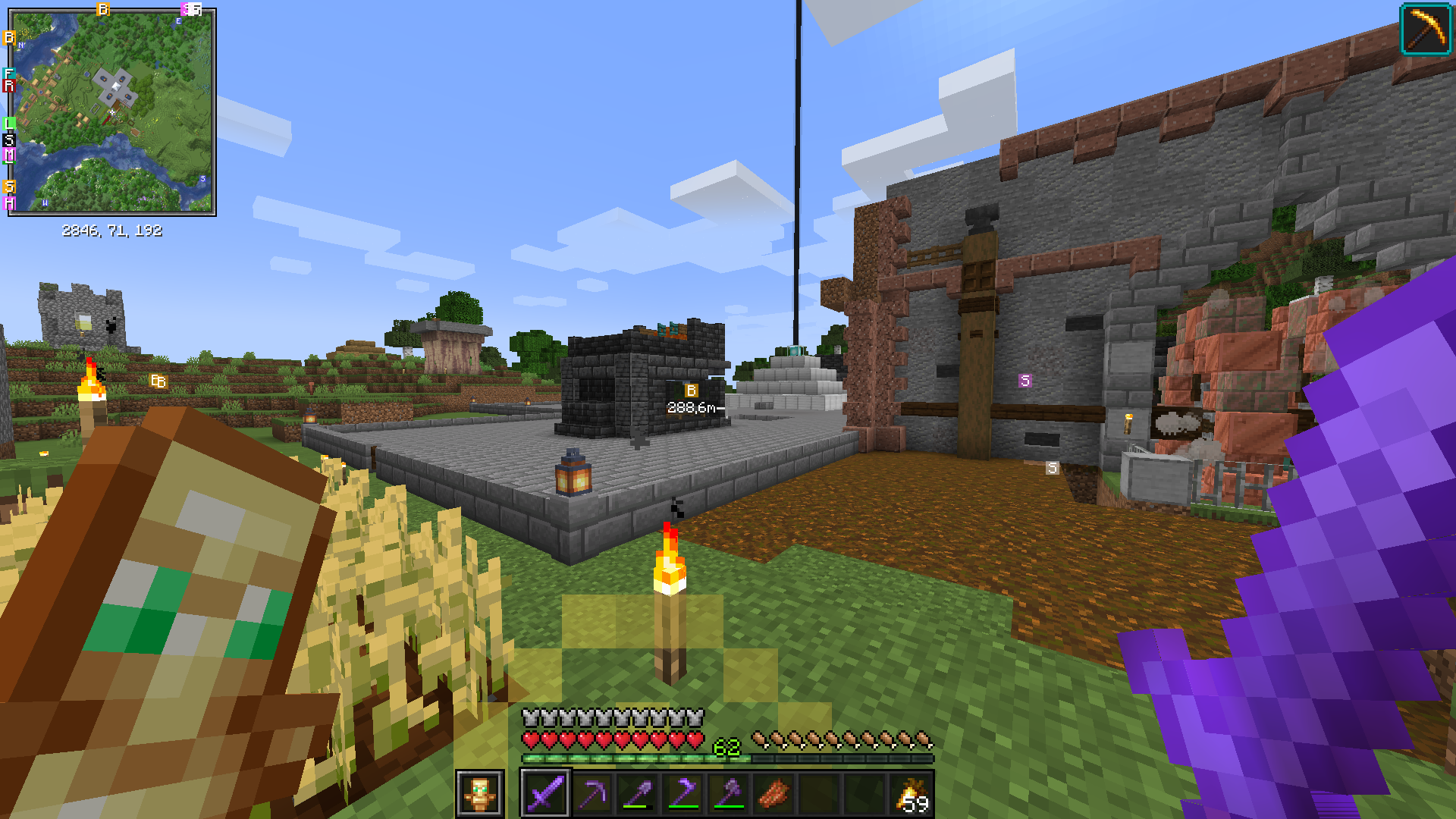
介绍
English version:
Hello all,
since so many in the chat always ask what mods or RPs I use, I thought I’d just create a modpack on CurseForge, which you can simply download with the launcher.
Have fun and take care of yourselves.
What does the package include? It expands a bit the vanilla experience and brings Quality of Life aspects.
Below you can find a list of mods that are included in the modpack.
Greetings
Kunga
Mods:
- Fabric (Modloader)
- Light Overlay (With F7 you can see on the blocks if something can spawn there)
- Mouse Wheelie (Improves inventory and crate management)
- OptiFabric (Fabric version for Optifine. You would still have to add Optifine separately)
- Xaeros Worldmap (World map, which can be opened with “M)
- Xaeros Minimap (Fair-Play Edition) (Minimap and waypoints for easy navigation)
Resource Packs:
- Creatures+ (More textures for animals and monsters)
- Fresh Animations (More realistic animations of all mobs)
- Unity: Dark Edition (Dark Mode for Minecraft)
German version:
Hallo zusammen,
da ja immer so viele im Chat fragen, welche Mods oder RPs ich benutze, dachte ich mir, erstelle ich einfach mal ein Modpack auf CurseForge, welches ihr einfach mit dem Launcher downloaden könnt.
Was beinhaltet das Paket? Es erweitert ein wenig das Vanilla-Erlebnis und bringt Quality of Life Aspekte mit sich.
Unten findet ihr eine Liste der Mods die in dem Modpack enthalten sind.
Liebe Grüße
Kunga
Mods:
- Fabric (Modloader)
- Light Overlay (Mit F7 kann man auf den Blöcken sehen, ob dort was spawnen kann)
- Mouse Wheelie (Verbessert das Inventory- und Kisten-Management)
- OptiFabric (Fabric-Version für Optifine. Optifine müsste ihr dennoch separat hinzufügen)
- Xaeros Worldmap (Weltkarte, welche sich mit “M” öffnen lässt)
- Xaeros Minimap (Fair-Play Edition) (Minimap und Waypoints für’s einfache Navigieren)
Resource Packs:
- Creatures+ (Mehr Texturen für Tiere und Monster)
- Fresh Animations (Realistischere Animationen aller Mobs)
- Unity: Dark Edition (Dark Mode für Minecraft)
Social Media:
常见问题
Kungas Client [Craft Attack 9] 支持哪些 Minecraft 版本?
Kungas Client [Craft Attack 9] 基于 Minecraft Java 版 1.17.1,使用 Fabric 加载器。
Kungas Client [Craft Attack 9] 怎么安装?
点本页「前往下载」拿到整合包文件(Modrinth 的是 .mrpack,CurseForge 的是 .zip),在 PCL2 或 HMCL 启动器里选择「导入整合包」,启动器会自动装好 Minecraft、加载器和全部模组。建议在启动器里给游戏分配 4–6 GB 内存。
Kungas Client [Craft Attack 9] 开服需要多大内存?
推荐服务器内存 12 GB。在线人数多、或者建了大量机器和区块加载器时,可以再加 2–4 GB。
怎么和朋友一起玩 Kungas Client [Craft Attack 9]?
点本页的「一键开服」,选好配置后会自动安装 Kungas Client [Craft Attack 9] 的服务端,几分钟就能开好。把服务器地址发给朋友,大家用同一个版本的整合包连进去就行。

评论
登录后评论和评分