
截图


介绍
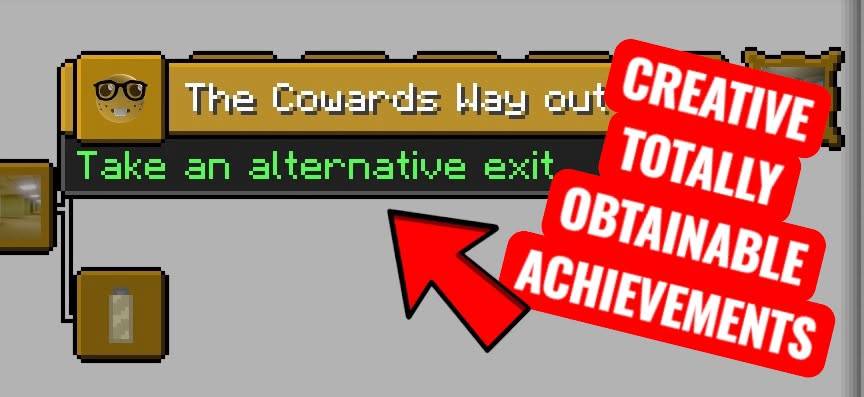
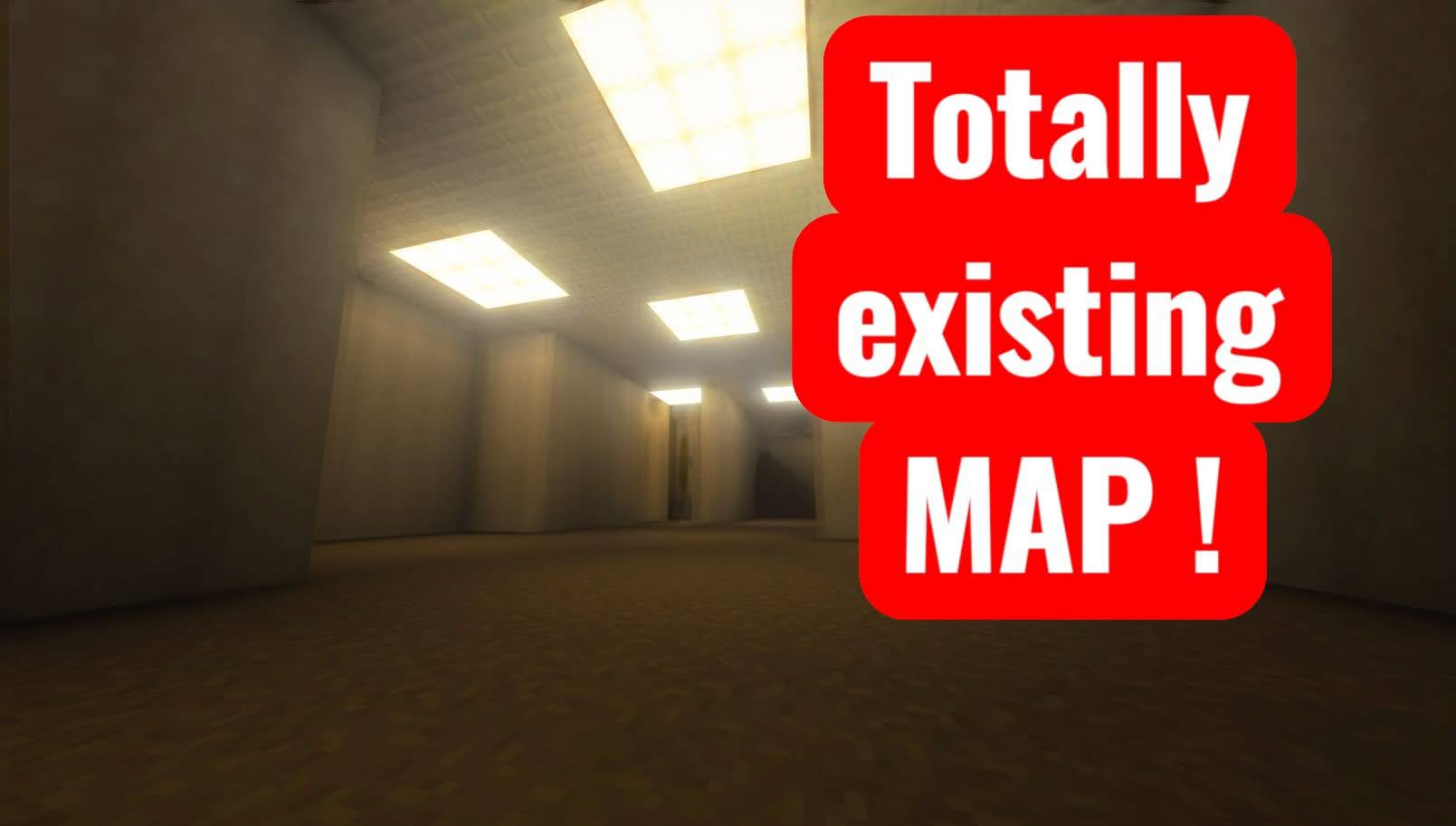
This modpack introduces a variety of new features designed to expand exploration, atmosphere, and unease. Among the additions are several brand-new achievements inspired by Backrooms-style progression, encouraging players to venture deeper into unfamiliar and unsettling environments. These achievements reward curiosity, survival, and the willingness to explore places that feel wrong the moment you step into them. A major addition is a new block known as Abyss. Rendered entirely in black and white, this block is designed to feel unnatural and out of place, enhancing the liminal horror aesthetic of the modpack. Whether used in world generation or custom builds, Abyss adds a stark, unsettling contrast to the world around it and plays a key role in shaping the modpack’s atmosphere. The modpack also introduces a mysterious new entity known as the DEER. While still in development, the DEER is planned to become a central figure in future updates, with unique behavior and lore tied closely to the Backrooms theme. Its presence is hinted at, but not yet fully revealed, leaving players with more questions than answers. This modpack is actively evolving, and future updates will continue to expand its depth, lore, and horror elements.
Updates:
- Mod is now compatible with Fabric Modloader 0.17.2+
- Mod adds multiple Music Discs.
- Mod adds [REDACTED]?
- Mod adds custom Glints you can use with “/glint set”
- Mod adds 2 new effects called Sanity and Sun Shy
- Sanity gives you a movement boost and is applied when you drink almond water
- Sun Shy is an Effect that gives you hearts but also increases the damage the sun inflicts on you
- GUGUGUGUGUGUG MUCH RANDOM STUFF END MY MISERY -Ratte49
常见问题
Backrooms-Antics 支持哪些 Minecraft 版本?
Backrooms-Antics 支持 Minecraft Java 版 1.21.1,可用的加载器:Fabric。下载时注意选择和你游戏版本一致的文件。
Backrooms-Antics 怎么安装?
先用 PCL2 或 HMCL 启动器安装对应版本的 Fabric,再把下载的 .jar 文件放进游戏目录的 mods 文件夹,重新启动游戏即可。开启了版本隔离的,mods 文件夹在 versions/版本名 下面。
评论
登录后评论和评分