KnightFall Survival
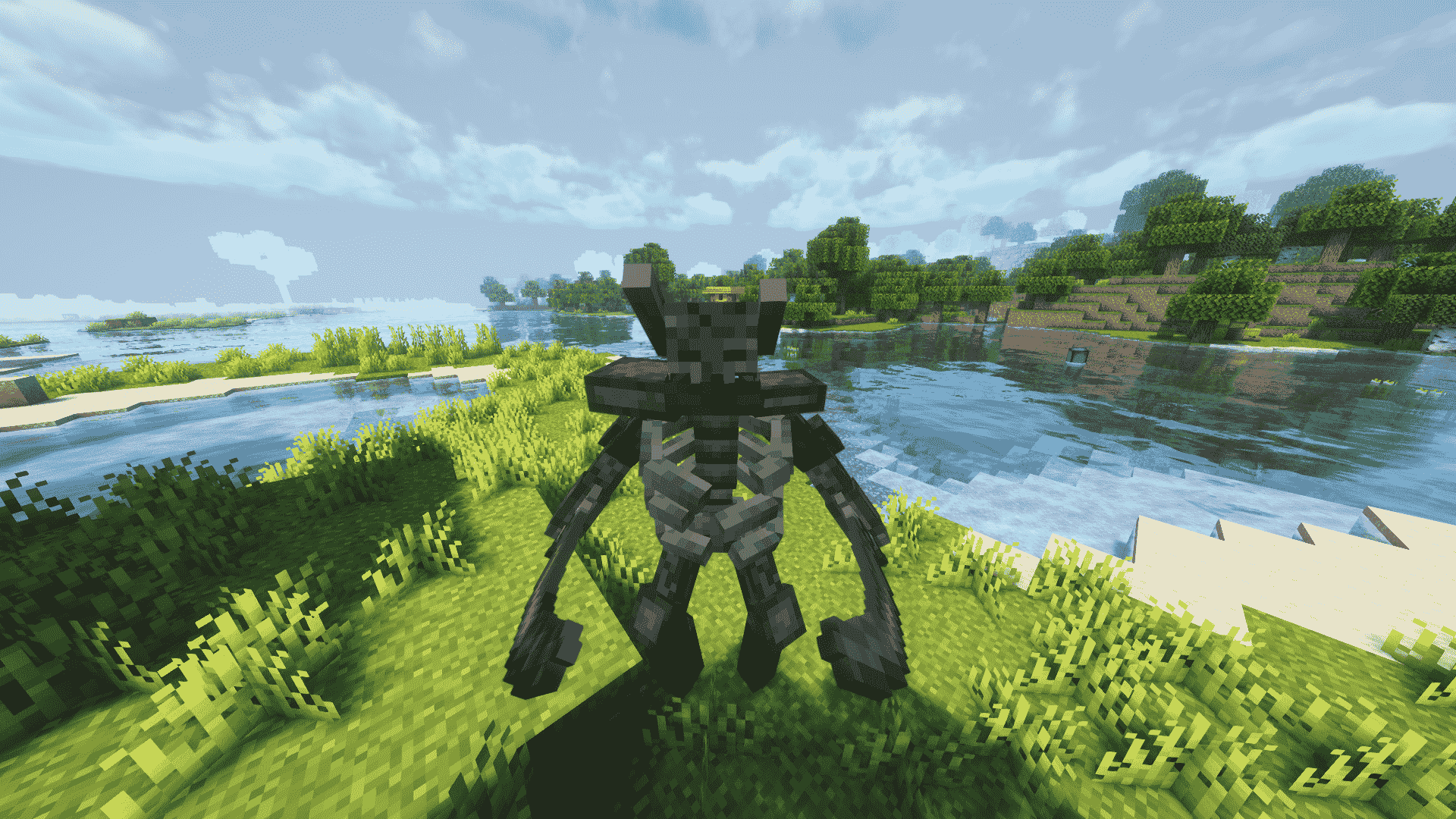
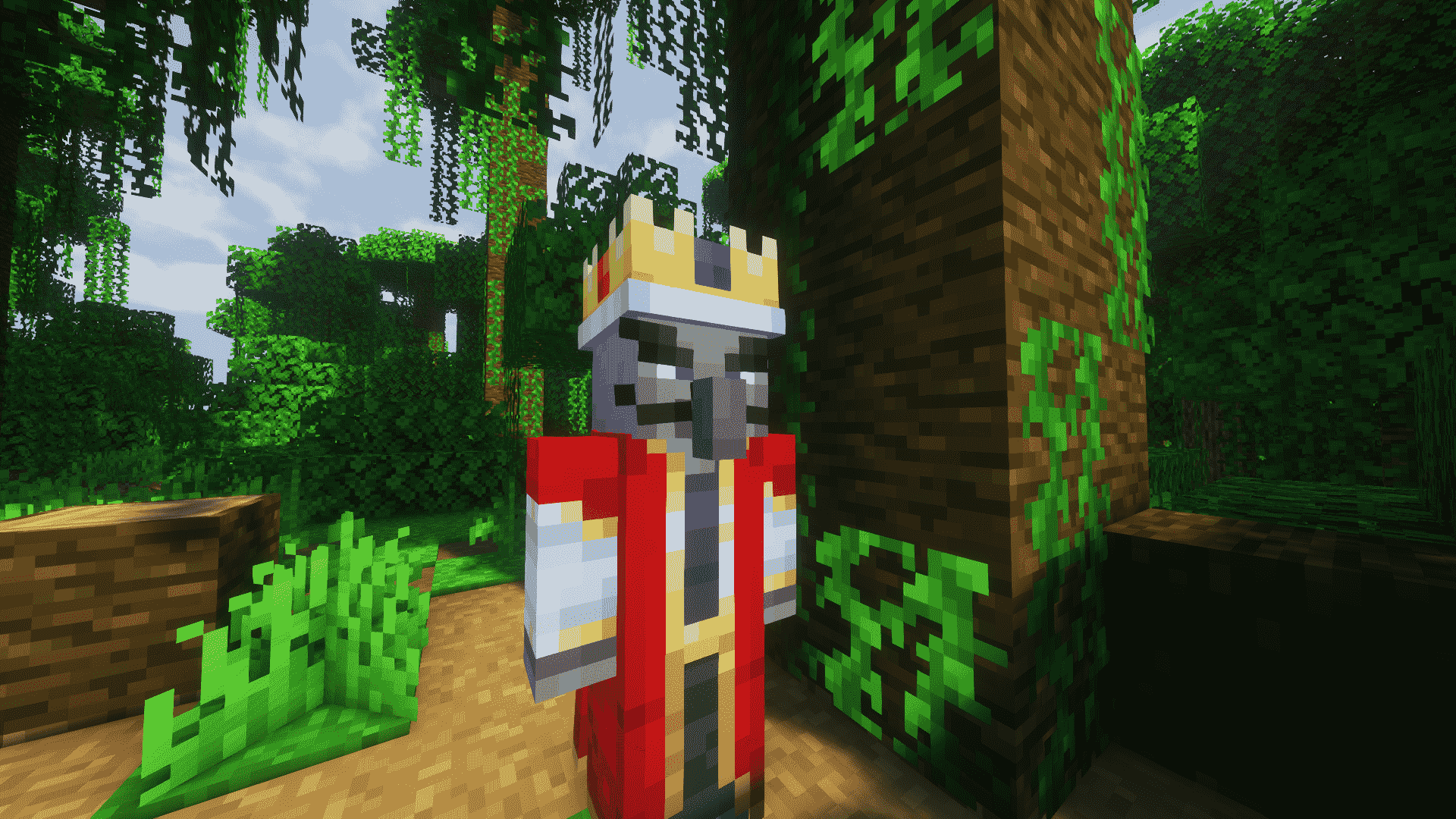
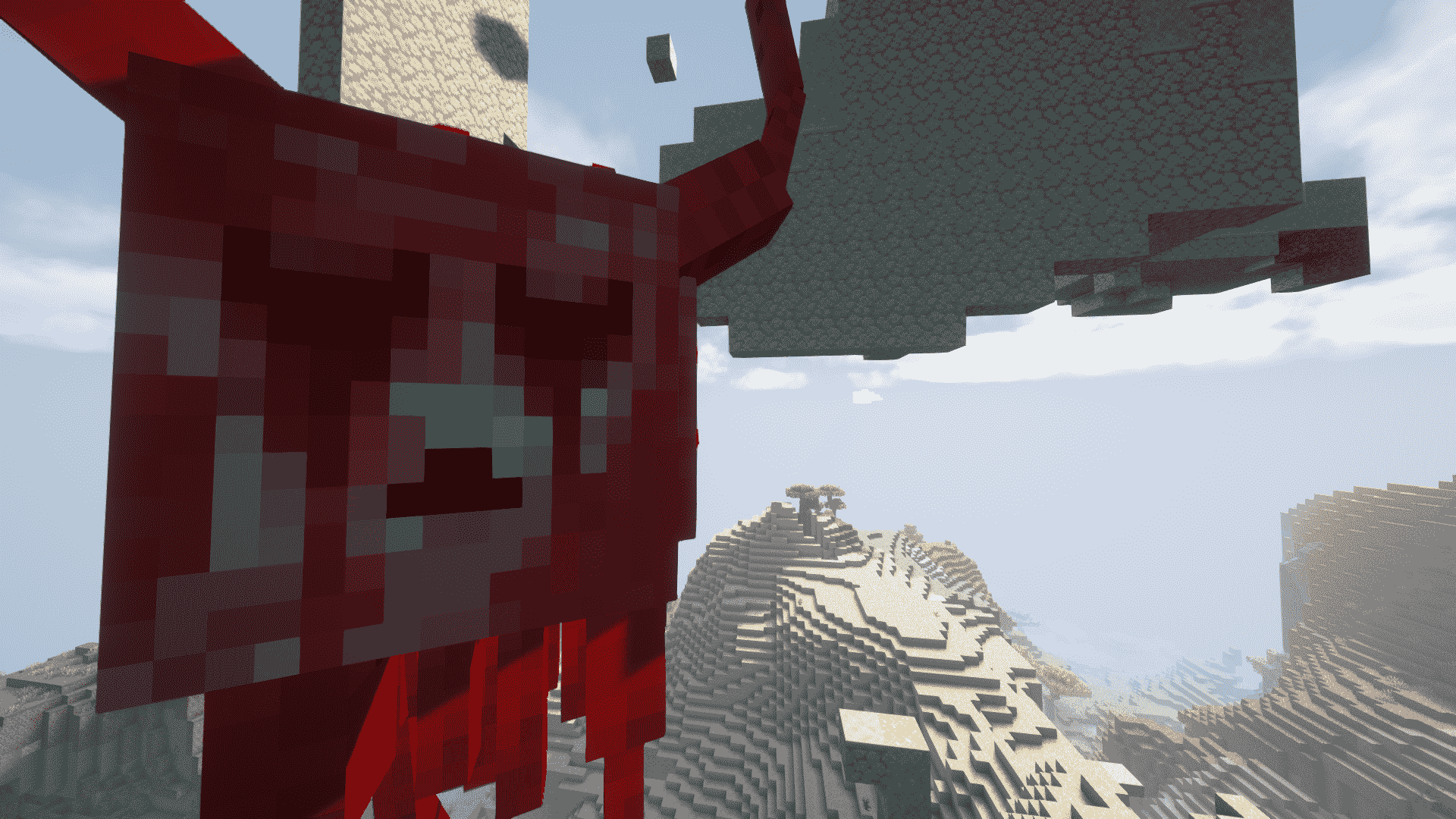
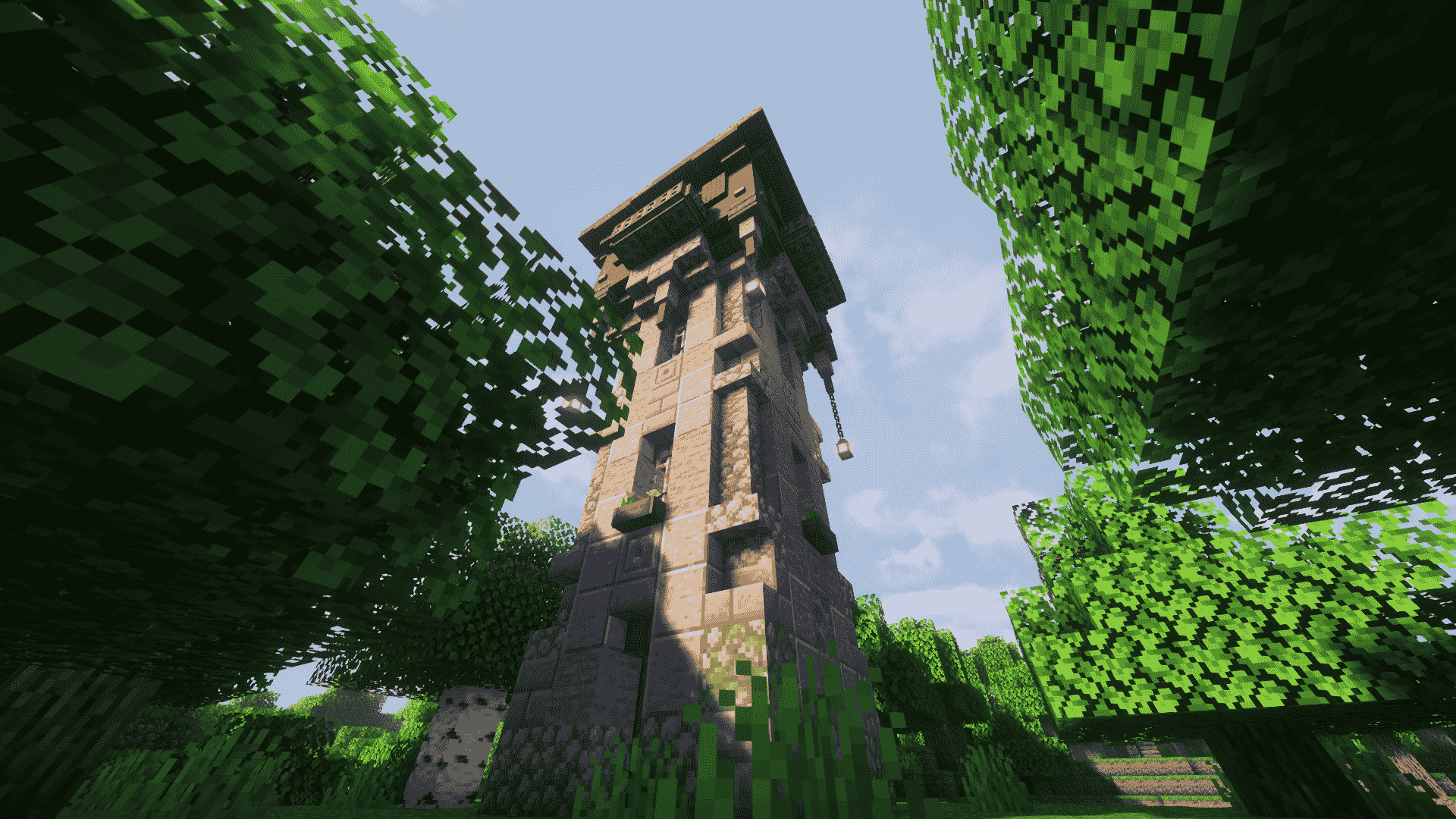
This modpack immerses players in a medieval-themed world filled with formidable bosses, terrifying monsters, and intricate structures, enhancing gameplay with an array of medieval weapons, offering a challenging and immersive adventure experience.
截图
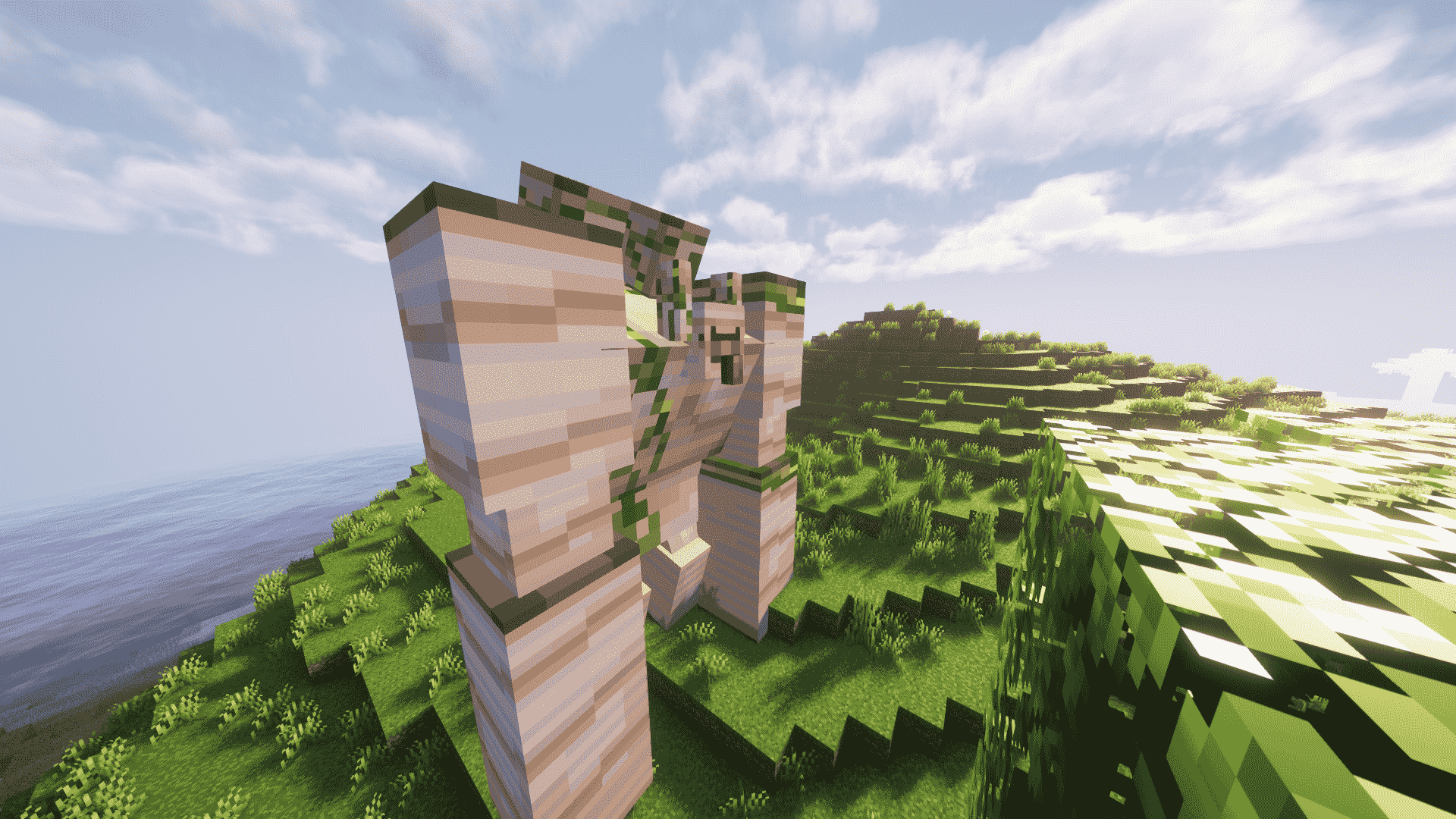
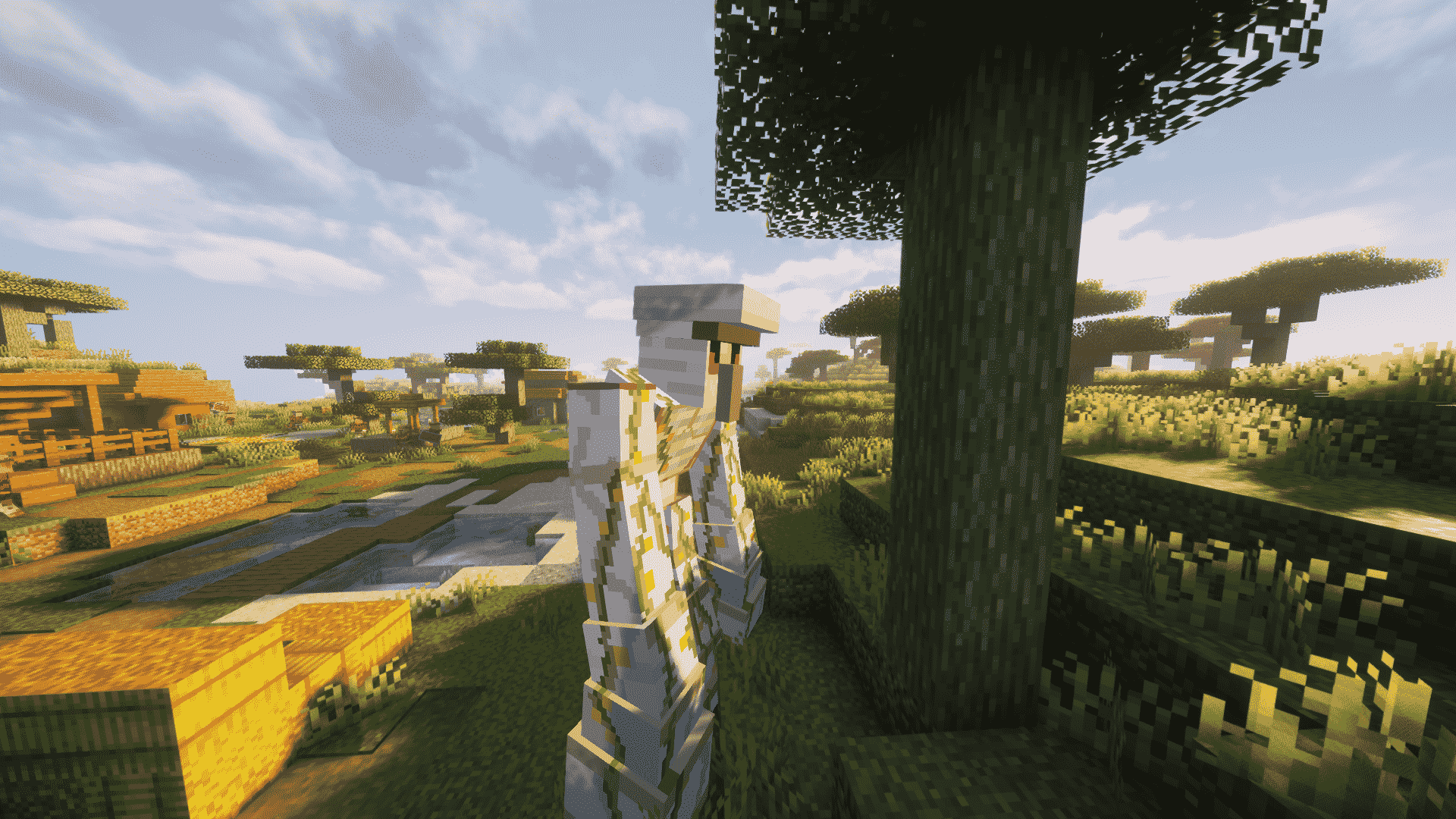
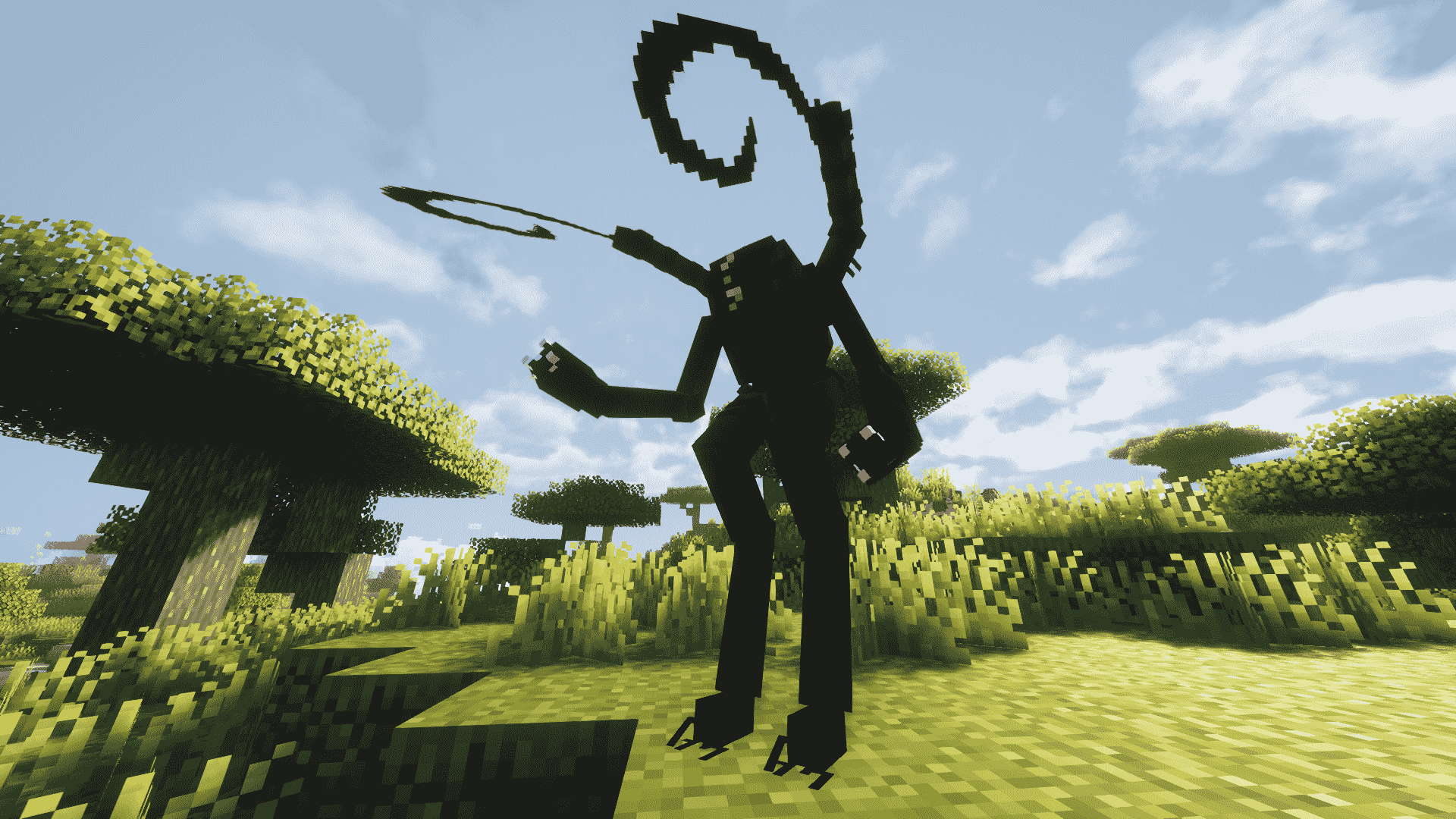
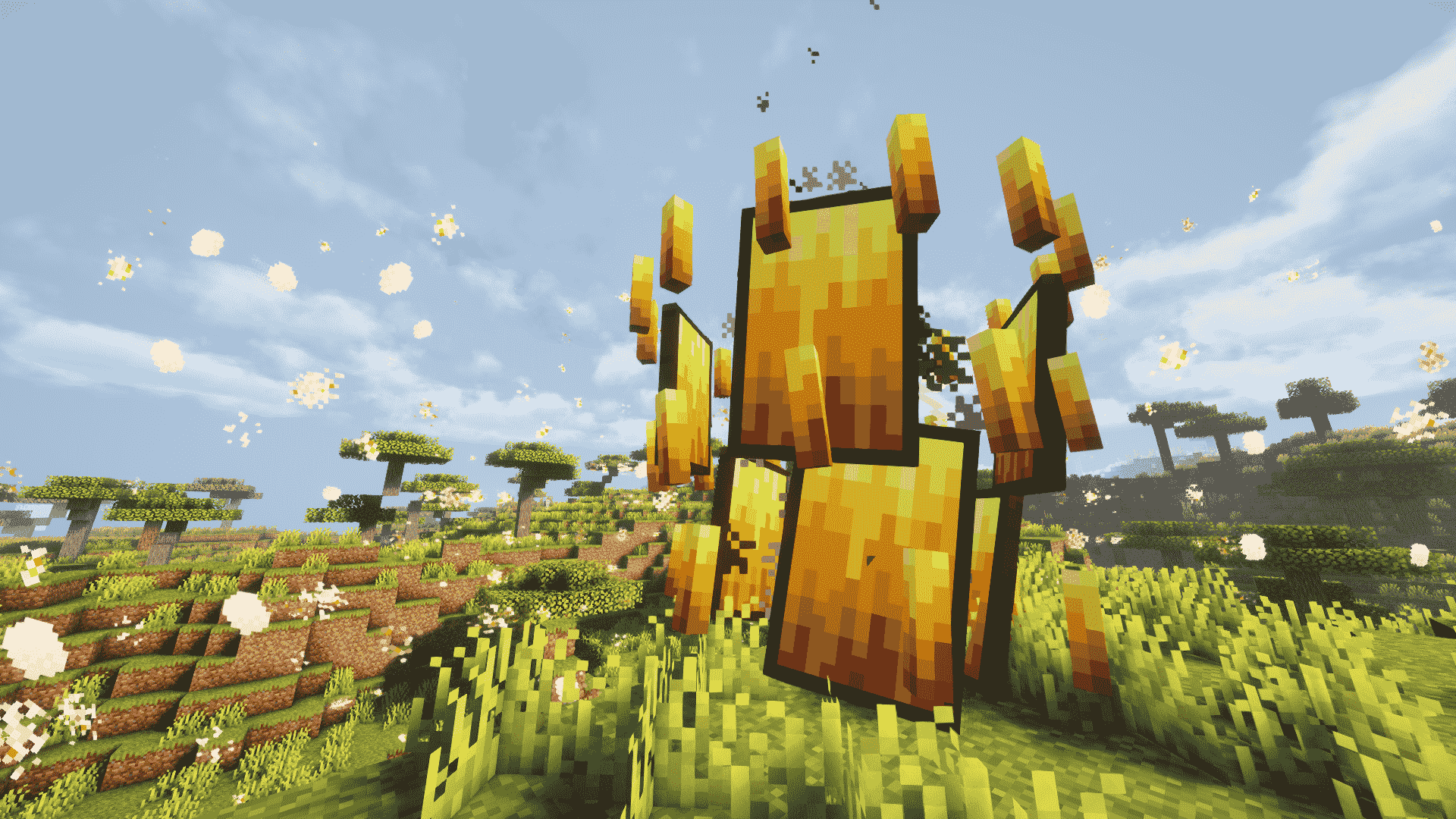
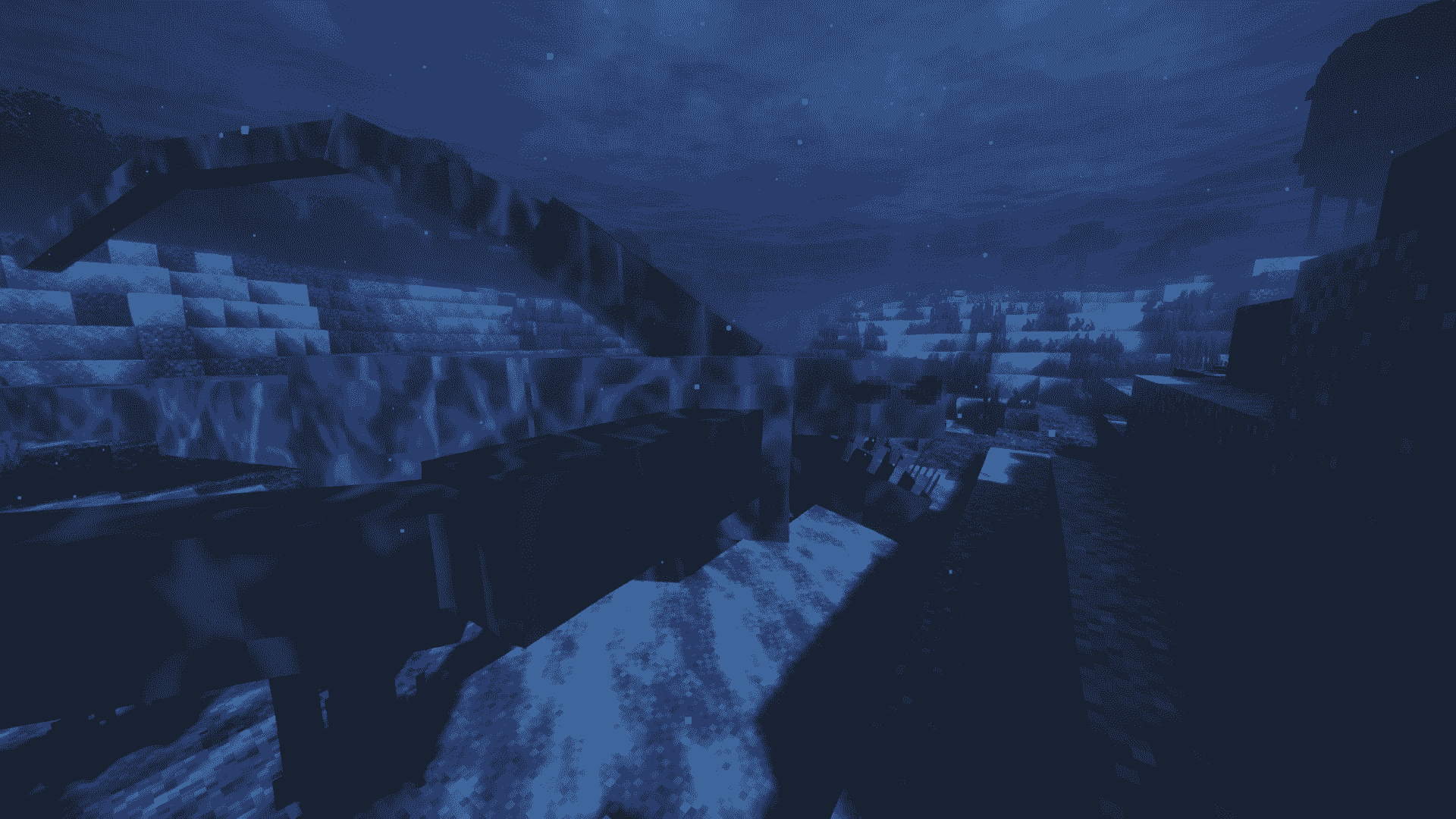
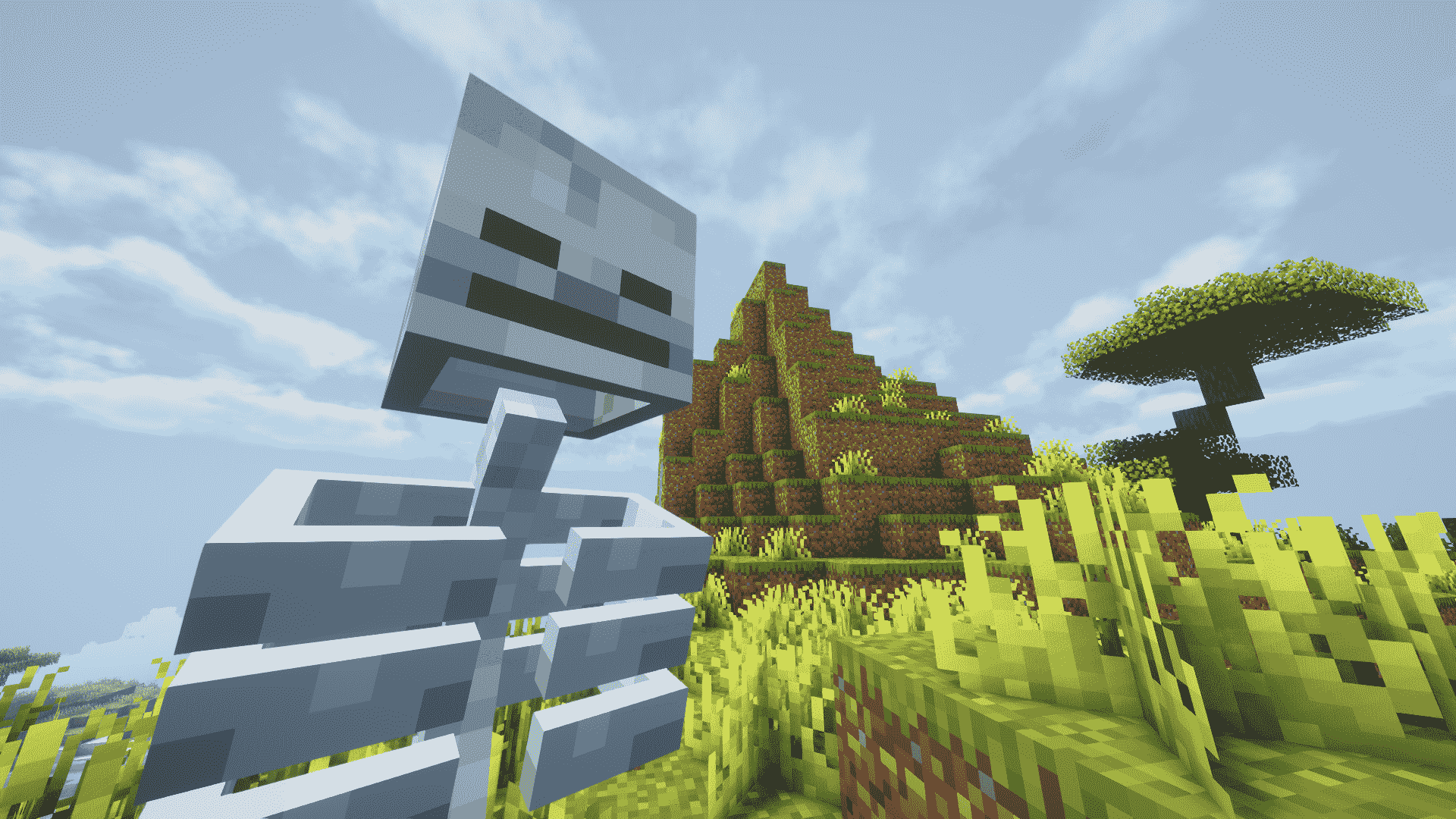
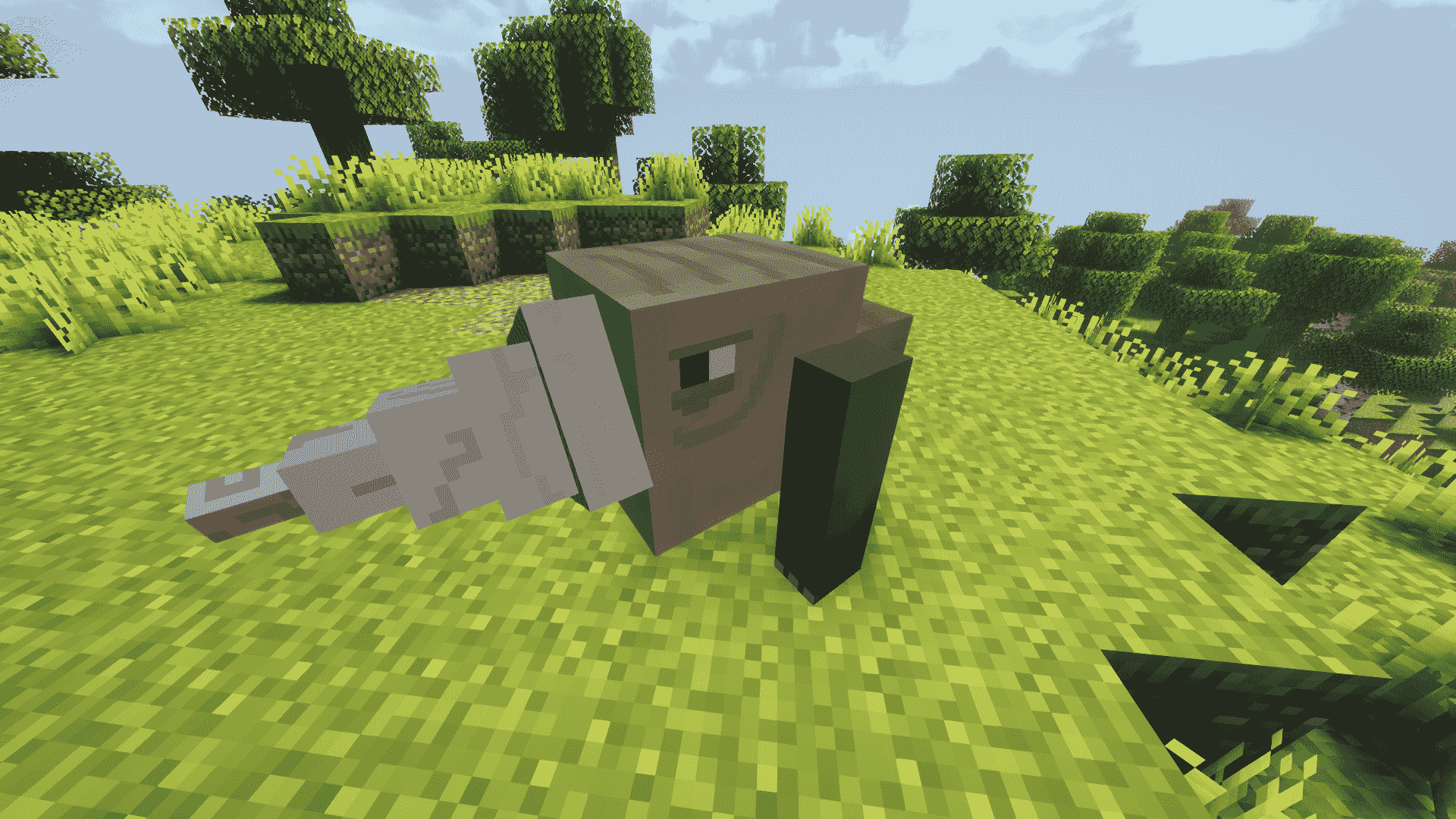
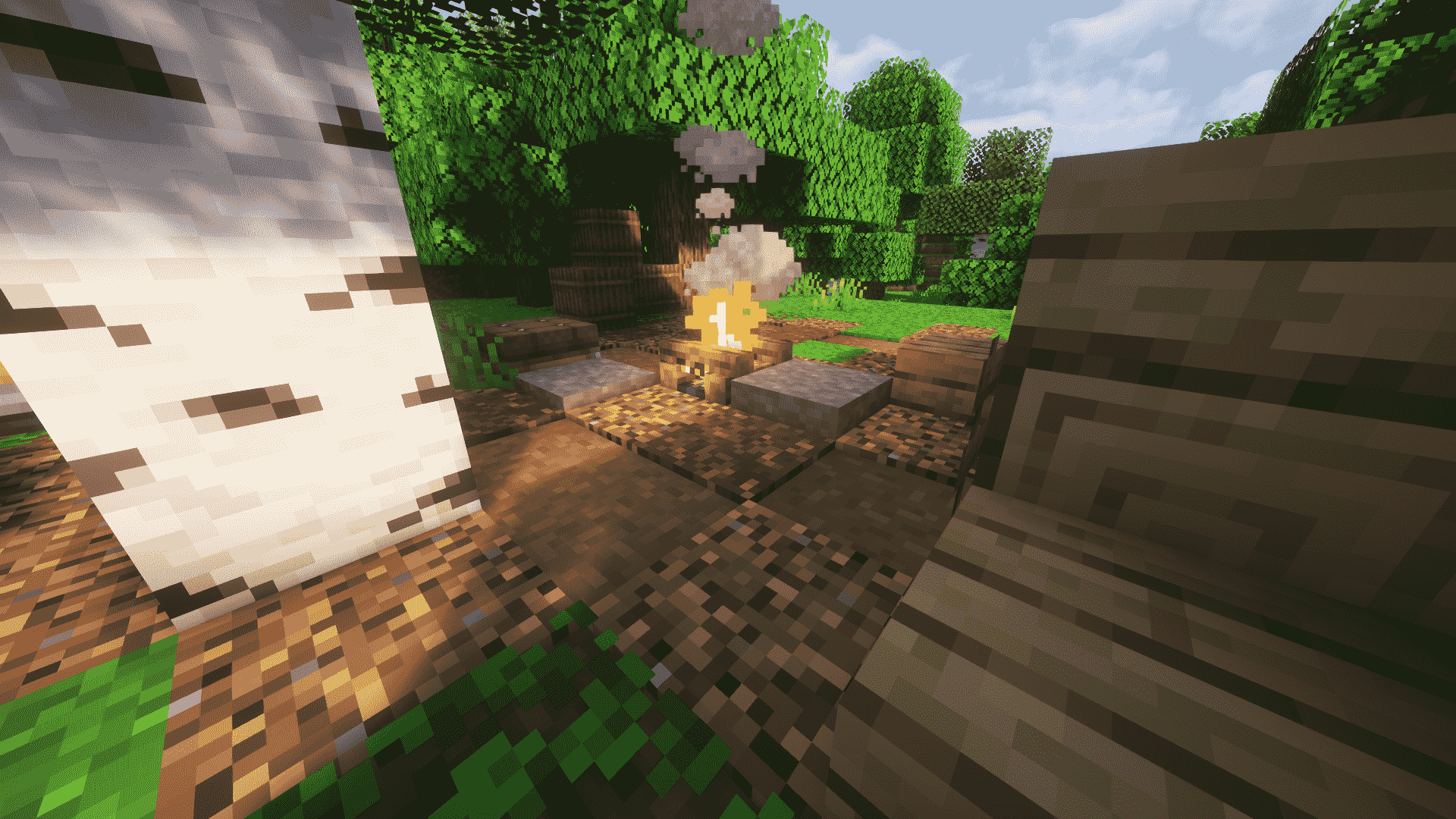
介绍
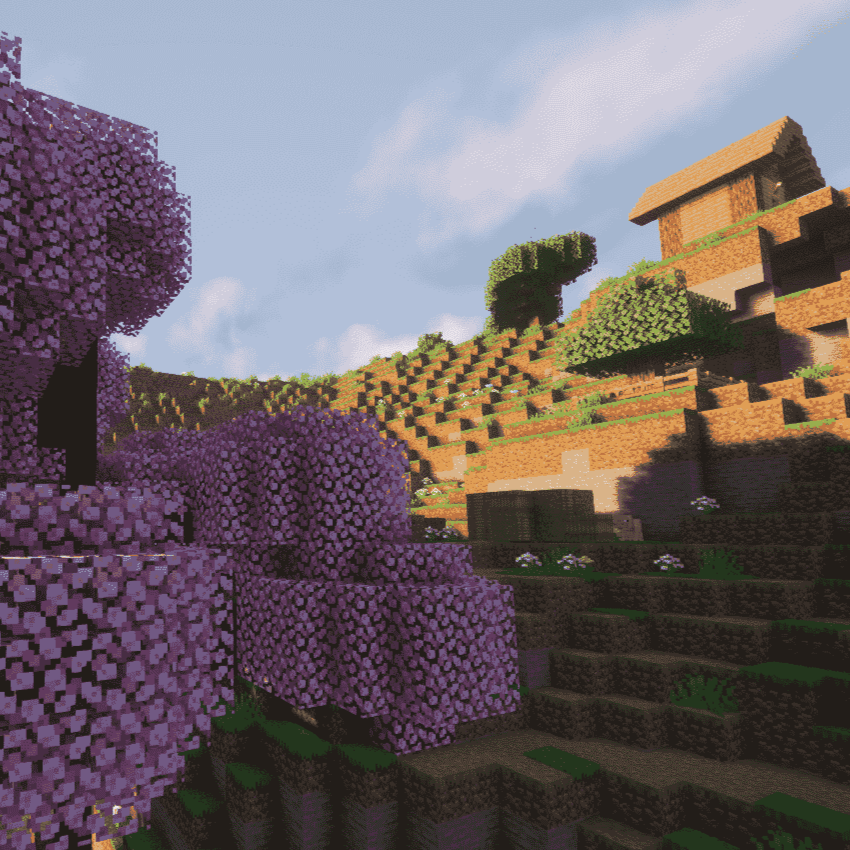
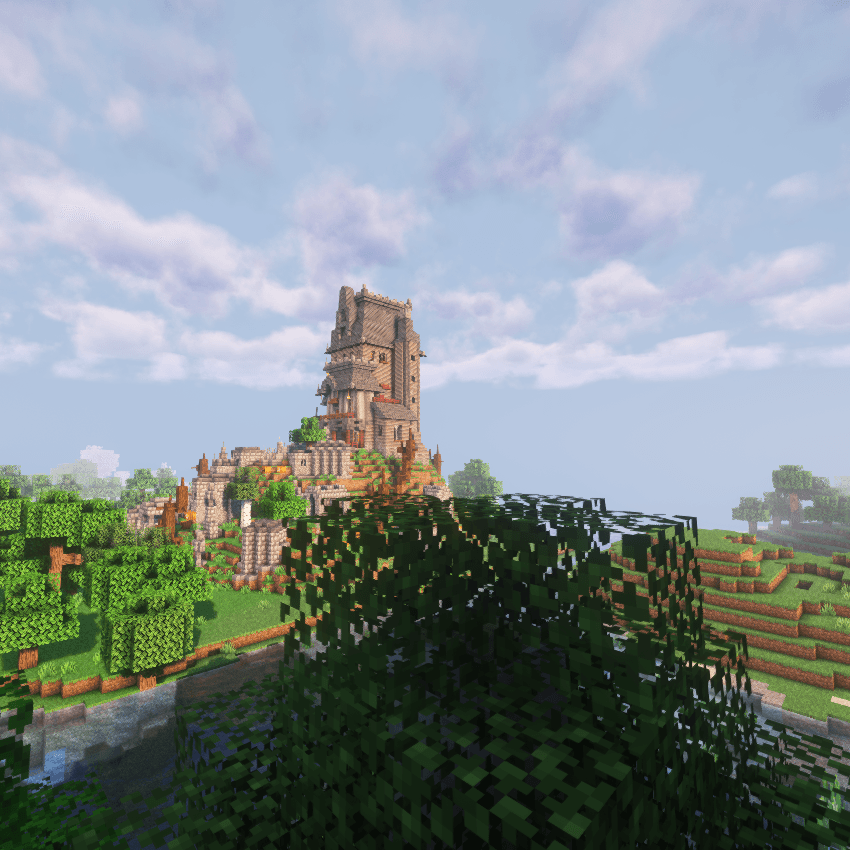
This Minecraft modpack takes players on a journey through a detailed medieval world, where you can explore ancient castles, hidden dungeons, and sprawling villages, each packed with unique treasures and secrets.
You’ll face off against formidable bosses and fearsome monsters, challenging you to hone your combat skills and think strategically to survive. To help you in your quest, the modpack offers a variety of medieval weapons like swords, axes, and bows, along with advanced armor and magical items, giving you plenty of options to customize your fighting style.
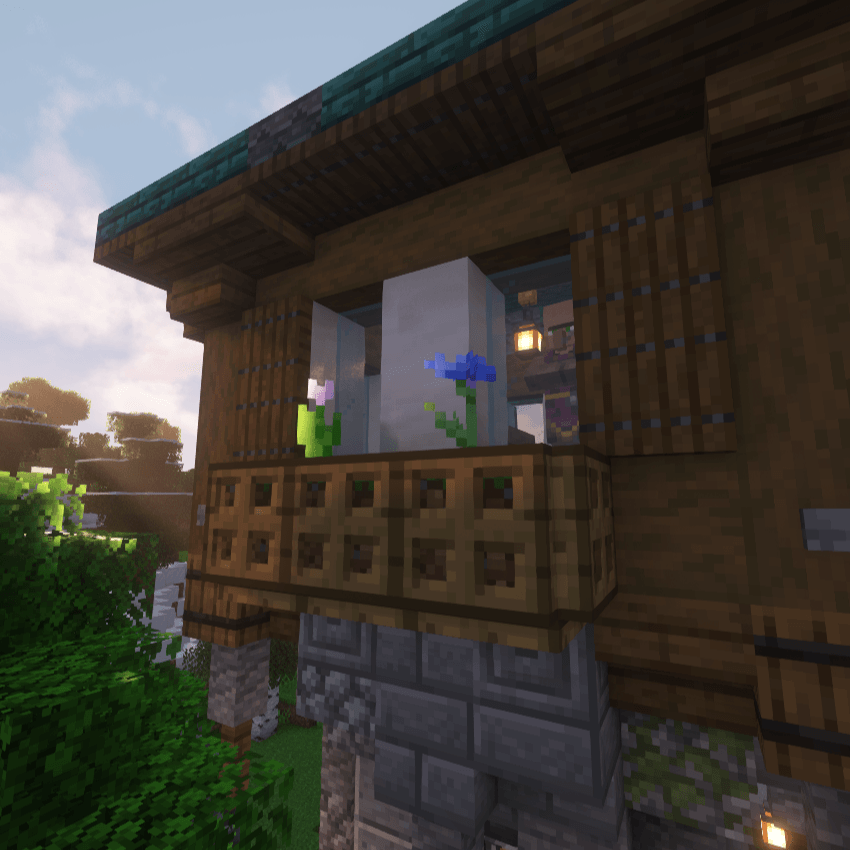
Adding to the adventure, you’ll come across diverse structures such as fortresses and watchtowers that you can loot for valuable resources or use as your base. This modpack blends exploration, combat, and strategy perfectly, making it a must-play for anyone who loves medieval adventures and fantasy worlds.
I would greatly appreciate it if ya’ll could leave comments on the modpack, providing feedback on improvements or additions you’d like to see. Additionally, feel free to suggest ideas for new modpacks you’d be interested in having created.
Heres a link to the modpacks comment section —–> KnightFall Survival
The Oculus mod, similar to Optifine, is already included in the modpack, so there’s no need for additional installation. If you prefer not to install Optifine, Oculus provides similar performance and visual enhancements right out of the box.
Shaderpacks are already installed in the modpack, but if you would like to use the shaders you must install this specific optfine version – OptiFine_1.19.2_HD_U_I1.jar <— Click on it to download the specific optifine version necessary
Steps To Download
- Download the specific optfine version
- Drag and drop it to your desktop
- Open curseforge
- Go into the KnightFall Survival Modpack
- Click the three vertical dots next to play
- Click on the Open Folder Option
- Click on the mods folder
- Now drag and drop the optfine download into the mods folder
- Once in folder double left-click the optifine to download it
- Click install
- And you are done
If the notice pops up that you have to play 1.19.2 first, just open minecraft and play the version 1.19.2, then try reinstalling it in the mods folder.
WARNING!!!!!!!!!!!!!!!!!! If your PC struggles to run shaders with Optifine, try setting your RAM allocation to 7000-8000 MB, depending on your system’s total RAM, to improve performance.
STEP BY STEP TO CHANGE RAM ALLOCATION
-
Start the Minecraft Launcher:
- Open the Minecraft Launcher on your computer.
-
Go to the Installations Tab:
- At the top of the Minecraft Launcher, click on the “Installations” tab.
-
Find KnightFall Survival Installation:
- In the list of installations, locate the one named “KnightFall Survival”.
-
Click the Three Dots:
- On the right side of the “KnightFall Survival” installation, click on the three vertical dots.
-
Select Edit:
- From the drop-down menu that appears, click on “Edit”.
-
Click More Options:
- In the Edit Installation window, scroll down and click on “More Options” to expand the section.
-
Locate JVM Arguments:
- Find the “JVM Arguments” section. It will start with something like
-Xmx4096m.
- Find the “JVM Arguments” section. It will start with something like
-
Change Memory Allocation:
- In the JVM Arguments text box, locate the first
-Xmx4096m. Change4096to a value between7000and8000, depending on your preference and available system memory. For example, change it to-Xmx7000mor-Xmx8000m.
- In the JVM Arguments text box, locate the first
-
Save Changes:
- Once you’ve made the changes, click the “Save” button at the bottom right of the Edit Installation window.
-
Launch the Game:
- Go back to the “Play” tab and launch the game using the “KnightFall Survival” installation.
常见问题
KnightFall Survival 支持哪些 Minecraft 版本?
KnightFall Survival 基于 Minecraft Java 版 1.19.2,使用 Forge 加载器。
KnightFall Survival 怎么安装?
点本页「前往下载」拿到整合包文件(Modrinth 的是 .mrpack,CurseForge 的是 .zip),在 PCL2 或 HMCL 启动器里选择「导入整合包」,启动器会自动装好 Minecraft、加载器和全部模组。建议在启动器里给游戏分配 4–6 GB 内存。
KnightFall Survival 开服需要多大内存?
推荐服务器内存 12 GB。在线人数多、或者建了大量机器和区块加载器时,可以再加 2–4 GB。
怎么和朋友一起玩 KnightFall Survival?
点本页的「一键开服」,选好配置后会自动安装 KnightFall Survival 的服务端,几分钟就能开好。把服务器地址发给朋友,大家用同一个版本的整合包连进去就行。
zunga 的其他作品
查看全部 →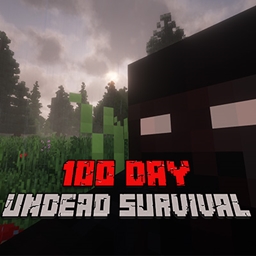
Undead Survival 100 Days
This Minecraft modpack transforms the game into a harrowing zombie apocalypse, challenging players to survive against relentless hordes of undead in a devastated world.
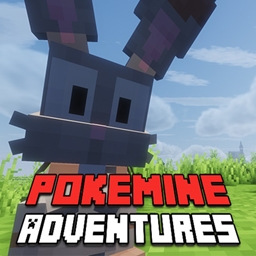
Pokemine Adventures
Experience the ultimate fusion of Minecraft and Pokémon with our modpack, where you can catch, train, and battle Pokémon in a fully immersive block-based world similar to Cobblemon.
评论
登录后评论和评分